pcc with 2 wan that connected to mikrotik through switch

i have mikrotik os with 2 physical port
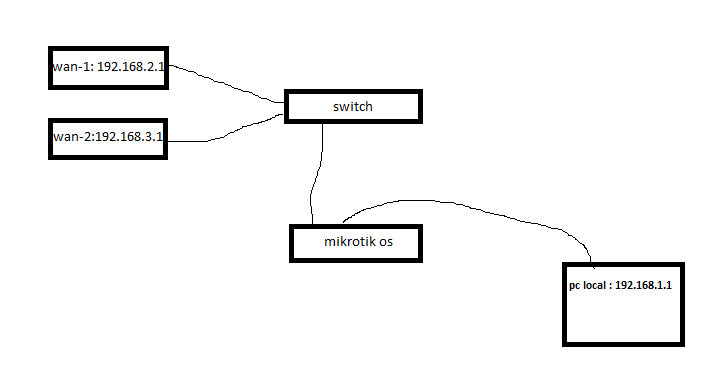
i have connect 2 wan with two ip 192.168.2.1 and 192.168.3.1 to switch and then connected to on port of mikrotik and other port with ip 192.168.1.1 as LOCAL connected to pc
now there is any way to load balancing two wan with pcc
i search internet and so many say can do it with create vlan for first port but can’t find any script or full tutorial

can anyone help me
sorry for m bad ENGLISH
Untitled.png

There is no one can help…just tell how create vlan that work with pcc LB..:face_with_head_bandage::face_with_head_bandage::face_with_head_bandage:

no one yet…BIG mikrotik forum and no answer…realy!!!
where is pro bro!!?

The rule is to ignore someone who expects immediate answers. Do you know that this is volunteer help from people that actually have jobs and lives and further its getting close to Xmas so there are many draws on their time…

https://help.mikrotik.com/docs/display/ROS/Firewall+Marking#heading-Mangle
https://wiki.mikrotik.com/wiki/Manual:PCC
https://mum.mikrotik.com/presentations/US12/steve.pdf
https://wiki.mikrotik.com/wiki/Load_Balancing
https://www.youtube.com/watch?v=67Dna_ffCvc


When you have a config ready for review.
/export hide-sensitive file=anynameyouwish

Sorry..so sorry
I alrady LB in my rb750 and ac2 but with physical port and works grate
I am trying vlan in bridge . Out bridg . Set vlan id in modems and router..but non of them work..
Try to read this tutorial so maybe i findout what i must to do

Tanx alot again for your help

this is my script for LB in rb750 and ac2

/interface
set “ether1 name=”WAN-1”
set “ether2 name=”WAN-2”
set “ether3 name=”LOCAL”

/ip address
add address=192.168.1.1/24 network=192.168.1.0 broadcast=192.168.0.255 interface=LOCAL
add address=192.168.2.2/24 network=192.168.2.0 broadcast=192.168.2.255 interface=WAN-1
add address=192.168.3.2/24 network=192.168.3.0 broadcast=192.168.3.255 interface=WAN-2

/ip dns
set allow-remote-requests=yes cache-max-ttl=1w cache-size=5000KiB max-udp-packet-size=512 servers=192.168.2.1,192.168.3.1

/ip firewall mangle
add action=accept chain=prerouting in-interface=WAN-1
add action=accept chain=prerouting in-interface=WAN-2
add chain=prerouting dst-address-type=!local in-interface=LOCAL per-connection-classifier=both-addresses-and-ports:2/0 action=mark-connection new-connection-mark=WAN-1_conn passthrough=yes
add chain=prerouting dst-address-type=!local in-interface=LOCAL per-connection-classifier=both-addresses-and-ports:2/1 action=mark-connection new-connection-mark=WAN-2_conn passthrough=yes
add chain=prerouting connection-mark=WAN-1_conn in-interface=LOCAL action=mark-routing new-routing-mark=to_WAN-1
add chain=prerouting connection-mark=WAN-2_conn in-interface=LOCAL action=mark-routing new-routing-mark=to_WAN-2

/ip route
add dst-address=0.0.0.0/0 gateway=192.168.2.1 routing-mark=to_WAN-1 check-gateway=ping
add dst-address=0.0.0.0/0 gateway=192.168.3.1 routing-mark=to_WAN-2 check-gateway=ping
add dst-address=0.0.0.0/0 gateway=192.168.2.1 distance=1 check-gateway=ping
add dst-address=0.0.0.0/0 gateway=192.168.3.1 distance=2 check-gateway=ping

/ip firewall nat
add chain=srcnat out-interface=WAN-1 action=masquerade
add chain=srcnat out-interface=WAN-2 action=masquerade

In terms of using vlans, here is the best reference…
http://forum.mikrotik.com/t/using-routeros-to-vlan-your-network/126489/1

By the way can you confirm you have two lines from the switch going into two different ports on the router?

“By the way can you confirm you have two lines from the switch going into two different ports on the router?”
this script was for my rb750 which have 5 port…now i have mikrotik os x86 which have 2 port.
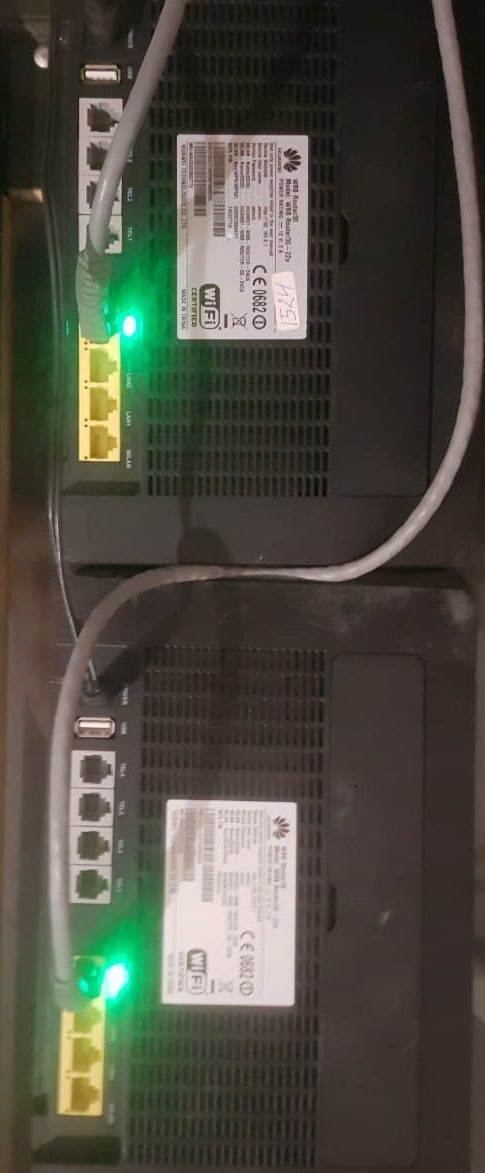
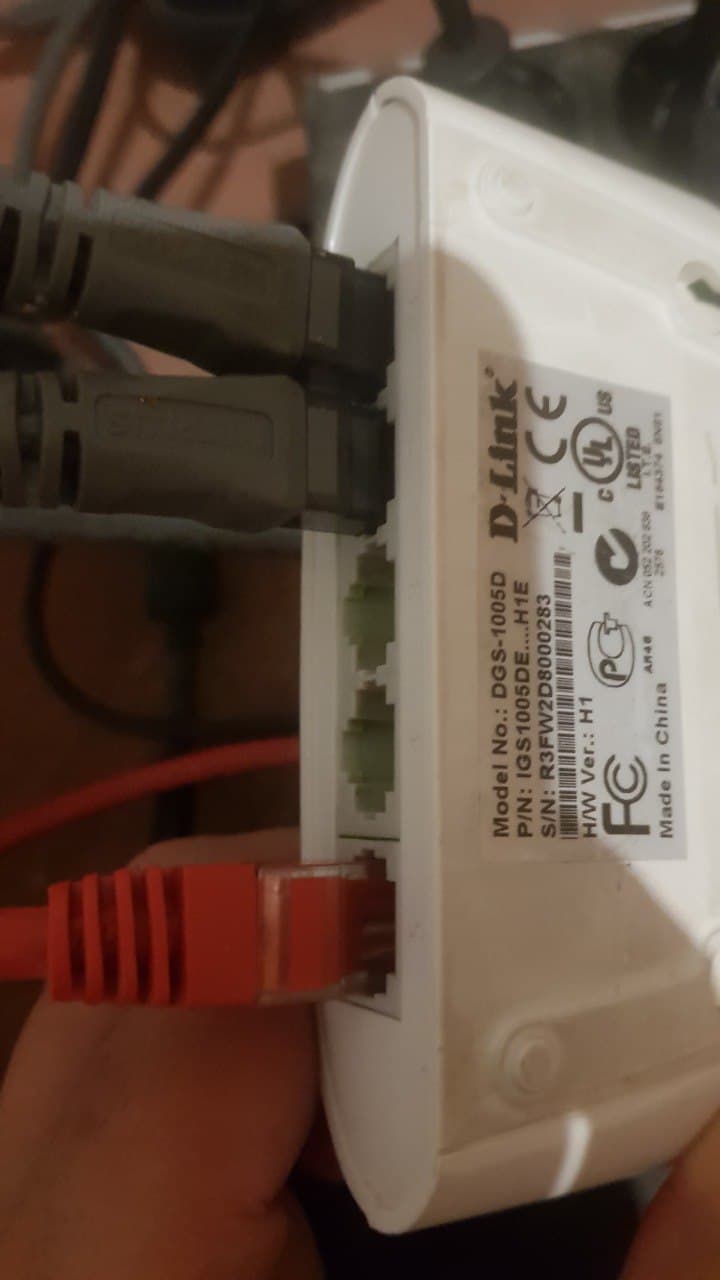
two gray cable coming to my unmanageable simple switch (dgs-1005d) and one red cable(40m) going to mikrotik os (mini pc port1) then from os go to my office pc

my mikrotik os have only two physical port..one for wan in through switch and one for going to office

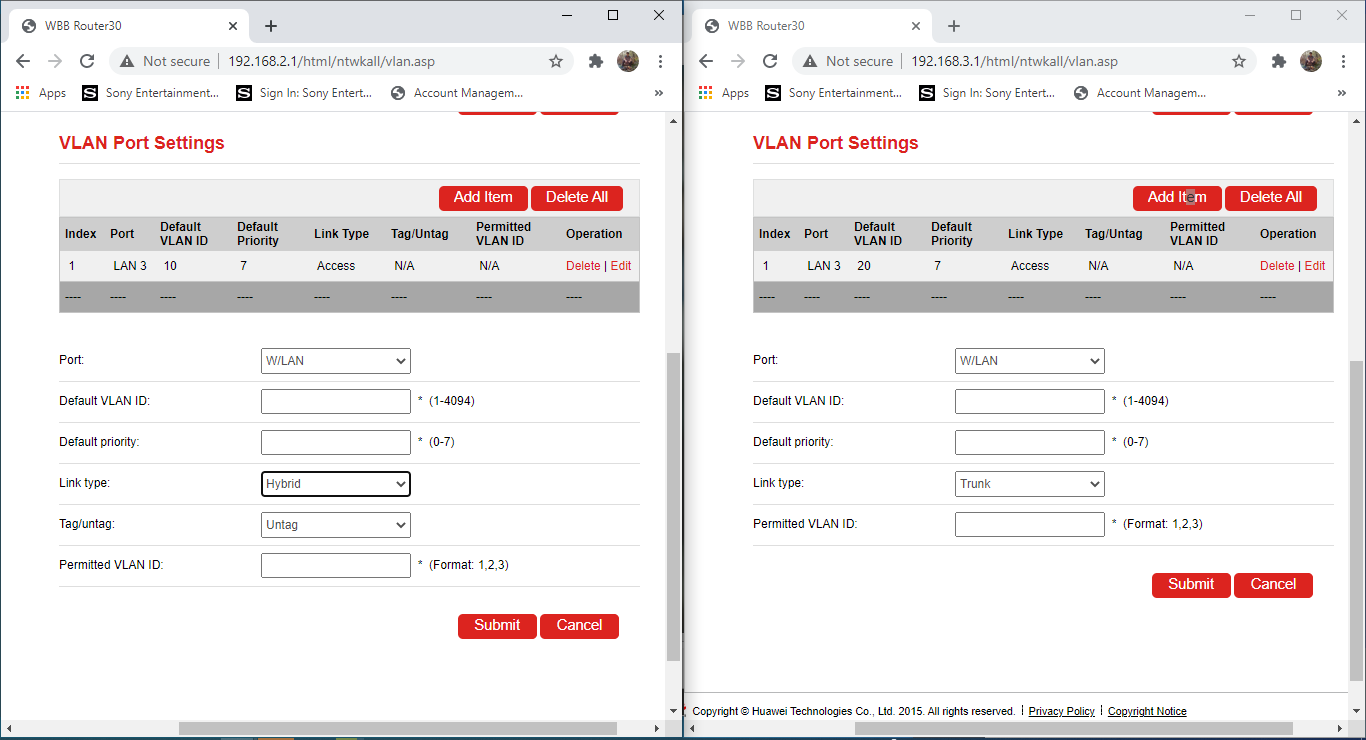
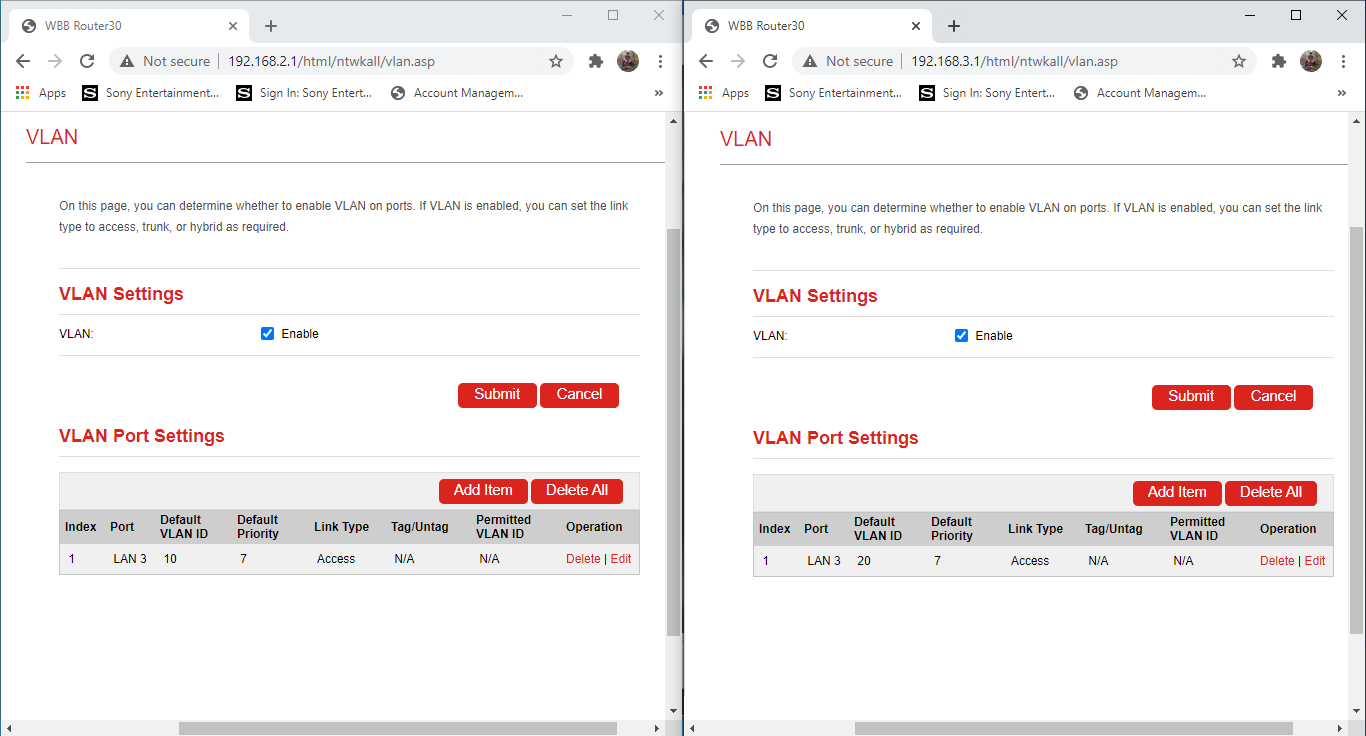
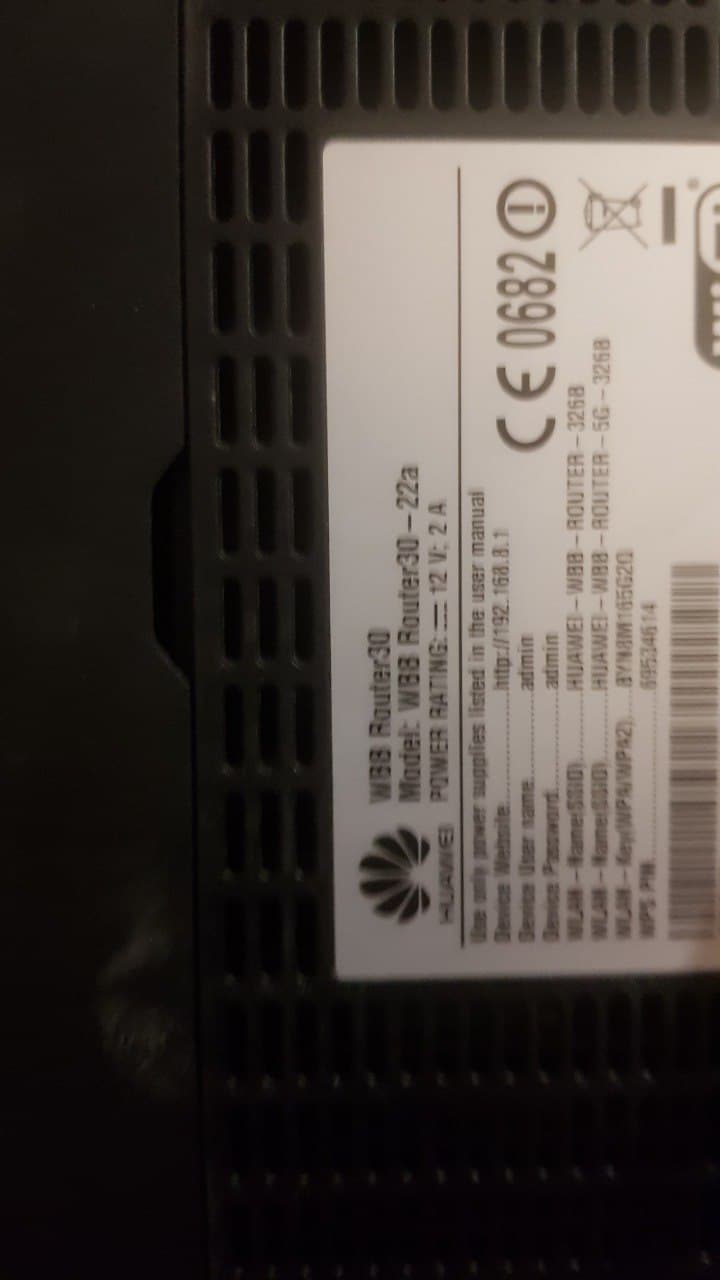
in pic you can see my LTE modems and vlan page … i already add vlan rule in both modem cus in switch can not do
Capture2.PNG
Capture.PNG
photo_2020-12-13_01-18-13.jpg
photo_2020-12-13_01-18-10.jpg
photo_2020-12-13_01-17-58.jpg

Very confused, you said RB750, that is so old I would replace it, but it did have 5 ports.
All i see is huwawei equipment in those pics.

yes i replace rb750 with 2port mini pc and router os cuz my each modem speed in 17mb/s and rb750 port speed is 12 mb/s at last…i was needed 10/100/100 router .
i send pic so you can find out with this switch and modem There is something else i must have

now i know how load balancing with 3 physical port (2 wan and one lan) but don’t now how load balancing whit 2 physical port (2 vlan-wan and one lan)