Below is a line by line look at the config without context.
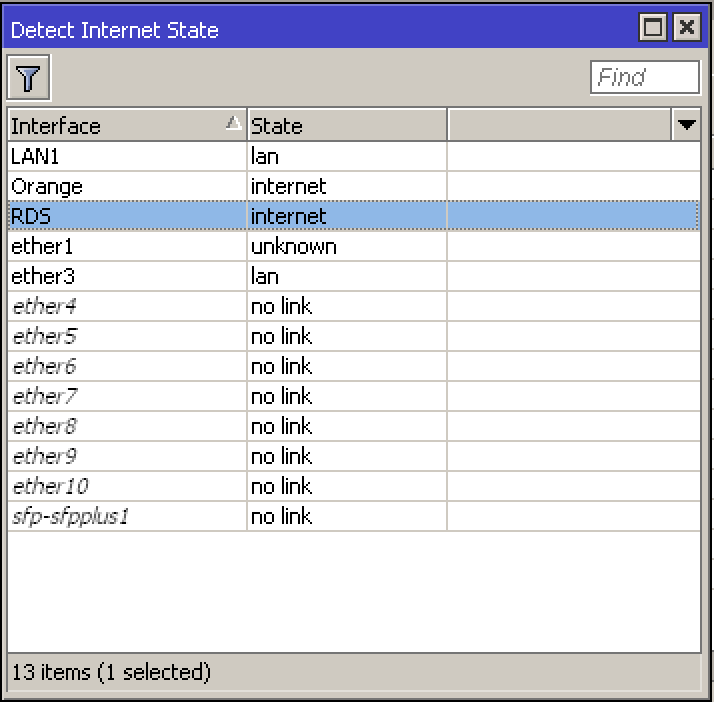
(1) Set this rule to NONE as its use is unclear and it is known to potentially cause issues.
/interface detect-internet
set detect-interface-list=all
Will do!
(2) Bit Confused on the purpose of ETHER2 Orange (is it a second WAN?) It has no definition otherwise as a dhcp client or a subnet with dhpc server or subnet etc… ???
Ether2 is the second WAN, the Orange ISP, they are providing a fixed public IP.
(3) Remove the reference to RDS here, it is not required because you have already used out-interface-list=WAN which includes RDS!!
/ip firewall nat
add action=masquerade chain=srcnat comment=“defconf: masquerade”
ipsec-policy=out,none out-interface=RDS out-interface-list=WAN
Will do
(4) Remove this until the reason for having another source nat rules is clear and the config matches up with other parts. There is nothing defined in the config for 192.168.1.0??
Also a source nat VALID ‘action’ is either scr-nat or masquerade!!
add action=accept chain=srcnat dst-address=192.168.1.0/24 src-address=\
There’s an IPSEC tunnel between this location an a 2nd location, 192.168.1.0 is the subnet of the other location, my subnet from this location is 192.168.2.0
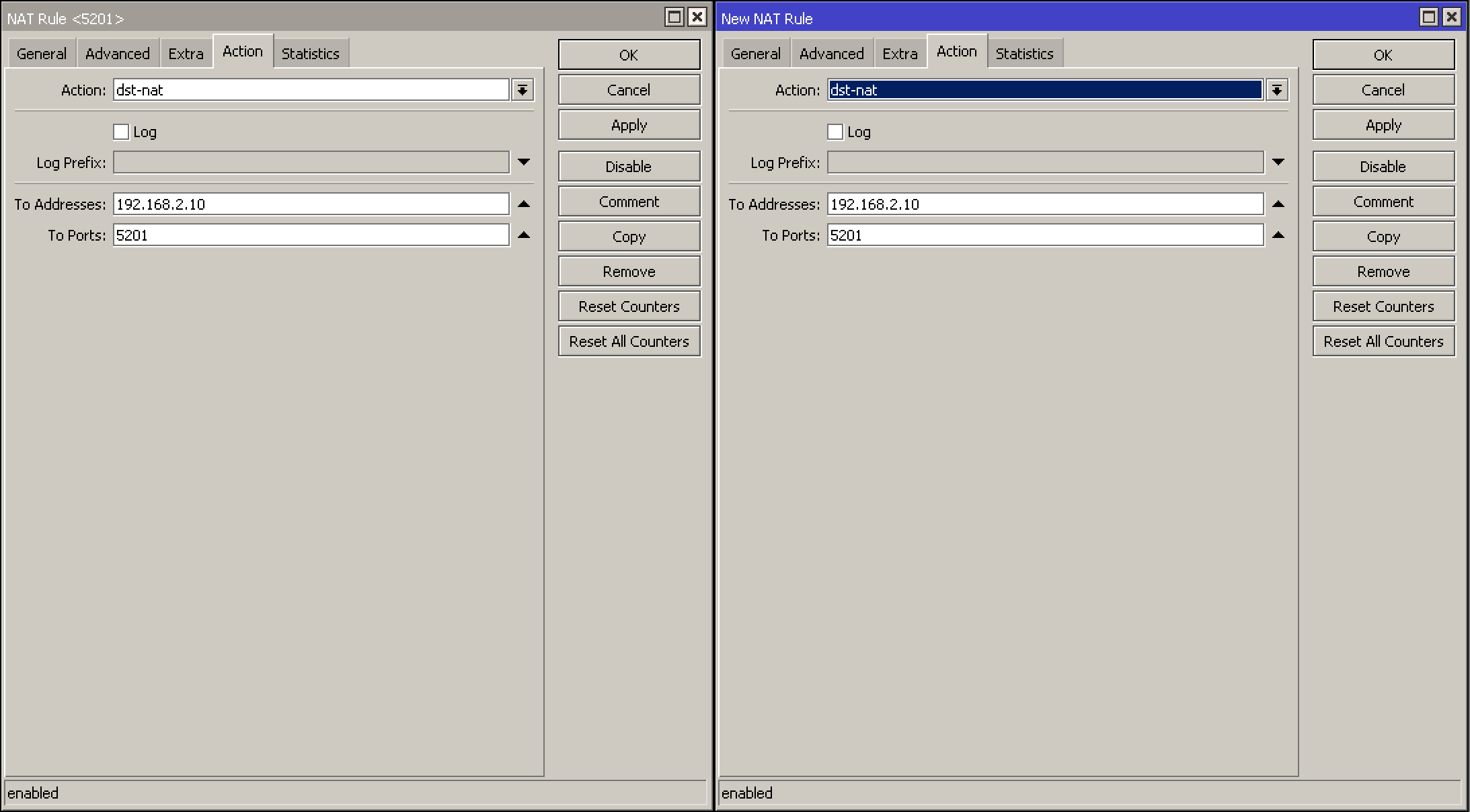
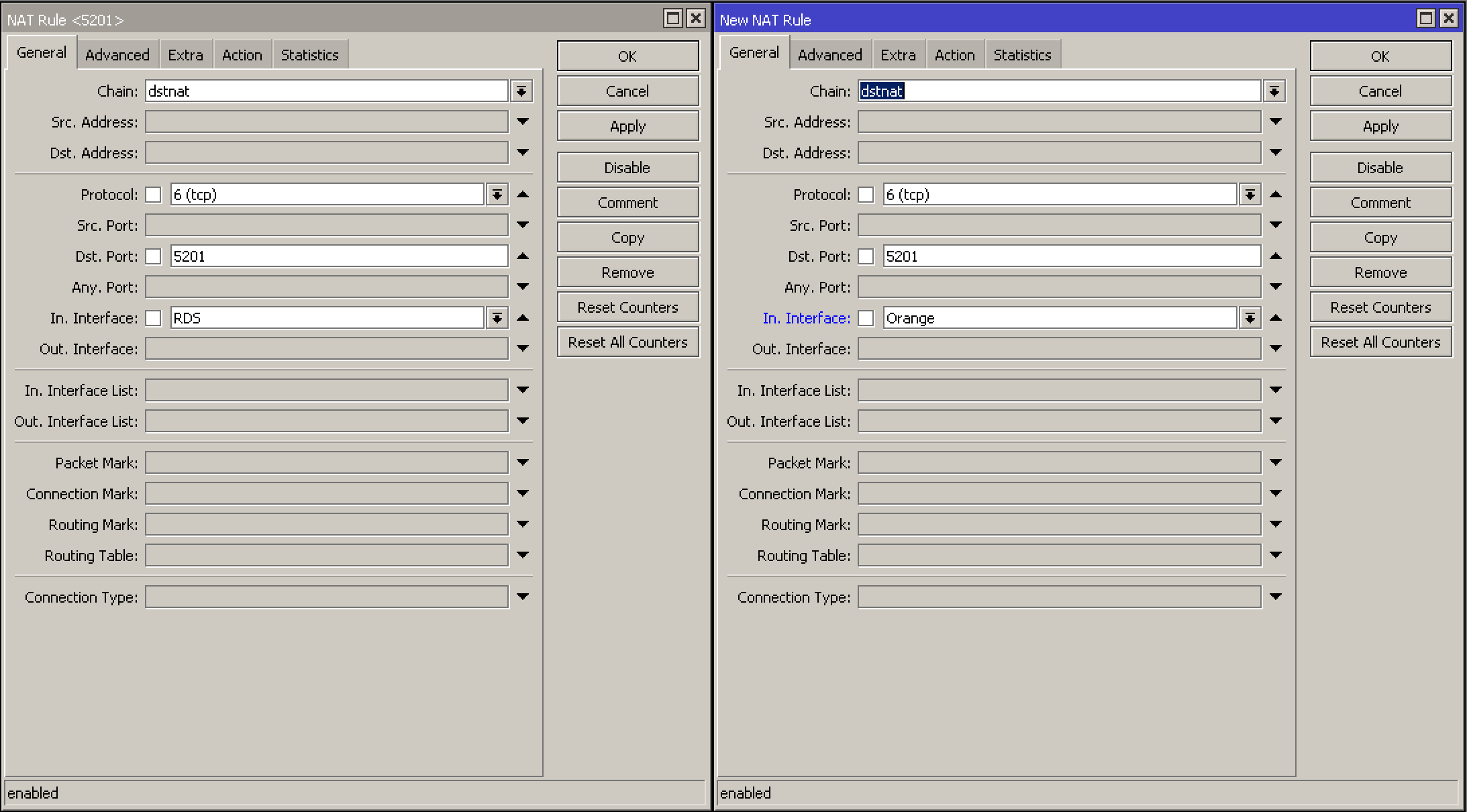
(5) One destination NAT rule is different from the others… LOL Without some matching config setup its not going to accomplish too much.
add action=dst-nat chain=dstnat comment=“IPERF3 Orange” dst-port=5201
in-interface=Orange protocol=tcp to-addresses=192.168.2.10 to-ports=5201
192.168.2.0/24
I understand, I just copied the existing rule for WAN1 (RDS)
(6) Okay I see you have added a router for a second WAN, but again where is the IP DHCP client info??
Im starting to think that WAN is a fixed static WANIP???
I am also not sure if the construction of the route is correct.
Typically one would have a clean router without the pref source info and then a second Route for the preferred source.
Also not sure why the ping check is there and the distance… Is this a primary or secondary wan, or a fail over wan etc…
Summary, okay so you have a second WAN, why dont I see in the confg the following.
ip dhcp client for WAN2 ??
Ip route for WAN1 ??
++++++++++
FW rules
Not sure here, so, basically on Ether2 I plugged in a patch cord which goes into the Orange ONT (it is set in bridge mode) which provides a static public IP and the intent is to be used a secondary WAN (failover) which was not set yet.
(7) No clue what the purpose of this rule is…
add action=accept chain=input comment=“defconf: accept UDP traceroute” port=
33434-33534 protocol=udp
No clue, I haven’t set it, maybe it was there by default, dunno.
(8) not up on ipv6 so will not be able to comment on those rules, other than saying I am not sure its a good thing to open up port 139 (but maybe thats my ipv4 showing ??)
Really I don’t know why port 139 is open, I haven’t set that rule up, I will have a look into it
(9) You seem to have the same sets of rules for VPN on both the input chain and forward chain, my limited experience tells me that is not correct and suspect that they should not be on the forward chain??
This is corrected.
(10) This I would set to NONE for security reasons.
/tool mac-server
set allowed-interface-list=LAN
Will do
(11) You seem to be missing the generic rule required to permit dst-nat to come through the WAN interface (port forwarding).
This new rule needs to be placed before the LAST Rule you have in the forward chain which blocks all not coming from the LAN.
add action=accept chain=forward comment=“Allow Port Forwarding” connection-nat-state=dstnat
connection-state=new in-interface-list=WAN