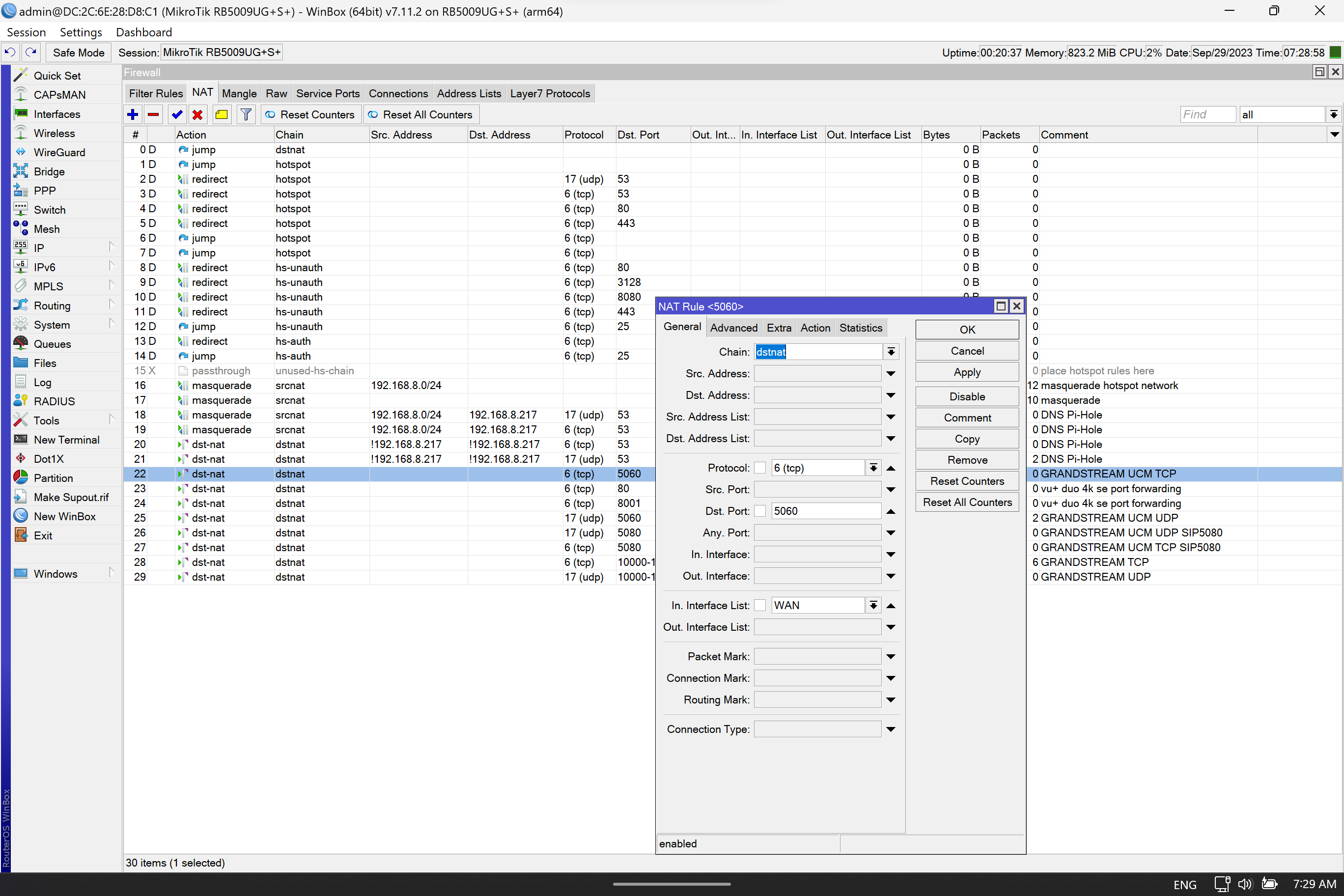
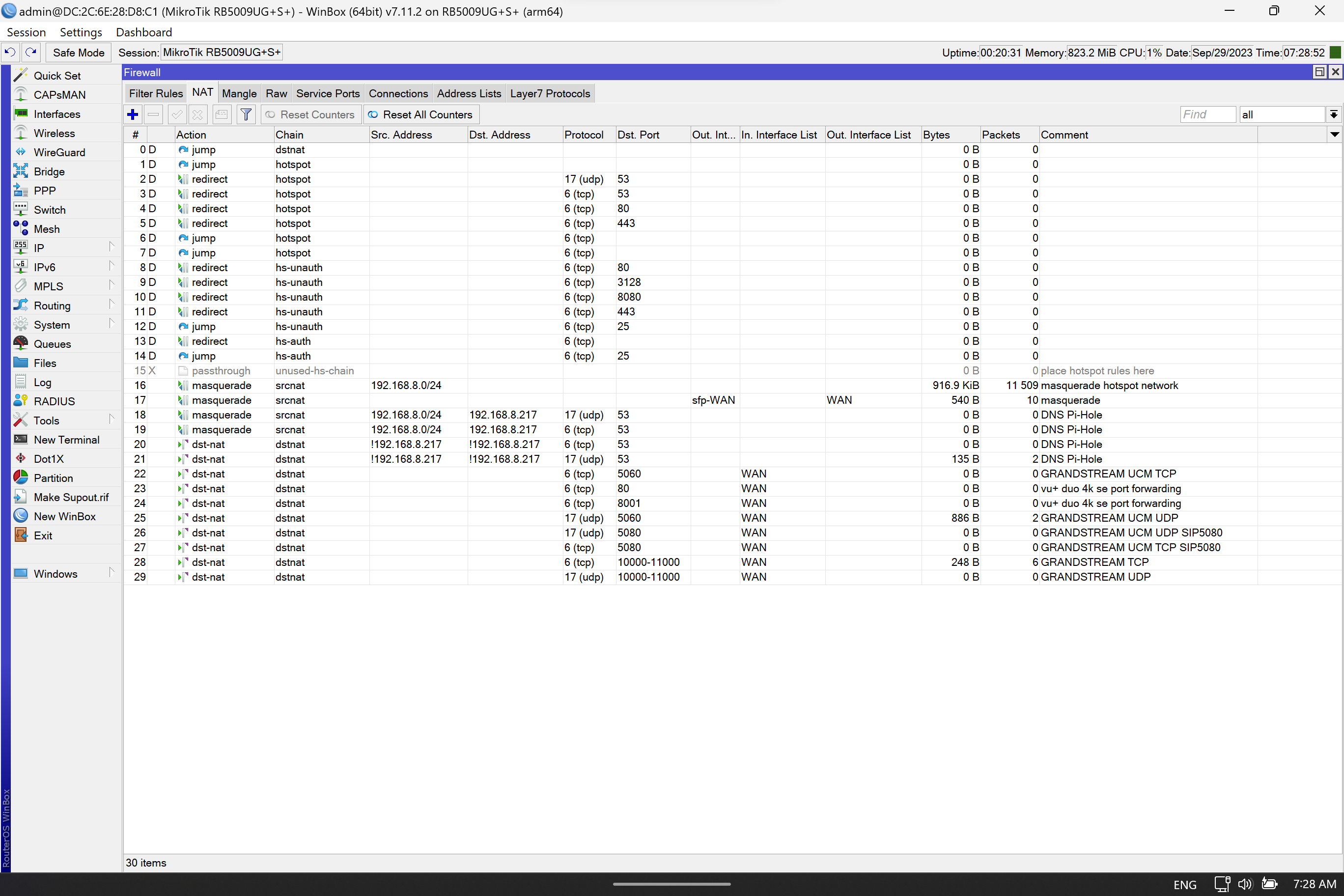
Hi, I’m having problems redirecting UDP port, I have a server with syslog service listening to port 514, I added the redirection and to my surprise there were no statistics.
ip firewall nat print detail
Flags: X - disabled, I - invalid, D - dynamic
 0    ;;; SYSLOG
      chain=dstnat action=dst-nat to-addresses=10.0.0.7 protocol=udp in-interface=uplink-vlan400 dst-port=514 log=no log-prefix=""
no statistics
ip firewall nat print detail stats
Flags: X - disabled, I - invalid, D - dynamic
 #    CHAIN               ACTION                            BYTES         PACKETS
 0    ;;; SYSLOG
      dstnat                 dst-nat                               0               0
to confirm receiving packets on the WAN interface I added rule for logging.
ip firewall filter> print detail
Flags: X - disabled, I - invalid, D - dynamic
 0    chain=input action=log connection-nat-state="" protocol=udp in-interface=uplink-vlan400 dst-port=514 log=no log-prefix=""
I see packages in the input statistics but dst-nat doesn’t reach dst-nat rule.
ip firewall filter> print detail stats
Flags: X - disabled, I - invalid, D - dynamic
 #    CHAIN                ACTION                            BYTES         PACKETS
 0    input                  log                           1 350 152           5 320
I confirmed the port opening on the server using nmap.
Port forwarding is through the router, not to the router since you are not accessing a router service, but your own service on the LAN, we are talking WAN to LAN traffic.
The input chain is TO the router, so as noted your logging in the wrong chain.
As for that sucky default forward chain rule, its better expressed in singular functionality… add chain=forward action=accept comment=“port forwarding” connection-nat-state=dstnat
I understand this relationship between firewall filters, this rule was to show that the packet arrives on the WAN, generating statistics and starts its flow on the interface
As for that sucky default forward chain rule, its better expressed in singular functionality… add chain=forward action=accept comment=“port forwarding” connection-nat-state=dstnat
didn’t solve
I know that the packet marks the entry on the interface and for a reason I don’t know it doesn’t cross to the LAN
Regardless, the log rule will not see it as the traffic doesnt go by the input chain at all…
Also dont see any redirection on your syslog server dst nat rule?
I quote from post X: by wallysonp » Tue Sep 26, 2023 12:37 am
Hi, I’m having problems redirecting UDP port, I have a server with syslog service listening to port 514, I added the redirection and to my surprise there were no statistics.
If the traffic hits the router with dst port 514 and you pass along port 514 to the server, there was NO redirection!!
Redirection is typically used to handle an ISP blocking a port…
traffic reaches the router with port WAN udp:514 and does not pass LAN udp:514, I don’t know why the traffic is not chosen to pass LAN
Redirection is typically used to handle an ISP blocking a port…
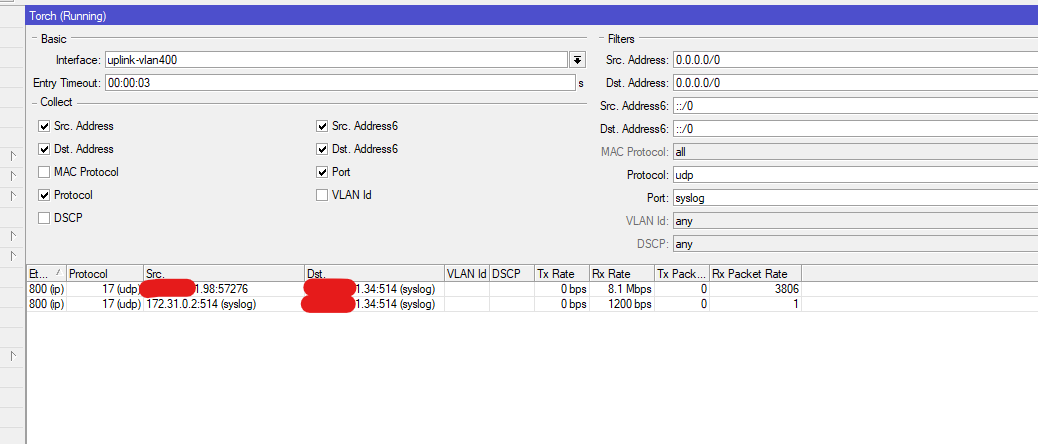
If ISP blocks port cannot receive data udp:514, mark log input on WAN port udp:514 there are records.
see that I used a rule filter just to confirm packets on the WAN interface in log
ip firewall filter add chain=input protocol=udp in-interface=uplink-vlan400 dst-port=514 action=log log=no log-prefix=""

log print
15:08:00 firewall,info input: in:uplink-vlan400 out:(unknown 0), src-mac f4:de:af:e7:2c:c4, proto UDP, xxx.xxx.241.98:57276->xxx.xxx.241.34:514, len 266
15:08:00 firewall,info input: in:uplink-vlan400 out:(unknown 0), src-mac f4:de:af:e7:2c:c4, proto UDP, xxx.xxx.241.98:57276->xxx.xxx.241.34:514, len 266
15:08:00 firewall,info input: in:uplink-vlan400 out:(unknown 0), src-mac f4:de:af:e7:2c:c4, proto UDP, xxx.xxx.241.98:57276->xxx.xxx.241.34:514, len 249
15:08:00 firewall,info input: in:uplink-vlan400 out:(unknown 0), src-mac f4:de:af:e7:2c:c4, proto UDP, xxx.xxx.241.98:57276->xxx.xxx.241.34:514, len 267
here we watch the package arrive at the door
To test syslog server.
I activated mikrotik syslog remote sending to server was successful
I’ve looked at a lot of things on mikrotik equipment this one really got me