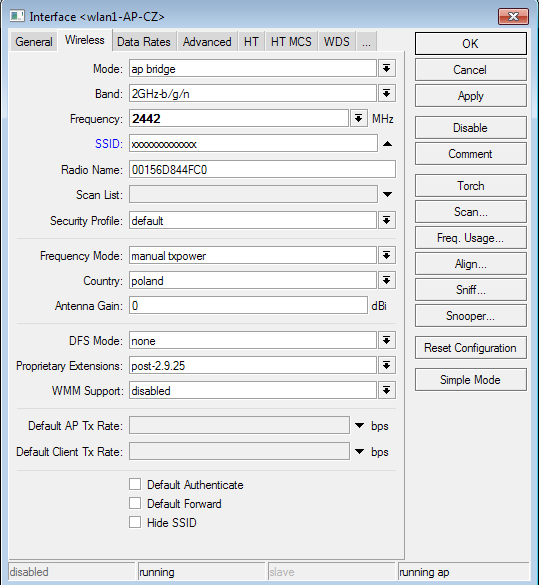
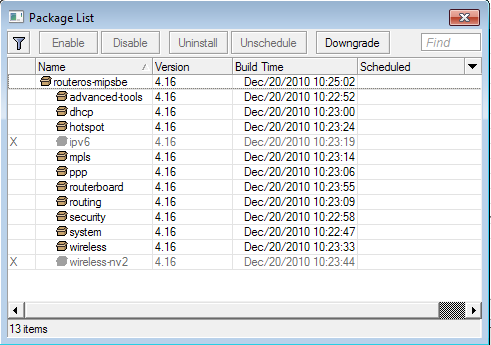
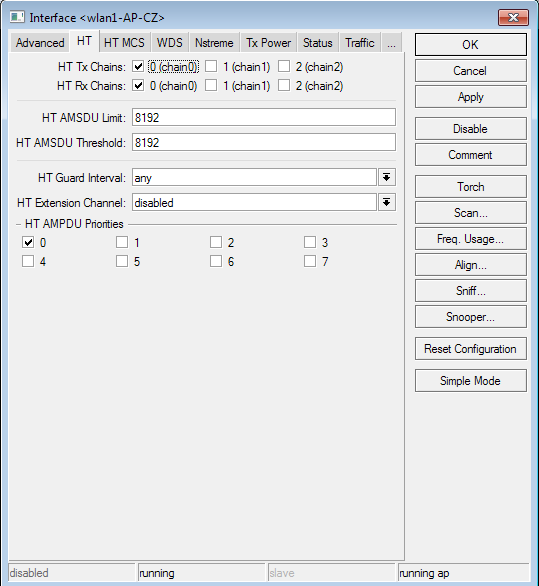
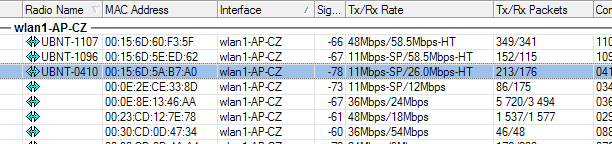
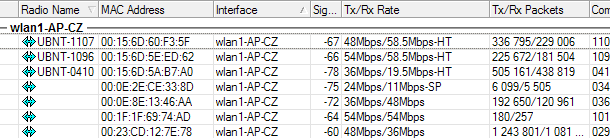
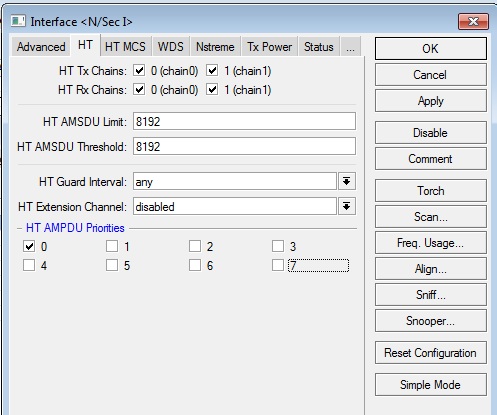
I’m going to implement 802.11n standard in my wireless network. I’ve started replacing old client devices. All clients will have Ubiquiti M2 and M5 devices (NanoStation and NanoBridge). But I have big problem with network cards for base station. I’ve tried few most popular network card and placed them on RB433. Everyone works fine… at home. When I placed them on my base station most of them works unstable. Best experience was with R52HN. But, when I used old Ubiquiti XR2 it was much better then now (but XR2 works only with old standards 802.11b/g). So I thought that Ubiquiti SR71-A could work quite fine. Unfortunately it doesn’t work fine. Good stable work is only in one way – from Ubiquiti client to base station (RB433 MikroTik v4.16 with SR71-A and one antenna). Rx Rate is 65.0Mbps-HT. But Tx Rate can’t go on “n” standard – most of clients has 48 or 54Mbps. They must work in 802.11n standard in two ways.
Where is the problem? I think that in configuration. Maybe in MikroTik. I don’t know what to do. Can anybody help me?
Thanks. I found that suitable configuration of supported/basic b/g rates makes it possible to connect in 802.11n rates. I found that disabling higher rates (48 and 54Mbits) in Data Rates tab enabling HT rates.
I found other problem. When I change Data Rates to configured in 802.11b/g/n mode my 802.11b/g clients can’t connect. 802.11n clients works fine. I need to connect legacy and “n” clients simultaneously.
No. They connect 65Mbit-HT. But if I use 40 MHz channel or dual polarization antenna they connecy 150 Mbit-HT or 300 Mbit-HT.
65 Mbit-HT means about 40-50 Mbit real throughput. Much better than 54 Mbit in 802.11g mode. 54 Mbit means about 25-30 Mbit real throughput.