I bought R11e-LoRa8 instead of a similar piece of hardware from RAK as I’m trying to spend money on European products as much as possible.
The thing is - I’d like to use it with carrier board for the RaspberryPi Compute Module (I already have it, it has mPCIe slot, system recognize the R11e-LoRa8 but I’m not able to use it due to lack of proper “drivers”) - is it possible to get information on how the module is built (probably the FTDI part so I can port the drivers from RAK products and use it with my RPi CM)
If that’s possible I’ll buy many of these cards in the future, but I need them working first As far as I’m concerned RouterOS is based on Linux so the drivers should be already there…
This module is create for RouterOS, other OS are not supported.
Only direct contact with support can give you a some info.
That module use common SoC for LoRa.. try search by that way.
Go to /picoGW_hal in the terminal and execute “make” command;
Go to /picoGW_packet_forwarder and execute “make” command;
Go to /picoGW_packet_forwarder/lora_pkt_fwd and edit global_conf.json to configure channels and server details;
Execute “dmesg” to see which ttyACM number is asigned for your LR card, if it is ttyACM0, you can run the forwarder by command “./lora_pkt_fwd”, if it is any other ACM, you should run it as “./lora_pkt_fwd -d /dev/ttyACMX”, where X stands for ACM number.
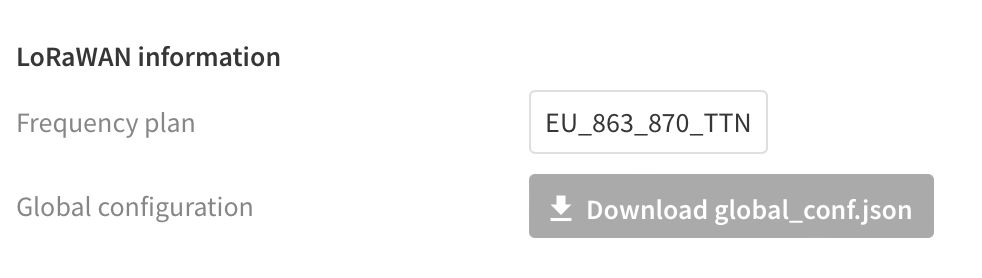
Thank you @girts, your solution worked for me too. I tested it in a Raspberry Pi CM4. I just want to add that you can download a valid pre filled “global_conf.json” from TTN console. Just go to “gateways”, click on your gateway, and then find this button:
My next course of action is to try another software that enables the newer “basic rate” LoRaWAN protocol.
 As far as I’m concerned RouterOS is based on Linux so the drivers should be already there…