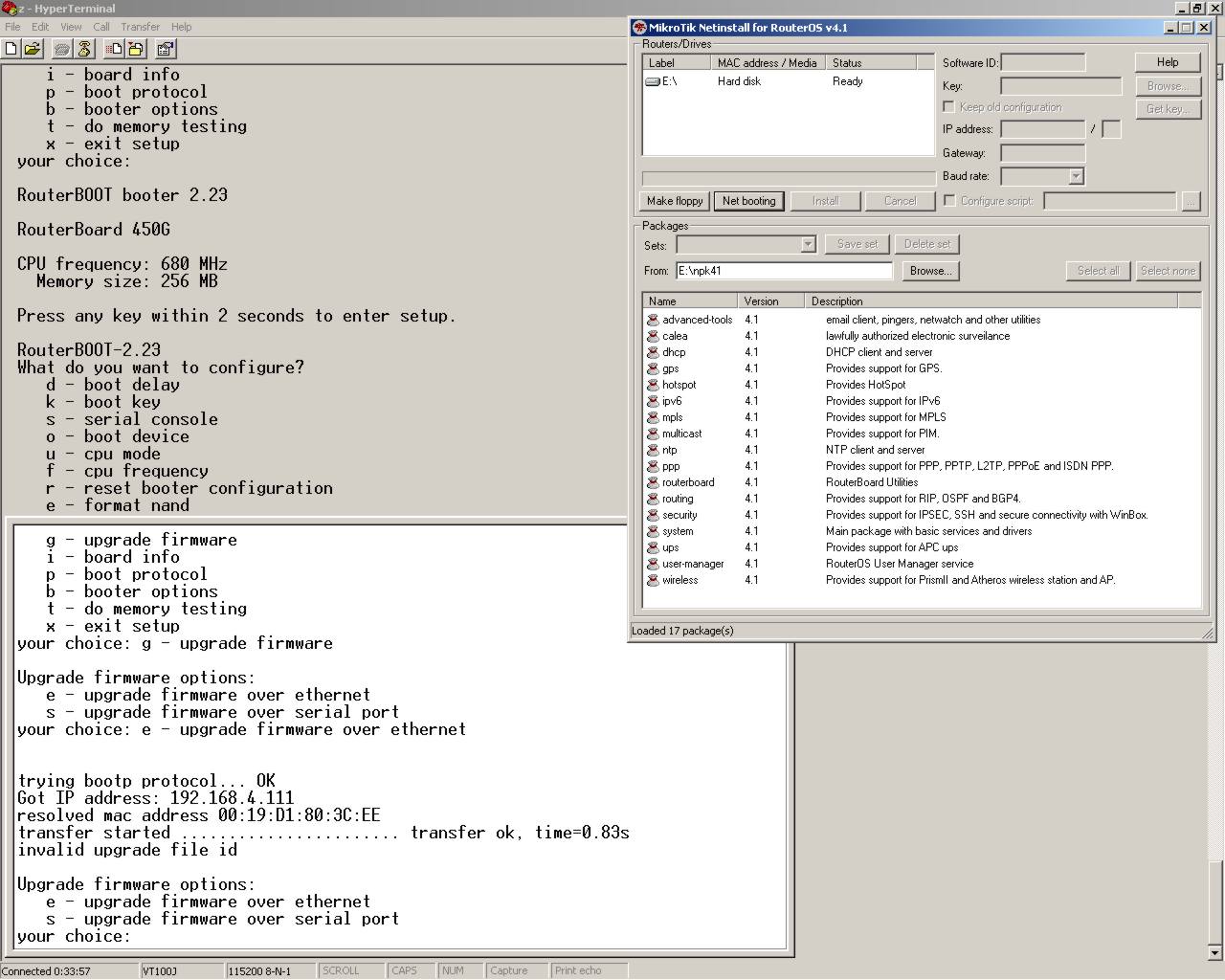
I have only upgraded 2 RB450G routers and one of them worked fine and the other resulted in long night to replace at tower site. After the upgrade, as soon as the RB booted with two beeps and starting services in console window all ethernet lights began to flash on and off at the same time and it stops there non operational and non-responsive.
Only net install back to 3.30 let it operate again. Net install back to 4.1 produced same results as above and did not work. Net install back to 3.30 and its working again. This router will not take a 4.1 load…
I have supout.rif file of it running at 3.30 for support to look at. Just wanted to leave heads-up…
450G updated with 4.0 on 4.1
After the upgrade, as soon as the RB booted with two beeps and starting services in console window all ethernet interface blink lights.
Router is accessible only through serial console:
RouterBOOT booter 2.23
RouterBoard 450G
CPU frequency: 680 MHz
Memory size: 256 MB
Press any key within 2 seconds to enter setup..
loading kernel from nand... OK
setting up elf image... OK
jumping to kernel code
Starting...
Starting services...
and linked this one but I don’t understand why.
I was opened that topic at wrong place? I’m newby here, so sorry for offtopic
I searched about Netinstall but didn’t found topics/posts about my issue.
it’s because this topic already talks about the same issue, it’s better to keep reports in one place.
we fixed the Netinstall upgrading issue where it’s stuck at “Sending offer”. It will be in next Netinstall version, right now you have to use Netinstall 4.0
Sorry, maybe I’m too lamer but Netinstall never works for me. Not just the 4.x versions but all.
Maybe LoL, but I found an interactive video on Youtube about howto use Netinstall and I was follow that step-by-step and it was worked there but doesn’t works for me.
I dump the network traffic with Wireshark after router booted the netinstalls kernel and I see the UPD packets witch was sent by the router in every seconds:
In the previous topic I was wrote that I tried Netinstall version 3.26, 3.27, 3.28, 3.30, 4.0, 4.1 and are didn’t works. All of them hungs for 10 seconds after I clicked “Install” button.
But ok, I waiting for the next release.
I sent in supout on this router while running 3.30 before upgrade to 4.1.
Ticket#2009101966000057
Yes, licensed was updated and it has the most recent firmware with 3.30.
As soon as upgrqade through normal winbox means or via netinstall to 4.1 as soon as starting services shows up in console all ethernet lights blink on and off and it needs to be netinstalled back to 3.30 to work.