RouterOS 7.17beta4 Webfig--Some Issues

Current version: 7.17beta4 (testing)
Build time: 2024-10-18 08:32:57

Issues found:
Login via Web:
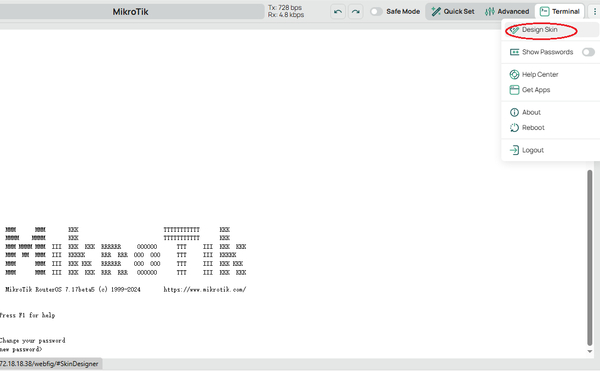
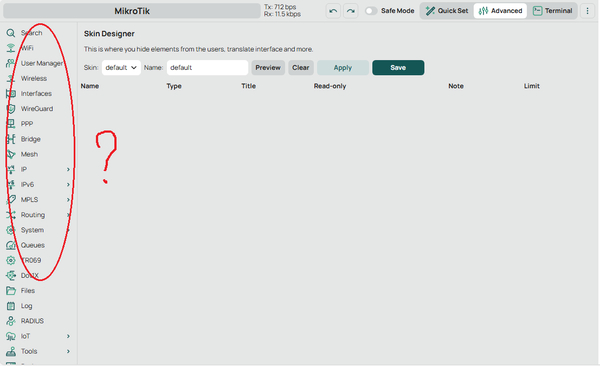
After clicking “Terminal” in the top right corner of the page, then selecting the button next to it and choosing “Design Skin,” the interface does not revert back to normal. A logout and re-login are required to restore the interface to its original state.

According to this official help page:
https://help.mikrotik.com/docs/spaces/ROS/pages/328131/WebFig#WebFig-Skins
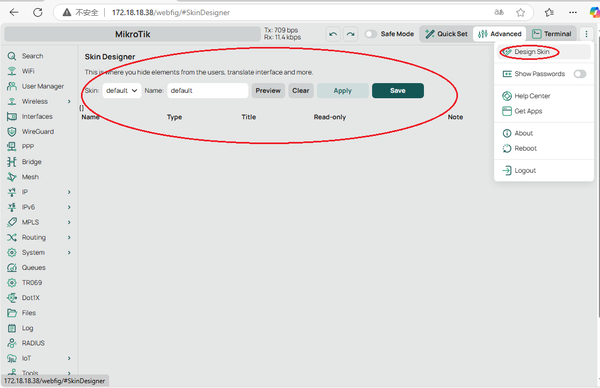
The “Skin Design” feature should allow hiding certain functions, but this functionality does not work as expected.

can you be more clear? I use skins a lot to create limited webfigs and I don’t encounter any particular problems.

Most probably user error.

How do you hide certain features? I’m unable to perform the related actions here.

Cannot be set up like this

I don’t think so. 7.17 is radically changed.

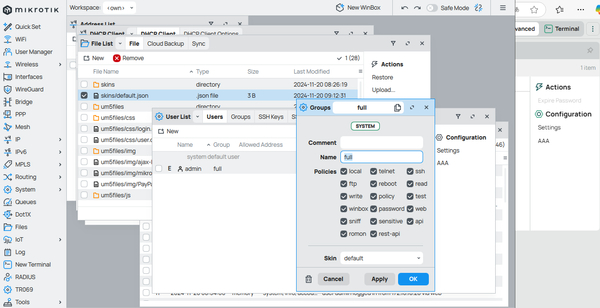
I have not been able to create a new skin, since it seems to depend on what in the skin’s .json file. Now my test router had none. So I’m not sure you can add items to the skin in the beta, only modify - or at least that has been my experience.

It’s actually quite frustrating, skins and webfig worked. And now we’re back to finding bugs in a new interface. And there is already webfig4 for that… So quickly going to be a place with two interfaces with reduced features and potential buggy. Meanwhile the mobile app have numerous bugs, and instead of working on those, we’re getting a new and NOT improved webfig.

Current version: 7.17beta5 (testing)


If you click on the Desing Skin option on the Terminal options page, you will not be able to return and will have to log in again. Is this how it was originally designed?


Unable to proceed Skin design examples

Like I said, I think it’s broken. I had some issues you’re describing, and under 7.17beta5

Maybe there is some interface trick I’m missing, but it ain’t obvious.

Yes, I think these issues are rarely noticed.
I’m not sure how long these images will remain available, as they are hosted on a free image hosting server since uploading attachments to the forum always fails.
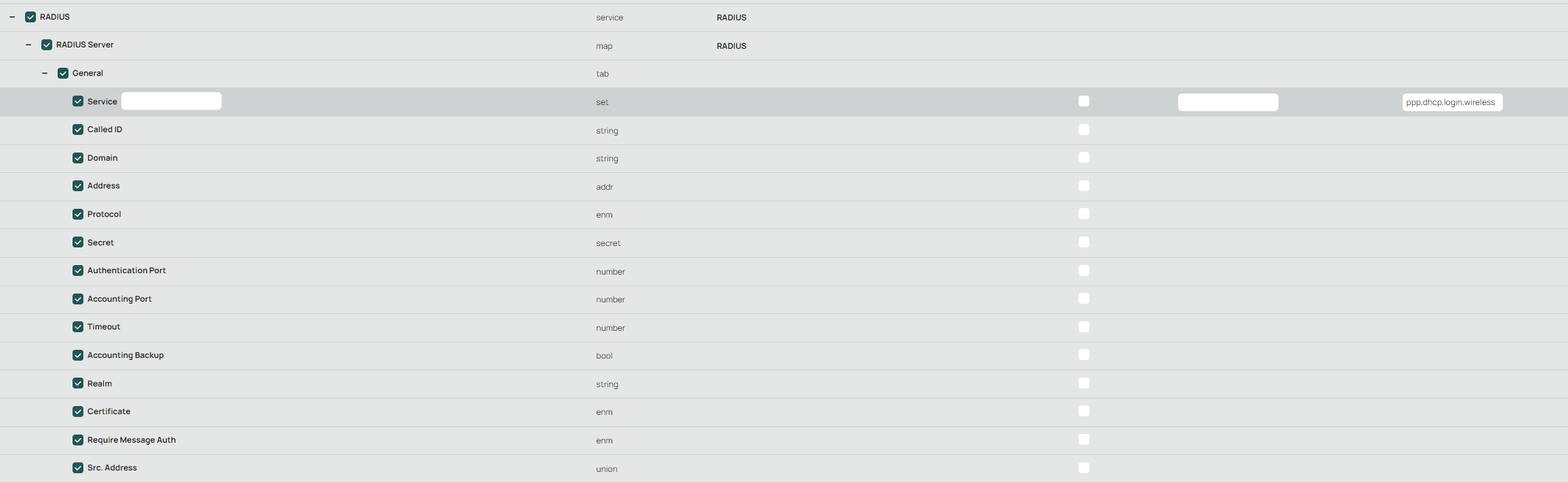
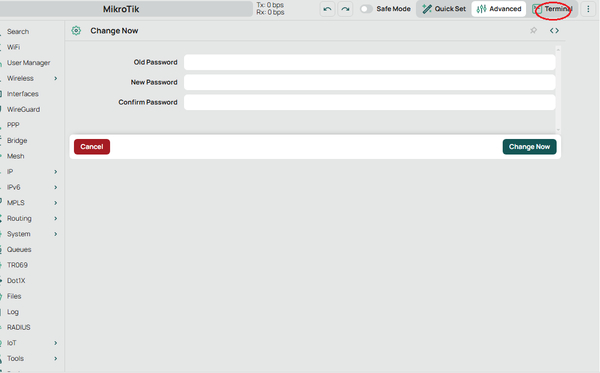
I think it’s pretty obviously broken, and worth waiting to see in the next beta release.

But for next time you can add attachments to forum post using the “Attachments” tab in the “full editor”, and then say “place inline” after uploading.

I got it!
But I still hope these issues can get some attention and be fixed in the next version.

on 7.17rc its still broken

Guys who are using custom branding packs need to report all bugs To MT support

Yeah I have same problem on at least one test router, and by “rc” this stuff should work… So I did open a formal ticket with supout.rif on this issue.

In version 7.17rc2, these two issues are finally resolved!