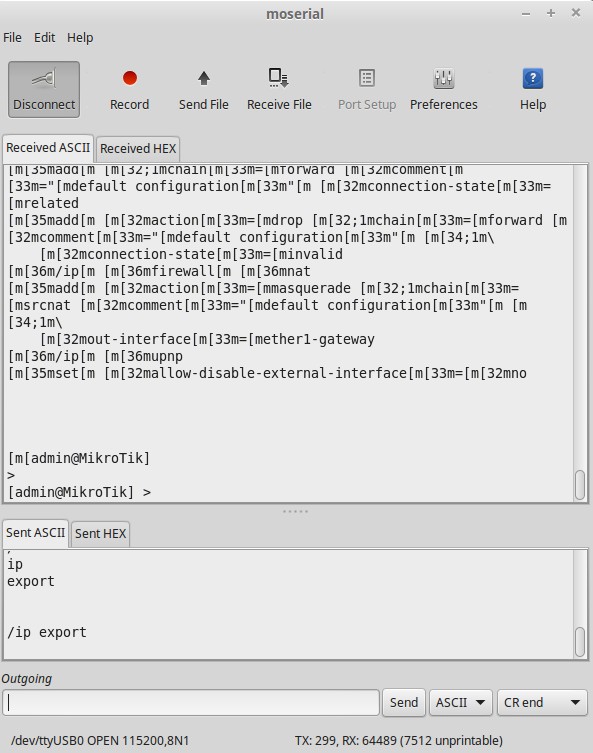
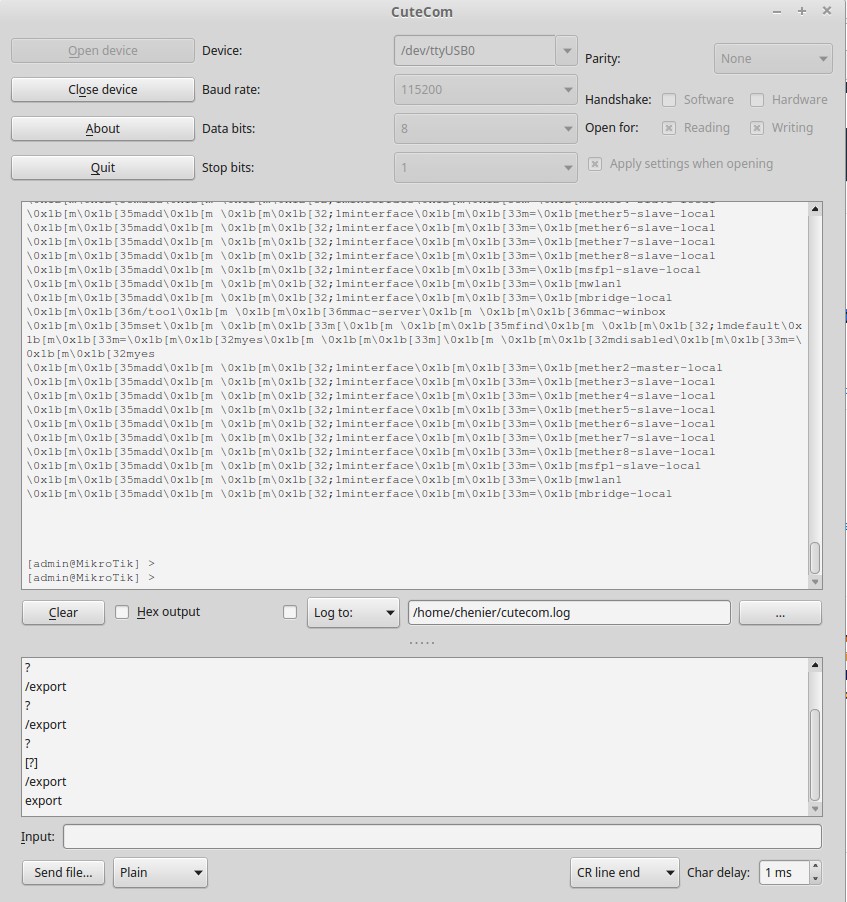
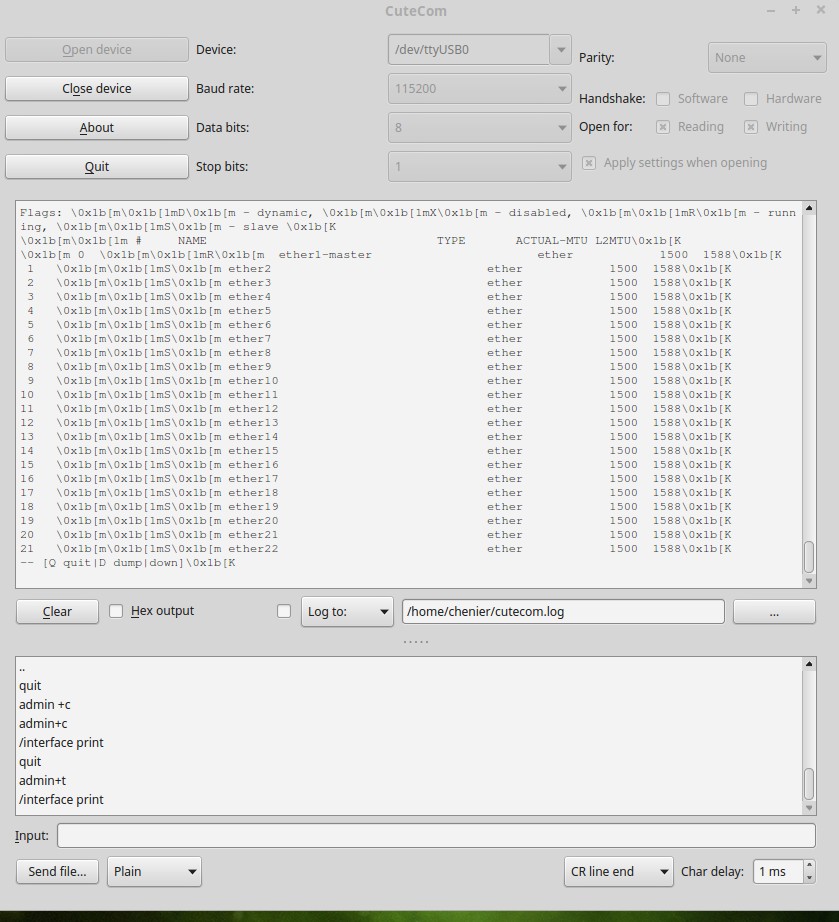
EDIT (added): Successfully connected with a usb to serial cable for the first time and can send commands, but information I get back in the terminal has extra characters. I tried adding +t to username, but this does not resolve. Any suggestions?
(I was wrong about not being able to send commands… too tired at the time and had command wrong, lol)
END Edit
Successfully connected with a usb to serial cable for the first time and can send simple commands without extra spaces (e.g. “/ip export” works, “ip bridge add…” does not. Plus I get information back, but it has extra characters… problems with spaces in my ttl setup? Suggestions?
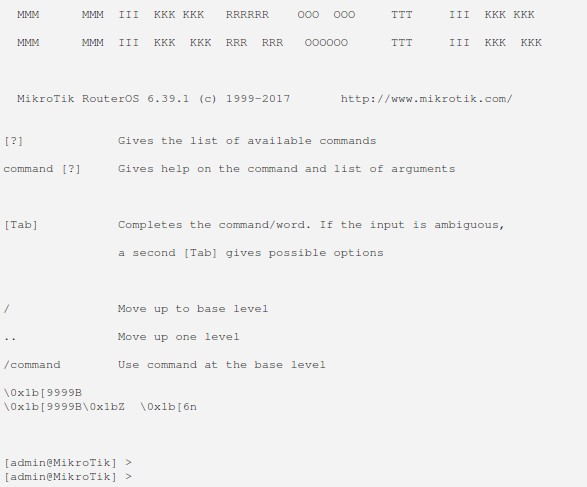
connecting, login OK
receive a lot of extra stuff
same using another program
@jarda, you are correct of course and I can send commands, so I am mostly happy, but I still get back some extra characters.
see here for example the extra characters added. Not so bad in this example, but the export output for example is much harder to read. Any ideas what I’m doing wrong?
These always start right after the initial login screen See the following…
Those are ANSI escape sequences. You need to use a terminal that supports ANSI.
Looks like you may be using Linux, you can use also use the screen command from a terminal window.