Hi everyone, I made a simple Android app for reading SMS from MikroTik routers.
The app is free and has no ads.
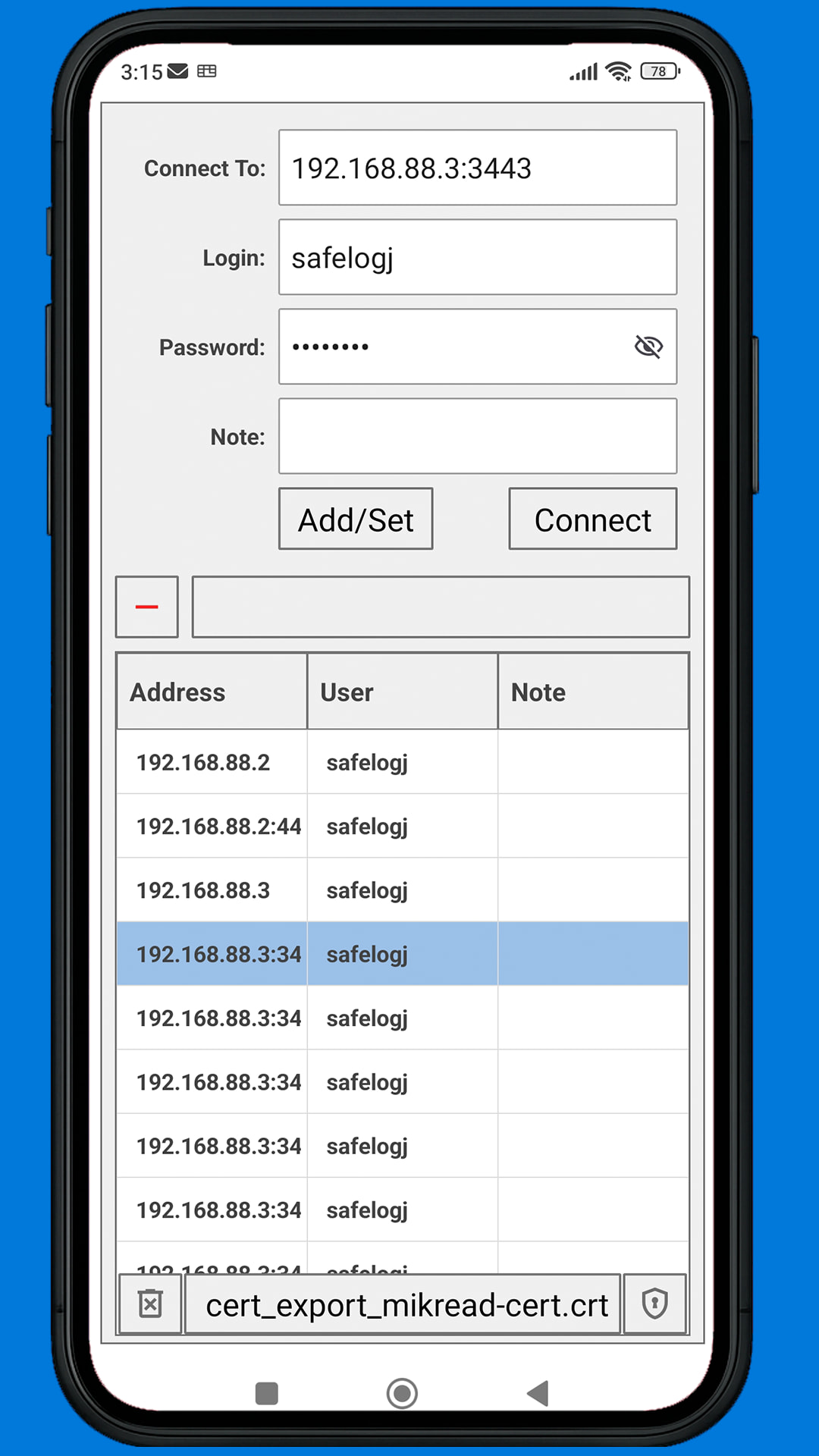
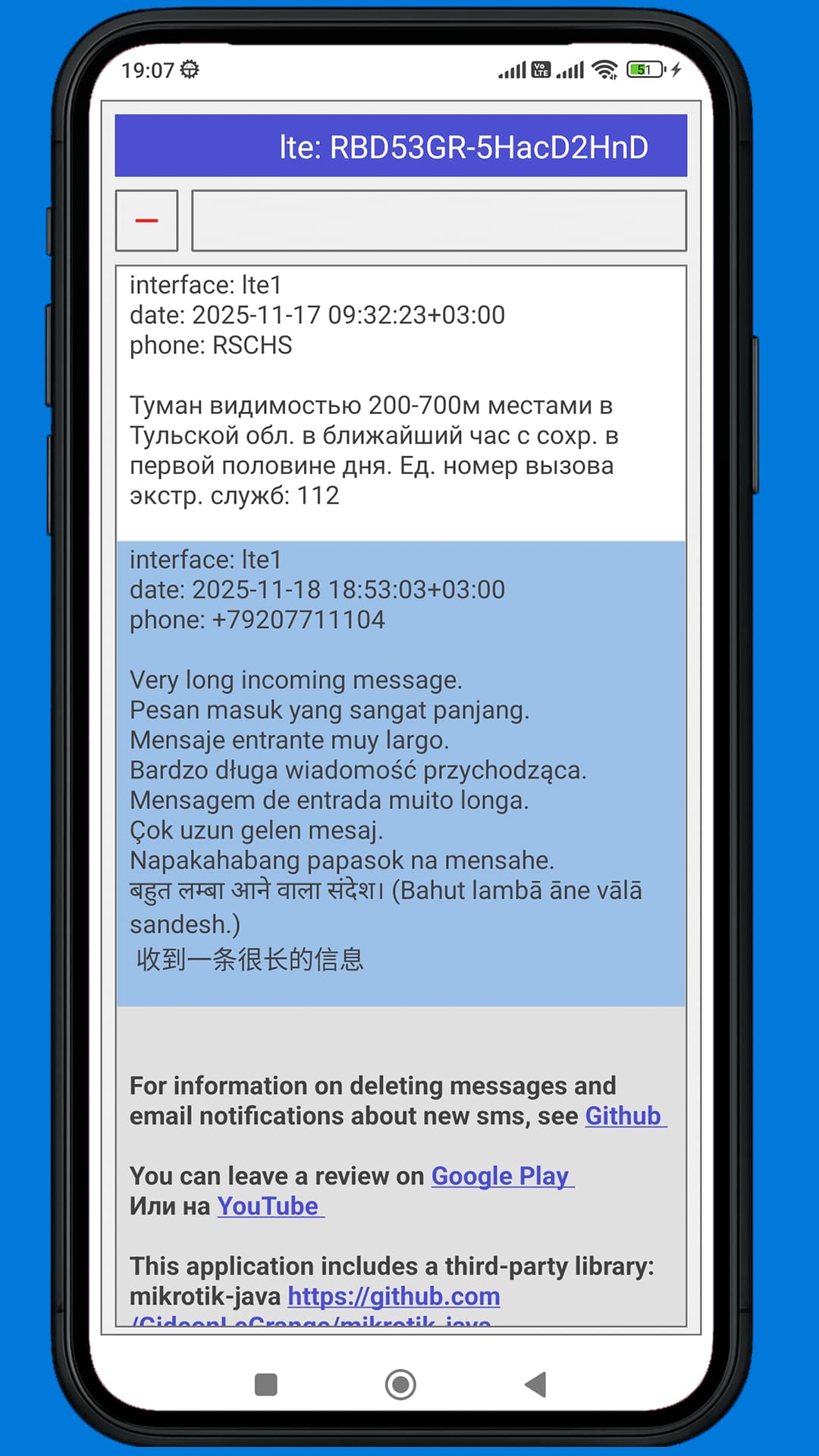
I used the mikrotik-java library. https://github.com/GideonLeGrange/mikrotik-java
The app connects via the standard API port 8728 or REST-API, reads SMS messages, determines the encoding from the PDU, decodes them, and combines parts of a larger message into one larger message.
You can download it on:
-
Google Play. https://play.google.com/store/apps/details?id=com.safelogj.mikread
-
Huawei AppGallery https://appgallery.huawei.com/app/C115831389
With the app, you can also read SMS received from the router by email as a JSON text file.
To open such a file in the app, connect to the address localhost or 127.0.0.1
To receive this file from the router, use the instruction and script provided in the link:
https://github.com/safelogJ/mikread/blob/main/README.md#or-this-version-of-the-router-script-which-sends-email-notifications-about-incoming-sms-and-a-text-file-with-all-sms-routeros-7202
In version 14 added full support for the GSM 03.38 standard and the GSM Extension Table for 7-bit decoding. Previously, for 7-bit encoding, I used the Mikrotik result
for example, if you send this text via sms
@£$¥èéùìòÇØøÅåΔ_ΦΓΛΩΠΨΣΘΞÆæßÉ !\"#¤%&'()*+,-./0123456789:;<=>?¡ABCDEFGHIJKLMNOPQRSTUVWXYZÄÖÑܧ¿abcdefghijklmnopqrstuvwxyzäöñüàSPACE^{}\[~]|€END
in winbox you will see this
@$$YeeuioCOoAaD_FGLOPPSTKAasE !\"#$%&'()*+,-./0123456789:;<=>?!ABCDEFGHIJKLMNOPQRSTUVWXYZAONU.?abcdefghijklmnopqrstuvwxyzaonuaSPACE^{}\[~]|eEND
and in app you will see the original
In version 16 added ability to connect to the router via REST-API (ip/service www-ssl).
In version 17 adds certificate import.
Watch tutorials on YouTube.