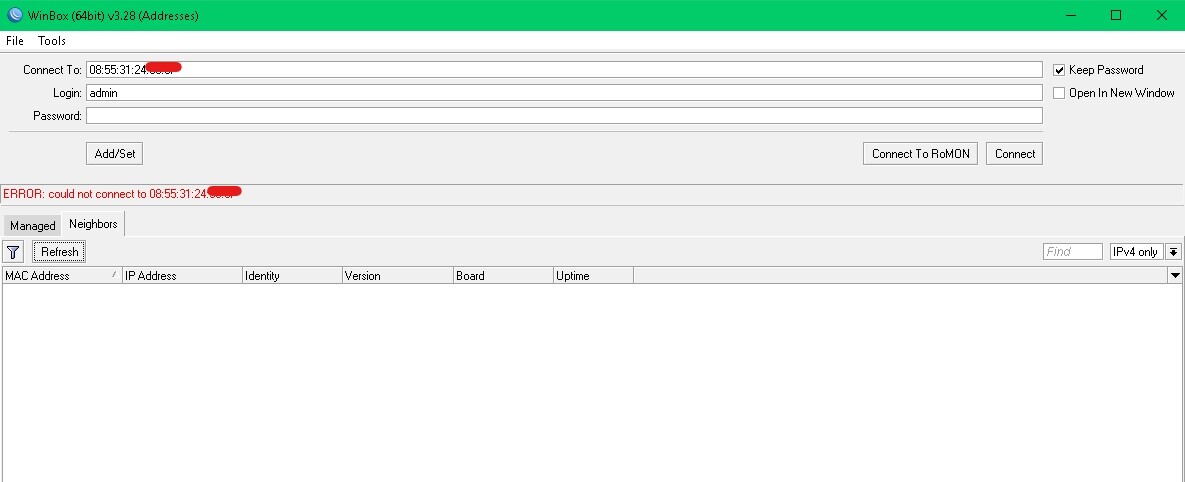
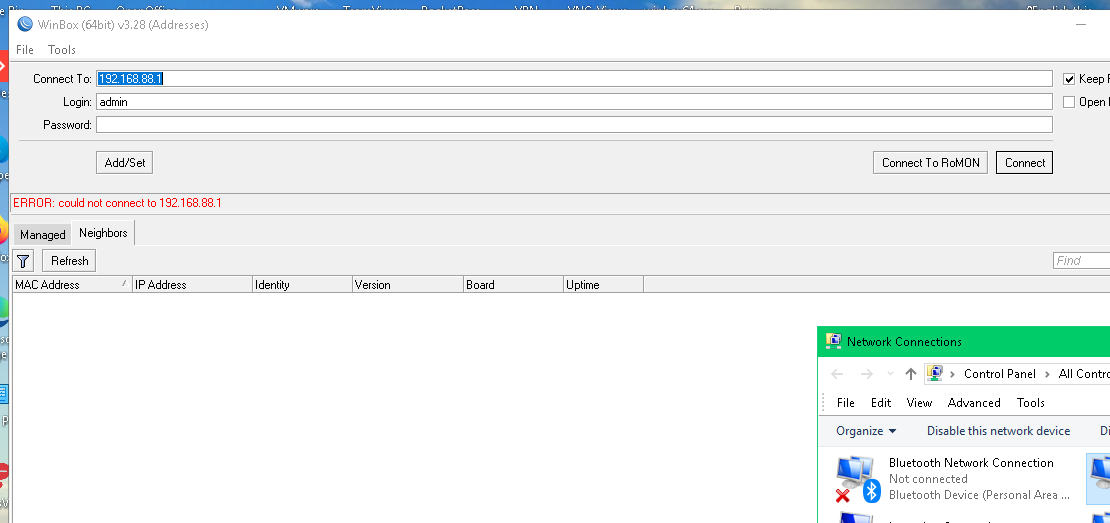
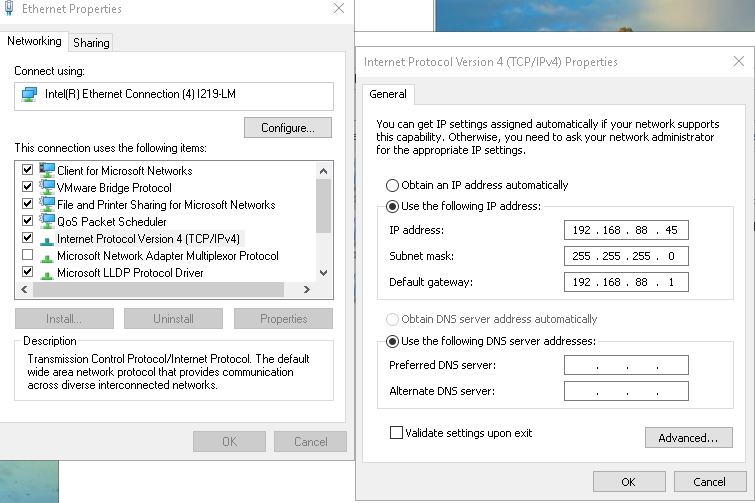
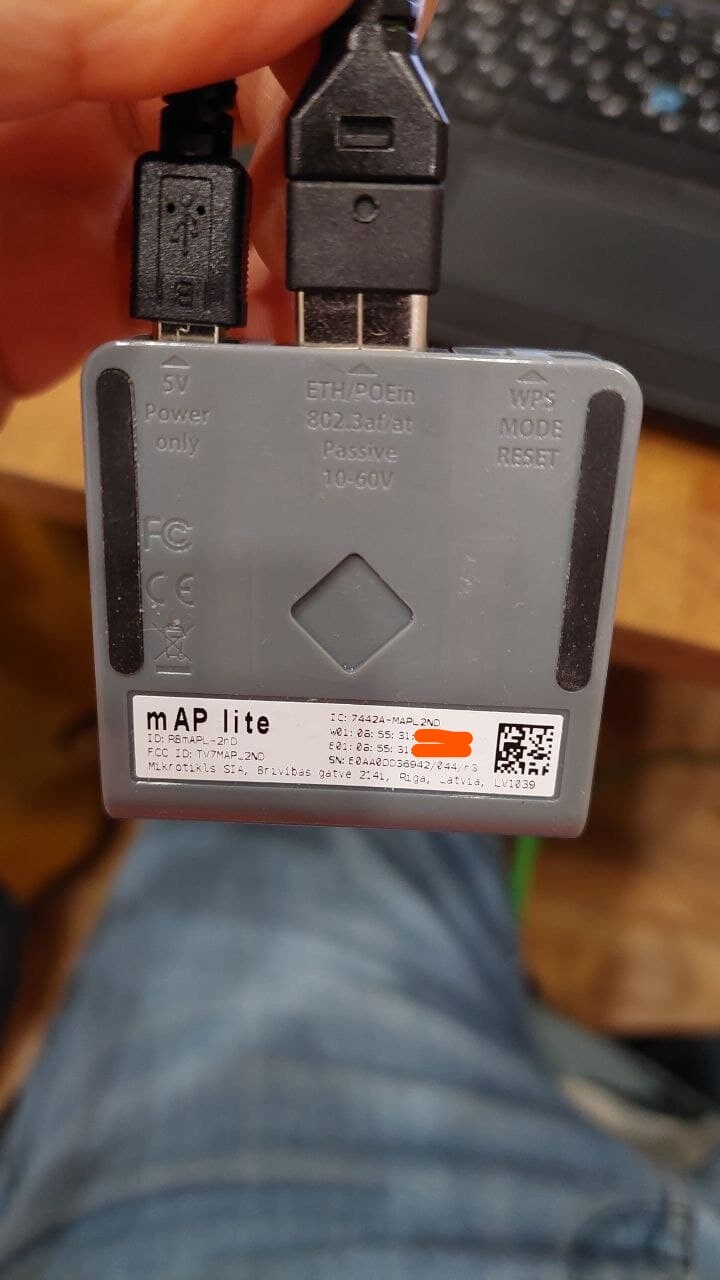
I have mAP lite (ID RBmAPL-2nD). Before update everything working ok. I updated me device’s OS to the latest version and after update I can’t connect to my device.
So, I did try to reset to factory default setting. I used found instruction in the this forum, how I can do reset. Like this:
I tried to do this procedure not once. But I can’t connection to my device.
I use Winbox the latest version.
Also, I attachment couple pic, how I do connection to my device.
Maybe anything know what happen and can I do reset default factory correct.