I have some linux based machines I run with smos installed but when connected to mikrotik lan no dhcp lease is obtained, I am unable to configure them to obtain IP automatically or change settings, so is there some setting I can change in mikrotik to allow these devices to connect ? my mikrotik will lease for any other devices just not my linux boxes, they only work on my old router just fine but I really need to change everything over, hope I could get some help here, thanks.
My DHCP server is running on bridge1, I currently have my old router on ETH2, a different device running fine on ETH3, and my gateway on ETH1. although my linux machines dont show up at all on that list when connected.
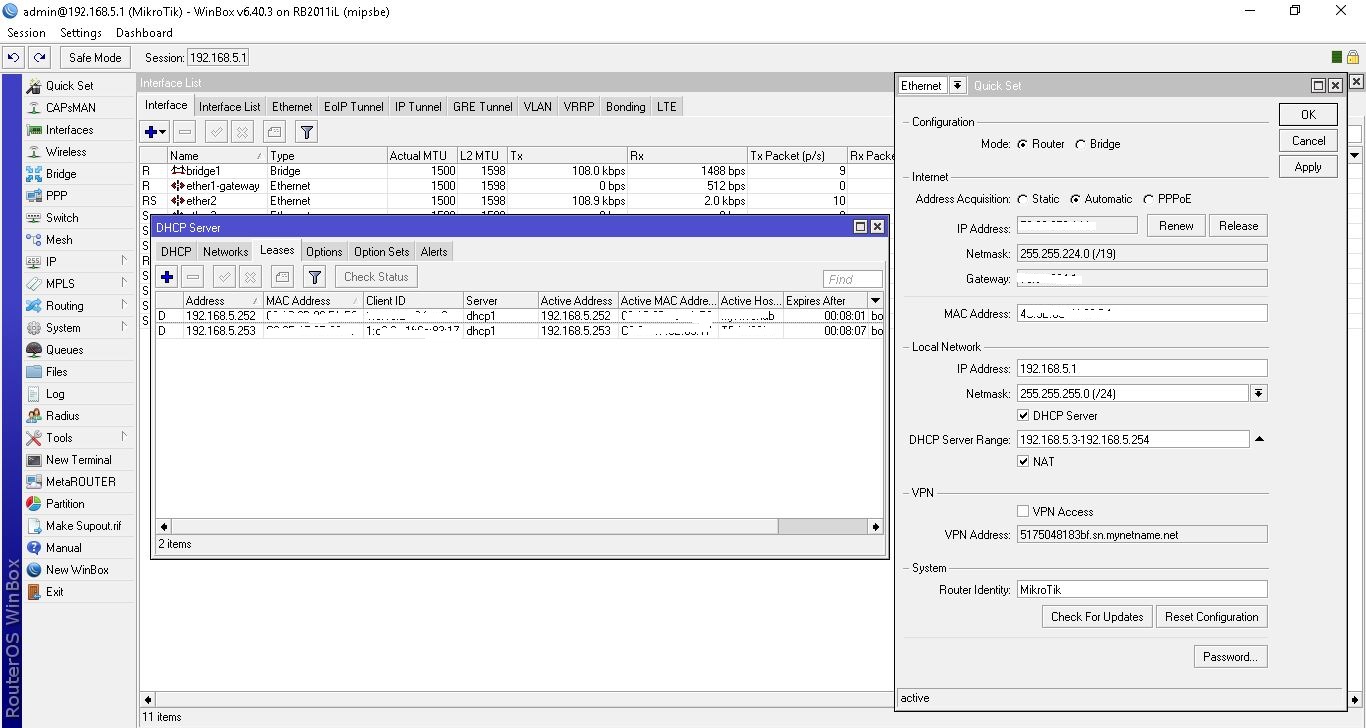
So as I have here I tried even creating a mnual lease with MAC address from ETH4 but still it just stays in waiting when i add it into lease list? could someone please tell me why device on ETH4 won’t connect?
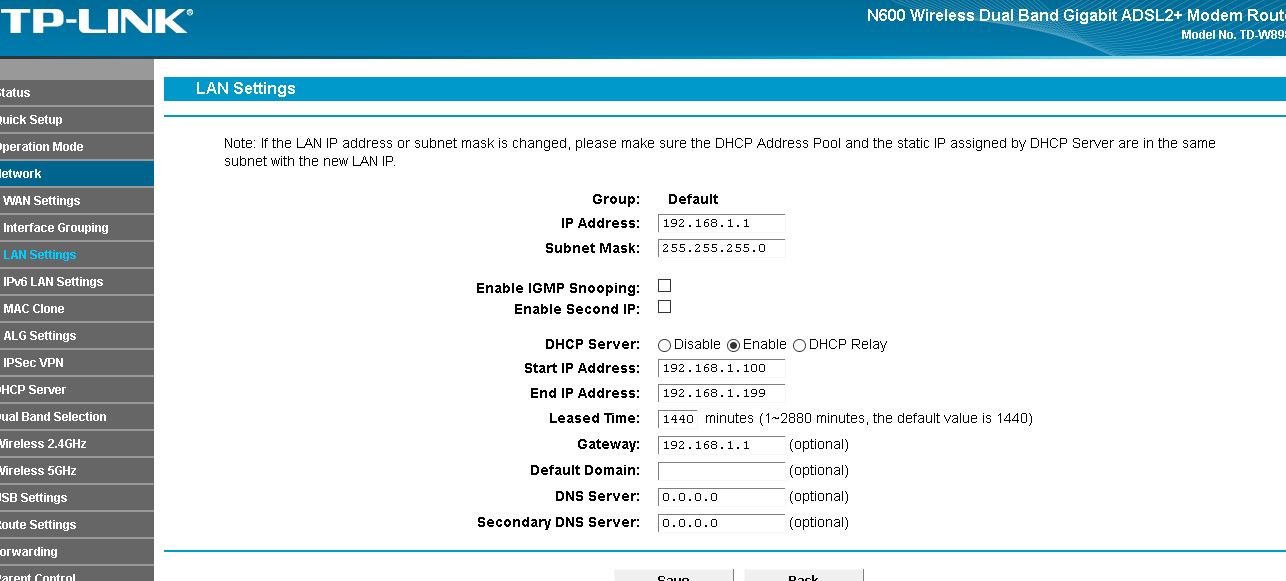
Here are settings from my old router and things work just fine for that device but I really dont know why mikrotik wont accept it.??
Does the linux device have a static IP from the same subnet as Mikrotik?
I see you have 192.168.5.0/24 subnet in mikrotik and 192.168.1.0/24 in your old tplink.
I did assign one on lease by mac in the mikrotik subnet through dhcp but the Device wouldn’t accept it, with 192.168.5.250 as IP it just says in status waiting when I added it to lease list so I just removed it. Seems it just doesn’t like my dhcp setup but I am definitely missing something here.
Also I can’t go into Linux machine to tell it to use a specific IP because it’s a closed system managed though online dashboard.
As I understand it should obtain IP automatically like it did in my old router.
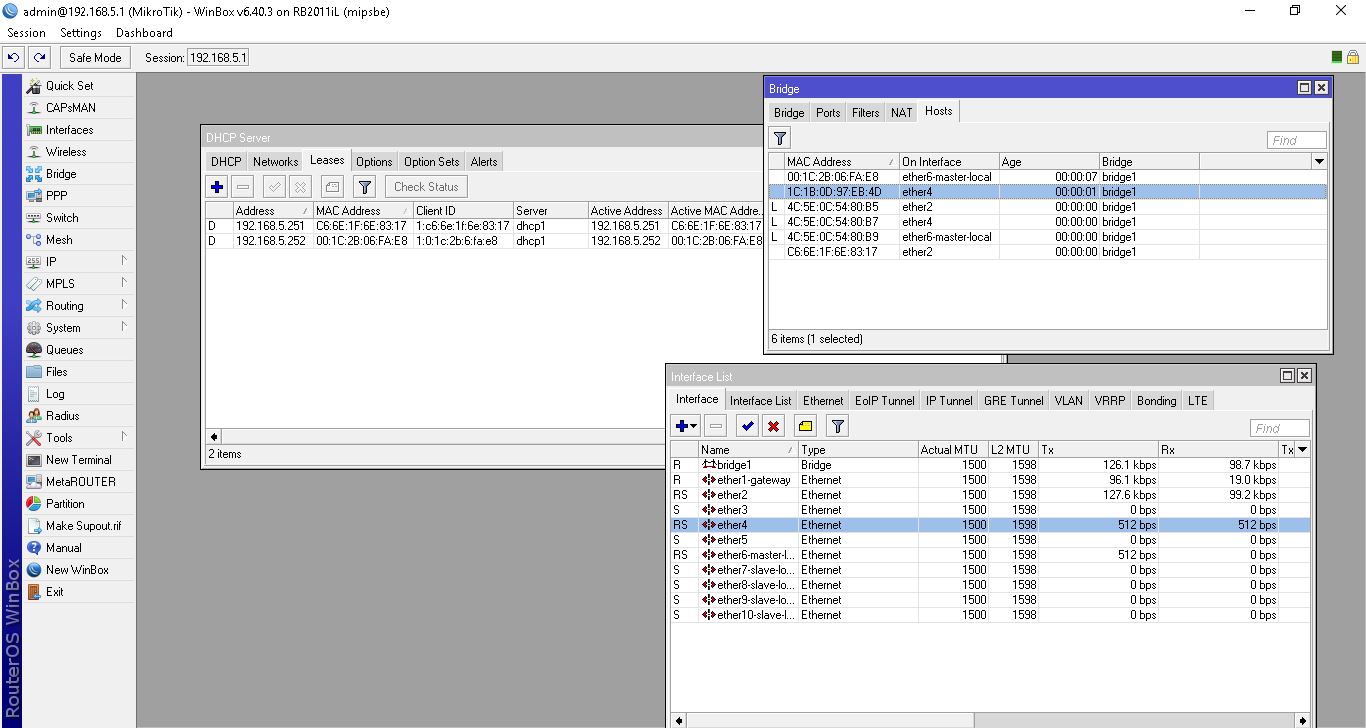
so the mac shows up in hosts tab in bridge menu but where do I go now to mgive it internet access and an IP i tried everything I can think of.
Have you tried moving the Linux boxes to a different port on the bridge?