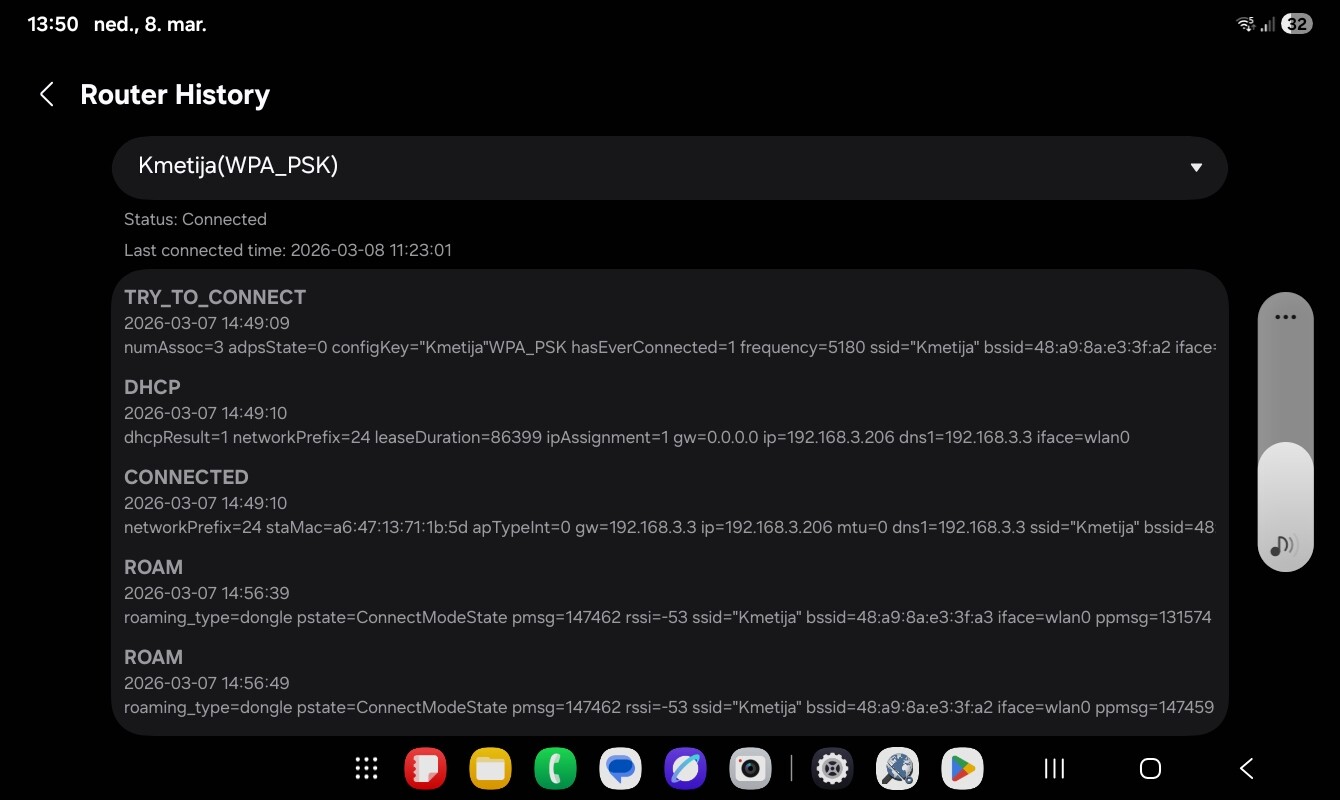
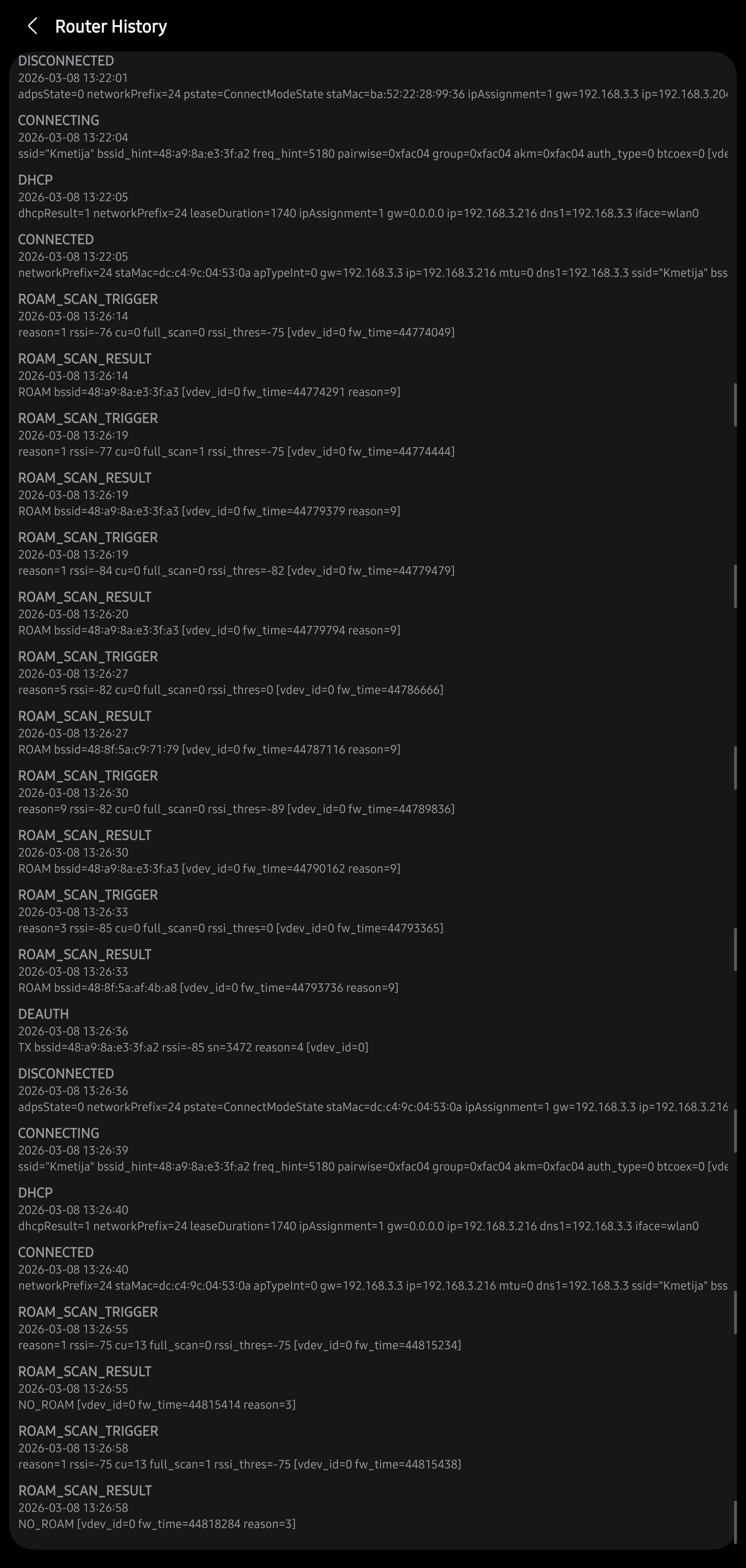
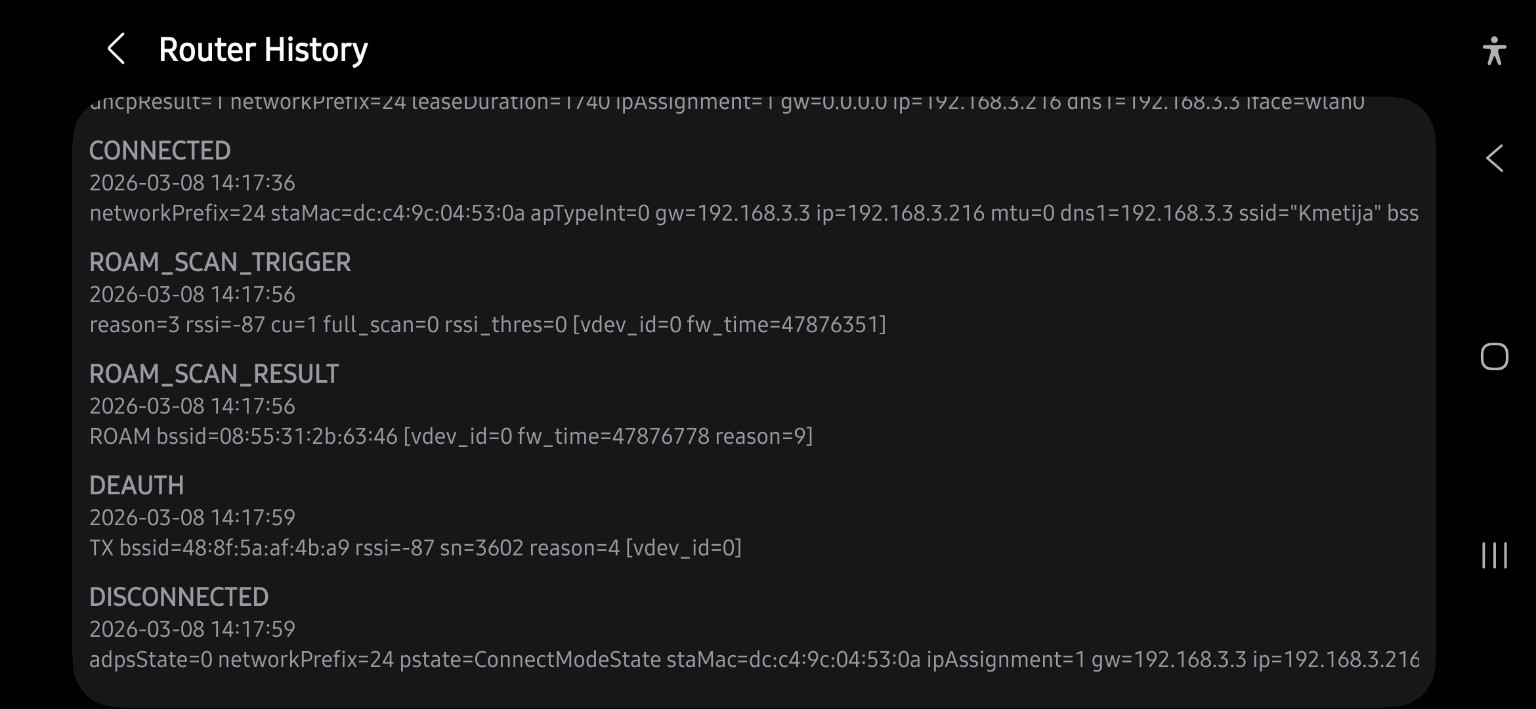
So, i noticed, that some of my Samsung devices stoped doing fast transition to other APs without any apparent reason. It worked before, but i’m not completly sure when this started to happen. For example, i have Galaxy Tab A11 and Samsung A54 5G. Transition to other AP goes through without problem. On the other side i have S24 Ultra and also S25 Ultra that simply don’t do transition to other AP. I tried with resetting Wifi and network on phone and it made no diference. Tried bunch of different options on Capsman controller, and nothing. I added logging for wireless and now i see that S series gets response “76:E7:F4:90:4B:D7@HapAC2_Klet_Kmetija 5(Kmetija) association rejected, FT failed”
and A series gets response
3A:02:23:B3:03:90@CapAX_Kmetija 2(Kmetija) associated, signal strength -77
3A:02:23:B3:03:90@HapAC3_Sobica_Kmetija 2(Kmetija) roamed to 3A:02:23:B3:03:90@CapAX_Kmetija 2(Kmetija), signal strength -77
3A:02:23:B3:03:90@HapAC3_Sobica_Kmetija 2(Kmetija) disassociated, connected to other interface, signal strength -66
3A:02:23:B3:03:90@HapAC3_Sobica_Kmetija 2(Kmetija) associated, signal strength -64
3A:02:23:B3:03:90@CapAX_Kmetija 2(Kmetija) roamed to 3A:02:23:B3:03:90@HapAC3_Sobica_Kmetija 2(Kmetija), signal strength -64
3A:02:23:B3:03:90@CapAX_Kmetija 2(Kmetija) disassociated, connected to other interface, signal strength -67
I ran out of ideas what could be causing this. One time i did see “network selection disabled, association rejection=2 on S series. Not realy sure what it means. S series now simply go to -90 on Wifi signal, then jumps to 5G and then reconnects to other AP with good signal.
I also tried with acess list, but it makes no difference
[admin@5009] > interface wifi export hide-sensitive
# 2026-03-07 20:15:42 by RouterOS 7.21.2
# software id = LSTE-IL0H
#
# model = RB5009UG+S+
# serial number =
/interface wifi
# operated by CAP 48:A9:8A:E3:3F:A1%bridge, traffic processing on CAP
add configuration=Kmetija configuration.mode=ap disabled=no name="CapAX_Kmetija 2" radio-mac=48:A9:8A:E3:3F:A3
# operated by CAP 48:A9:8A:E3:3F:A1%bridge, traffic processing on CAP
add channel.skip-dfs-channels=disabled configuration=Kmetija configuration.country=Slovenia .mode=ap disabled=no name=\
    "CapAX_Kmetija 5" radio-mac=48:A9:8A:E3:3F:A2
# operated by CAP 08:55:31:2B:63:40%bridge, traffic processing on CAP
add configuration=Kmetija configuration.mode=ap disabled=no name="Garaza_Kmetija 2" radio-mac=08:55:31:2B:63:45
# operated by CAP 08:55:31:2B:63:40%bridge, traffic processing on CAP
add configuration=Kmetija configuration.mode=ap disabled=no name="Garaza_Kmetija 5" radio-mac=08:55:31:2B:63:46
# operated by CAP 48:8F:5A:C9:71:74%bridge, traffic processing on CAP
add configuration=Kmetija configuration.mode=ap disabled=no name="HapAC2_Klet_Kmetija 2" radio-mac=48:8F:5A:C9:71:79
# operated by CAP 48:8F:5A:C9:71:74%bridge, traffic processing on CAP
add configuration=Kmetija configuration.mode=ap disabled=no name="HapAC2_Klet_Kmetija 5" radio-mac=48:8F:5A:C9:71:7A
# operated by CAP 08:55:31:2B:63:86%bridge, traffic processing on CAP
add configuration=Kmetija configuration.mode=ap disabled=no name="HapAC2_Mlekarna_Kmetija 2" radio-mac=08:55:31:2B:63:8B
# operated by CAP 08:55:31:2B:63:86%bridge, traffic processing on CAP
add configuration=Kmetija configuration.mode=ap disabled=no name="HapAC2_Mlekarna_Kmetija 5" radio-mac=08:55:31:2B:63:8C
# operated by CAP 48:8F:5A:AF:4B:A3%bridge, traffic processing on CAP
add configuration=Kmetija configuration.mode=ap disabled=no name="HapAC3_Sobica_Kmetija 2" radio-mac=48:8F:5A:AF:4B:A8
# operated by CAP 48:8F:5A:AF:4B:A3%bridge, traffic processing on CAP
add configuration=Kmetija configuration.mode=ap disabled=no name="HapAC3_Sobica_Kmetija 5" radio-mac=48:8F:5A:AF:4B:A9
# operated by CAP 48:A9:8A:D2:6B:4E%bridge, traffic processing on CAP
add configuration=Kmetija configuration.mode=ap disabled=no name="HapAX2_\8Atala_Kmetija 2" radio-mac=48:A9:8A:D2:6B:54
# operated by CAP 48:A9:8A:D2:6B:4E%bridge, traffic processing on CAP
add configuration=Kmetija configuration.mode=ap disabled=no name="HapAX2_\8Atala_Kmetija 5" radio-mac=48:A9:8A:D2:6B:53
# operated by CAP 78:9A:18:8C:2D:82%bridge, traffic processing on CAP
add configuration=Kmetija configuration.mode=ap disabled=no name=SXTsq5ac radio-mac=78:9A:18:8C:2D:83
# operated by CAP 08:55:31:3D:6E:20%bridge, traffic processing on CAP
add configuration=Kmetija configuration.mode=ap disabled=no name="WapAC_Silosi_Kmetija 2" radio-mac=08:55:31:3D:6E:22
# operated by CAP 08:55:31:3D:6E:20%bridge, traffic processing on CAP
add channel.skip-dfs-channels=disabled configuration=Kmetija configuration.mode=ap disabled=no name=\
    "WapAC_Silosi_Kmetija 5" radio-mac=08:55:31:3D:6E:23
/interface wifi access-list
add action=accept comment="ESP display - allow weak signal" mac-address=A4:F0:0F:5A:C1:C0
add action=accept comment="Merros plug - Allow weak signal" disabled=no mac-address=48:E1:E9:9D:60:96
add action=accept comment="ESP32_\9Atala - Allow weak signal" disabled=no mac-address=7C:F6:66:0F:53:75
add action=accept comment="Allow good clients" disabled=yes signal-range=-80..120
add action=reject comment="Kick weak clients" disabled=yes signal-range=-120..-81
/interface wifi capsman
set enabled=yes interfaces=bridge package-path="" require-peer-certificate=yes upgrade-policy=none
/interface wifi configuration
add channel.frequency=5180,2412,2437,2462 country=Slovenia datapath.bridge=bridge disabled=no mode=ap name=Kmetija \
    security.authentication-types=wpa2-psk .encryption=ccmp .ft=yes .ft-over-ds=yes ssid=Kmetija \
    steering.neighbor-group=dynamic-Kmetija-913a6252 .rrm=yes .wnm=yes
/interface wifi provisioning
add action=create-enabled disabled=no master-configuration=Kmetija
[admin@5009] >
Any ideas what more can i try? I also thinked of factory resetting my S24, but chances that S25 on the same network (visiting, no changes on factory wifi) had the same symptoms are realy realy small. Also, added steering options make no difference.

 ?), but will gain some better signal quality over longer distance…