*) fixed problem - reset configuration & reboot did not work;
*) fixed problem - VLAN header present/not present matcher did not work in ACL;
*) fixed problem - could not match all packets in ACL;
*) fixed problem - deleting one ACL entry did not have immediate effect;
*) fixed problem - could not enable watchdog after it was disabled;
*) added ability to connect to SwOS with VLANs;
*) added save backup & restore backup ability;
*) added support for jumbo frames (up to 9k);
First of all, my ongoing issue has not been addressed: Dude still doesn’t interpret SMNP properly.
But that’s not important now. So I went out and shut power down to the switches and the RB750’s next to them.
When I powered the network up, the fun started.
Ping times have gone from less than 3ms to around 31ms. This isn’t good. I’ve done several ping tests and there’s no doubt that it’s the switches causing the latency. No idea why.
Apart from the latency, there are plenty of ping timeouts. Dude is sending me a long list of ping failures. The units are running - ie traffic is passing through them, but you just can’t ping them.
None of these problems were evident in SWOS1.1
The question now is how do I downgrade to the old version?
Do you have problems with increased latency and ping timeouts when you ping to or through switch? Are there any transmission errors reported in statistics tab?
Hi,
I confirm the issue with the Reboot button. I’m connected over vlan1 from my PC. When I press Reboot the webserver in the switch just dies off silently. The switch itself keeps on forwarding the traffic and not a single packet is lost. If I try to telnet 192.168.88.1 port 80 there is no ARP reply.
Have any of these problems that I previously brought to your attention been addressed?
Ping times have gone from less than 3ms to around 31ms. This isn’t good. I’ve done several ping tests and there’s no doubt that it’s the switches causing the latency. No idea why.
Apart from the latency, there are plenty of ping timeouts. Dude is sending me a long list of ping failures. The units are running - ie traffic is passing through them, but you just can’t ping them.
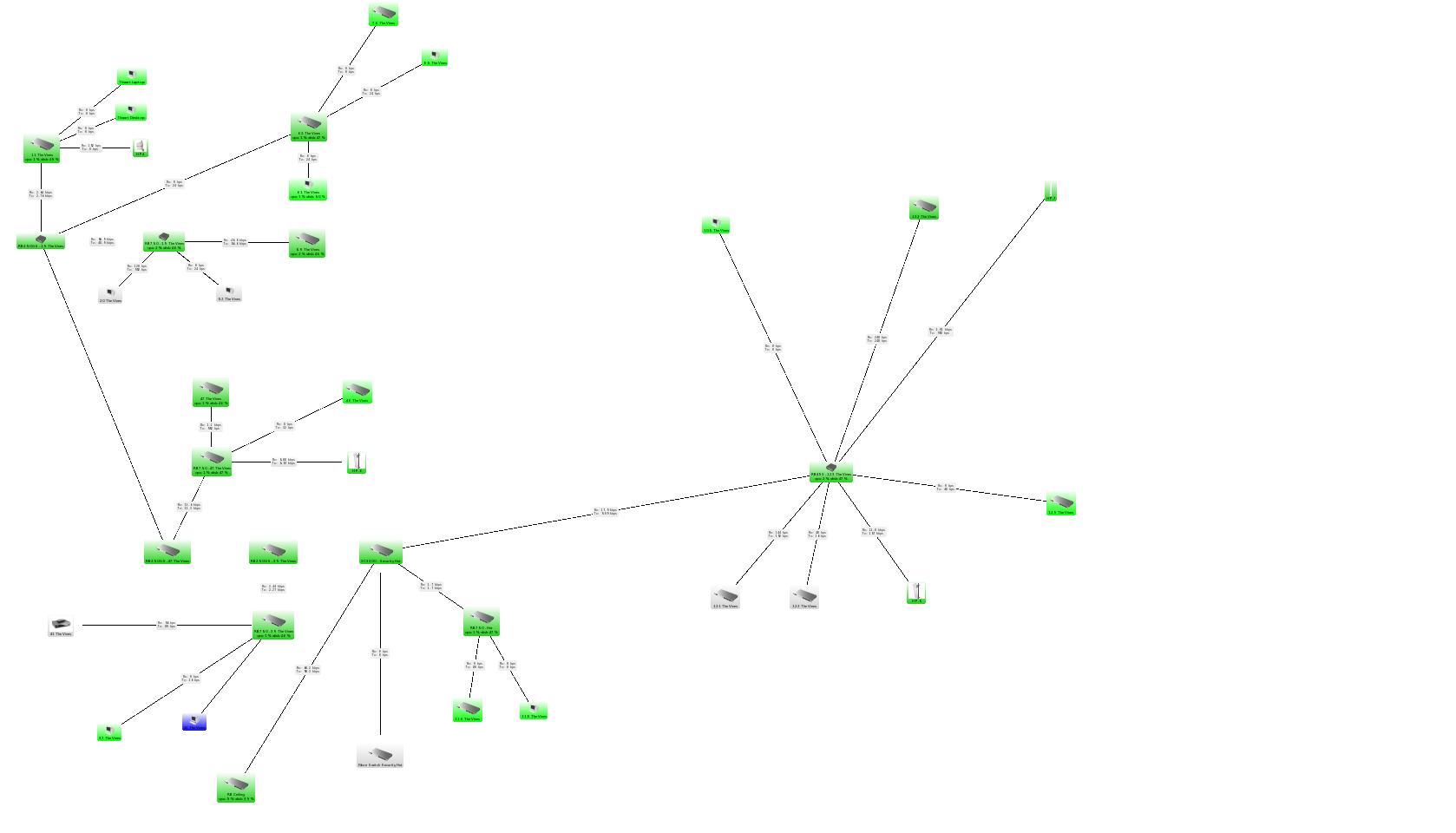
Please describe your network topology, configuration, how much and what type of traffic is being forwarded through switch when you experience latency issues. We were not able to reproduce any problems with SNMP (tested with Dude v3.6 and v4.0beta2).
The Reboot button worked well via squid 2.6.5-6etch5.
Is there any way to fix the webserver to recover from such a deadlock? This trouble is over for me anyway as I will avoid using tinyproxy in favour of squid.
Ping times have gone from less than 3ms to around 31ms. This isn’t good. I’ve done several ping tests and there’s no doubt that it’s the switches causing the latency. No idea why.
Apart from the latency, there are plenty of ping timeouts. Dude is sending me a long list of ping failures. The units are running - ie traffic is passing through them, but you just can’t ping them.
None of these problems were evident in SWOS1.1
I have been experiencing the same issues as the user above. I did start a trouble ticket, but was wondering if he got this solved. We are really trying to avoid having to downgrade back to SwOS1.1. Please advise if any solution has been found. Thanks.