Remember that CSS106 with SwOS cannot connect to the internet. There is no gateway/router defined. It cannot be set.
The IP routing mechanism is: answering to the IP address by using the source MAC of the request received. SwOS can answer an IP connection, but cannot initiate an IP connection.
It looks like as if SwOS is checking for an update, but it actually is your browser doing that. So don’t move away from that browser page while download&upgrade.
The path to the CSS106 in my case is over a MT wifi bridge connection (AP bridge /-/ station bridge powered by the CSS106) and for one or other reason the download&upgrade failed.
Lost connection to the CSS106 after 3th attempt and had to physically power off/on to gain access again. Nothings seems to have changed.
EDIT.
Upgrade keeps failing.
- Manual download … same problem
- local attached PC (independent from the power loss at the “station bridge” link) … same problem
- disabled Windows defender … same problem
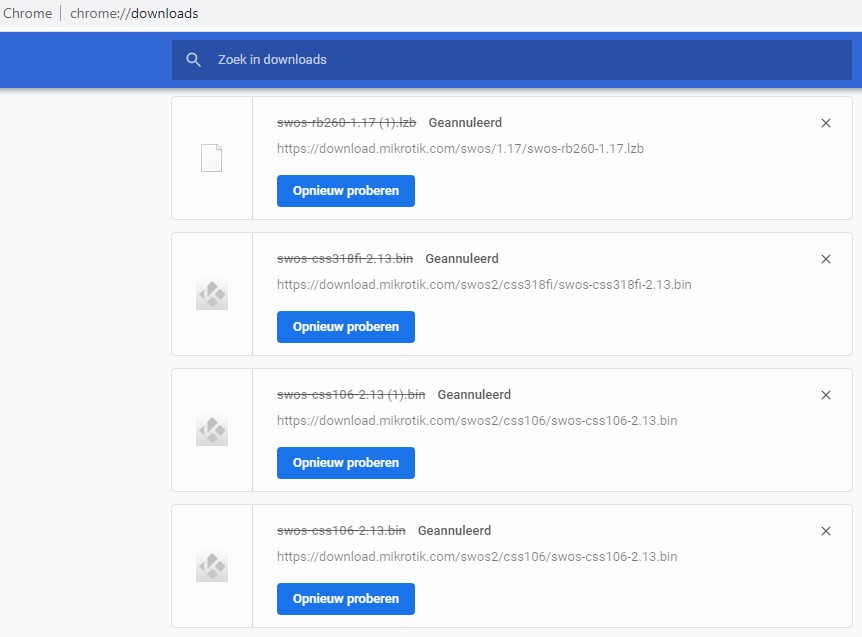
What surprised me was that Windows 10 / Chrome browser had problems downloading the file. The download never completes.
Disabling the firewall (Windows defender) gave complete downloads. (no complains in windows)
By comparing the 2 files, they are identical. Upgrade problem persists.
What is the meaning of “new CSS106” in the download page ??? Can we still find 2.12 SwOS for download?