Need help..
Trying to establish BGP b/w two networks although bgp established but unable to reach both lan ,Also gre tunnel create b/w both mikrotik.
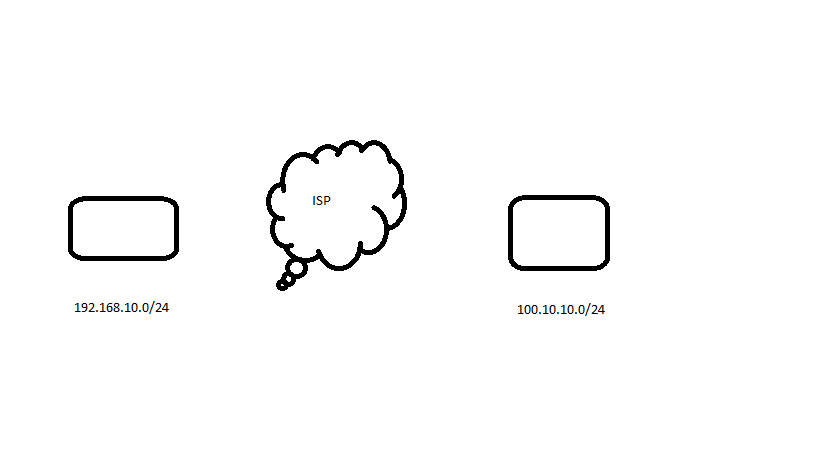
Anyone here to help me???
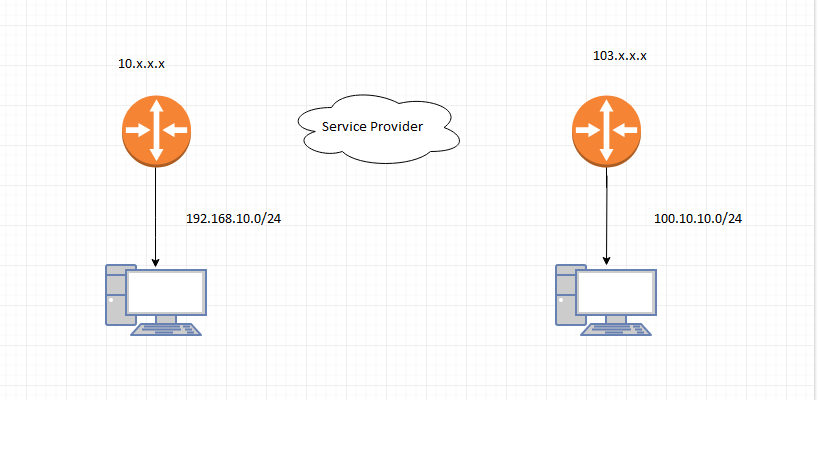
Both your drawings give little clue on what is the actual issue you’re dealing with. Can you provide the current configuration exports instead? Is the BGP connection between the routers established but the routing tables are not updated, or the BGP is not up at all, or the routing tables are updated but packets don’t get through?
Thanks for replying. Actually, I have configured it on both sides by giving AS and remote IP. The state has changed to established but once I tried to reach remote lan from both ends it didn’t reach.
By the above you have responded only one of the questions, now we know that the BGP communication is established. But you haven’t posted the configurations, and you haven’t looked into the routing tables of both devices to see whether the routes to the remote devices’ LAN subnets appeared there (marked with b in the leftmost column to indicate BGP as their origin) or not. If they are there, it is a firewall issue; if they are not, it is a BGP configuration issue.
You can’t expect a useful help if you don’t provide useful input.
You’re BGP router needs to be on the same network and the other up-stream BGP router you will be peering with.
Example. Your BGP upstream interface ( live Internet IP addresses ). 123.123.123.2/30 and you peer to 123.123.123.1/30
Both BGP routers need to know the AS number of each other
Your BGP router announces to the upstream BGP router your ARIN assigned IPv4 and/or IPv6 networks.
Example , you announce your live network IPv4 block is 123.50.50.0/24 - this is sent to your upstream ISP BGP peer.
The upstream BGP peer then announces to all BGP routers in the world how to get to your IP addresses.
Your router receives every BGP router announcements from all routers in the world - thousands of routes. Now your BGP router knows how to get to every Internet IP address.
Your router also had a static router - you route your live network ( example 123.50.50.0/24 ) to your 2nd router and then your second router performs static routes to all of your networks that you manage.
It’s actually pretty easy
Please find the attached config file.I have checked the routing table and found no BGP routes there, although on BGP tab state has established .
Config.docx (12.5 KB)
As the BGP peer is Fortinet and you haven’t shown its configuration, it is hard to judge anything (and no, I don’t know enough about Fortigate to be able to help with its configuration).
Don’t use rich text formats for configuration files. A plain .txt is enough and the probability that you inadvertently spread a virus is much lower. The easiest way to post configs is to copy-paste them to the body of the post between [code] and [/code] tags (created by pressing the [ </> ] button above the editing field).
I’d say your best friend is sniffing now:
- disable the BGP peer
- run /tool sniffer set file-name=bgp-start.pcap
- run /tool sniffer quick port=179
- enable the BGP peer
- wait 3 minutes, then stop the /tool sniffer quick …
- download the file, open it using Wireshark, and see whether the Fortigate is advertising the expected prefixes on its end (and whether the Mikrotik advertises 100.127.36.0/29)
Hey thanks for ur help.Now the bgp routes are advertise in aggregation and remote ends.But still unable to reach both end. what i want is to make private network under the aggregation lan(100.127.36.0/29) and similarly at remote end under (10.x.x.x) network. So the both ends private network can be reachable.
I can reach remote end (10.x.x.x) from Aggregation lan (100.x.x.x) and vice versa. but I want to create my own private network at both end.So they can be reacable from both end.
Hopefully clarlify what I want to do.
Not really. Your drawing is not detailed enough, plus I don’t understand what means aggregation LAN.
You talk about 10.x.x.x and 100.x.x.x, but 100.x.x.x is drawn as the management network of the router at the right (where a PC is connected), whereas 10.x.x.x is a separate address next to the router at the left, where the PC is connected to a subnet you don’t mention at all. So it is not clear at all for which particular subnets/prefixes each of the two routers should advertise itself as a gateway, for which subnets the BGP advertising eventually works, and whether the advertised subnets are not shadowed by local routes with lower distance at the receiving routers.