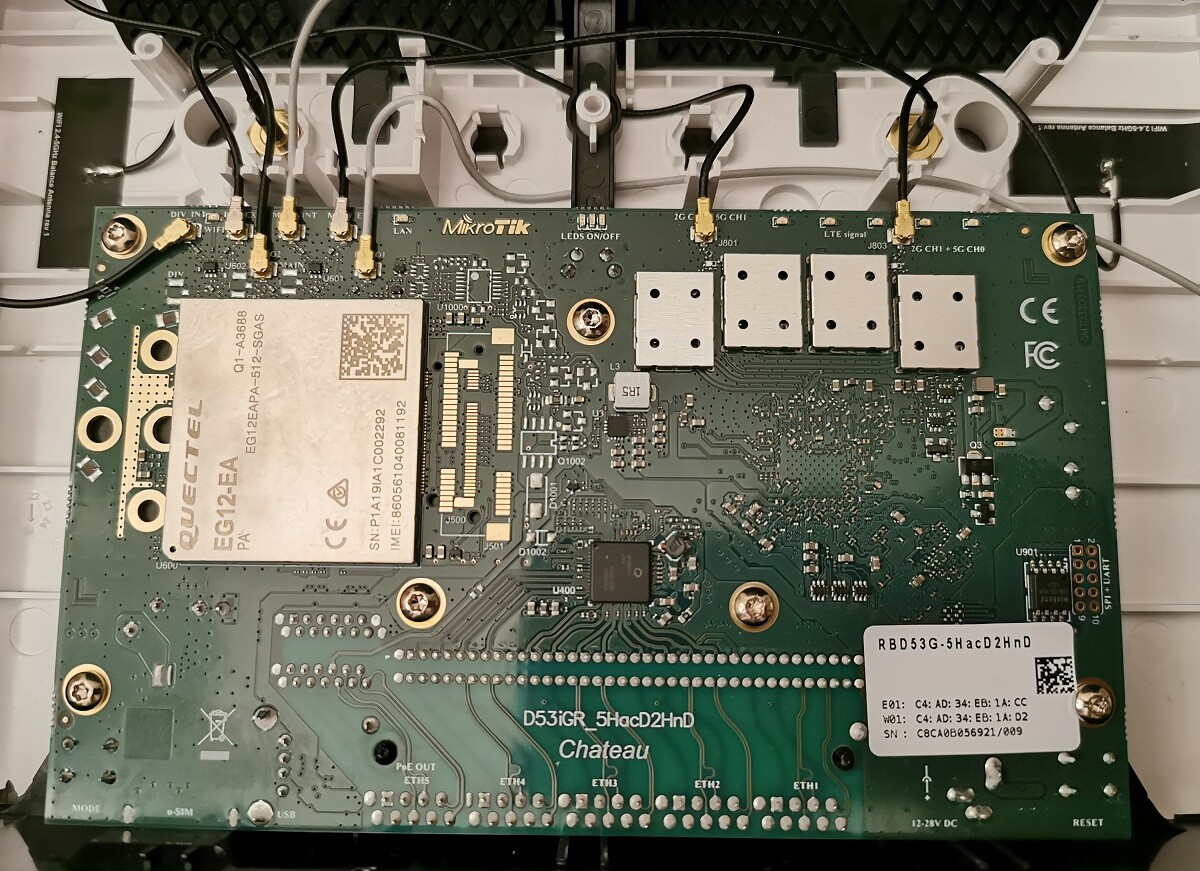
I have this RM500Q M.2 modem installed on an USB3 to M.2 adapter which is not recognized by RouterOS.
7.1beta2 recognizes it correctly under /resources/usb but no lte interface appears; any 6.x version including latest beta shows it as “xHCI Host Controller” which is obviously wrong.
The modem has multiple modes of operation, it is currently configured for directIP.
But there seem to be some confusion about what mode is supported in both 6.x and 7.x? The modem can do QMI, MBIM and ECM (direct IP).
I want to use it via the lte inteface, as this is a 5G modem and PPP is not an option.
The modem , installed in the same enclosure, is correctly seen by windows machine and my ZBT router.
Sorry, but not having Internet connectivity, all these tests do not make sense, since DNS names can’t be resolved.
I tried ping and traceroute to 8.8.8.8 and both fail, traceroute fails at 1st hop:
[admin@rb3011] /interface/lte> /tool traceroute 8.8.8.8 use-dns=no
Columns: LOSS, SENT, LAST
  #  LOSS  S  LAST
  1  100%  2  timeout
  2  100%  2  timeout
  3  100%  2  timeout
  4  100%  2  timeout
  5  100%  2  timeout
Please not use queue if you cannot edit it properly.
You say befor few times that your lte1 is connected, you see IP from ISP, you have default route.
You should receive DNS from your ISP too or you maybe disable it, that’s why the first commands exist.
First your MikroTik must have internet connectivity, next are your computers.
For me that lte module connect but not give you internet bcs limits of ISP… maybe paymants ?
This enable sms reading
/tool sms set port=lte1 receive-enabled=yes
Read SMS by
> tool/sms/inbox/print
Columns: PHONE, TIMESTAMP, MESSAGE
  #  PHONE        TIMESTAMP                    MESSAGE
  0  CP-INFO      Sep/07/2020 11:40:16 GMT -0  W dniu 2020-09-03 wystawiono fakture na kwote 80.44 zl z VAT, platna do 2020-09-17. Prosimy o terminowa wplate. Szczegoly w przeslanym e-mailu.
Some ISP when you pay can block a connectivity and show you theyr a Hotspot message like “check tik that you will pay in 24h and we unlock you internet traffic” but to receive this message you MUST USE ISP DNS !.
Then again:
ip dns print
put [resolve mikrotik.com ]
If all this stuff not give us any clue then maybe we can consifer someting wrong with your lte module and go deep into at-chat but this should be as next step.
Not using any computer, testing from router, like I said
SIM card is valid and works fine in my ZBT router…
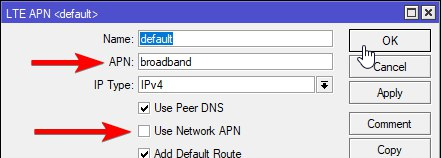
Perhaps APN problem? I recall having an issue with Chateau when first installed, the APN inserted in webfig was not considered
and had to add it using AT commands. I’ll have a look into this possibility.
Will try disabling that. Another issue I’m facing is that when I disable the LTE interface from webfig, sometimes (not always) it will refuse to re-enable it, saying that “radio is off” and the only way I have found to revive it is rebooting the router…