Greetings everyone. I have a LAN with Mikrotik AC^2 and laptop. Winbox version is 4.0. After all the searching and following the guides, I still cant configure NTP client on Mikrotic.
What I have done:
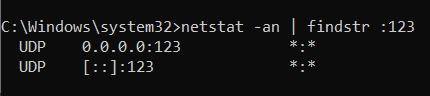
Enabled W32time on Windows and disabled firewall, enabled 123 UDP port, DHCP disabled (I can connect with Winbox and ping laptop from inner terminal). Laptop synhcronising time with local domain, zero internet connection
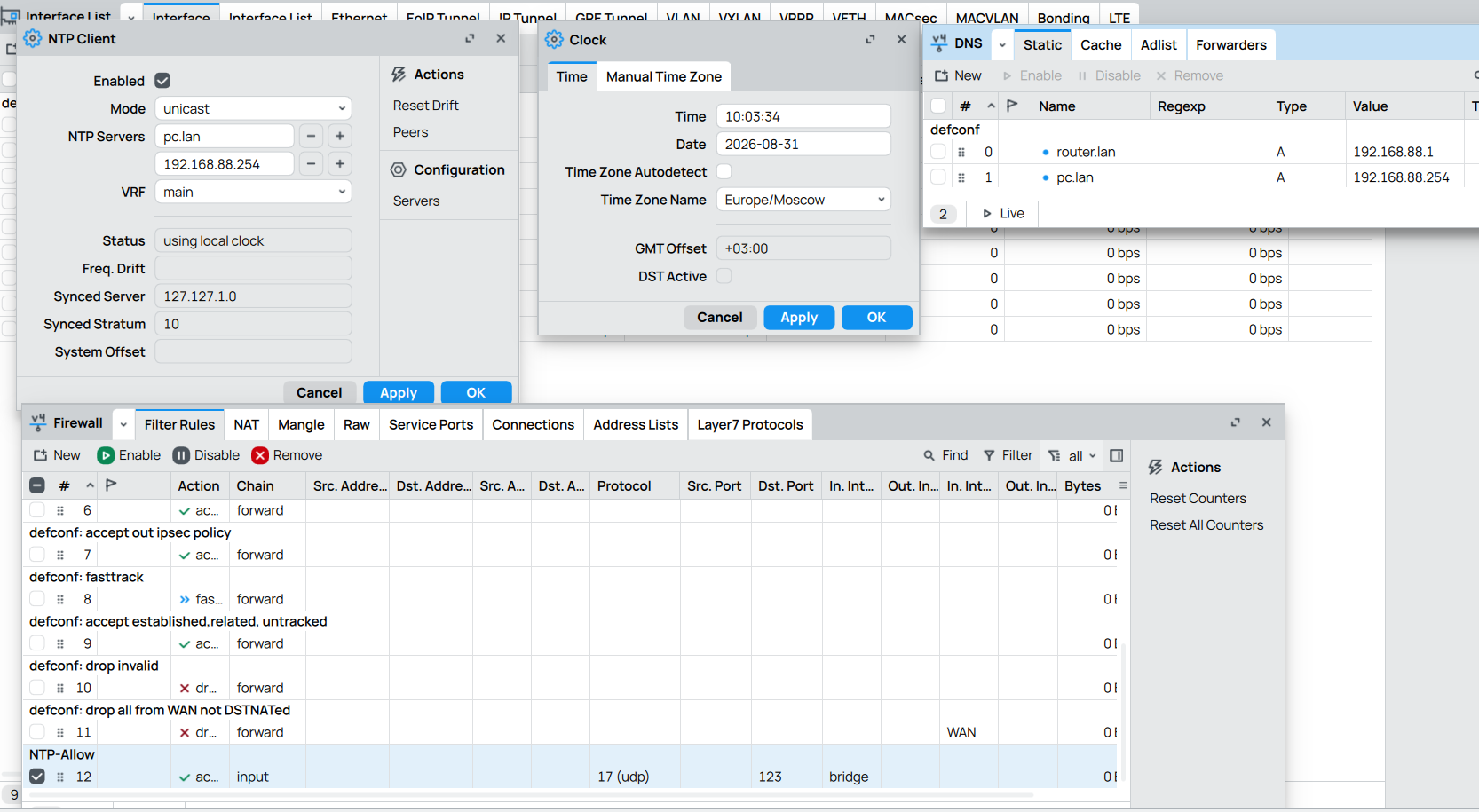
I have something like that in configuration inside WinBox (picture included).
First, sync status was on "waiting", but after reboot - "using local clock". Any tips, or im doing smthing completely wrong? Thanks in advance
Even with proper reference NTP implementation using local RTC as time source (to propagate to other clients) is not enabled by default. One has to configure it, something like this:
server 127.127.1.0
fudge 127.127.1.0 stratum 10
The second line makes sure that local clock (which has very low accuracy) is considered low stratum ... so that even this server uses local clock strictly as fall back (most public servers are either stratum 2 or even stratum 1, lower stratum servers are generally not accepted as public NTP server pool members).
Displaying NTP server peers will show such reference like this:
$ ntpq -p
     remote           refid      st t when poll reach   delay   offset  jitter
==============================================================================
 LOCAL(0)        .LOCL.          10 l 108d   64    0    0.000   +0.000   0.000
Without such configuration NTP server will keep ticking, but will identify as unsynchronized to clients. And clients will then ignore timing info (as they should).
I have no idea if W32time can be configured to use local time as (low stratum) reference time, I certainly hope not.
[edit] According to my favourite Artificial Imbecile it seems to be possible to implement similar configuration on W32time ... but via heavy usage of regeditor. I'm pretty sure that exact instructions about how to do it are way outside of scope of this forum, so look for instructions online (or ask your favourite LLM).
Okay, lads. Thank u for the advices!
Probably, my domain NTP server can cause problems too, bcs im not synching my laptop with time.windows server, for example.
Will dig into it and reply later
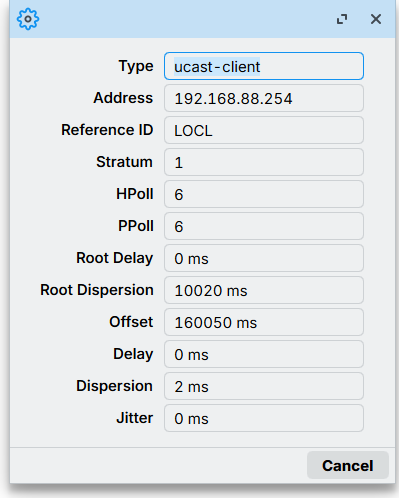
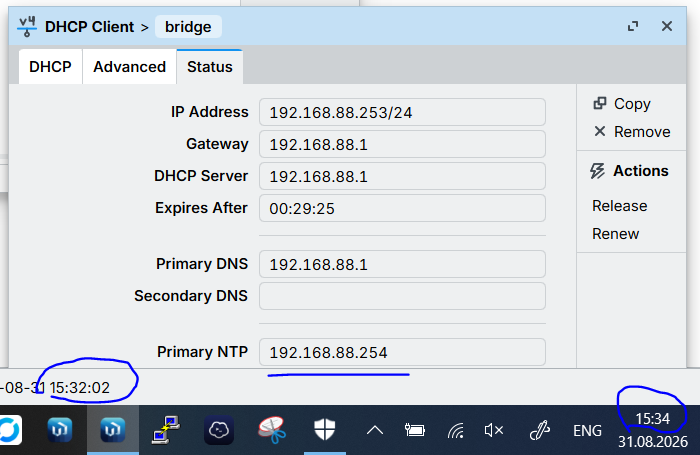
Yeah, probably some issues with firewall and ports, bcs DHCP working properly, but peer NTP does not applying. I have a question - why in NTP peers, my "server" recognized as client?
[EDIT]
I captured some packages with WireShark and it seems legit, but still nothing in WinBox
Might be of interest, just by adding a cheap USB GPS dongle to your hAP, you can create a real NTP server on RouterOS, perfect for use in situations where there is no internet connection available.
For what it's worth, Mikrotik syncing to a local NTP server works fine (It's my standard config). Never tried it with a Whinders box though - my time server if a full ntpd deployment on *nix with a pps backed GPS reference.
(Not also in your Wireshark capture the two different NTP protocol versions . . . . I can't say that I have ever looked into cross compatibility - that might be an issue as well.)
It was customary to use port 123 both as src and dst port and this also enabled "symmetric" connections where each end would see if the other has a better time reference than they have themselves.
However, because there is a "UDP amplification attack" scenario in NTP when management is enabled, lots of ISPs have blocked traffic with src port 123 into their customer access. That means you cannot run an NTP server and abusers cannot use your NTP server in amplification DDoS attacks.
But it also meant that NTP setups in routers ceased to function. So now a different src port is sometimes used.
Is this traffic from a MikroTik router? Or is it another device in your network? It would be interesting to know if MikroTik have now also switched to another NTP src port for outgoing queries...
I connected to my work domain via WiFi, but in Ethernet LAN i have only 2 devices.
Tomorrow I'll try to connect Mikrotik to absolutely "clean" laptop that syncing time with time.windows and then will enable NTP server and share it to the Mikrotik