in my LDF I can not find the function…
Is not dark-mode function - is a functionality.
On some devices, you can close the LEDs using the command:
all-leds-off
Read here:
https://wiki.mikrotik.com/wiki/Manual:System/LEDS#Leds_Setting
And here:
tnx!
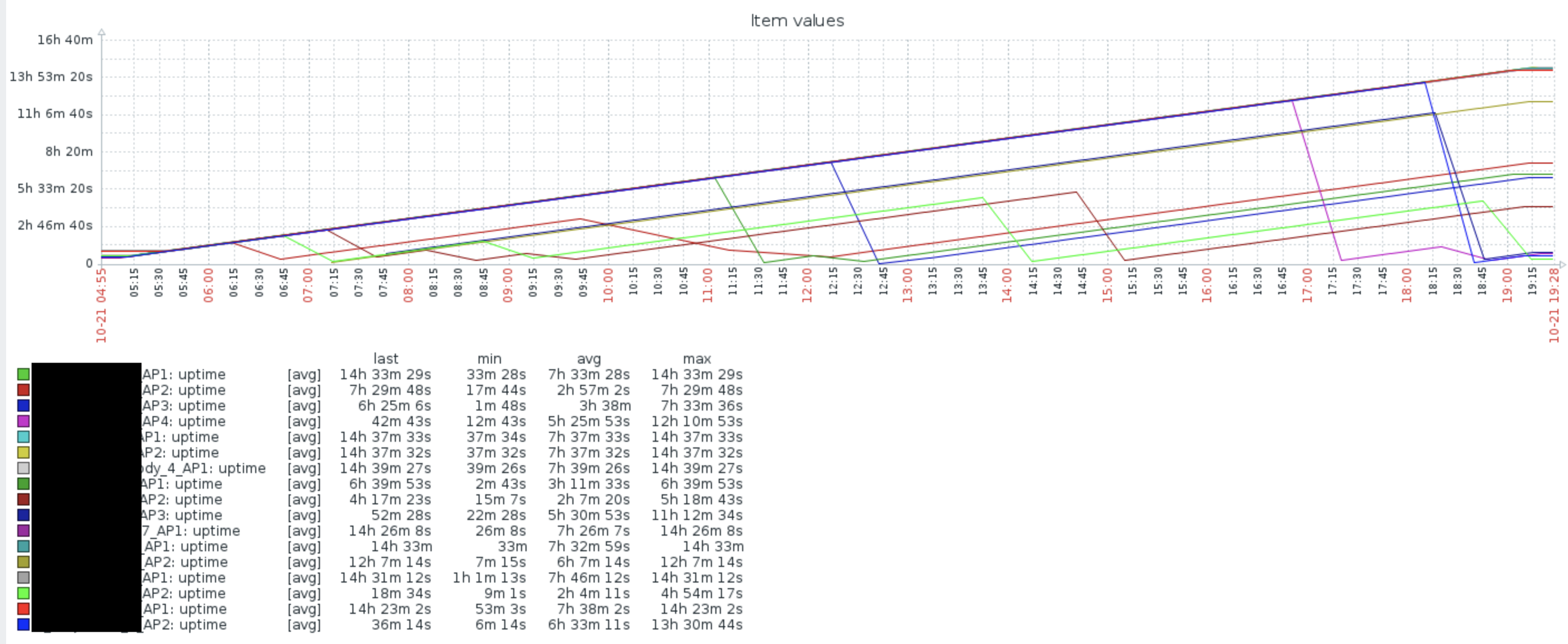
After upgrade, my Metal G-52SHPacn starts rebooting
CCR1009, memory usage higher then normal and keep increasing slowly when compare to 6.42.7, I am talking about 100MB+ different, as I had schedule reboot so dunno if it just higher memory usage or leak.
mducharme - Can you provide more details about the problem that you have? Preferably over e-mail to support@mikrotik.com? Provide supout file from your DHCPv6 server and more details about the problem - which client was trying to connect and did not receive a prefix, was the exact same configuration working just fine on v6.42.x?
[quote=mashinbaz post_id=693631 time=1540104968 user_id=131135]
x86 upgrade will take a little bit longer and show following script error in log file, while Mikrotik devices not:
DefConf Gen: Unable to find ethernet interfaces
[/quote]
Error may appear if default script generator is unable to find Ethernet interfaces within 30seconds after boot. On x86 you shouldn’t worry about failure at all, since generated default configuration is the same as fallback config (192.168.88.1 on ether1)
At the moment i don’t have router who supported *) led - added "dark-mode. Just im wondering how does it look like
*) led - added “dark-mode” functionality for wsAP ac lite, RB951Ui-2nD, hAP and hAP ac lite devices;
Upgraded our CCR1009s to 6.43.4 yesterday and no issues so far. In our case memory consumption even seems to be much better than before.
Running multiple BGP IXP peering sessions, route filters, vlans, bridges, ip firewall as well as receiving two BGP full feeds for IPv4 and v6.
Thanks for your feedback, I will try reset it first.
When I set comment for PPTP client, it reconnect !
New feature ?
Mac Address leaked from VLAN to main interface (CCR1009, Hex r3), I have 2 bridge same mac, it cause packet loop due leaked.
It has always been like that. Changing comment on any interface brings that interface down and then back up.
PS. The next time you post to a release topic please make sure you are reporting a problems that is specific to (was introduced in) this specific release. Thanks.
I’m running 2x CCR1036 as CAPSMAN controller in active passive setup. With 6.43.4 today all Accesspoints fein active controller changed to passive with messages ~“:ffff 10.30.17.3 faules to Connect, timeout” for all access points.
I have two monitoring server within my Network, which ping the CCR1036 one tine each second. They didn’t Show any loss from the CCR1036.
Is there any known problem?
Sorry, I don’t know it down when I change comment until this update.
But leak Mac address is serious now because “Loop protect” disable main Interface
I have noticed in Ip-firewall-mangle strange display of Bytes values.
I have e.g. mark connection and it shows 7999154942.6 GiB
In version e.g. 6.30 it was OK.
Please fix it in future version.
Thank you
Hi
upgraded CCR1072 - works fine.
but: snmp, warning arises with “timeout while waiting for program 79”
which is not ideal.
regards,
hk
What do you mean? As far as I remember, VLAN has always had the same MAC address as its parent Ethernet interface.
And, as always, you can freely change MAC address of bridge interface via “Admin MAC Address” property.
Nevermind - I was mistaken. When troubleshooting the issue with earlier 6.43.x versions I changed the client DHCPv6 interface b/c I wanted to see if the client could get a prefix from the server if not on a PPP interface type (to see if the problem only affected PPP tunnels), and forgot that I had changed the client setting.
I mean all of mac address of vlan leak.
Bridge - Hosts table increase 2- 3 times after update and I see all mac address of vlan as main interface
Be very careful!
Upgraded a number of devices from 6.42.3 with no problems.
Today I attempted upgrade of a HAP AC running 6.40rc6 in the field and it started boot looping.
Customer was complaining about issues so I assumed it was a bad device and swapped it out.
Just attempted upgrade of a 6.42rc6 HAP AC and getting the same behavior (I think, no physical access ATM).
Tread carefully folks.
Further more:
I tried to recreate the issue on the bench by net-installing a device to the affected version.
Worked just fine. I’ve got a funny feeling this is an extension of the space bug terribly affecting 16G devices.
Only now it doesn’t fail to install and log “no space” it tries to install and boot loops.