Remember to make backup/export files before an upgrade and save them on another storage device;
Make sure the device will not lose power during upgrade process;
Device has enough free storage space for all RouterOS packages to be downloaded.
What’s new in 6.43rc3 (2018-Apr-20 08:46):
*) bridge - fixed hardware offloading for MMIPS and PPC devices;
*) bridge - fixed LLDP packet receiving;
*) certificate - add “expires-after” parameter (CLI only);
*) chr - added checksum offload support for Hyper-V installations;
*) chr - added large send offload support for Hyper-V installations;
*) chr - added multiqueue support on Xen installations;
*) chr - added support for multiqueue feature on “virtio-net”;
*) chr - added virtual Receive Side Scaling support for Hyper-V installations;
*) chr - do not show IRQ entries from removed devices;
*) chr - fixed NIC hotplug for “virtio-net”;
*) chr - improved boot time for Hyper-V installations;
*) crs317 - fixed link flapping when inserted S+RJ10 module without any cable;
*) crs3xx - fixed failing connections through bonding in bridge;
*) ike2 - use “policy-template-group” parameter when picking proposal as initiator;
*) ipsec - added “responder” parameter for “mode-config” to allow multiple initiator configurations (CLI only);
*) ipsec - added “src-address-list” parameter for “mode-config” that generates dynamic “src-nat” rule (CLI only);
*) ipsec - added warning messages for incorrect peer configuration;
*) ipsec - do not allow removal of “proposal” and “mode-config” entries that are in use;
*) ipsec - separate phase1 proposal configuration from peer menu (CLI only);
*) led - added “dark-mode” functionality for hAP ac and hAP ac^2 devices;
*) led - improved w60g alignment trigger;
*) log - show interface name on OSPF “different MTU” info log messages;
*) lte - added extended LTE signal info for SIM7600 modules;
*) lte - allow to send “at-chat” command over disabled LTE interface;
*) lte - allow to use multiple PLS modems at the same time;
*) lte - expose GPS channel for PLS modems;
*) lte - fixed SIM7600 registration info;
*) routerboard - allow to fill up to half of the RAM memory with files on devices with FLASH storage;
*) routerboard - fixed “mode-button” support on hAP lite r2 devices;
*) w60g - allow to manually set “tx-sector” value;
*) w60g - fixed incorrect RSSI readings;
*) w60g - show phy rate on “/interface w60g monitor” (CLI only);
*) winbox - added bridge Fast Forward statistics counters;
*) winbox - allow to specify “any” as wireless “access-list” interface;
*) winbox - fixed “/ip dhcp-server network set dns-none” parameter;
*) winbox - fixed bridge port MAC learning parameter values;
*) winbox - show “Switch” menu on cAP ac devices;
*) winbox - show correct “Switch” menus on CRS328-24P-4S+;
*) wireless - enable all chains by default on devices without external antennas after configuration reset;
*) wireless - improved compatibility with BCM chipset devices (this includes phones by Xiaomi, Lenovo, etc);
If you experience version related issues, then please send supout file from your router to support@mikrotik.com. File must be generated while router is not working as expected or after crash.
Note that release candidate versions are published strictly for testing purposes and should not be used on production routers.
Broadcom is not Qualcomm
Perhaps this item implies better compatibility of client devices with the BCM chip (for example: smartphones, tablets, laptops, etc.).
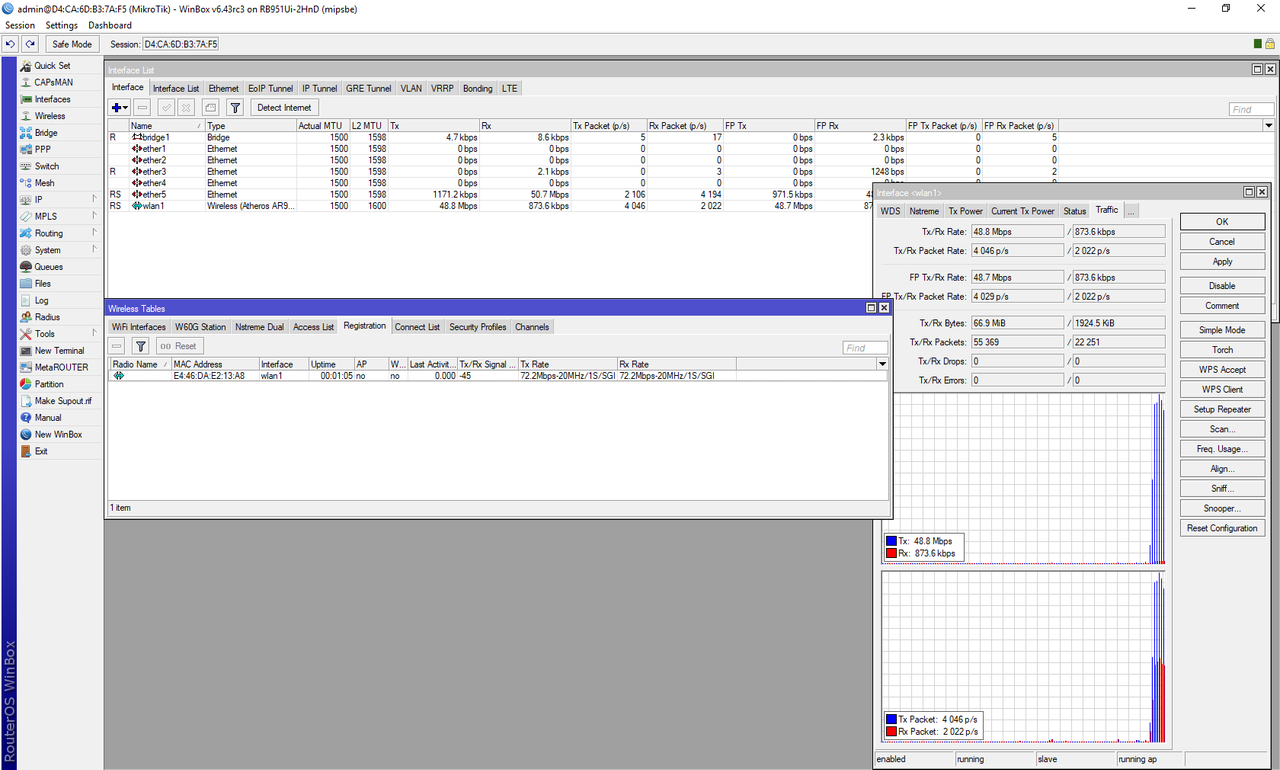
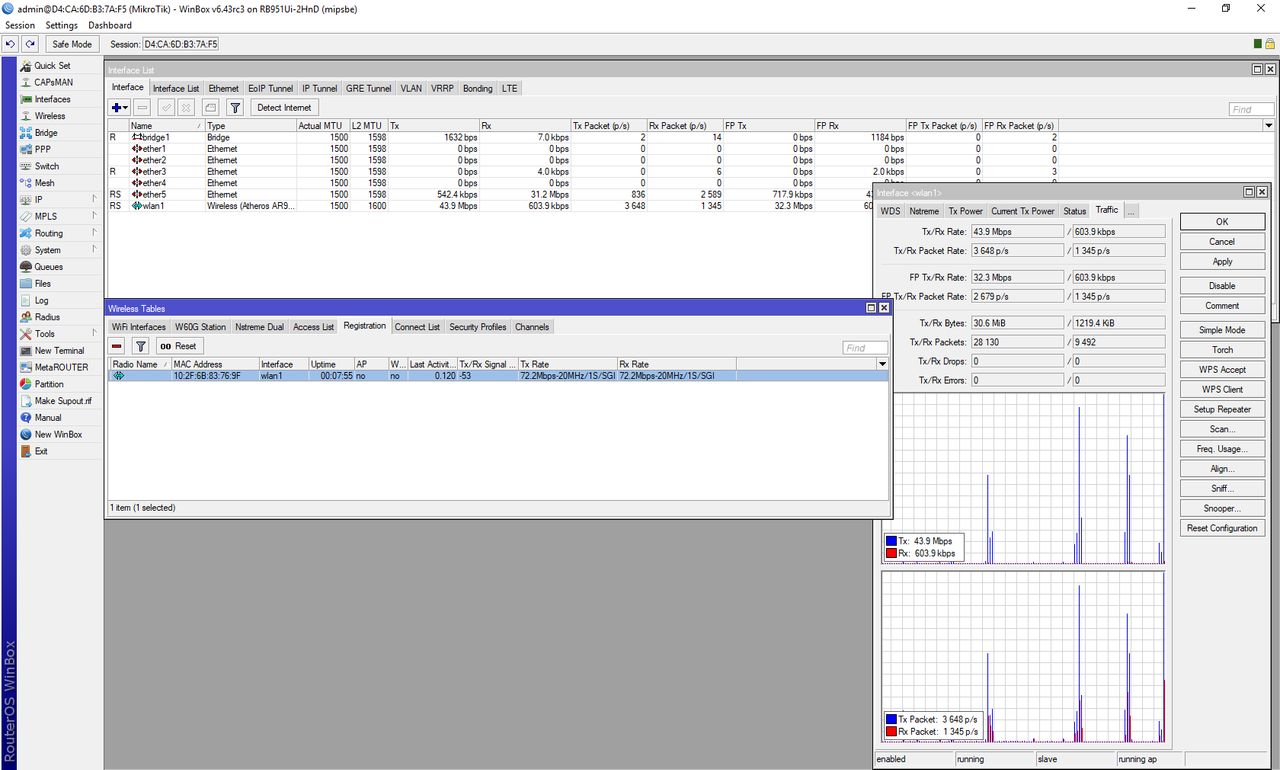
Regarding the v6.43rc3, the WiFi performance is the same as v6.42. There is no improvement found in this release candidate. For details for the test, please refer to the following post.
I use some high ports defined in Mangle and after flashing this RC they were stripped of the 10.000 so port 15000 became 5000.
Update: repeated the update from 6.42 to 6.43RC3 and this time no high ports where changed. But there must be still a Gremlin in RouterOS that causes this sometimes.
Tried to upgrade Hyper-V CHR from 6.42 to 6.43rc3 - FAILED
No connection via winbox mac.
Hyper-V terminal froze.
Restored from backup, tied again - same result.
Downloaded fresh CHR VHDX image.
pasted configuration and nothing worked.
started fresh, and the only issue I could find was the interfaces changed.
ether1 > ether3
ether2 > ether1
ether3 > ether2
changed the configuration to reflect the new interfaces and it still failed.
until I removed the interface names (gateway, lan etc) it would crash.
Once it was configured with default interface names, it began working.
After a backup, changed the interface names and it accepted the changes.
Still haven’t figured out why the terminal hung after the upgrade though.
tomaskir, MonkeyDan - Still work on progress. Will see what we can do about that in 6.43rc. AlexT - Will be resolved in upcoming rc releases. jarda, yhfung - This release does not resolve the problem to which you are reffering. We are still working on it. AlexT, anuser - This fix includes compatibility with phones by Xiaomi, Lenovo, etc. msatter - Please send supout file to support@mikrotik.com. Point out from which version you did upgrade your device. aboiles - Please report this to support@mikrotik.com.
An other problem with with RC3. It is an problem I know from 6.41.2 and I could solve it then by not allowing the Neighbour Discovery inspect the L2TP/IPSEC connections by using !Dynamic. When Neighbour Discovery is doing its inspection it will reset the countdown on the Dail-On-Demand and the connection will not go to sleep after the set time. It is not triggered by the inspection to go up.
I see the figure 1056 in the Tx column on all L2TP connections.
It is not transmitted by anything else than the router because I use PCC and after activating the L2TP I disable connection marking for this L2TP path.
When I look at the Neighbor List it is empty and only when I set it to all it was showing my computer.
@Strods: my upgrade path was 6.40.6 and then 6.42 both and then 6.43RC3 all on firmware 3.41. I had only shortly 6.42 active before going to the RC.
Update: I did use Torch and it is: source 255.255.255.255:5678 to 172.10.21.5:5678 so a Discovery.
Update: I updated /interfaces interface Lists Lists to include my grouped VPN interfaces to be excluded from Discovery. I first defined the interfaces into a group in Interface Lists. Now my connections go to sleep when they are not being used.