Yes, indeed, limited access. My connection is hAPac2 (DHCP client on ether1) → cable modem → ISP
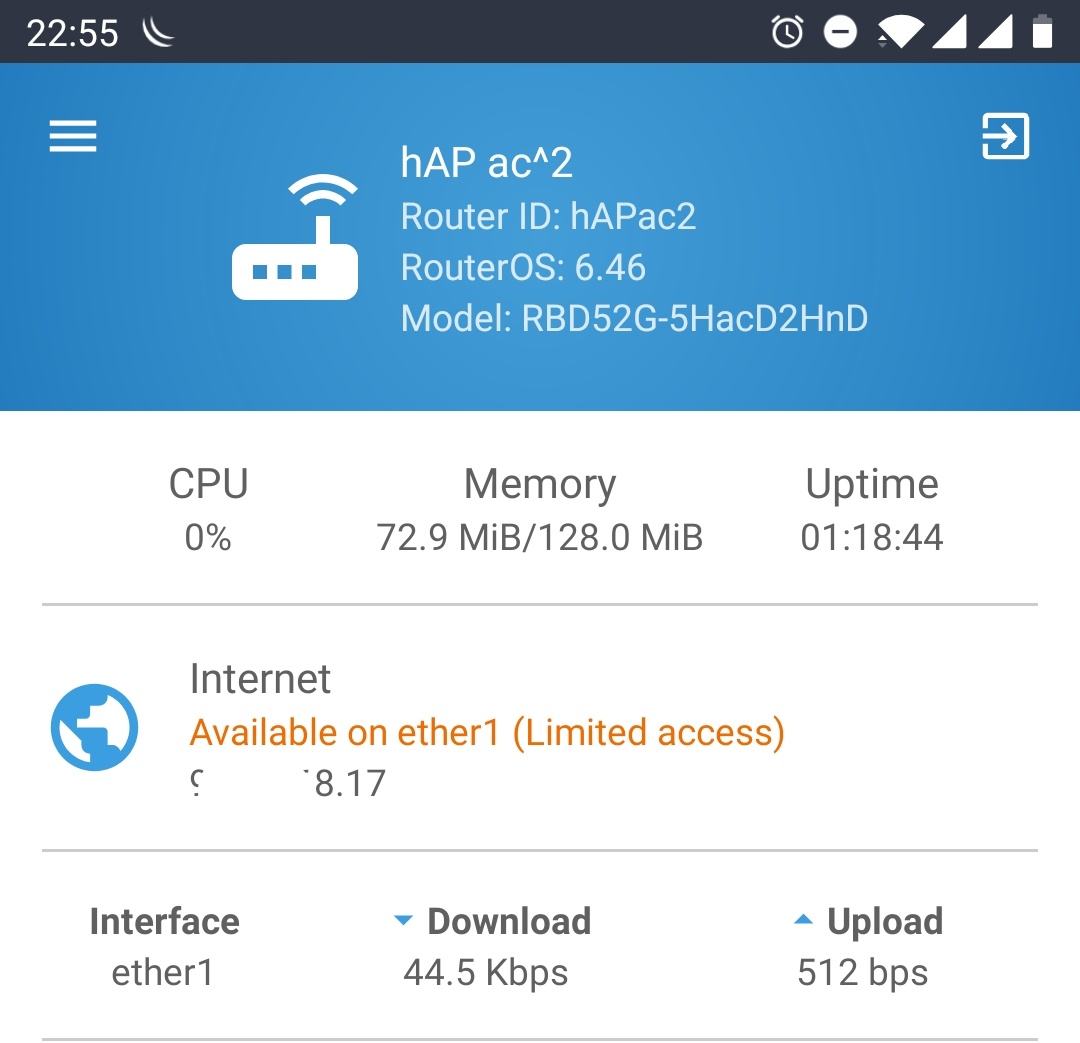
I also noticed that DHCP client options are missing in /export command output in comparison with output from 6.45.7
Yes, indeed, limited access. My connection is hAPac2 (DHCP client on ether1) → cable modem → ISP
I also noticed that DHCP client options are missing in /export command output in comparison with output from 6.45.7
It seems the inability to get a full Dude installation comes from the fact that ‘dude/files/default’ is hidden (and is automatically hidden by the dude process).
however "push-button-5s and “push-button” are not working at all.
Only once time it was working. WPS-Accept only does work
updating to 6.46 went smooth … from 6.45.7 to 6.46 done thru the dude 
No problems so far
 confirm bug on ARM and CHR devices.
Temporary hint on RB3011UiAS where's attached USB flash: move all /dude content to disk1/, after that all default content is accessible and works fine.
After the upgrade cycle (upgrade,reboot,firmware,reboot) the 5GHz Wi-Fi of a RB4011 stop 1 day later to work, a extra reboot solved the issue.
Also upgraded 2x RB2011 and 6x PL7411-2nD.
No errors found so far. 
Yesterday I have upgraded one AP (sxt ac) with 35 clients (mixed n/ac/mipsbe/arm) first impression is that wireless worsk better in peak time.
This morning I have upgraded a tower with 5 AP (RB922) a I hope tomorow to have more data to discuss 
As every time after upgrade I sent the mipsbe and arm firmware files for the CAPs to my CCR1009 CAPSMAN. But obviously it cannot deploy the firmware properly:
11:30:31 caps,error [E4:8D:*********,Run,CAP-E48D********] upgrade status: failed, failed to download file 'routeros-mipsbe-6.46.npk', no such file
but the files are there - as every time.
13 routeros-mipsbe-6.46.npk                                                                package                                                                                    11.2MiB dec/05/2019 11:29:51
14 routeros-arm-6.46.npk                                                                   package                                                                                    11.6MiB dec/05/2019 11:30:01
I can confirm that too…
Did you set
/caps-man manager set package-path
correctly?
Same situation for me with a USB hub and multiple USB–>RS232 adaptors - now seen as one usb port with multiple channels - these work OK but not optimal as you cannot choose separate baud rates etc. etc. for each one individually. @mikrotik can we revert to old behaviour?
Upgraded several CRS326-24G-2S+RM / CRS112-8P-4S-IN / RB1100AHx4 from 6.45.7 to 6.46 without any issues so far.
Not so sure I want to upgrade, my RB450Gx4 is not a concern its my two CAPACs and the reports above of possible wifi issues???
running several HAP AC (RB962) on 6.46 … dozens of IOS devices. I don’t see any unexpected wifi reconnects …
It’s good that wifi still works well after the upgrade on mipsbe devices (hAP ac), but issues are reported on arm devices (hAP ac2, cAP ac, RB4011).
Another issue I have on all my devices is that a scheduler script that used to run on boot, but with version 6.46 dosen’t run anymore:
add name=UpgradeFirmware on-event=“if ([/system routerboard get current-firmware] < [/system routerboard get upgrade-firmwar
e]) do={\r
\n/system routerboard upgrade\r
\n:delay 1\r
\n/system reboot\r
\n}\r
\n” policy=ftp,reboot,read,write,policy,test,password,sniff,sensitive start-time=startup
This is really bad, I need to set different baudrates for two RS232 adapters because one device needs 9600 and other 38400 and these can’t be changed. Grouping them as multichannel serial with single settings is really bad idea…
DHCPv6 Client is making Problems.
After changing some settings on the client I cann’t configure or print it anymore.
Neither via Winbox nor via CLI.
script error: action timed out - try again, if error continues contact MikroTik support and send a supout file (13)
I’ve verified this issue and can confirm the problem. It worked with 6.44.6 for example but no longer with 6.46.
The issue is unrelated to the content of “do”. It seems that’s something wrong with the system-commands in the if-part of the script.