Shouldn’t it be “conversion”?
With that beta series somehow I see only “wlan60-station: link-up” messages in the log, but no “link-down” ones. It is only a half of good to know information about the link state. Hope it is relatively easy fix to make.
confirmed on my side
I get with IKEv2 connections to a VPN provider sometimes huge lists of EAP failed in the log but I can’t see which account is causing this EAP failed: errors. A bit more of information in the error message would be welcome.
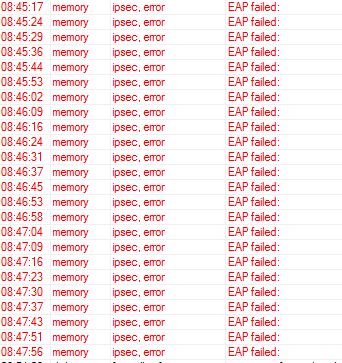
The log is one of many and in that time period of 10 minutes I had about 75 of these error messages.
Version 6.46beta44 has been released.
Before an upgrade:
- Remember to make backup/export files before an upgrade and save them on another storage device;
- Make sure the device will not lose power during upgrade process;
- Device has enough free storage space for all RouterOS packages to be downloaded.
What’s new in 6.46beta44 (2019-Sep-19 05:54):
Changes in this release:
*) capsman - fixed channel auto reselection;
*) chr - added support for Azure guest agent;
*) console - fixed “tobool” conversion;
*) crs305 - fixed sfp-sfpplus2 - sfp-sfpplus4 interface linking (introduced in v6.46beta28);
*) crs3xx - correctly display link rate when 10/100/1000BASE-T SFP modules are used in SFP+ interfaces;
*) crs3xx - do not send pause frames when ethernet “tx-flow-control” is disabled on CRS326/CRS328/CRS305 devices;
*) defconf - fixed default configuration loading on RBmAPL-2nD (introduced in v6.45);
*) dot1x - added support for dynamic switch rules from RADIUS;
*) ike2 - fixed phase 1 rekeying (introduced in v6.45);
*) lte - added support for Telit LM960 and LE910C1 modems;
*) lte - improved modem initialization;
*) routerboard - fixed USB configuration export on RBLtAP-2HnD;
*) routerboard - hide “memory-frequency” parameter for RBLtAP-2HnD;
*) sfp - correctly read EEPROM data from SFP modules (introduced in v6.46beta38);
*) snmp - use “src-address” also for traps;
*) wireless - improved stability when setting fixed primary and secondary channels on RB4011iGS+5HacQ2HnD-IN;
If you experience version related issues, then please send supout file from your router to support@mikrotik.com. File must be generated while router is not working as expected or after crash.
Everyone is testing RouterOS v7.0beta1 (ARM)!!!
Nah, this is a perfect and issue-free release! 
But to be honest… I think we should get v7 into official testing channel as soon as possible. Will that happen after 6.46 final release?
Also, not everyone has an ARM device.
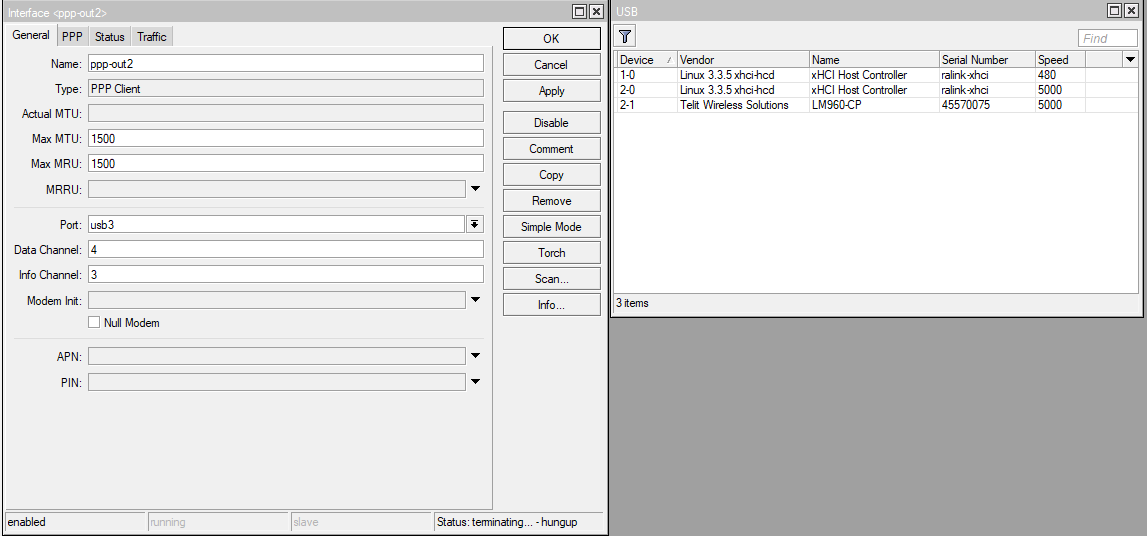
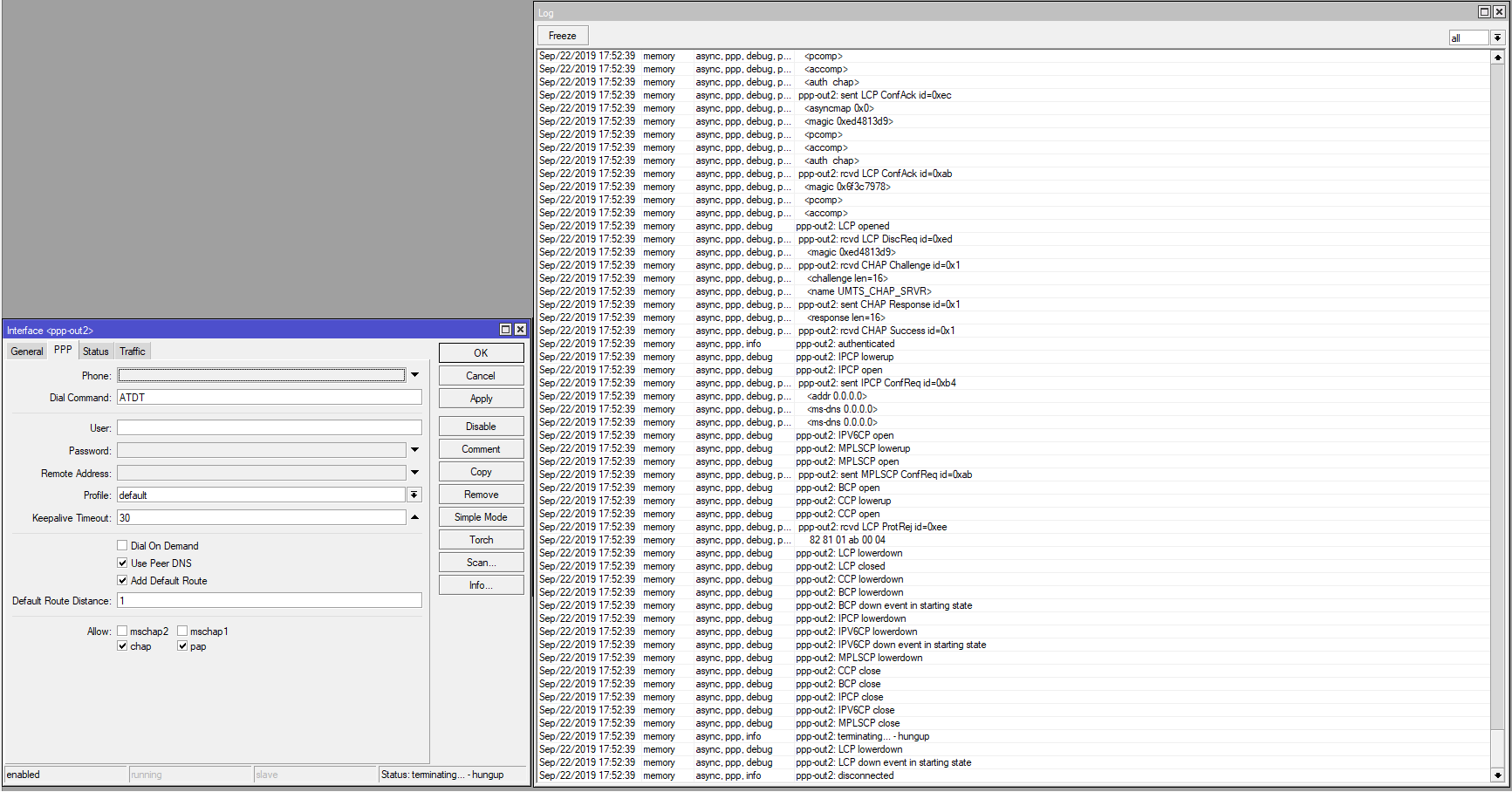
Do you have some manual to configure Telit LM960?
My hardware: LtAP LTE kit, Telit LM960.
In mPCIe slots modem dont available, but in USB slot i see its. LTE interface does not appear.
I try ppp client, but it’s still wont connect.
I’m seeing a problem with DNS resolution of ipsec peer in this beta:
I have an ipsec peer that happens to have a correct ipv4 address, but an ipv6 address that does not work.
On boot, the ipv6 address is picked up, but the ipsec remains in message-1-sent state forever. I need to do
/ip ipsec peer disable PeerName
/ip ipsec peer enable PeerName
And then it gets connected.
The problem I see is that the ipsec machine is not timing out or trying to re-resolve the address when it is not connecting.
Some news about the compatibility between R11e-LTE-US and LtAP LTE kit?
Regards.
Well, then fix the IPv6 address. It will not try a different address until the previous one times out (after DNS TTL). It has always been like this, however we have fixed IPv6 address resolving in the beta.
I wonder what do you call “times out (after DNS TTL)”. Do you mean the use of DNS names is not suitable for any kind of redundancy? I was expecting that RouterOS would either resolve for every retry or at least try a succession of all the resolved addresses.
Reading what you wrote I understand that the first IP address will be used until the name expires, but this is not what I see. My dynamic DNS record has a TTL of 240 seconds, but I have waited more than half an hour (never had it waiting longer before disabling/enabling the peer but I can try if you want more evidence) and in /ip ipsec active-peers it remains in state “message-1-sent” forever. My guess is that once a name is resolved it is never timed our and rechecked, no matter if it changes, at least for IPv6…
$ dig ANY +nocmd +noall +answer +ttlid type my.dynamic.domain
my.dynamic.domain.	161	IN	A		NN.NN.NN.NN
my.dynamic.domain.	161	IN	AAAA	nnnn:nnnn:nnnn:nnnn:nnnn:nnnn:nnnn:nnnn
(The TTL shown varies between 239 and a few seconds)
To be precise, what I observe is a never ending sequence of
19:15:39 ipsec,info initiate new phase 1 (Identity Protection): 2001:470:NNNN:NNNN::1[500]<=>2001:470:NNNN:NNNN:NNNN:NNNN:NNNN:NNNN[500]
19:16:39 ipsec,error phase1 negotiation failed due to time up 2001:470:NNNN:NNNN::1[500]<=>2001:470:NNNN:NNNN:NNNN:NNNN:NNNN:NNNN[500] aee846a570c68409:0000000000000000
So apparently the machinery does not cycle between the different addresses (one A and one AAAA in this case, the A works well). Funny enough, once I disable/enable the peer it works straight away. Not sure why it locks in the AAAA after reboot.
I have some times a EAP failed in the log without any information which IKEv2 connection failed:

I changed the log settings to add more information all the time, this one were two connection taking in sequence almost 40 minutes to connect:
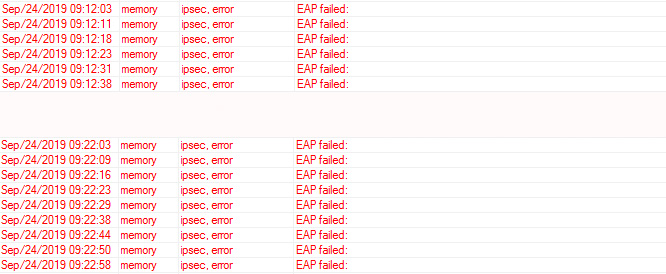
It would be nice if the EAP failed would also state which connection has the problem.
after installing the latest beta to a RBM33G the RB is stuck in a reboot loop.
only netinstalling with the latest stable brought it back to life.
Such reports are kinda useless, unless you also specify what RouterOS version you were using before the upgrade.
I installed the latest stable 6.4.56. And the RBM33G was running fine.
Then i installed the latest Beta 6.46beta44.
After the install has finished the RBM33G is stuck in a reboot loop.
When do you plan to release v6.46 in stable? Waiting hardly for “capsman - fixed channel auto reselection”
Thanks,
George
Wondering myself… This topic became really quiet lately.