RouterOS version 6.47.1 has been released in public “stable” channel!
Before an upgrade:
- Remember to make backup/export files before an upgrade and save them on another storage device;
- Make sure the device will not lose power during upgrade process;
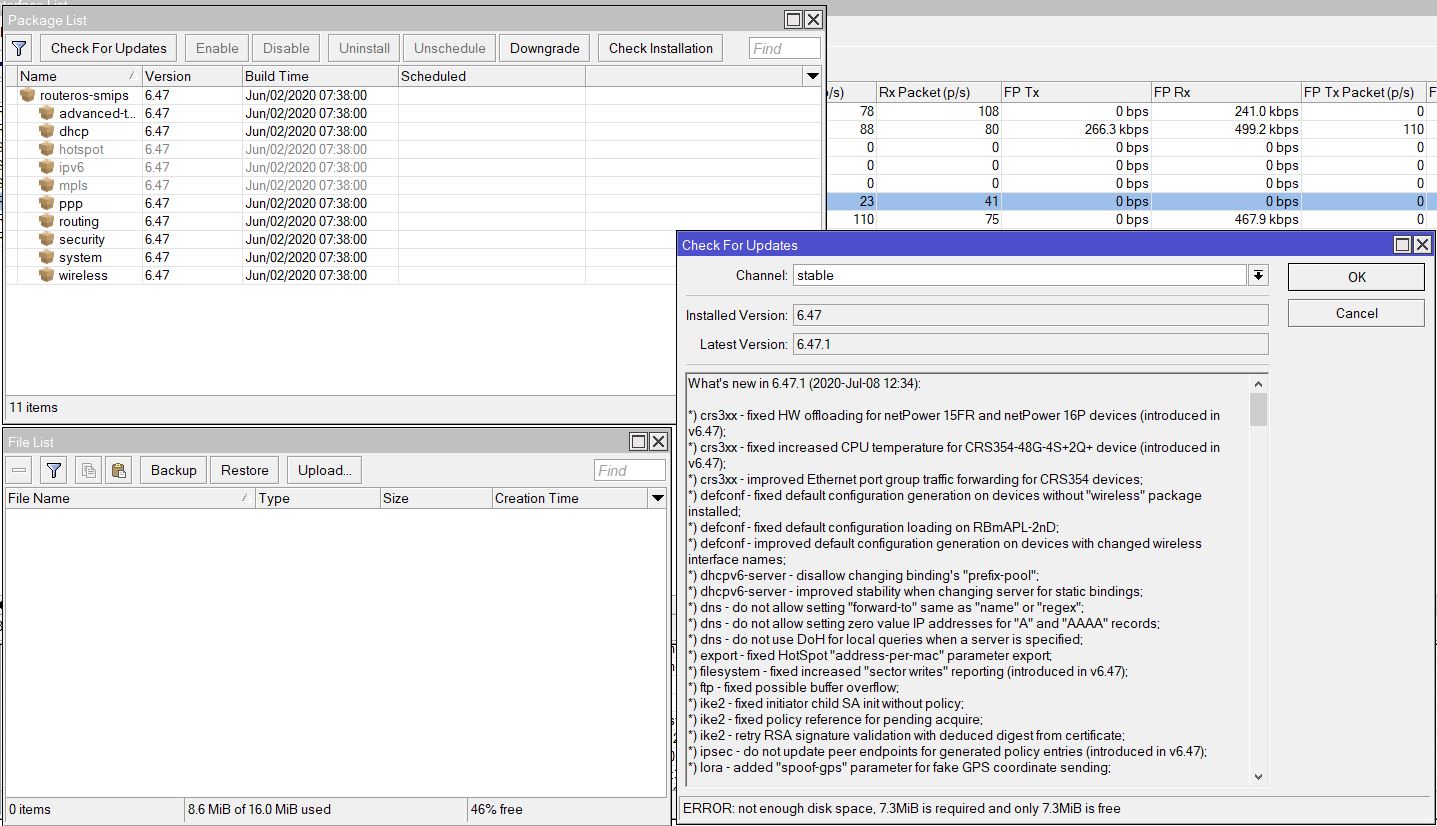
- Device has enough free storage space for all RouterOS packages to be downloaded.
What’s new in 6.47.1 (2020-Jul-08 12:34):
Changes in this release:
*) crs3xx - fixed HW offloading for netPower 15FR and netPower 16P devices (introduced in v6.47);
*) crs3xx - fixed increased CPU temperature for CRS354-48G-4S+2Q+ device (introduced in v6.47);
*) crs3xx - improved Ethernet port group traffic forwarding for CRS354 devices;
*) defconf - fixed default configuration generation on devices without “wireless” package installed;
*) defconf - fixed default configuration loading on RBmAPL-2nD;
*) defconf - improved default configuration generation on devices with changed wireless interface names;
*) dhcpv6-server - disallow changing binding’s “prefix-pool”;
*) dhcpv6-server - improved stability when changing server for static bindings;
*) dns - do not allow setting “forward-to” same as “name” or “regex”;
*) dns - do not allow setting zero value IP addresses for “A” and “AAAA” records;
*) dns - do not use DoH for local queries when a server is specified;
*) export - fixed HotSpot “address-per-mac” parameter export;
*) filesystem - fixed increased “sector writes” reporting (introduced in v6.47);
*) ftp - fixed possible buffer overflow;
*) ike2 - fixed initiator child SA init without policy;
*) ike2 - fixed policy reference for pending acquire;
*) ike2 - retry RSA signature validation with deduced digest from certificate;
*) ipsec - do not update peer endpoints for generated policy entries (introduced in v6.47);
*) lora - added “spoof-gps” parameter for fake GPS coordinate sending;
*) lora - fixed JSON statistics inaccuracies;
*) lte - added support for MTS 8810FT;
*) lte - fixed modem initialization when multiple modems are used simultaneously;
*) lte - fixed PDP authentication configuration for SIM7600;
*) metarouter - fixed image importing (introduced in v6.46);
*) ospf - improved route tag processing for OSPFv3;
*) ppp - allow specifying pool name for “remote-ipv6-prefix-pool” parameter;
*) profile - fixed “unclassified” load reporting on PowerPC devices (introduced in v6.47);
*) qsfp - fixed auto-negotiation status;
*) qsfp - ignore FEC mode when set to fec91, only fec74 mode is supported (introduced in v6.47);
*) routerboard - fixed “mode-button” support on SMIPS devices (introduced in v6.47);
*) routerboard - fixed “reset-button” menu presence on all devices;
*) supout - added “LoRa” section to supout file;
*) switch - fixed MAC address learning on switch-cpu port for Atheros8316, Atheros8227 and Atheros7240 switch chips;
*) w60g - added “mdmg-fix” parameter for RBwAP60Gx3 (CLI only);
*) winbox - fixed flag displaying under “IP/DNS/Static” table;
*) winbox - fixed minor typo in “BGP/Peer” menu;
*) winbox - hide irrelevant switch port parameters;
*) wireless - changed “station-roaming” default setting from “enabled” to “disabled”;
*) wireless - updated “bangladesh” regulatory domain information;
*) wireless - updated “egypt” regulatory domain information;
To upgrade, click “Check for updates” at /system package in your RouterOS configuration interface, or head to our download page: http://www.mikrotik.com/download
If you experience version related issues, then please send supout file from your router to support@mikrotik.com. File must be generated while router is not working as suspected or after some problem has appeared on device
Please keep this forum topic strictly related to this particular RouterOS release.