RouterOS version 6.49.5 has been released in public “stable” channel!
Before an upgrade:
Remember to make backup/export files before an upgrade and save them on another storage device;
Make sure the device will not lose power during upgrade process;
Device has enough free storage space for all RouterOS packages to be downloaded.
What’s new in 6.49.5 (2022-Mar-14 13:31):
*) defconf - fixed invalid default password setting after configuration reset (introduced in v6.49.4);
*) sfp - improved SFP module detection on CRS106 and CRS112;
To upgrade, click “Check for updates” at /system package in your RouterOS configuration interface, or head to our download page: http://www.mikrotik.com/download
If you experience version related issues, then please send supout file from your router to support@mikrotik.com. File must be generated while router is not working as suspected or after some problem has appeared on device
Please keep this forum topic strictly related to this particular RouterOS release.
*) defconf - fixed invalid default password setting after configuration reset (introduced in v6.49.4);
Can you explain that in more detail? Does this mean one can get locked out doing a full reset to defaults?
Or is it “only” related to the recently introduced prompt to change the password when it is empty?
I reset a router running 6.49.4 to defaults yesterday but it was with “keep user configuration” and nothing bad happened.
Hi,
updated some CAPacs , a CRS 309, a HEXS with out Problems. Then I had to climb up to a HEX PoE to powercycle it. It did not respond to ping/macping, the ports stayed up, but no traffic was flowing. It´s used as a PoE Switch only, no routing. Update was from 6.49.4 > 6.49.5.
BR
W
With new update 6.49.5 on CRS112 ubiquit SPF modules UF-RJ45-1G do not work anymore. Going back on firmware (Long Term) OK. Iam not sure but 6.49.3 was working.
Upgraded hEX from 6.49.4 to 6.49.5. Worked OK but had some issues connecting to some sites (Apple updates, Youtube). Rebooted the router and seems to work fine now.
Updated soft- and firmware on these models without any issues:
CRS112-8P-4S
RB750GL
RBcAPGi-5acD2nD (cAP XL ac)
RB1100AHx4
CCR2004-1G-12S+2XS
CCR1009-7G-1C-1S+
x86
Nothing is wrong from the router end. No unwanted scripts, rules, DNS entries are found. I’ll perform netinstall shortly after and will check if that works or not.
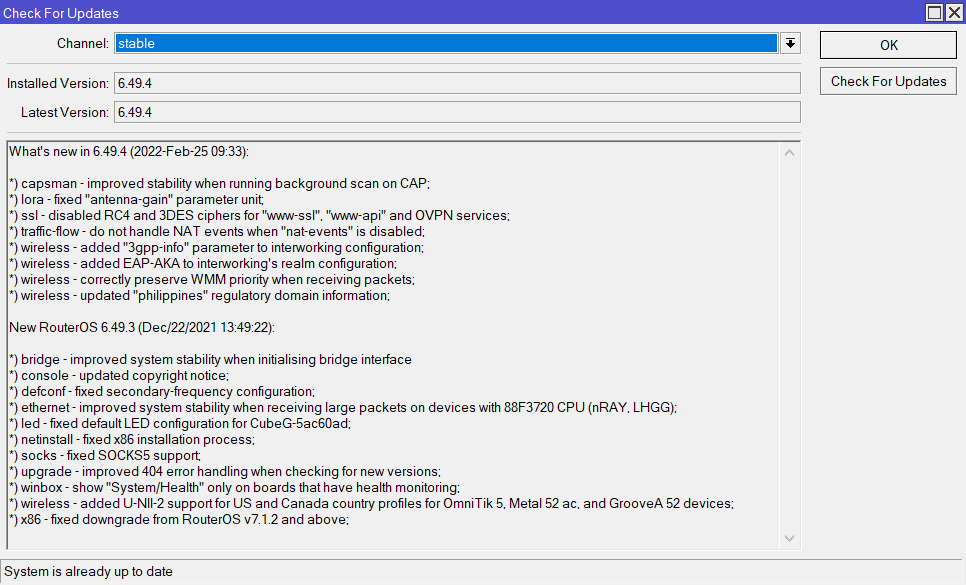
The router only shows no available update and is installed to the latest version 6.49.4.
Apart from this, all services are okay and I’m not having any network issues at all. To be honest, this is for my home lab, and the router does not contain any complicated configurations. Just some firewall rules, DHCP, simple natting, etc.
While it is a bit worrying that your router does not show available updates (that might point to it being hacked and now updates are being controlled by someone other than MikroTik), there is no reason to install 6.49.5 on a 2011.
When you have time you can try do a /export, examine it for things that you put not in there yourself, then do a netinstall with format and no default settings, and then connect using MAC and upload and import the /export file again.
When you use version 6.49.4 for that you can then again try to see if it shows the update. But you can also immediately go to 6.49.5.