Remember to make backup/export files before an upgrade and save them on another storage device;
Make sure the device will not lose power during upgrade process;
Device has enough free storage space for all RouterOS packages to be downloaded.
What's new in 7.20.8 (2026-Jan-30 11:17):
bgp - fixed route refresh subcode 0 warning;
bgp - implement revised input error handling per RFC 7606;
bridge - fixed dynamic switch-cpu VLAN creation (introduced in v7.20.7);
container - fixed nftables/iptables not working with "Message too long" error;
health - fixed fan and PSU state logging for MIPSBE devices;
poe-out - firmware update for 802.3bt capable boards (the update will cause a brief power interruption to poe-out interfaces);
poe-out - fixed PSU state recovery upon unplug/replug on CRS320;
ppp - added initial support for BG770A-GL modem firmware update;
route - prevent creating routing tables with the same name;
routing-filter - fixed num-set matcher;
sfp - fixed sfp-ignore-rx-loss parameter for RB760iGS;
snmp - fixed handling of the script "dont-require-permissions" parameter when executing scripts using MIKROTIK-MIB::mtxrScriptRunOutput;
snmp - fixed permission error reporting when executing scripts using MIKROTIK-MIB::mtxrScriptRunOutput (introduced in v7.20.7);
snmp - fixed script "run-count" update after execution;
system - fixed rare partial loss of RouterOS configuration;
user-manager - properly release database backup file after backup creation;
w60g - fixed possible memory leak when an interface is disabled;
zerotier - improved route removal;
To upgrade, click Check For Updates under System/Packages menu and select the long-term Channel in RouterOS configuration interface, or head to our download page: http://www.mikrotik.com/download
Everything went smoothly
I encountered an issue after the update (please post about the device, configuration, and unexpected symptoms)
I encountered an issue, but solved it (please post the solution)
0voters
If you experience version related issues, then please send supout file from your router to support@mikrotik.com. The file must be generated while a router is not working as suspected or after some problem has appeared on the device
Please keep this forum topic strictly related to this particular RouterOS release.
Now that there's also (it seems, finally) a long-term release, this also comes out.
The latest version for v7 should be used as a reference, since it's RouterOS 7.
If there is anything significant, I'll point it out.
Why to apply your settings? Its not fixed in this version that thing ? Why need to apply scripts to fix something that, should work out of the box with this firmware?
I think those settings are needed only if you update from RouterOS v6 to RouterOS v7 Long-Term. If you are coming from RouterOS V7 Stable or other channel, it doesn’t need that.
The fixes are needed when you are coming from older RouterOS 7 versions too. Because upgrades normally don't modify existing firewall rules. If you upgrade from < 7.18 to >= 7.18 for example, the IPv6 fasttrack rule is not automatically added.
Same with the new additions to the "CAPsMAN" rule. If you upgrade from < 7.20.7, your rule will not automatically get the new conditions.
which ones vanished? ip or ipv6? There is not a single "remove" command for the "ip" section. And the commands for ipv6 are very well restricted to specific address list items.
There's a topic specifically for this
(besides the fact that it doesn't remove any rules at all, and what's written is visible to everyone...) don't pollute this, it's for 7.20.8 release.
don't pollute this topic, it's for 7.20.8 release.
All questions related to the other topic should be asked there, not here,
otherwise it's always the same story with every release.
Just read the answers already provided and the text already written.
Anything missing will be added for clarity.
Just read what's already written first.
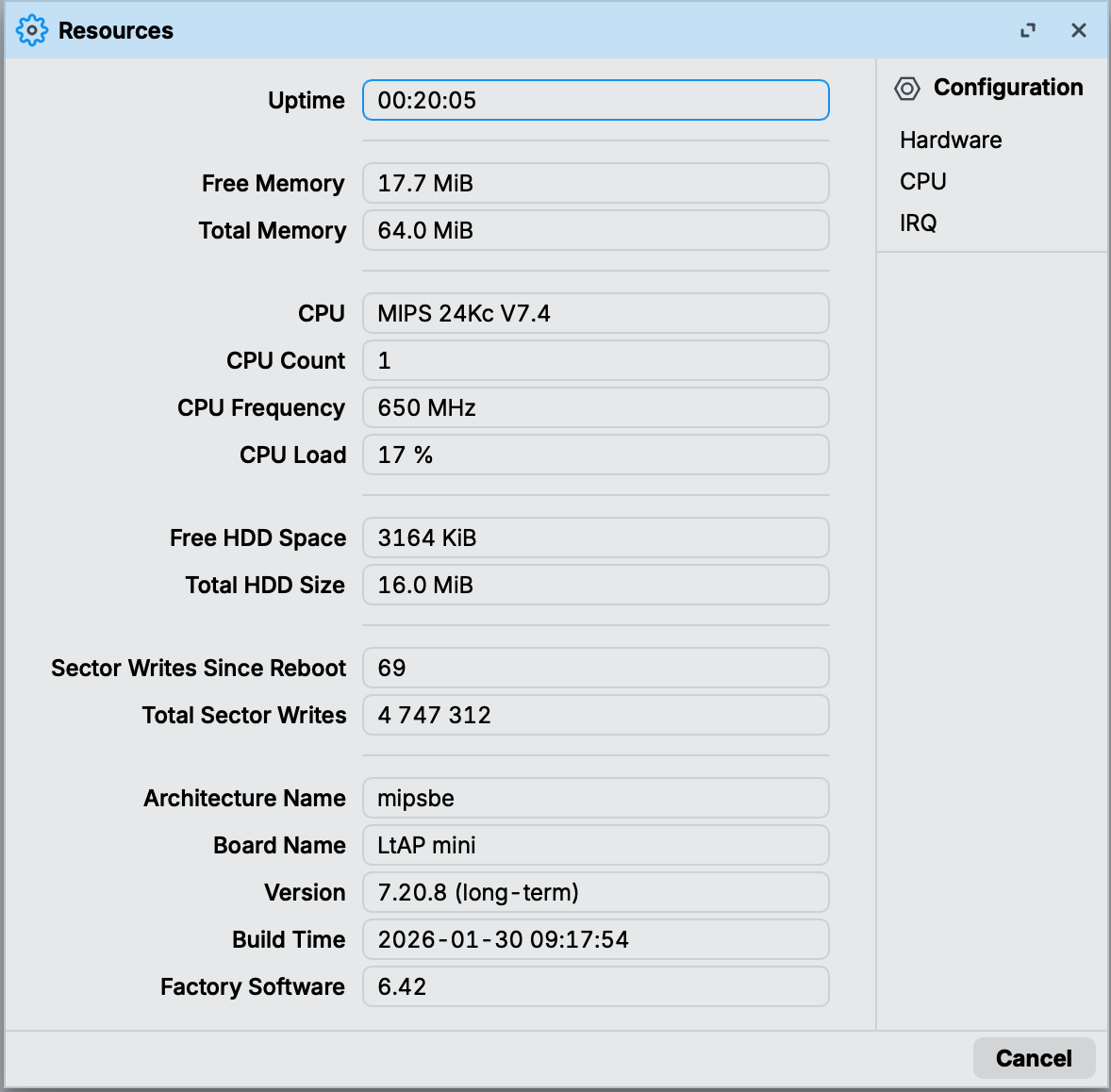
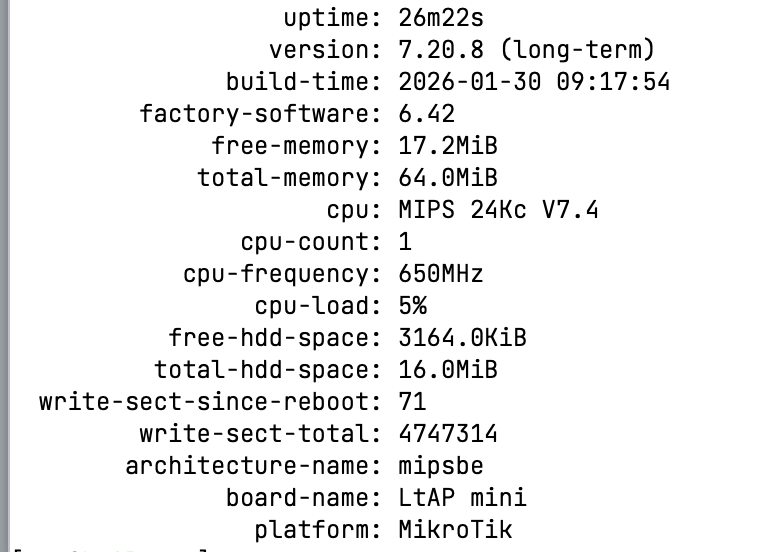
It was disabled for devices with (only) nor flash. (The ones where the product page specifies memory as "flash" instead of "nand".) This metric doesn't make much sense for these.