If you do that, the hap ac lite will try to route within the hap ac lite, because it will have “connected” routes to all subnets.
In my opinion, if you want to have a single place to control inter-vlan routing, it would be better to do all intervlan routing from the same device where the firewall is defined.
I didn’t think you wanted to allow guest to log into the hap ac lite anyway.
Edit: I don’t even think you need the vlan interface for 15 an 20 on the hap ac lite. Since it is essentially just acting as a L2 bridge with one interace to manage it from.
In other words, I think these lines are NOT needed:
/interface vlan
add interface=bridgeAP name=CCTV_network vlan-id=20
add interface=bridgeAP name=Guest_network vlan-id=15
add interface=bridgeAP name=Home_network vlan-id=10
as they represent the hap ac lite routing block’s connection to the bridge, and we won’t be doing routing on the hap ac lite, just bridging(switching) at the ethernet mac layer. Inter-vlan routing and firewalling will be delegated to the hEX (or RB4011 when it is configured).
Interesting discussion, I concur they are not required, but thought it was not harmful in at least having them there as explanation.
Seems like that might not be the case. Good tip, I will look into it and modify my useful article if necessary.
Did you assign the address .253 manually on the AP, (its what I would do).
Next step is to go to the Router and DHCP leases, with the mac address of the AP and add your AP to the vlan manually, as a fixed static IP.
Yes, I manually assigned 172.16.10.253/24 on the AP but… I didn’t assign static IP on the router… I forgot about that… Will do that when i’m back from work.
So I just need to add trusted subnet, in my case Home_network @ 172.16.10.0/24, and then i add into HAP’s bridge new configured virtual wifi interfaces and untagged them with the correct ID ? And Hex will send all VLAN’s from his ether5 which is tagged for all VLANs(10,15,20) to ether1 on hap lite where are ether1 and bridgeAP tagged so they accept all VLANs . And then virtual wifi interfaces are access ports, i untagged them with vlan’s i want on that interface. I hope i understand correctly.
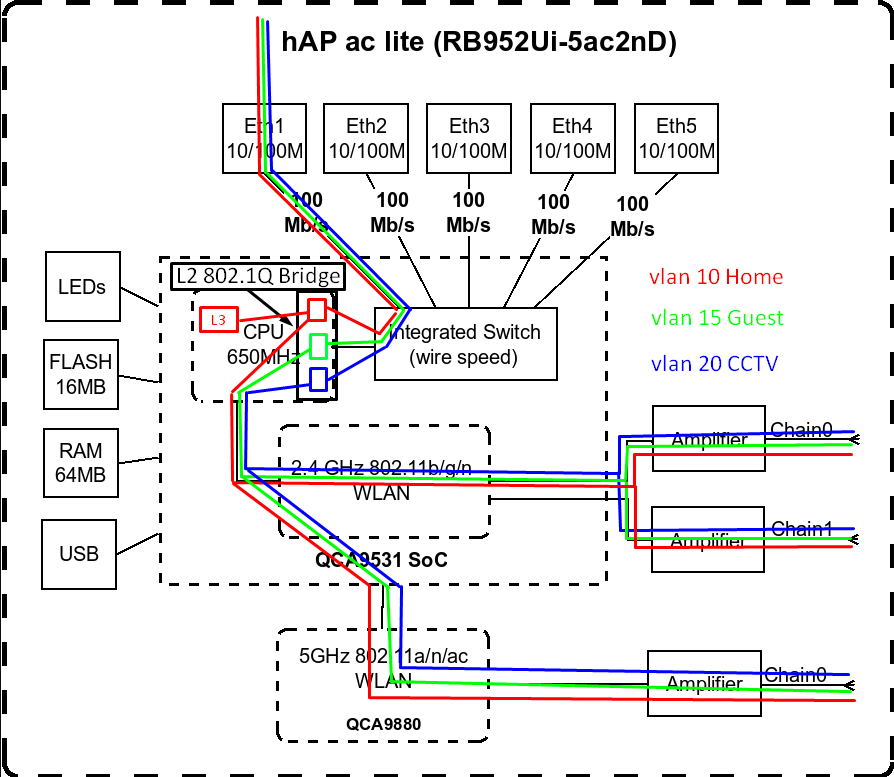
To be honest, I haven’t looked at how this works, my assumption was that there would still be a single bridge, but that part of it would be software based but with an “internal” trunk to the switch chip.
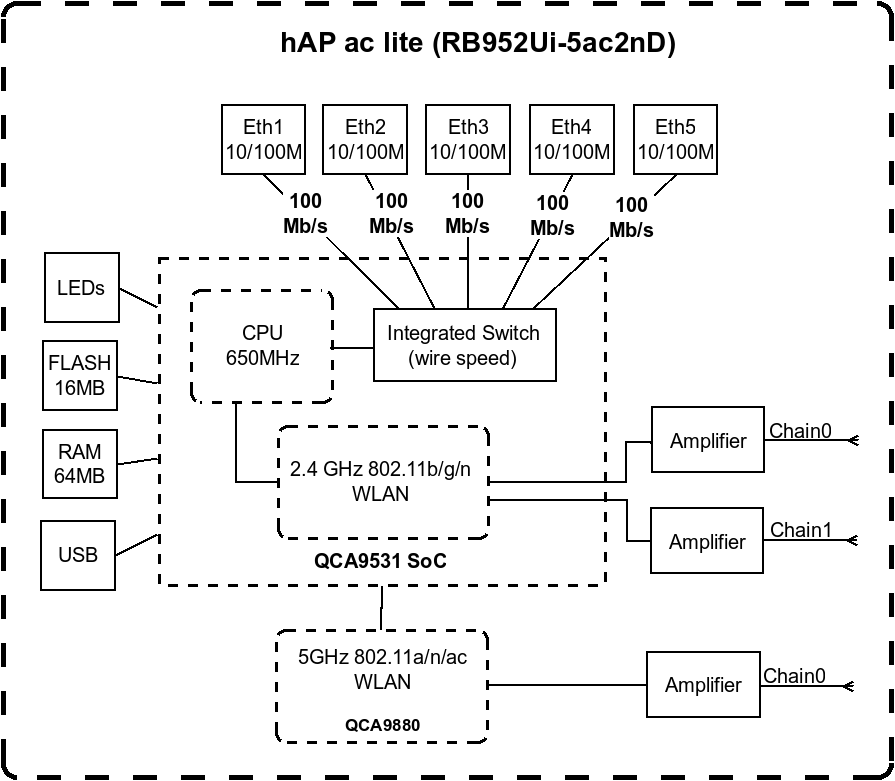
I drew this up, before I really read your post closely.
Then I found this @pcuniteAccess Point setup and after skimming it, it think it is reasonably close to your config, with the exception that they have a more proper Management only vlan, where yours is using the “home” vlan as the management access vlan.
But I will defer to others on this, because I have no way to test, since all I have is the hEX S with no wifi.
Note that you could enable other ports on the hAP ac lite to be access ports for vlans of your choosing, but if in a work environment, you would probably want the other ports disabled, or limited to being access ports for the guest vlan. In a home, I don’t think that is a requirement, but how it is configured is up to your discretion.
Regarding other ports, i can configure it for the sake of learning but in reality, when i setup proper network, i will use cAP ac, they have 2 ports, one trunk and one will be managment so… Right now i have only one cAP ac, but when all equipement arrive and i have some spare time, i will make proper network.
So in HexS under Leases i added IP address i reserved for AP = 172.16.10.253. I added MAC address and choose dhcp server dhcp1 but there is no connection. Status is waiting
Given your situation, I would partition the problem.
Wired access to each vlan on RB760iGS
Wired access to each vlan via trunk link to hEX ac Lite ethernet ports
Wireless accesss to each vlan via trunk link and bridge to SSIDs
First make sure dhcp is working on every vlan when connected through the RB760iGS. If it doesn’t work there, it won’t work from the other side of a trunk port and wifi bridge. You should be able to connect a PC into RB760iGS port 4 and get an address from dhcp1 server in the 172.16.10.0/24 network. But if you plan to use the laptop across multiple vlans, the following section may cause a problem, but I don’t know for sure what the following does
There seems to be only a small intersection between what /ip dhcp-server lease add [tab] shows and what the documentation shows here ROS/DHCP#DHCP-Parameters
I assume it is assigning a static mapping between a MAC address and what address the dhcp-server will return to a client with that MAC address, but the documentation needs to be updated, and the dhcp-server in v7.2rc5 needs some additional work if many of the options in the documentation work in v6 (I have never used ROS v6, so I am only assuming that the documentation was copied from v6, and that it isn’t all working yet in v7).
Shouldn’t you be specifying a dns-server with each dhcp-server?
If a PC plugged into ether4 works, and can get to the internet, the next step will be to test the other vlans by reconfiguring bridge port ether3 to use a different pvid (and probably you will need to change the bridge vlan setting for the vlan specified by the pvid applied to ether3). Then verify that the PC connected to ether3 can get an ip address from the Guest and CCTV pools (when set to the appropriate pvid / vlan) After you have that working, then we will move to the hAP ac Lite (and start with adding access ports for each vlan using the available ethernet ports). Then when that’s working we can move to the wifi.
So I tried to asign every VLAN to ether4 and i get IP with correct format (172.16.15.x for VLAN_15, 172.16.20.x for VLAN_20), and i get internet access (I’m writing this while on VLAN20) so i can presume that there is no problem with wire connection on hexs. (I untagged every VLAN on desired port and i changed PVID in port settings)
Regarding specifying dns-server in dhcp server, i don’t know, but it’s working without it.
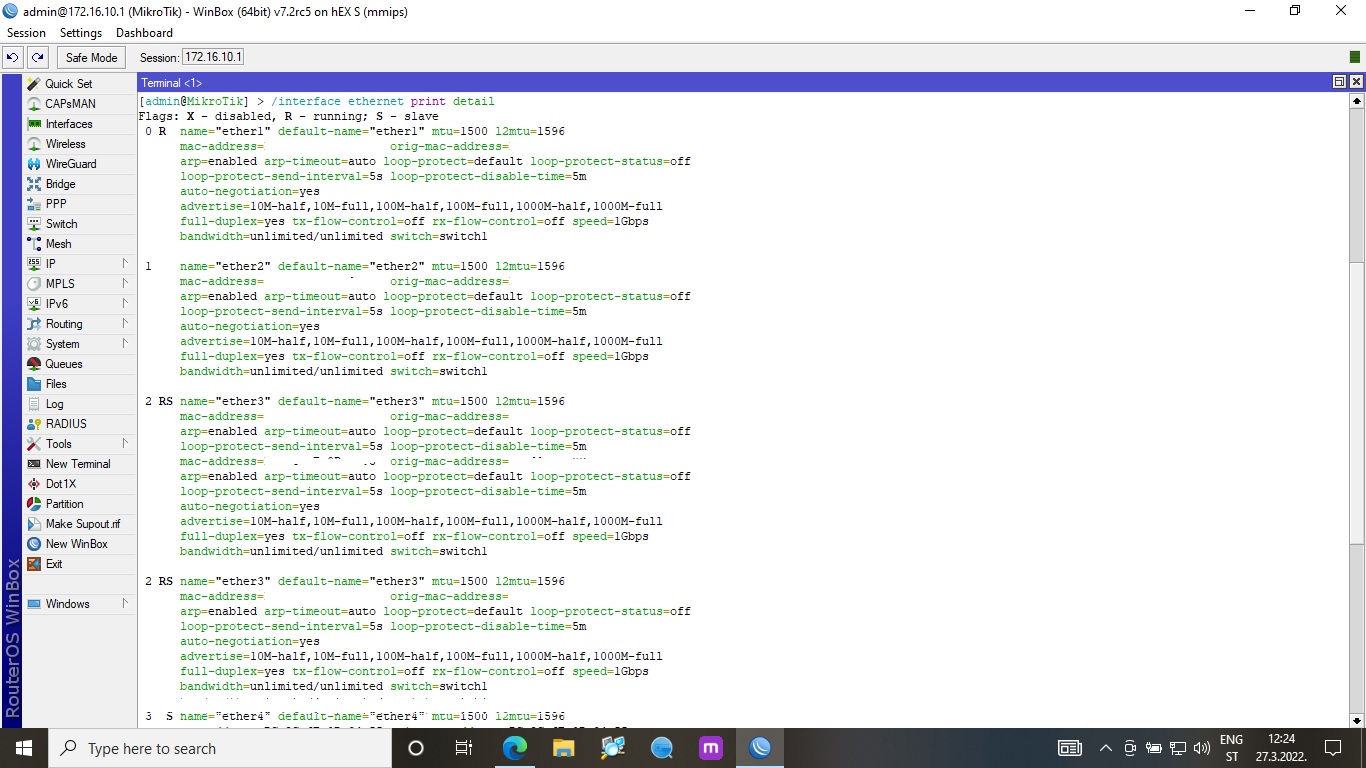
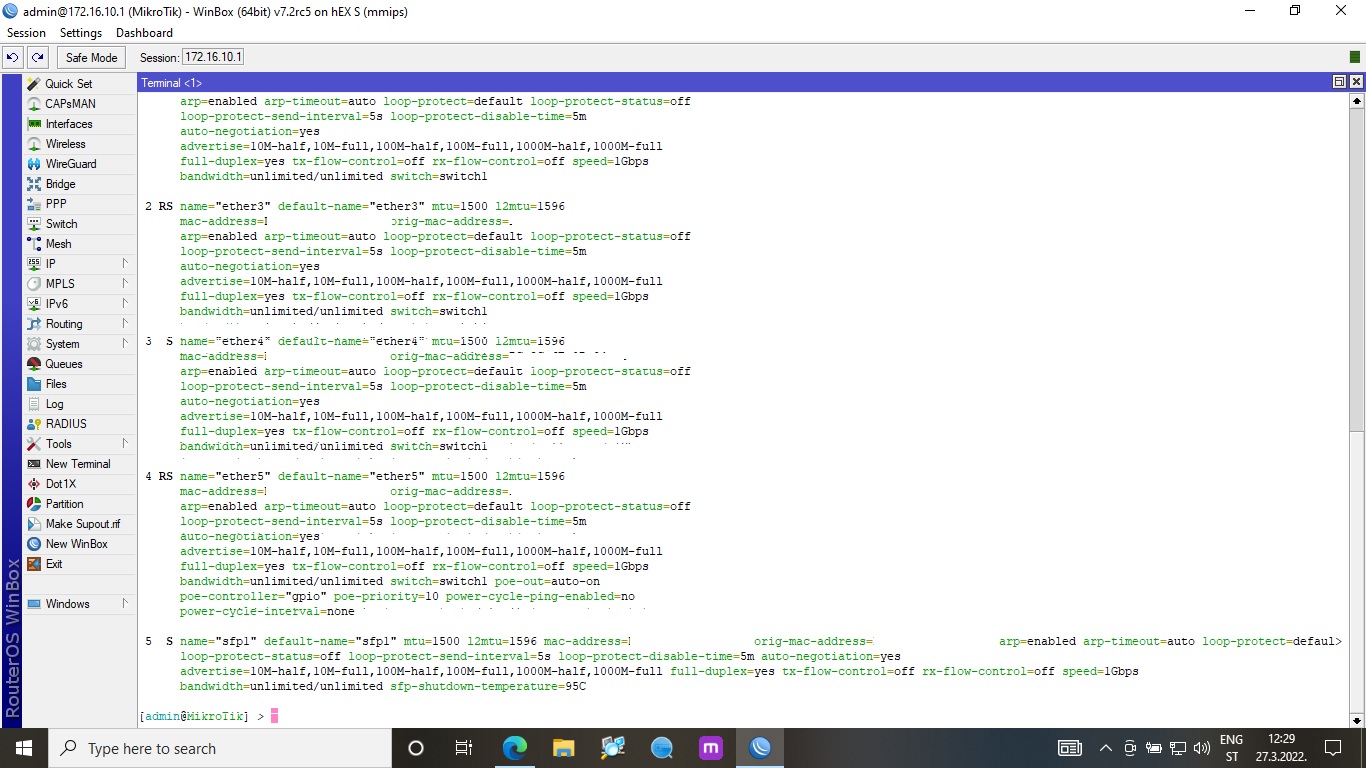
Ok, i tried to untag ether3 on switch/AP and nothing, can’t get IP, so something is wrong with switch settings ? I have aruba smart switch so i can test if i can get all vlans on him.
I wouldn’t untag multiple vlans on the same port, maybe that’s not what you did, but what you said makes it sound like there were multiple vlans on the port. PVID only tells the switch what to do with incoming untagged ethernet frames. Having multiple vlans definged for the bridge port but untagging them all can lead to interesting results. I’ve seen it done on TP-Link SG108E switches to have asymmetric vlans for “port isolation”, but that’s not the way port isolation is usually implemented.
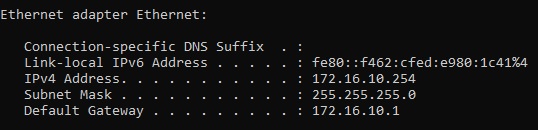
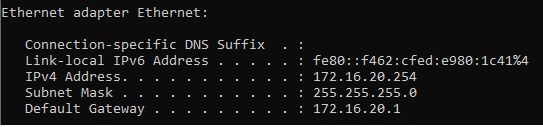
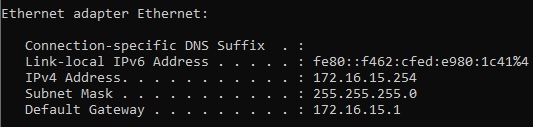
If you use ipconfig /all it will display more info, like this:
Can you tell us what is not working? Is it that you are not getting an IP address from the dhcp server when you connect to the wifi on the hap ac lite?
If that’s the case, we need to add some access ports on the switch on the hap ac lite, and connect wired connections there to see if dhcp works. That will tell us if the problem is the trunk link or something with the wifi setup or link to the bridge. And I won’t be of much help there.
First, can you connect to the hap ac lite from the a PC connected to vlan 10? Can you ping 172.16.10.253 (the management interface on the hap ac lite) from a PC connected to the HEX vlan 10?
I just saw this:
Can you post updated hap ac lite config? before and after if you make change below.
First I untagged ether4 for VLAN15, then i changed PVID to 15, plugged the laptop into ether4, i get IP address and internet access.
Then i untagged ether4 for VLAN20, then i changed PVID to 20, plugged the laptop into ether4, i get IP address and internet access.
I didn’t untag all vlans at the same time as i presume that won’t work.
When i tried to ping 172.16.10.253 i get destination host unreachable.
When i tried to untag ports on switch/AP i cant get IP address
And here is after @anav config changes (Note: when i tried to input for eg. add interface=ether3 pvid=10 when i hit enter it asked me to provide bridge so i put bridgeAP. When i tried to input other command it asked me for a nubmer at the end, i just hit enter and then i saw that none of the interfaces were untagged so i untag them manually)
For ether5 (trunk port on hex) i see one mac address for each vid and they are the same.
For ether1 on hac ac lite i only see one mac address and that is only for vid 10
for arp print on hap ac lite i get:
0 DC 172.16.10.1 mac address Home_network
1 DC 172.16.50.2 mac address ether1
On hexs:
ADDRESS MAC-ADDRESS INTERFACE
0 D 172.16.20.254 Same MAC CCTV_network
1 D 172.16.15.254 Same MAC Guest_network
2 DC 172.16.10.253 Different MAC Home_network
3 DC 172.16.10.254 Same MAC Home_network
4 DC 172.16.10.254 Same MAC Guest_network
5 D 192.168.1.106 No MAC ether1
6 DC 192.168.1.1 Different MAC ether1
Why are you putting vlans inside wifi settings?
They only need to be connected to the WLAN at the bridge port setting…
Further why do you have FIVE WLANS?
What are the other two for??
Here is a fixed up config… You dont need to identify the other vlans as they are simply going through the ap/switch from ether1 to their respective bridge port.
Also, they do not need to be tagged to the bridge either! Added refinements to bridge ports…
The five wlans have been reduced to THREE set wlan1, set wlan2, add virtual wlan
Because im an idiot… i added three virtual wireless interfaces… and i didn’t use real interfaces at all… So i assign vlans at bridge port settings only, i don’t touch anything else
Tommorow i will change configuration (i will leave ether3,4 and 5 for now just for testing, later i will disable them as they are not needed)