Hello My friends.!
I used to apply inter Vlan routing on my Mikrotik device using the switch config, but now I couldn’t find the VLAN section.
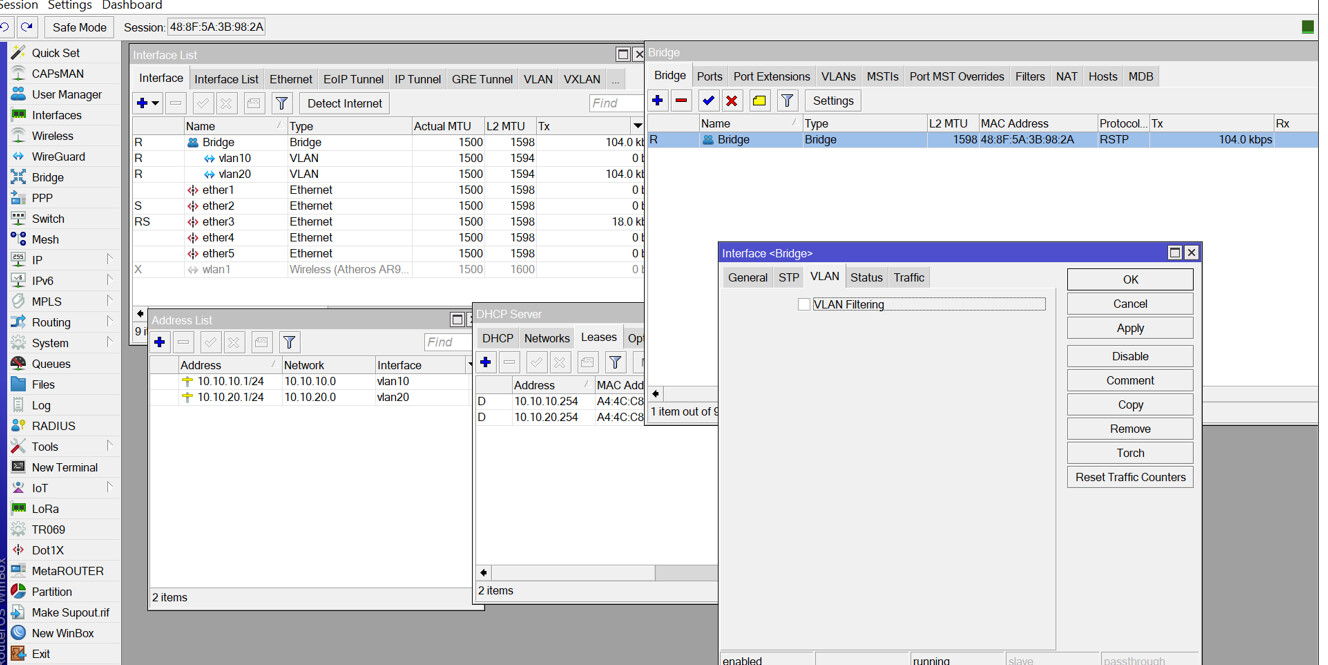
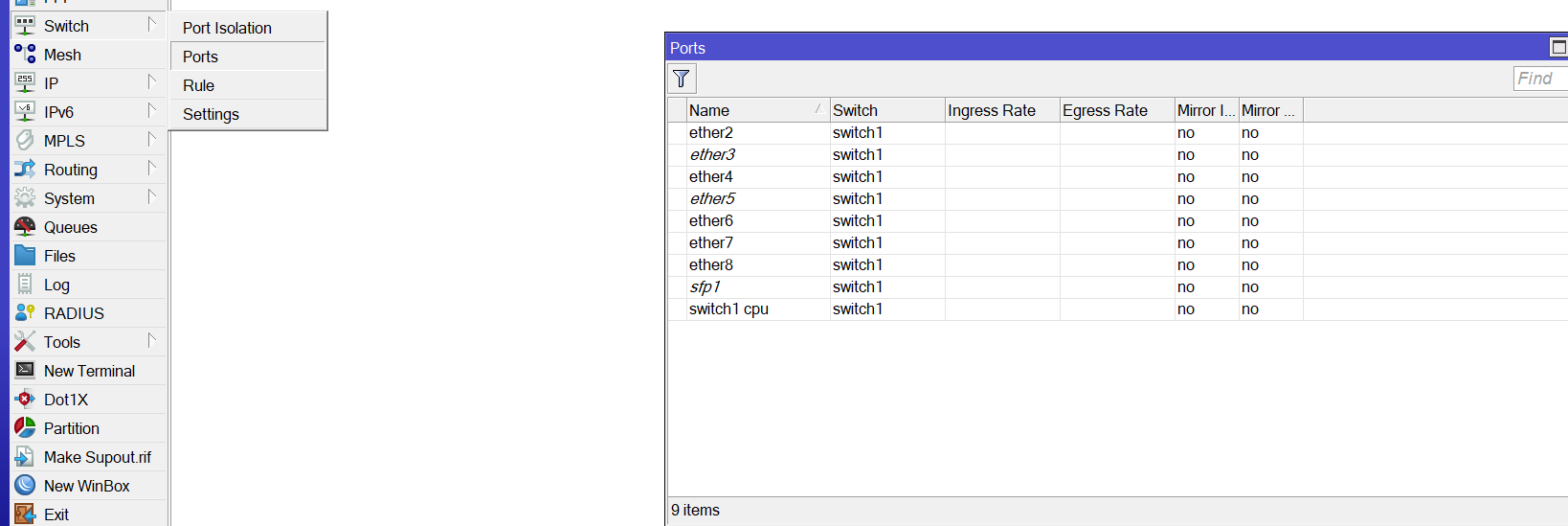
here is my previous config on v7.8
You can read the following article on how to set it up nowadays:
Basically, you define PVID on the access bridge ports and add VLAN entries in the bridge VLAN table for the tagged ports and including the bridge as a tagged member. To enabled the routing you just allow traffic between the VLAN interfaces which I see that you’ve already added for DHCP services probably
It’s obvious from your screenshot that the two devices are not the same model. The old way to configure VLAN via /interface ethernet switch only applies to some older switch chip models. For most of the newer MikroTik devices you now use Bridge VLAN Filtering instead.
Good Observation, You are right
the first screenshot for Mikrotik RB951ui, and the next one for L009UiG
Please Can you guide me more about this Bridge filtering..?
does this did the same function as inter VLAN ?
You can use the thread linked by @TheCat12 and @mkx above. But it looks like you are already familiar with the different VLAN terms (trunk, access etc…) because you already configure your VLANs in the “old way”, so maybe that forum thread is not really needed. You can just use my previous link to the documentation above, scroll down a bit and you’ll see example for different access/trunk/hybrid configurations.
With recent RouterOS 7 versions you’ll only need to:
Set PVID for the entries under /interface bridge port for your access & hybrid ports, and frame-types to either admit-only-untagged-and-priority-tagged (access) or admit-all (hybrid). This defines the untagged VLAN ID on that port.
For tagged VLANs, add entries to /interface bridge vlan with the ports in the tagged list. Also configure frame-types for the ports under /interface bridge port accordingly, admit-only-vlan-tagged for trunk ports, and admit-all for hybrid ports.
The VLAN interfaces are defined under /interface vlan just as before, no differences to the old config. If your RouterOS is new enough, having these interfaces automatically takes care of adding the bridge interface to the tagged list of the VLANs, so you don’t need to do that manually anymore (like in the docs)
After everything is done, turn on vlan-filtering=yes on the main bridge interface. For your L009 you should only have one bridge, and if you want full hardware offload don’t put ether1 in that bridge.