Hello,
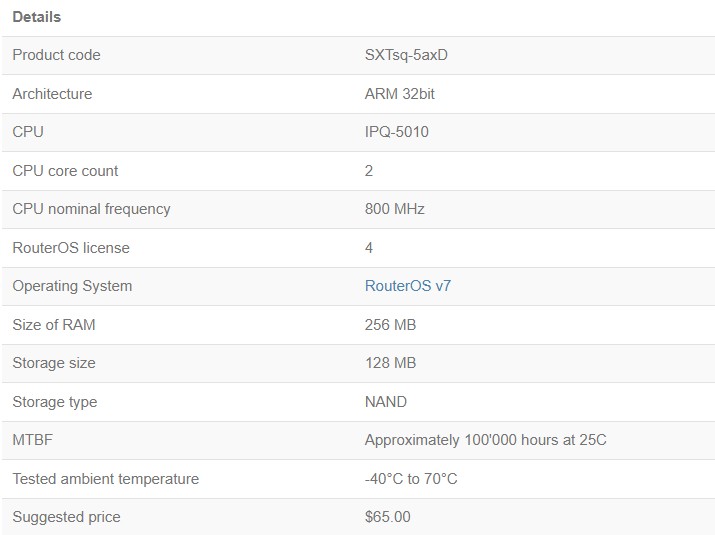
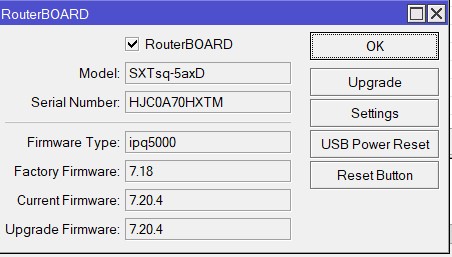
I have a MikroTik **SXTsq 5 axD** (Product code: SXTsq‑5axD, ARM 32‑bit, CPU IPQ‑5010, RouterOS v7, license level 4).
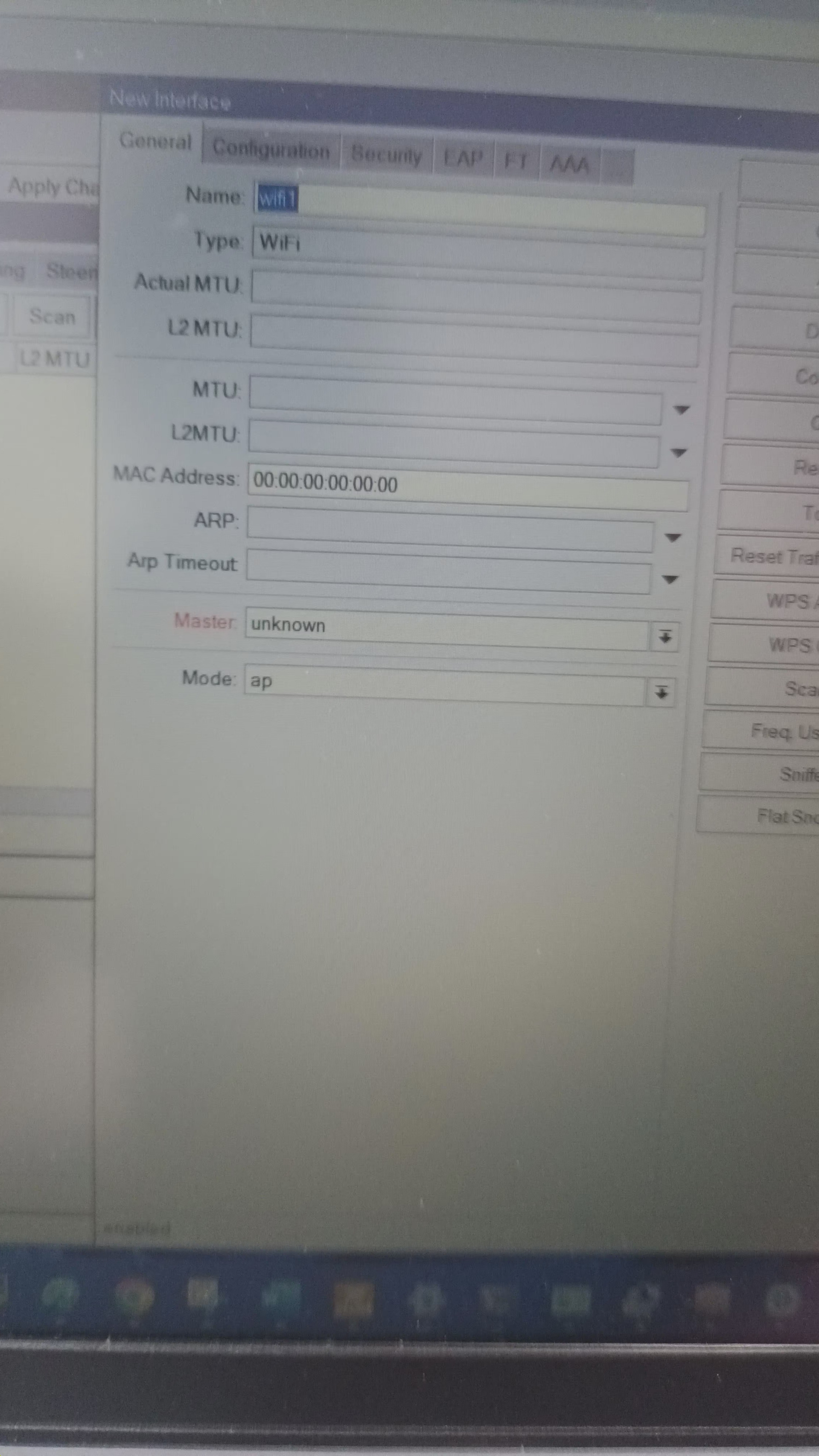
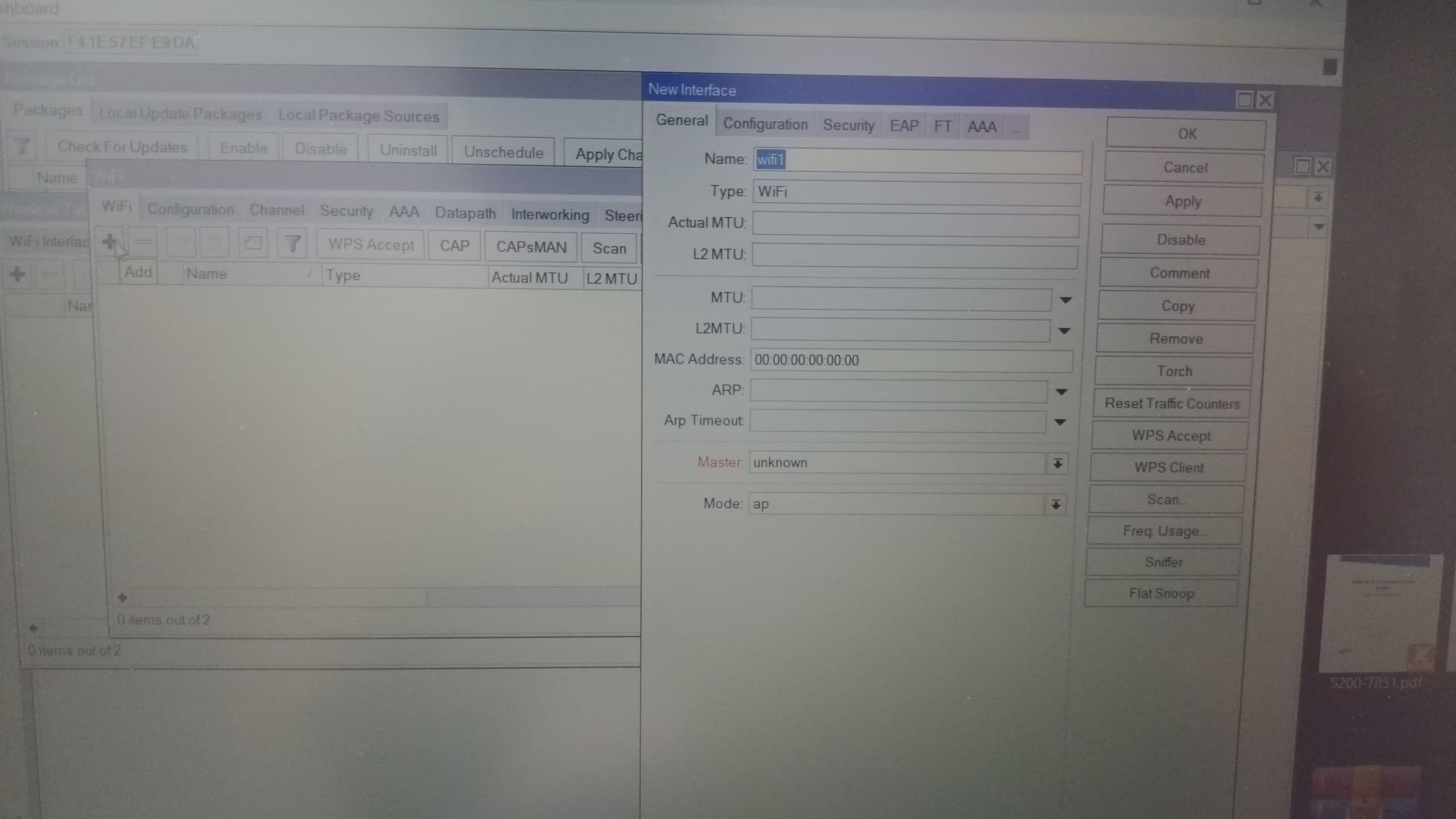
When I open **Wireless Tables → WiFi Interfaces** in Winbox, there is no wireless interface listed.
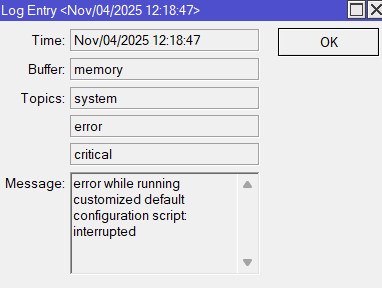
Also, on boot I get the following log error:
error while running customized default configuration script interrupted
It seems the default configuration script fails when trying to set up the wireless interface.
**Details:**
- Device model: SXTsq‑5 axD
- Architecture: ARM 32‑bit
- OS version: RouterOS v7 (exact version may vary)
- CPU: IPQ‑5010, 800 MHz
- RAM: 256 MB
- Storage: NAND, 128 MB
**What I’ve noticed:**
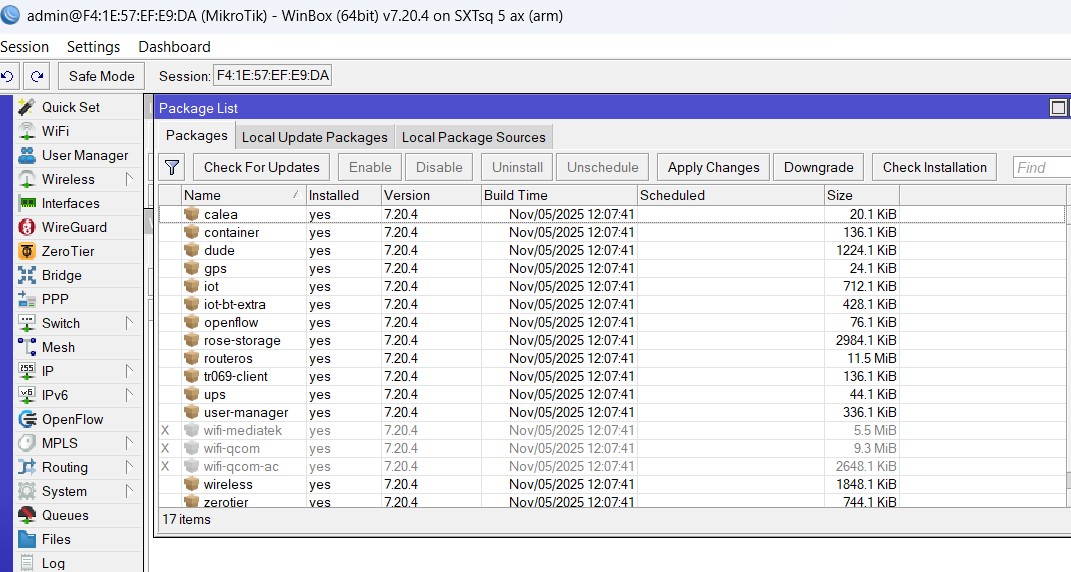
- In RouterOS v7, SXTsq 5 axD uses the **wifiwave2** package for Wi‑Fi 6 (802.11ax).
- The traditional `/interface wireless` menu does not show any interface if `wifiwave2` is missing or not enabled.
- The error appears to happen because the wifiwave2 driver/package is not loaded, so the script cannot create/configure `wifi1`.
**Questions:**
1. Why is my SXTsq 5 axD not loading the wifiwave2 interface?
2. Is there a recommended way to reinstall/enable wifiwave2 for ARM 32‑bit devices?
3. Could this be a package mismatch (ARM64 vs ARM) causing the driver to fail?
Any advice from the community would be much appreciated.