Hi all, I’ve created, in the wiki, a Mikrotik setup guide for users of Malaysia’s UniFi broadband service. Just a beginner’s guide, nothing too technical and with plenty of screenshots. I hope this will be useful to anyone in or coming to Malaysia. It’s here:
When I bought my first Mikrotik router, I had trouble finding instructions for setting it up. The first two places I looked were Mikrotik’s forums and its Wiki. Didn’t find anything here. In the end, Google helped me locate one and I was happy. However, the guide that I followed was flawed. I didn’t realise it at that time but I was unknowingly contributing to a DDNS amplification attack due to a misconfigured firewall drop filter. Even today, there many flawed guides in blogs or forums waiting to catch their next victim. So I hope my guide will prevent new Malaysian Mikrotik users from falling into the same situation.
While this guide is written specifically for UniFi, if your ISP uses the same setup, PPPoE and VLANs for delivering Internet, IPTV and VOIP traffic, you can still use it by substituting the correct VLAN ids.
This is Mastor from Nichia Malaysia. I purchased MikroTik hEX router to replace standard DIR-615 Unifi router.
I followed all your setup for Unifi and it can work perfectly.
But our Unifi package comes with 5 Fixed IP addresses whereby one IP is assigned at the gateway and
the other 4 would be assigned for our internal usage (Wi-Fi, Cisco VPN etc).
How to configure this in hEX router?
How to secure this hEX router from external attacks?
Please help.
Thank you very much for your help in advance.
Hi Soonwai,
I was looking for a router that can do vlan trunk. Can this router support vlan trunk or combine 2 vlan (500+600) on 1 port? So that both internet and iptv vlan can be extend to another router.
If can, can you share guide to do the setup?
hello
thank you for your guide. i have successfully change my unifi modem with mikrotik rb750r2. please guide me to add vlan on port 2-5. i’m not using iptv. i have follow this post but no luck.
tq.
Thank you for this guide. I have successfully configured my Mikrotik HEX POE router using you guide. However i am having difficulties trying to get the voip phone on the maxis router to work.
I have configured the HEX POE router as my primary router and the Maxis router as secondary. DHCP and WLAN has been disabled on the maxis router.
I also configured the vlan for voip on the HEX router but it does not seem to be working so i think i must have miss something out.
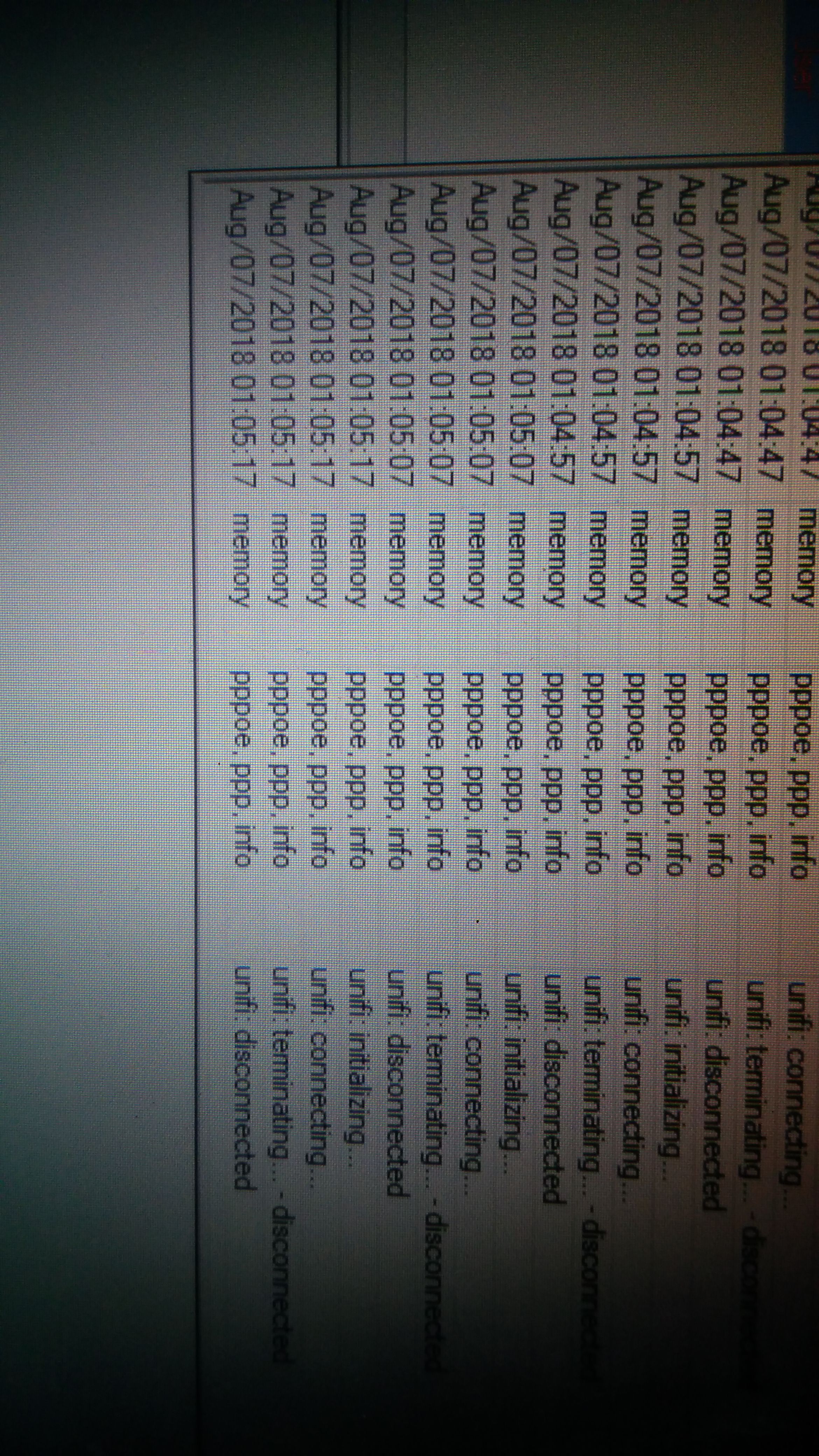
Hi, anyone using ccr1009 for Unifi? I have 1 configured, IPTV is working fine, but cannot access to internet. Seems like the ppoe dialer trying to connect, but got disconnect. Username password is correct..using my old RB2011UiAS-2HnD-IN it works. Can anyone help?
The 5 FIX IP package has couple ways of doing it, depends on whether you are doing the dialup at your HEX or you are doing a drop-in mode where the 5 fix IP is pipe through the firewall sitting at the back of your HEX, and whether the traffic is NAT or not.
To secure your HEX, look at the IP-Firewall page, there is a rule that drop all the INPUT to your HEX, change the incoming interface at that rule accordingly, more or less you are safe for now.
Hi Soon Wai, Ive updated my firmware to routeros-smips-6.43.1.npk on my MikroRB941-2nD. Previous firmware was v6.40.9. and unifi was working but now the interface Master port is missing in this new firmware. How to setup tm unifi without the master port option. tq
I am currently using a HEX as my main router. Everything is good with Unifi internet (port 2-4) and hypptv (port5) connection. However, now i need to extent the VLAN connection to another switch/router. I am having OpenWRT (with TP-WR1043ND). I have been trying to configure the VLAN trunking/tagging from port 5 of Mikrotik to WAN/LAN port of OpenWRT but failed. Can any one please help? I tried few guides below but no success.
There’s a slim chance that Soonwai will reply, but with the updated guidance that all VLANs use one bridge and use VLAN isolation ports, will there be an updated guide that uses this new provisioning way?
Mikrotik now recommends to create only one bridge, and use port VLAN isolation to separate VLAN traffic on that bridge.