Quick search and windows list are great new features!
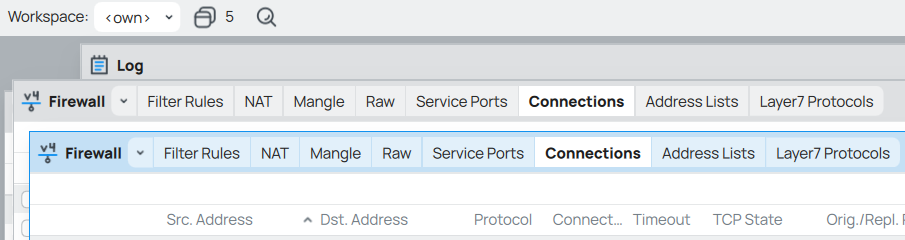
The quick search however requires some fine tuning. WinBox opens a new window if it hasn’t been opened before or brings the existing window to the front. And from my point of view that is logical and expected. If I have 2 instances of the same window (with different tabs selected) open then the WinBox does not switch to the window with active tab that I am searching for, but switches the tab of the foreground window.
This is an example of such behavior:
Step 1: open Firewall window, switch to Connections tab and then spawn another Firewall window with active Address Lists tab.

Step 2: in the Quick search type in “Connections” and select “IP > Firewall > Connections” from the results.
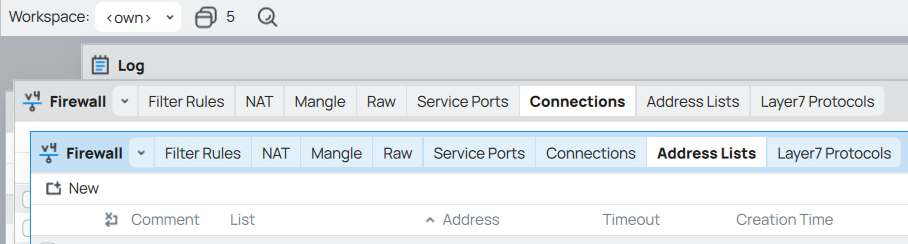
Step 3: instead of bringing the window with active Connections tab to the front WinBox switched active tab in the other window.