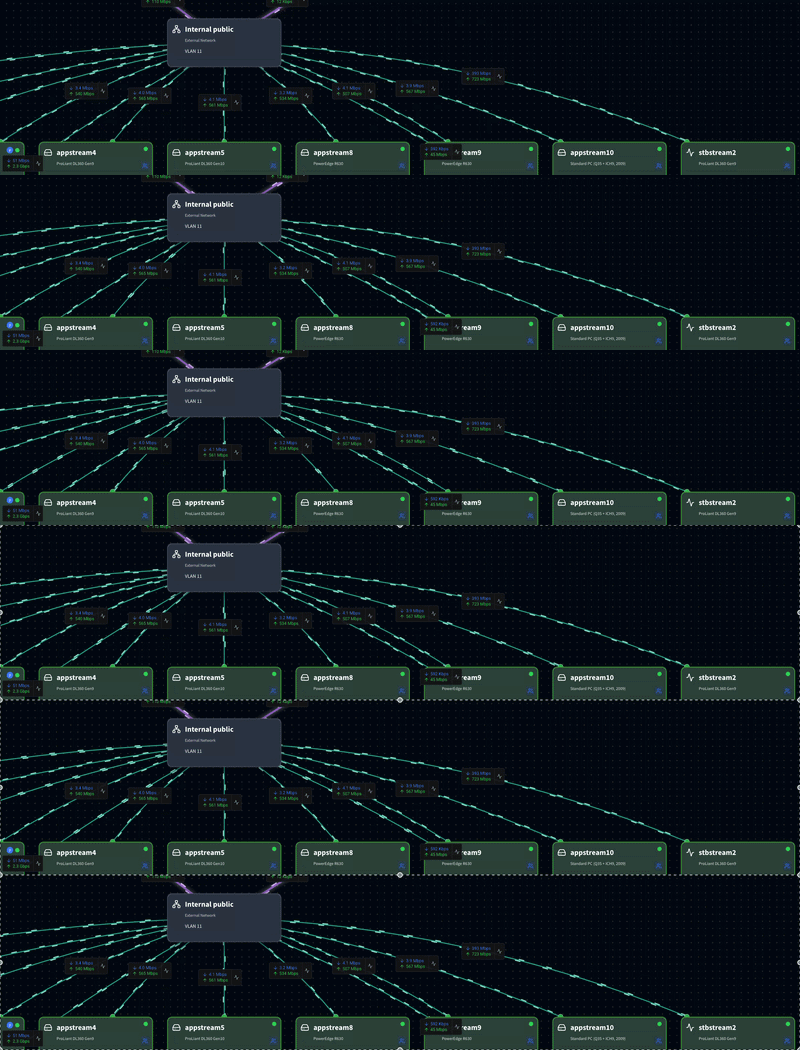
Same as Windows since Vista with DWM and Aero (except for the "basic" mode in Vista/7 that didn't need 3D acceleration and was like WinXP/2000/9x, but that's no longer available since Windows 8) or Linux with since a couple of decade when you used things like Compiz since 2006, or macOS even before that with Quartz: Compositing.
First let's talk about WinBox 3: to display its user interface elements, WinBox 3 uses the old Win32 API with 40-year old mechanisms for drawing UI controls that dated back to the 80s, from even before Windows 3.x. There is a UI thread that runs a loop that listens to "messages" sent to "windows" and dispatches them. Under Win32, windows are not just the big application window, but even elements like sub-windows, labels, buttons, input boxes, etc... (all those rectangular stuffs that you see on the WinBox 3 interfaces) are windows that reacts to the messages.
One of the most important messages that they need to handle is WM_PAINT (which has been called like than since even before Win32, Windows 3.x that was 16-bit already had that WM_PAINT message). The message usually has parameters that contains the rectangular coordinates of the part of the screen that needs to be repainted and when a window (which can be a button) receives that message, it should draw that rectangular part of itself (by drawing text, filling background, draw icons, and other operations using the GDI API).
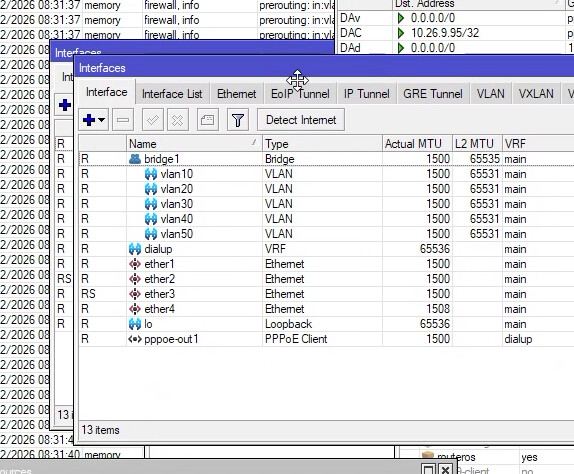
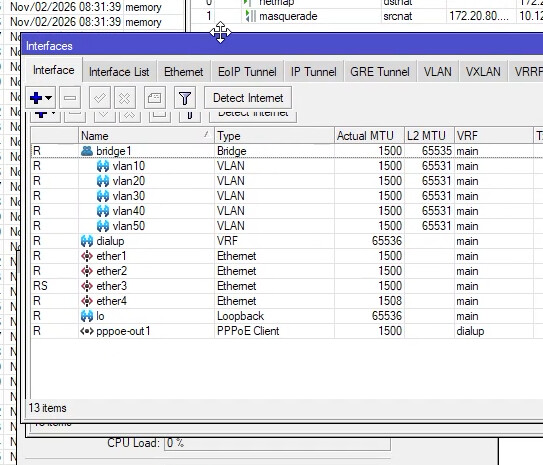
Let's look at this GIF of a WinBox 3 Interfaces sub-window being dragged in front of a bunch of other sub-windows:
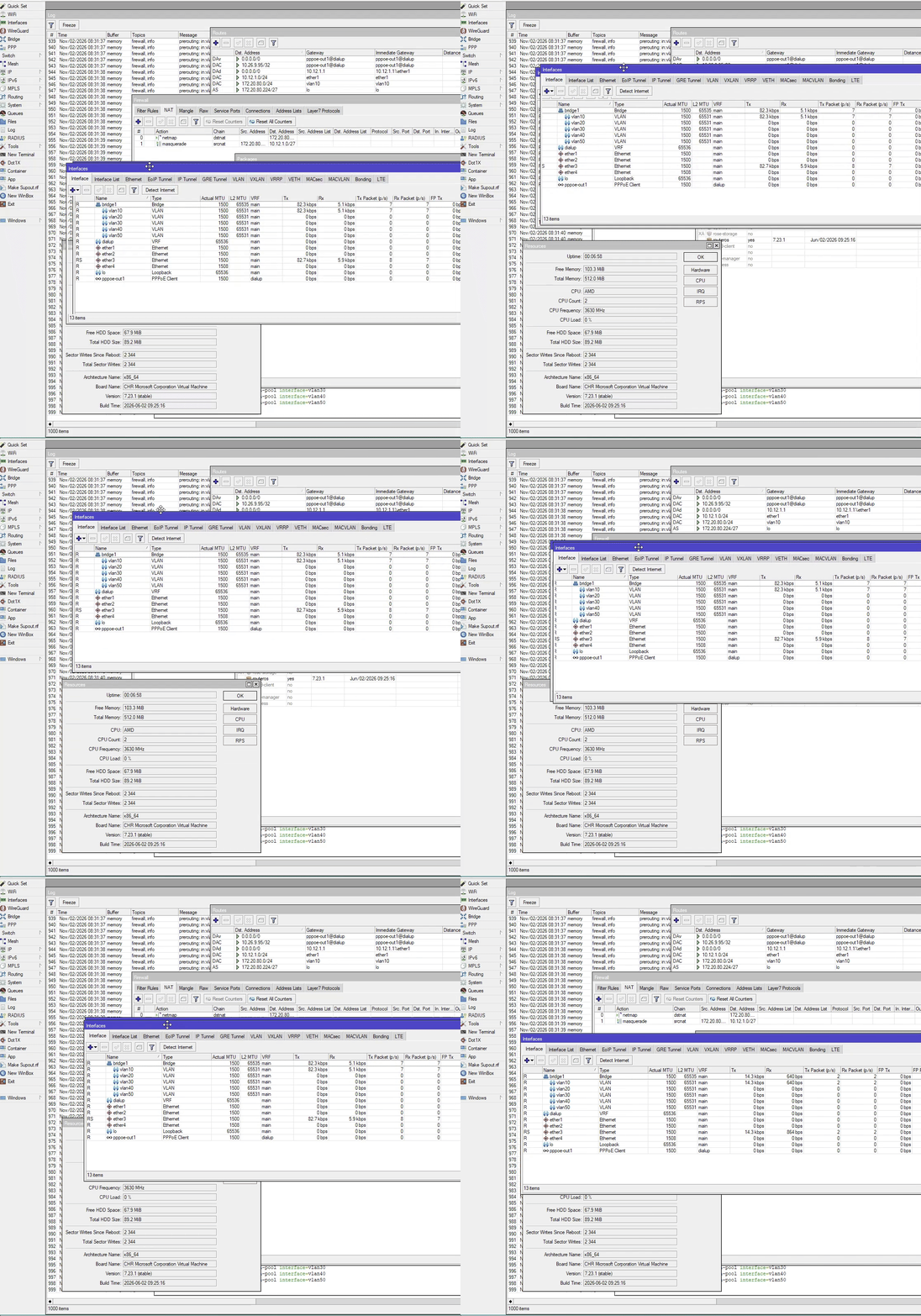
Below is a zip file as attachment that contain the original .mp4 file that you can use to seek/pause the screencap video.
winbox3-ui-drag.zip (2.3 MB)
When that Interfaces window is moved to another position, not only parts of it like the border and title bar need to be drawn, but also the tabs, the toolbar buttons, the table contents, the status bar, etc... That's a bunch of "windows" all responding to WM_PAINT telling them to redraw at a new position (new rectangle). They will make a bunch of GDI calls to draw texts, lines, fill rectangles with some color, output some graphics for the icons, etc... All that happens on the CPU in a single UI thread, sequentially.
But when that Interfaces window is moved, the places that it previously occupied are revealed, and there are parts of other windows below Interfaces that are now visible (like the Log or the Resources window). Pixels that are previously drawn by the Interfaces window now need to be replaced with the content of those windows. This is the "invalidation" process, it involves sending a ton of WM_PAINT to all those other windows, so that they redraw their parts that was previously obstructed. So they will call a bunch of GDI method to draw text, fill color, output bitmaps, etc... And all of that of course also happens on the same UI CPU thread, in sequence.
When I move the Interfaces windows across, all those operations must be performed over and over, the same text needs to be re-rendered hundreds of times, by the CPU. All single threaded. It's very inefficient and uses a lot of CPU. But most importantly, when the CPU cannot keep up, the CPU thread is locked at 100%, the UI lags horribly and the screen tears.
If you pause the video or the GIF, you see snapshots like this:
Where Interface is already at the new place, but the Log window is not yet able to process its WM_PAINT so you see the left-over of the old Interface placement. Or worse, this example:
Because the table is itself a window that needs to process its own WM_PAINT, you have the situation here were the table content has not rendered, and you'll see the old content that even includes the old toolbar.
Not only when drawing, every time you close a sub-window, or move one window over the other, new parts of the UI need to be invalidated and repainted with with a lot of WM_PAINT messages being sent.
So, it's laggy, it uses a lot of CPU, single drawing operations (draw text, fill color, draw lines, etc...) needs to be repeated over and over. Very inefficient and the experience is suboptimal.
A solution is to buffer the content of the sub-window. Memory is allocated to store the bitmap image of each sub-window. Instead of drawing directly, the drawing operations (draw text, draw lines, fill rectangle, draw bitmaps, etc...) output to this buffer memory. Now when you move windows/sub-windows around, or move one window to the top of the others, no text or lines need to be re-rendered, just the parts of the bitmaps (that caches the content like a photo) need to be put at the location on screen. Like when you reorder or move a stack of photos.
That's what "compositing" is in a nutshell. All modern UIs, desktop and mobile, make use of that.
Now of course, handling a lot of bitmaps with the CPU involves a lot of memory copying or moving and is also not very efficient, especially when there are millions of pixels. What is very very fast and efficient at handling huge bitmaps? The GPU of course. If you consider a rectangular picture as just two triangles (which a 3D GPU can process billions per seconds) with a texture applied (again, the 3D GPU can fill gigabytes of textures hundreds of time per seconds), then compositing a few tens of window bitmaps with the GPU, hardware accelerated, is only peanuts compared to playing even simple 3D games (games can have millions of triangles to render in a couple of milliseconds).
That's why since the early 2000 (with macOS X) compositing has always tried to make use of the hardware accelerated 3D graphics processing capability of GPU. It much faster and use less power than rendering with the CPU and WM_PAINT. If your WinBox 4 can make use of 3D GPU, you can test for yourself. Drag the same windows as above, or open the window switcher dropdown menu, and move the mouse up and down to switch between WinBox sub-windows, and everything is butter smooth and instant!
And with 3D compositing, you can also apply shader effects very efficiently. When you used the window switcher in previous versions of WinBox 4, you had the blur effect (like Vista). Very little GPU power was needed to do that, because the shaders can normally shade billions of pixels per second, so a few millions of blurred window background are nothing.
Again, if you have a GPU, compositing the UI element is faster and use less power than the old rendering method with the CPU.
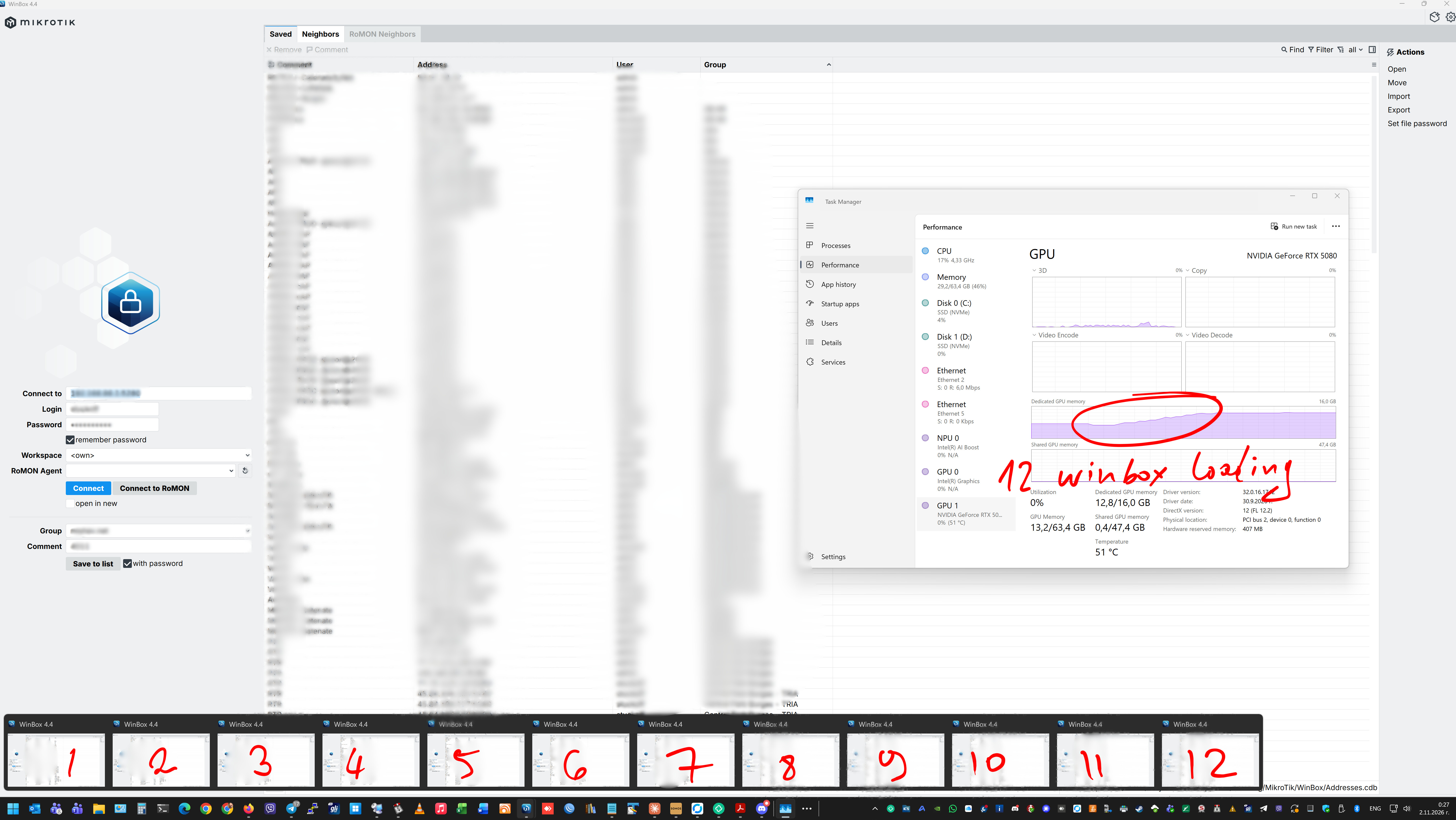
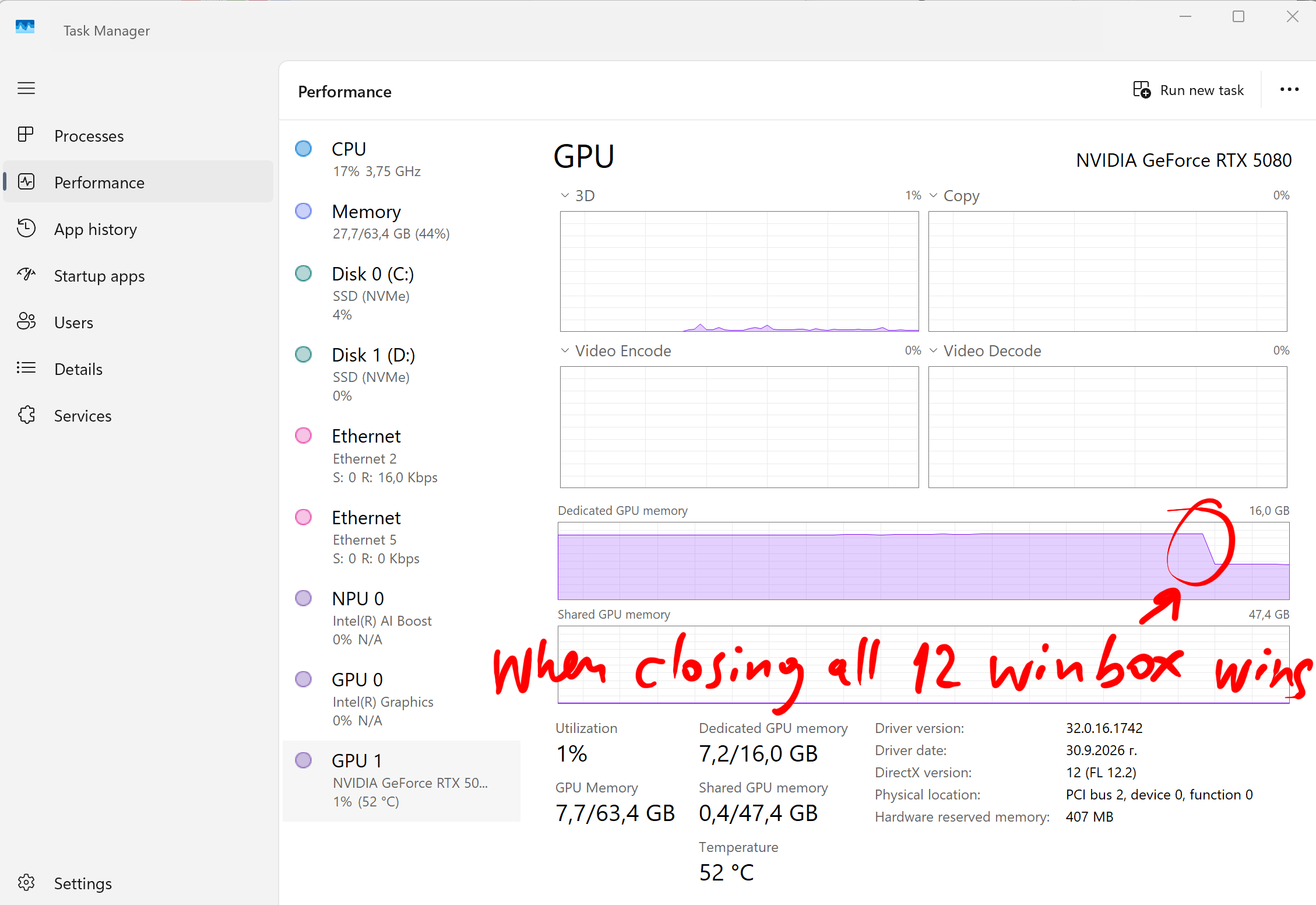
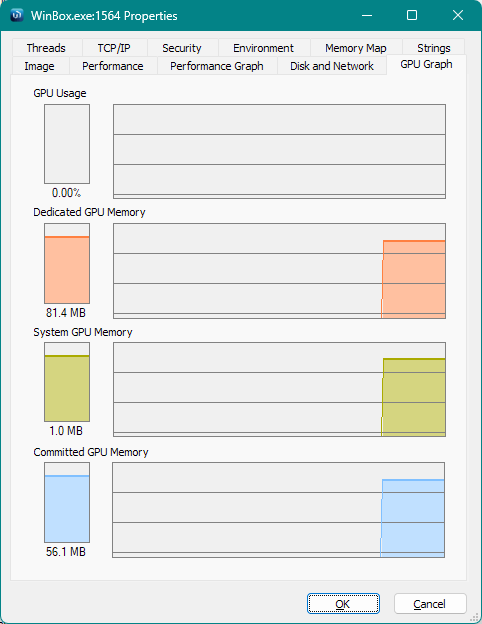
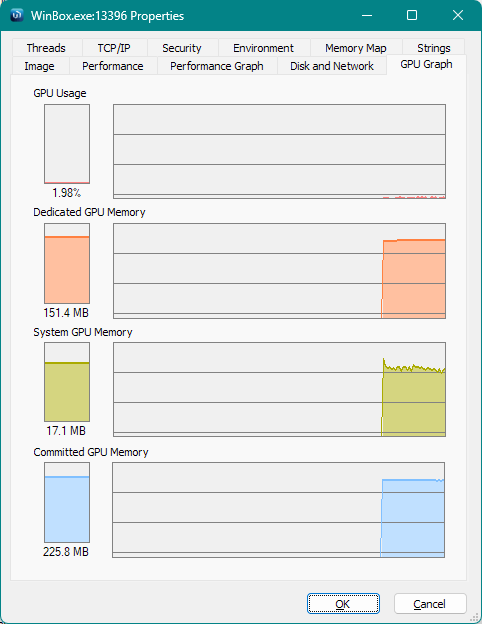
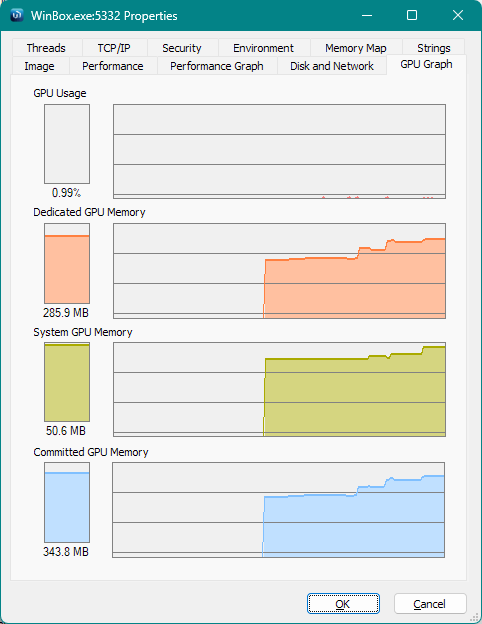
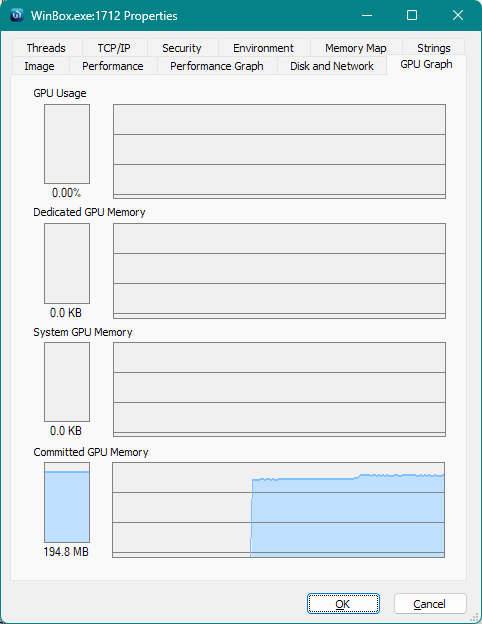
But of course, someone like OP with the huge 6K screen needs to scale his GPU accordingly. All the huge bitmaps / textures need GPU memory.