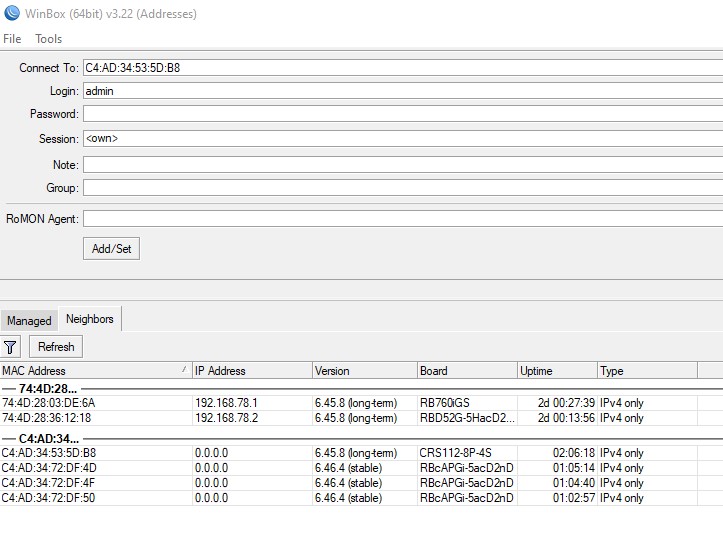
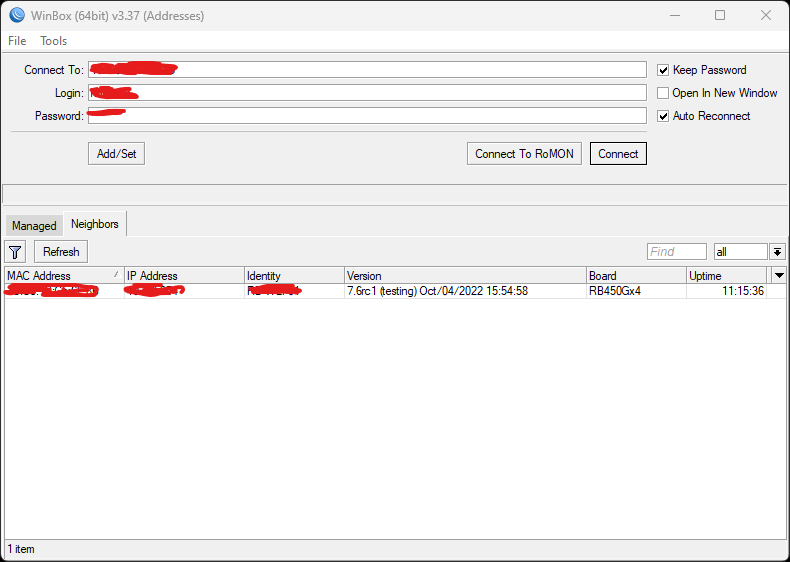
Hi! Please can anyone help me! I am facing the issue where winbox in neighbors, lists only IPv4 of the router, (in type column is IPv4only). If I manually copy the address from router, I can connect, but no IPv6 neighbors are listed! IPv6 ND is enabled:
ipv6 nd print
Flags: X - disabled, I - invalid, * - default
0 interface=Bridge-LAN ra-interval=3m20s-10m ra-delay=3s mtu=unspecified reachable-time=unspecified
retransmit-interval=unspecified ra-lifetime=30m hop-limit=64 advertise-mac-address=yes
advertise-dns=yes managed-address-configuration=yes other-configuration=yes
discovery settings in ip>neighbors are enabled … no firewall rule…
Hi,
same here, using WIN10. I can connect with IPV6, when i enter the adress directly in the “connect to” field. Winbox neighbors discover shows the device as IPV4 only.
I checked on several PCs and found on all of them that only one ip interface listens to multicast [FF02::1]:5678 when I use winbox. For example, if a PC has a wireless and wired interface, it can only listen on the wireless interface, and if you connect to the Mikrotik via cable, then the router in the winbox neighbors will only be available via ipv4.
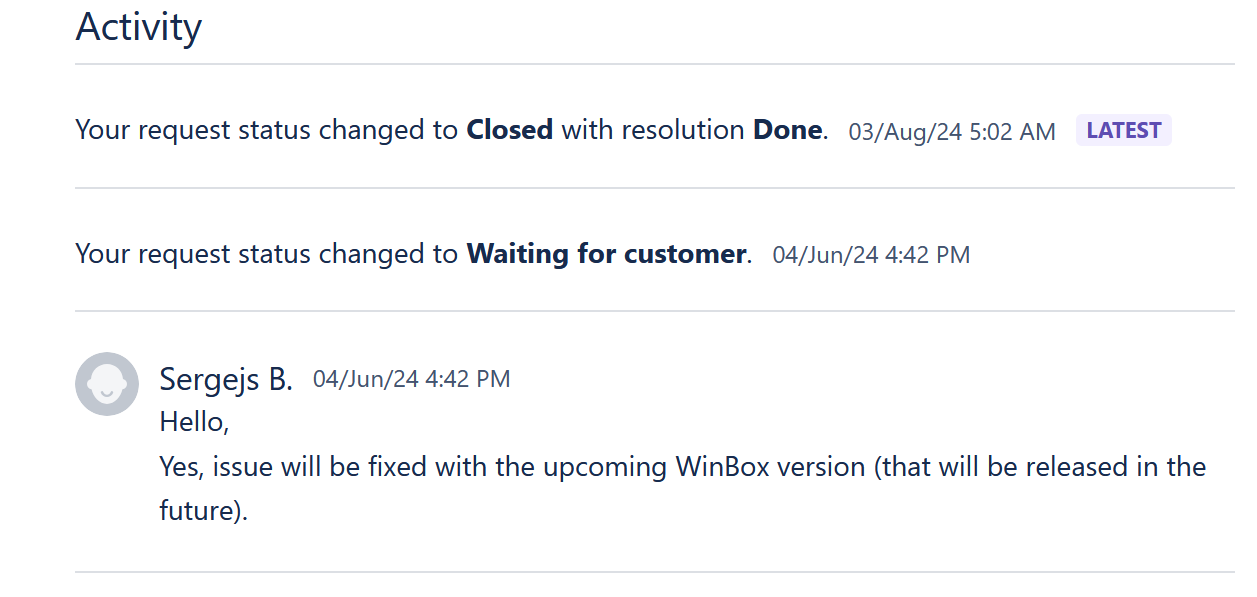
I also found that the bridge interface never reply with its link-local address to requests for [FF02::1]:5678. For example, I have a router without configuration, I connect the PC to ether3 and see that the router is available via ipv6 neighbors winbox. I create a bridge interface and add ether3 to it - the router will never appear available via ipv6 in winbox neighbors. Checked in ROS 6.49.7 and 7.6rc3. I opened a support ticket with a description of this problem - Mikrotik confirmed the bug and promised to fix it.
This ticket refers to an issue where the bridge interface does not respond to a request to [FF02::1]:5678. I have not tested it.
As for Ethernet and wireless interfaces, it may be related to how Windows handles multicast.