I just upgraded to Wine 2.0. It has HiDPI or Retina support. I installed via brew install wine and then enabled Retina mode using /usr/local/bin/regedit and adding the key and string
HKEY_CURRENT_USER/Software/Wine/Mac Driver/RetinaMode
with the value
y
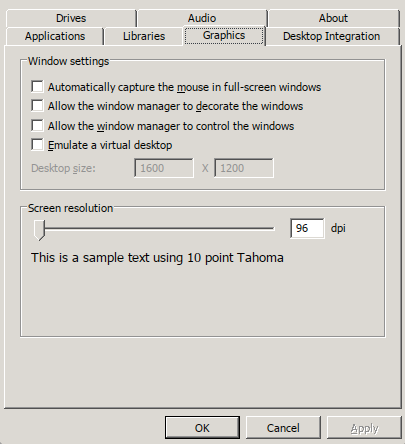
Starting /usr/local/bin/winecfg confirms that retina mode is enabled because it’s tiny, so on the winecfg Graphics tab I changed Screen Resolution to 192 (twice the default of 96, but any comfortable value should work) clicked Ok and relaunched winecfg to confirm that now it is beautifully rendered at a normal scale but with retina resolution.
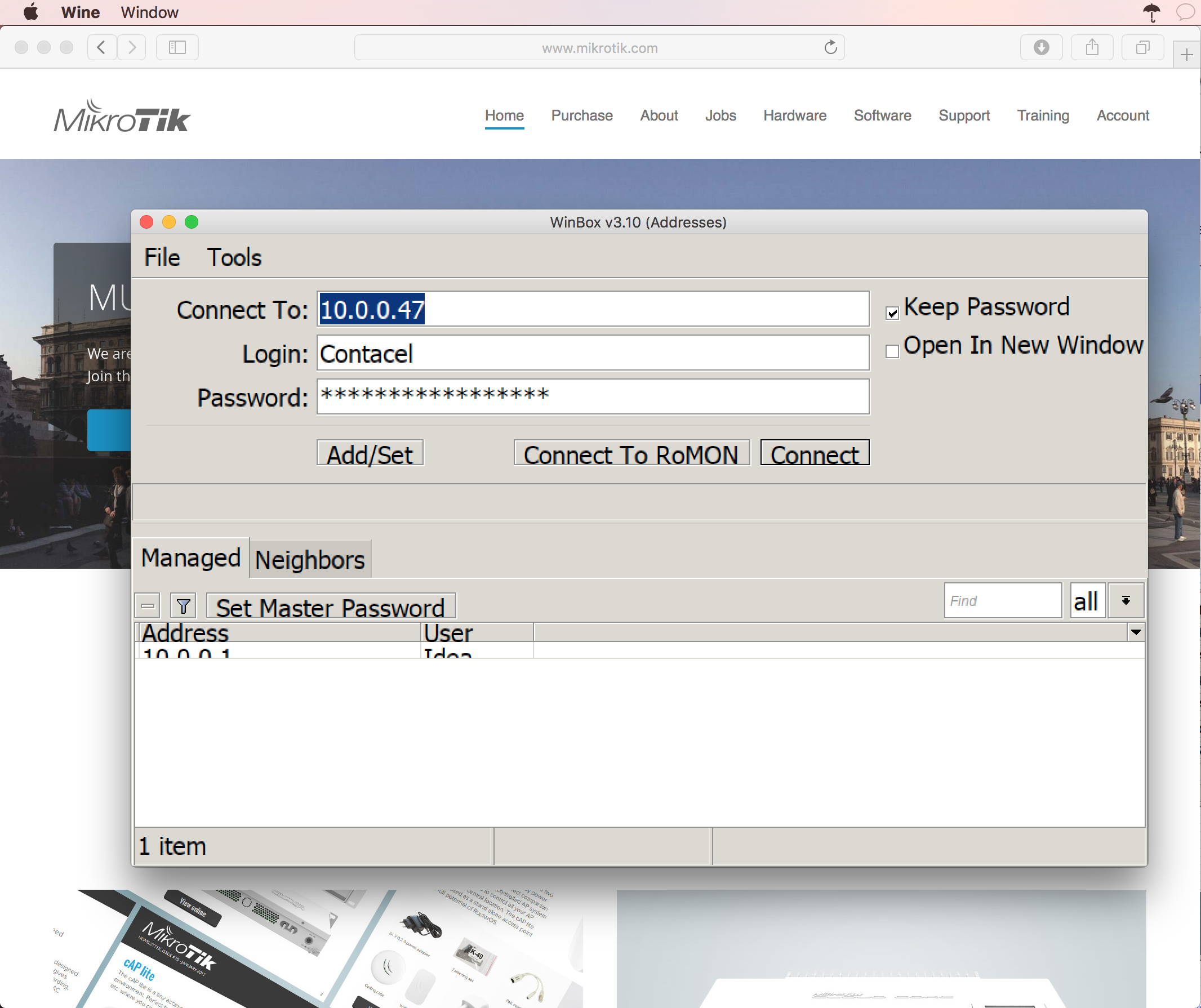
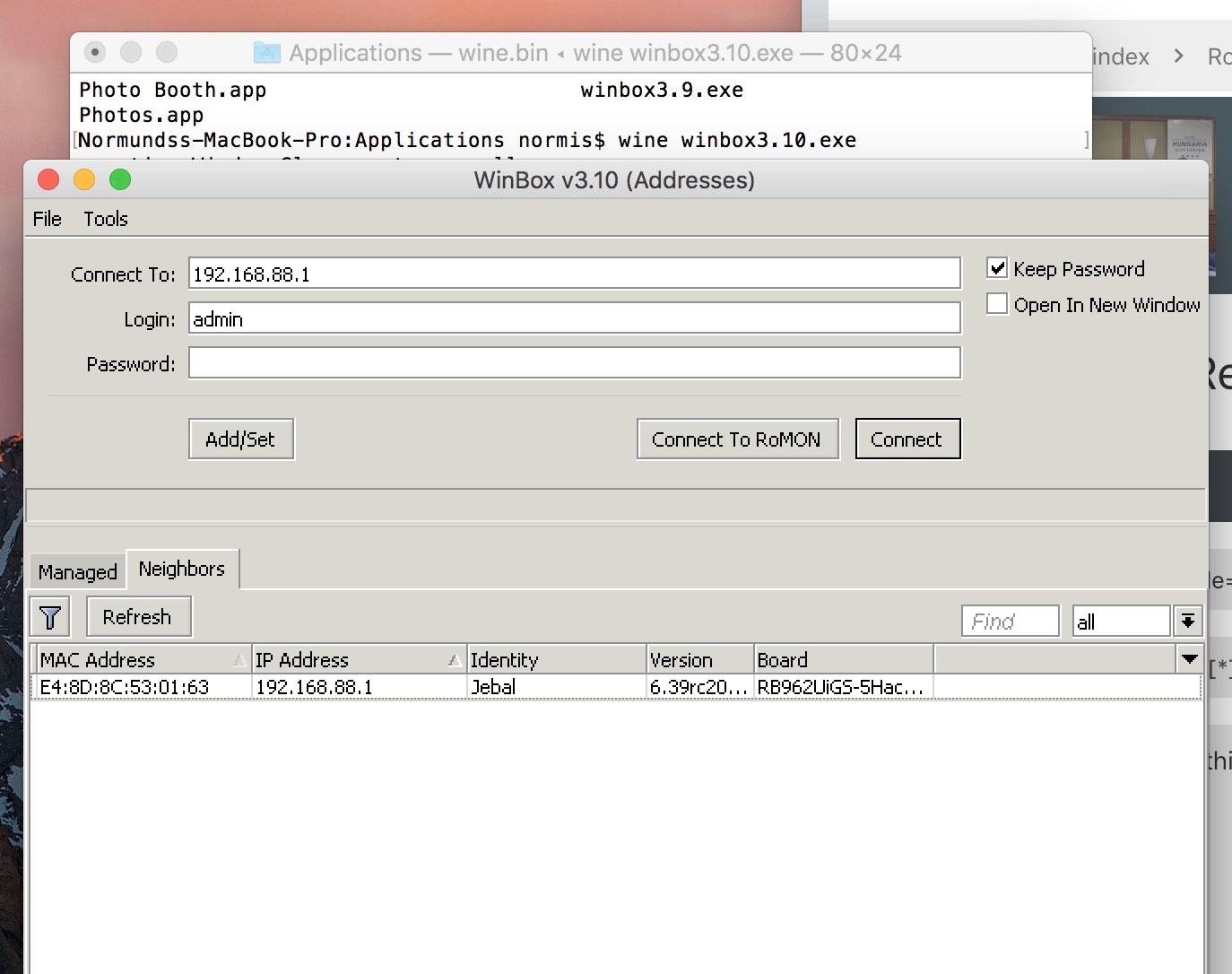
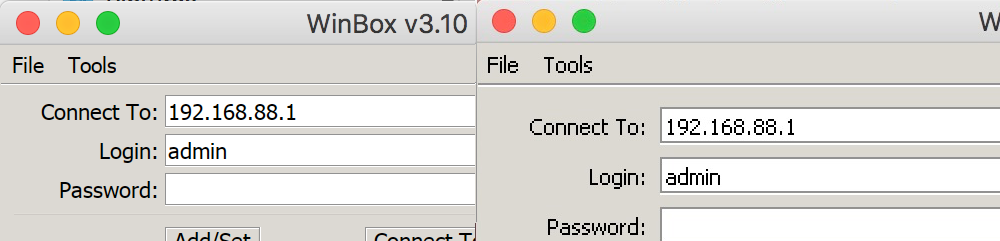
In Winbox text is correctly rendered and is beautiful, however most other UI elements are rendered at half scale including Check Boxes, Button Outlines, Table Row Heights, Icons and the entire Terminal, including its text.
Here’s a screenshot at retina resolution with the menu bar and safari included so you can see the correct scale and the parts of the UI that are tiny:
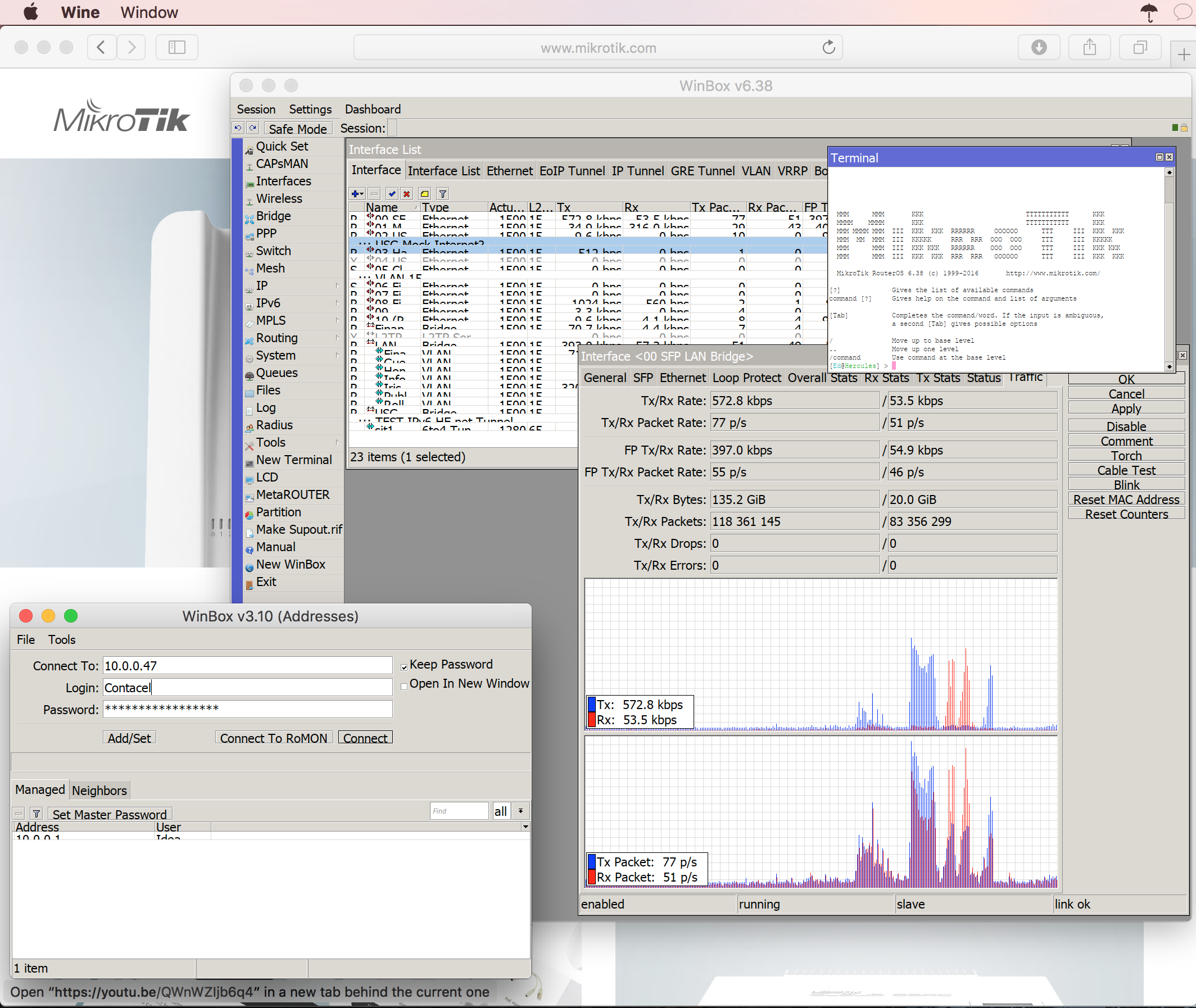
The text is beautiful but unfortunately it’s not usable this way. I have tested with some other programs in Wine/RetinaMode without problems. Perhaps I’m missing a setting in Wine or in WinBox but I think the cleanliness of the text is worth looking into if it’s possible to support RetinaMode in Wine. Is it possible?