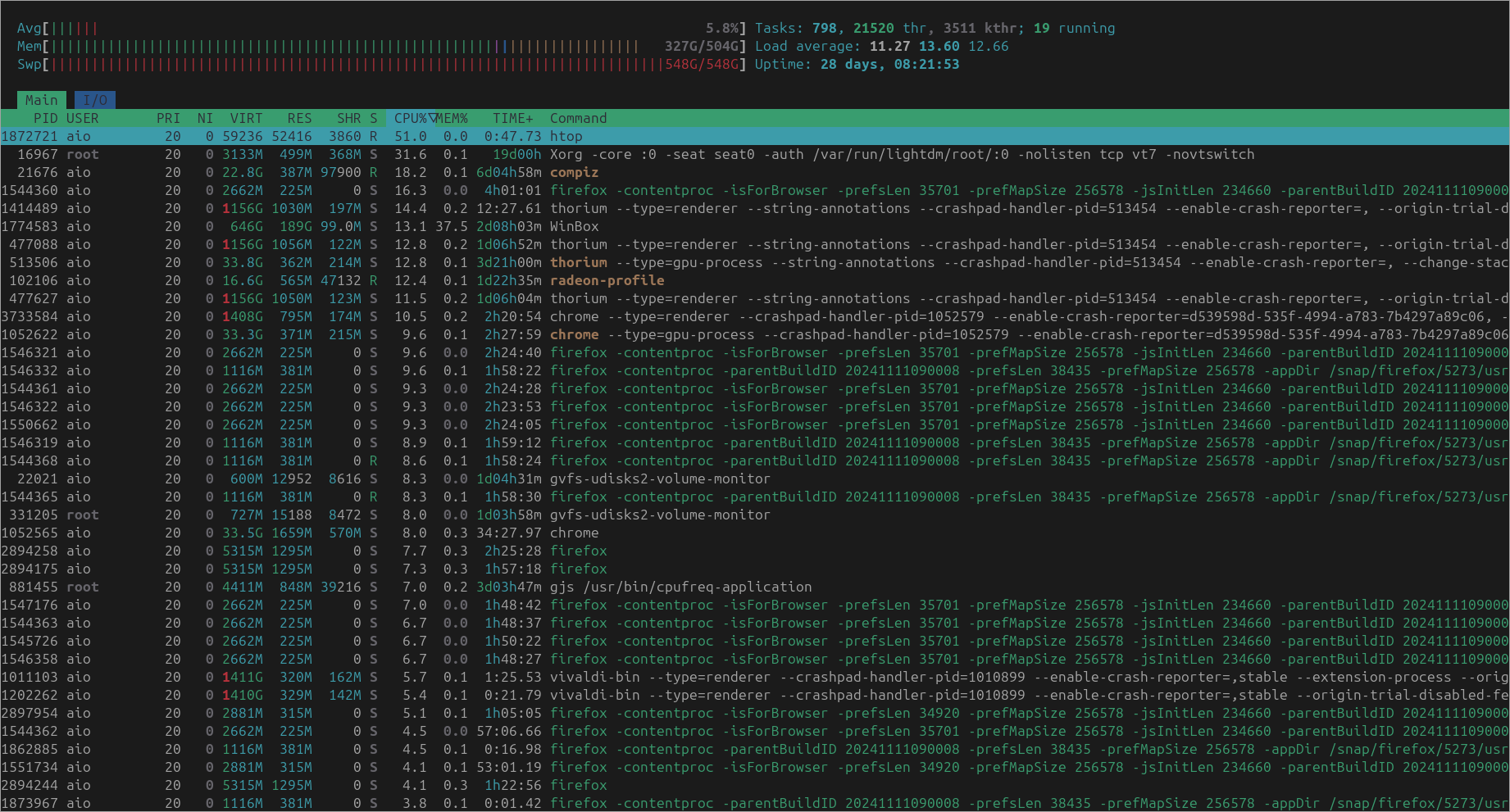
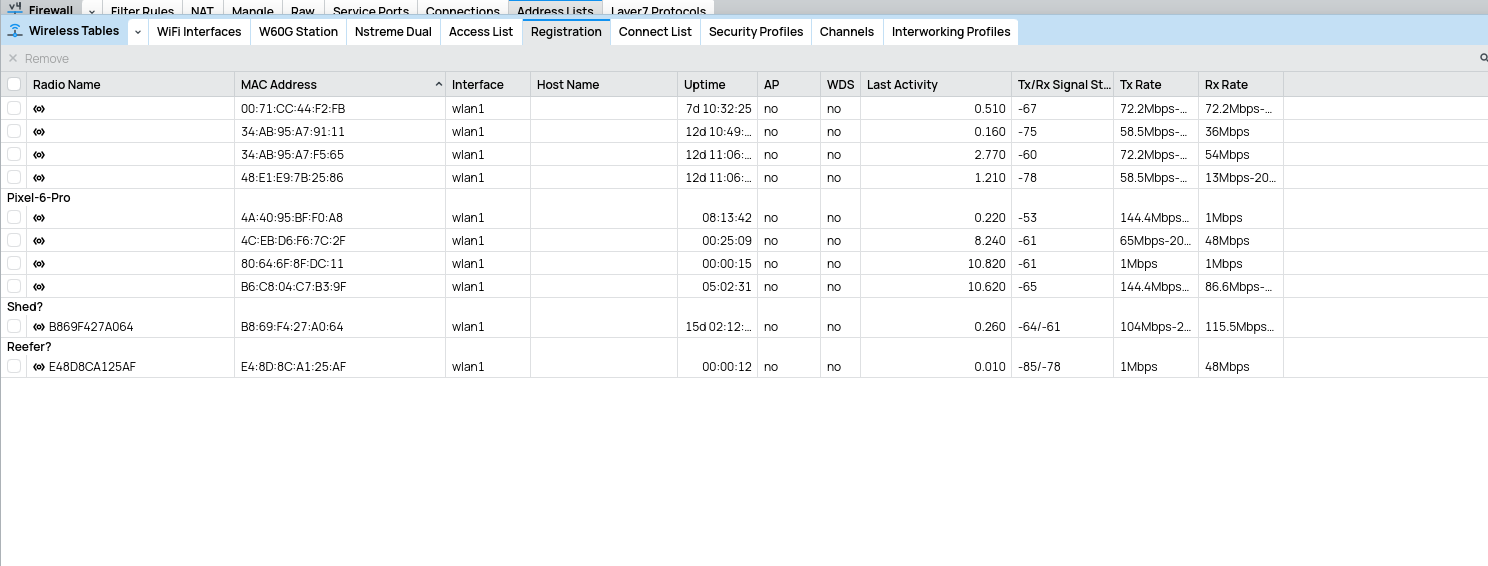
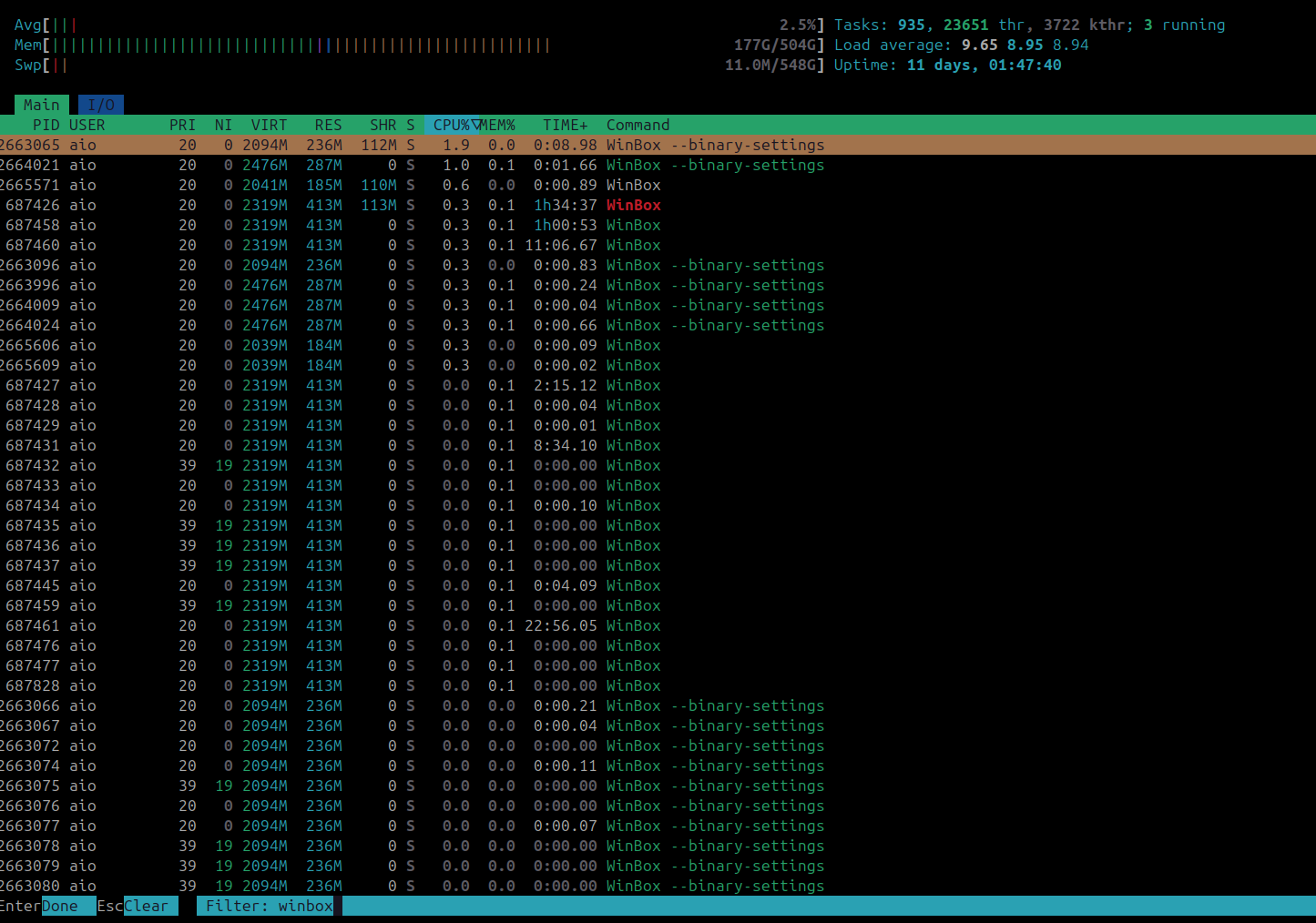
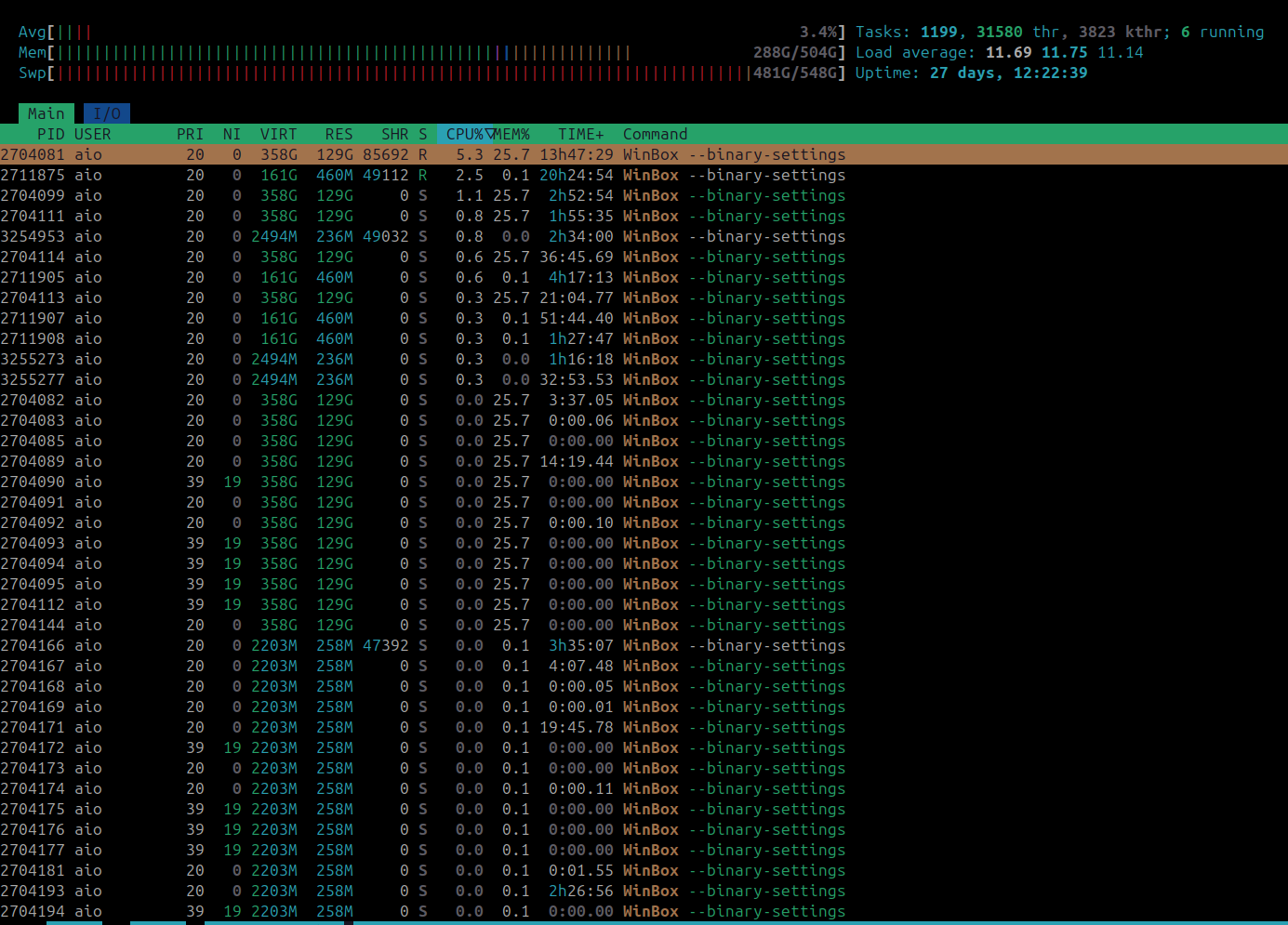
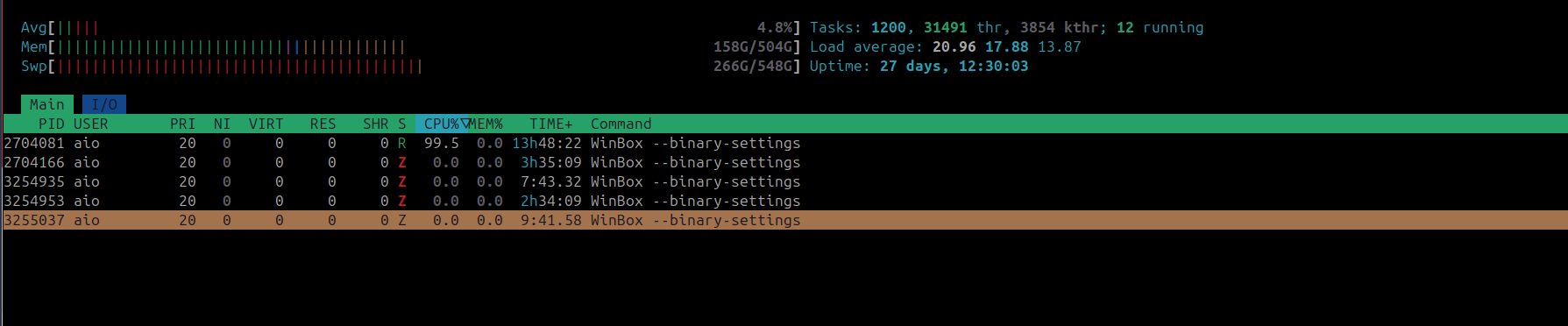
I thought Chrome was eating my Memory rarely am I ever into my 512gb Swap File
yesterday I pkill -9 ’d ’ all my Browsers so I could watch a video without it being choppy , then it happened again today so I investigated a bit further this time
Turned out to be winbox , Linux version on Ubuntu
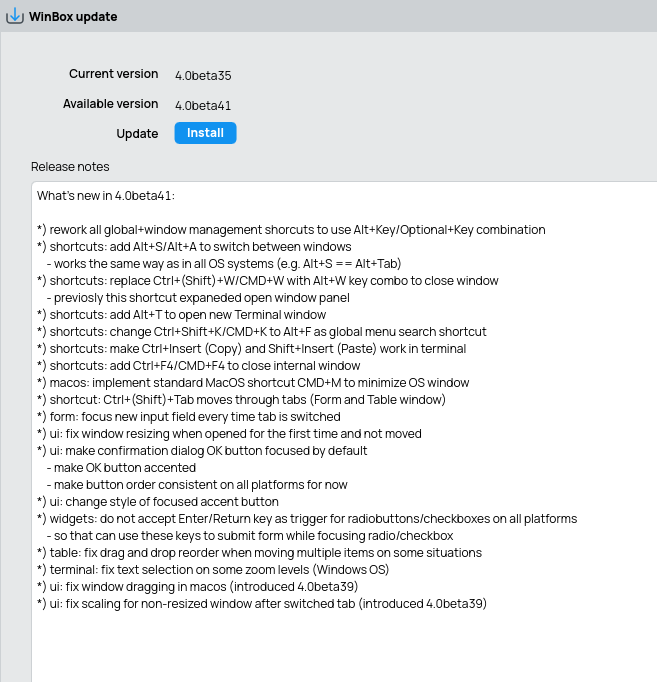
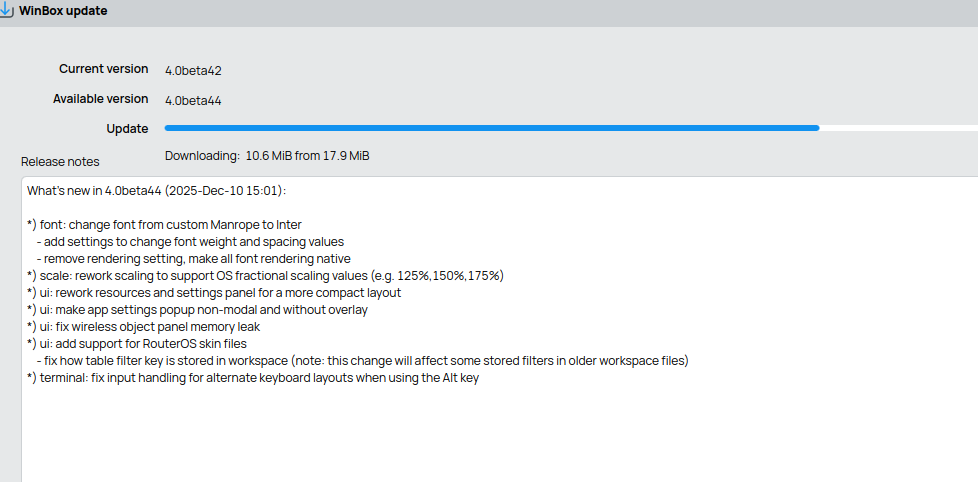
looks like their is a new update so will see if my RAM’s all used up again next month up to ~ 28 days ago it was ran
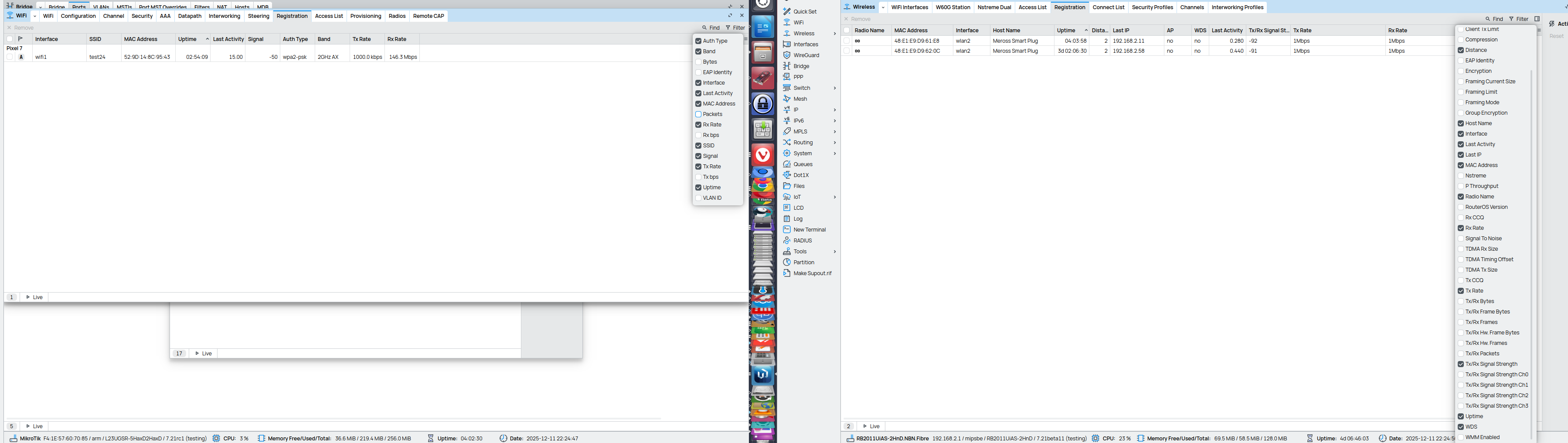
Can you please let us know which Windows do you keep opened in WinBox loader when you see this high memory usage/leak? Can you notice any pattern? For example, usage is fine, until you open “Interfaces“ menu, “IP/Route“ menu, etc.
I was trying to do a mesh with WDS but every-time I tried the entire network worked only as good as the worst connection so gave up and went back to repeaters
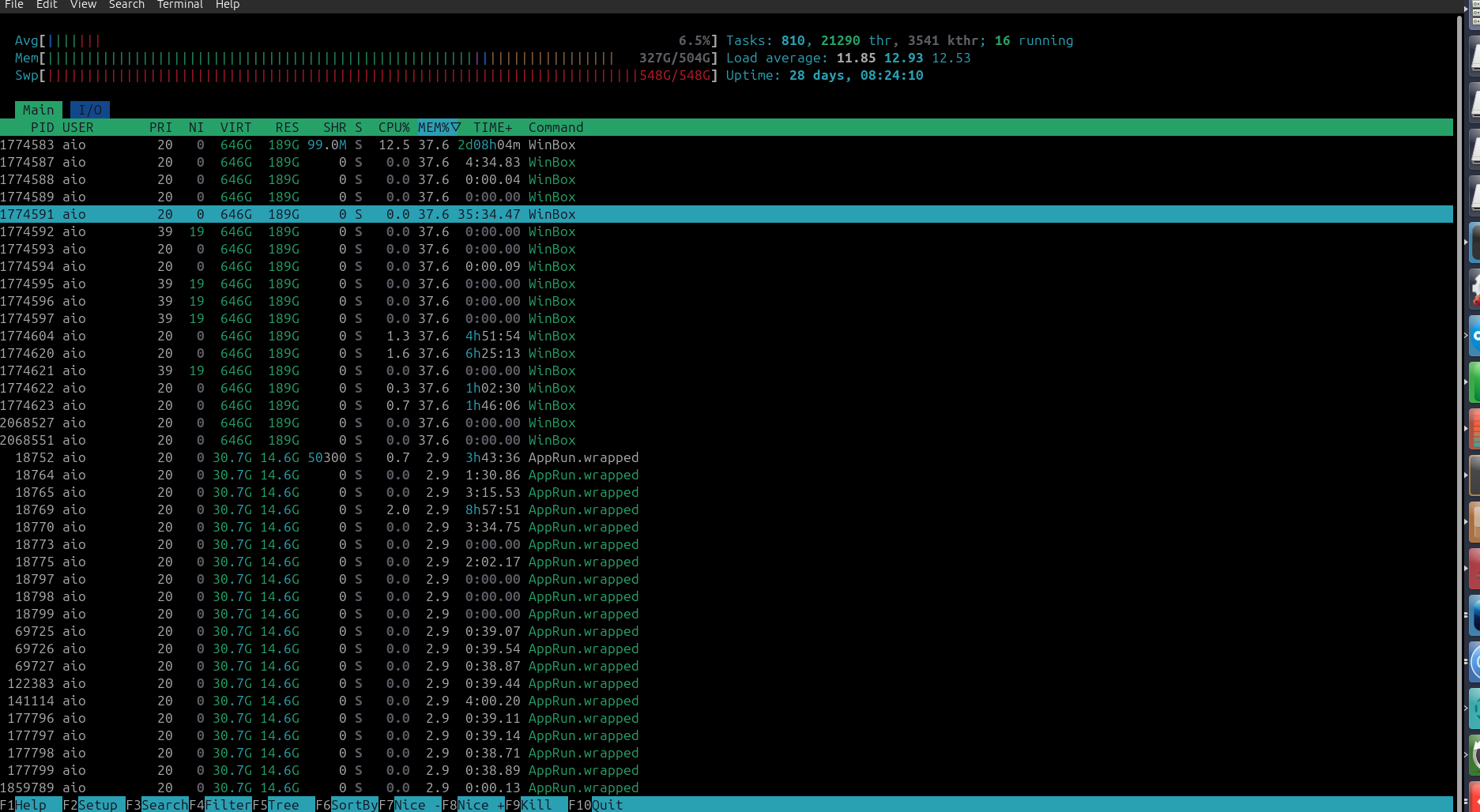
currently only 1x winbox app running and its has 2gb allocated ~3hrs
and looking at the screenshot that winbox app was actually only running a bit over 2 days
and in the last 10 mins its used another 500mb so will see what its like in the morning
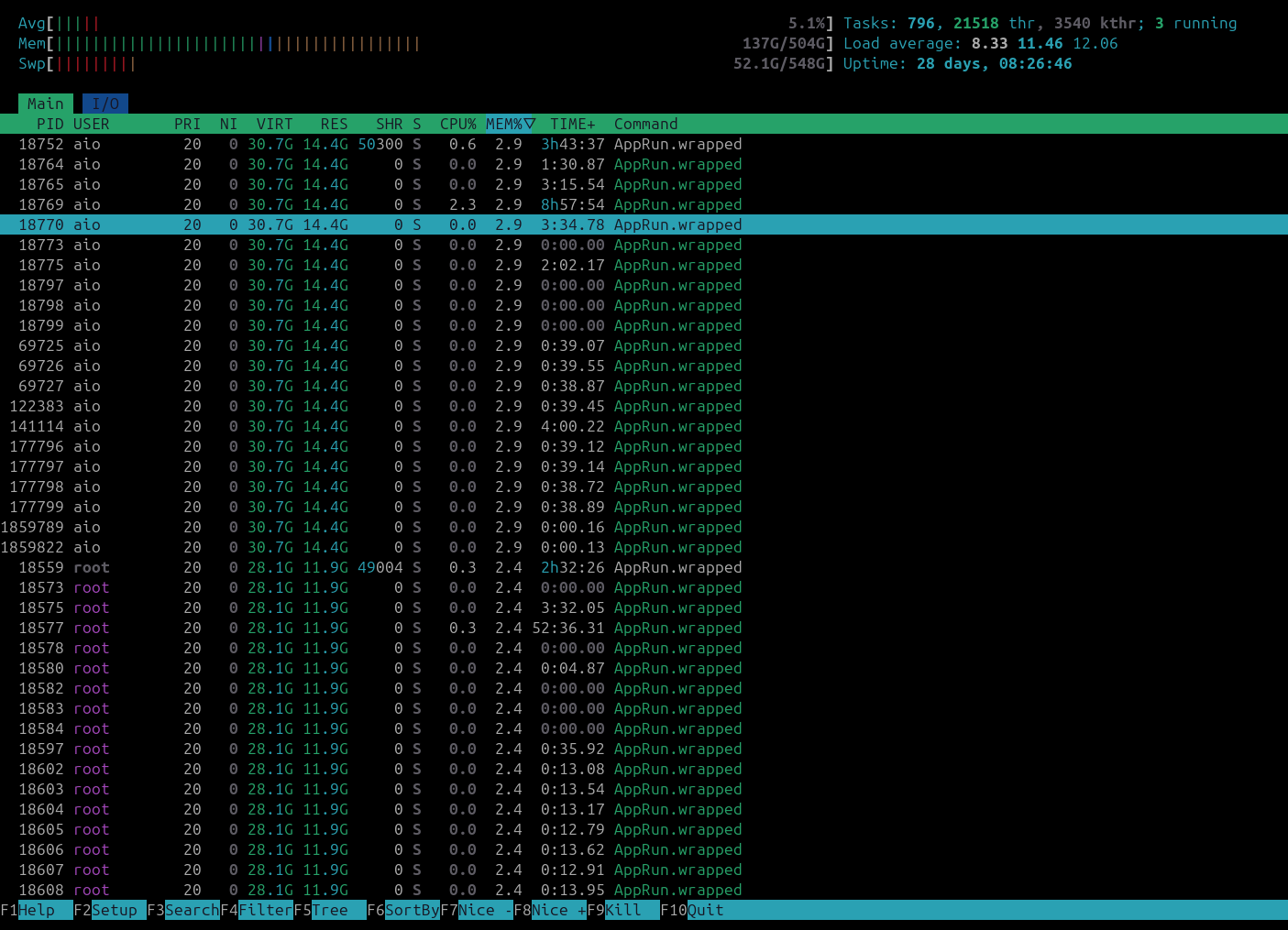
in the morning no change
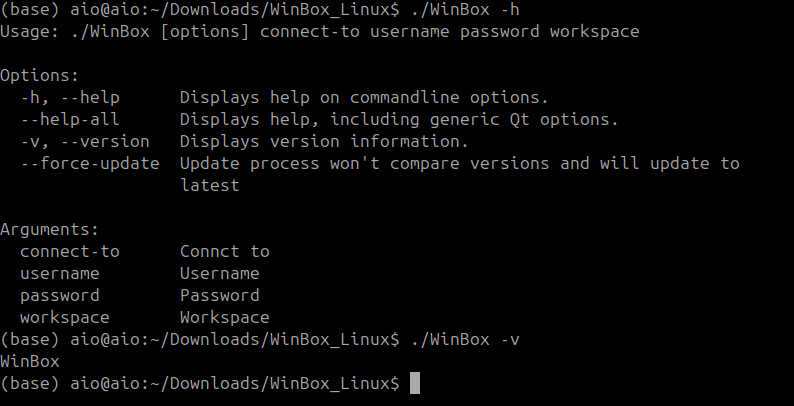
if I notice it hogging RAM again what should I run / do ?
It could depend on the way you start WinBox, i.e. where the output is directed.
I now start WinBox with output to temp file, and I regularly observe this in the output:
Warning: qrc:/qt/qml/WinBoxQml/qml/WTable.qml:1777:25: Unable to assign [undefined] to QString (qrc:/qt/qml/WinBoxQml/qml/WTable.qml:1777, )
This is repeated over and over again. One of my tmp files is now 1.5G in size.
When this somehow ends up in memory it could explain your problem. In my case the memory footprint seems stable.
(before I made the special script to redirect output, I started WinBox directly from a desktop shortcut, and it turns out that the output is then redirected to syslog/journal and fills that with crud)
no its defiantly winbox hogging it all 50% is when swap gets used ,
I have another Ubuntu system here with 4tb RAM installed same issues with native linux version of winbox
have not had the issue before with running winbox through wine
RAM is for virtual-machines and running UVtools which is very RAM intensive especially with over 200 CPU cores
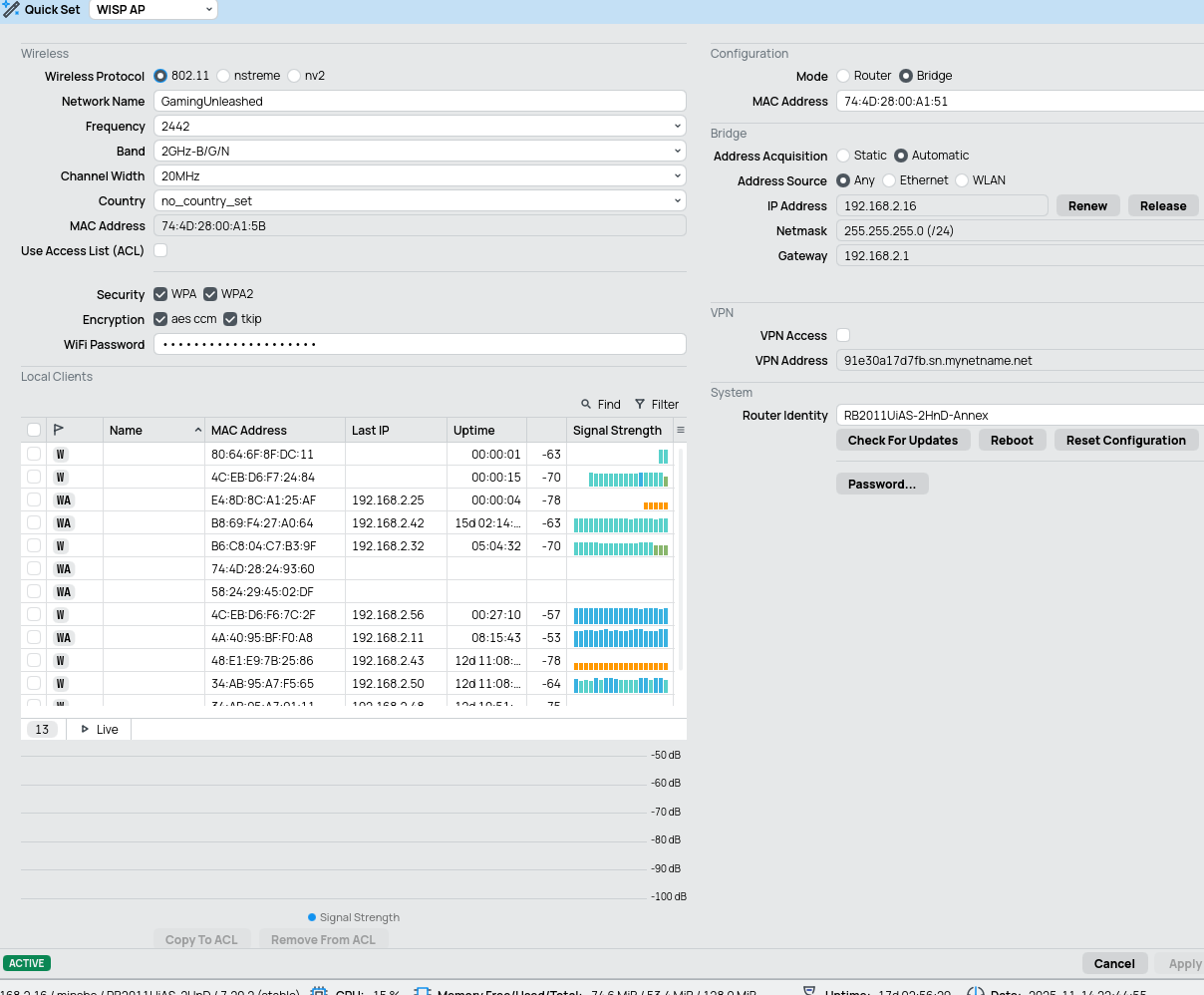
if their is any commands I can run to help track down issue please provide seems to happen when ever I am setting up a new device ie) just added a L009UiGS-2HaxD so I could run both versions of caps
I would start with running Winbox in one of your VMs instead of on the bare metal, and limit the memory in that VM to some commonly seen amount, like 16GB (or even 128GB as I have here) and then see if you can replicate the issue. The developers very likely don’t have a system configured like yours, so they cannot test that.
The bug might have been fixed already according to this changelog item in beta44:
Notice that @strods from MikroTik asked you earlier about opened windows, and you've pointed out the WiFi related windows. Probably they could reproduce the issue and fix it in beta44.