Winbox v3.23 released!

What’s new in v3.23:

*) added support for Ctrl+C and Ctrl+A shortcuts in read-only fields;
*) always use fixed width font in terminal window;
*) do not resize inner windows when main window is resized;
*) fixed default configuration approval window disappearing when using “Show Script” button;
*) fixed main window size saving between sessions;
*) improved large table loading speed in RouterOS v7;

If you experience version related issues, then please report them to support@mikrotik.com.

Both Winbox 32-bit and 64-bit versions are available here:
https://www.mikrotik.com/download

thx

Nice job.

Problem of changing column width and row position in active window (i.e. which shows counters that are being updated during the change operation) has NOT been fixed!
Back to 3.21
(using winbox 32-bit under wine Debian buster)

Does not preserve chosen interior window sizing and spacing after selecting Session / Save. Windows 10, 125DPI.

Copy that.. , Confirmed.. Thud :cry:
Back to the drawing board, eh?

“Inner window size” problem not solved

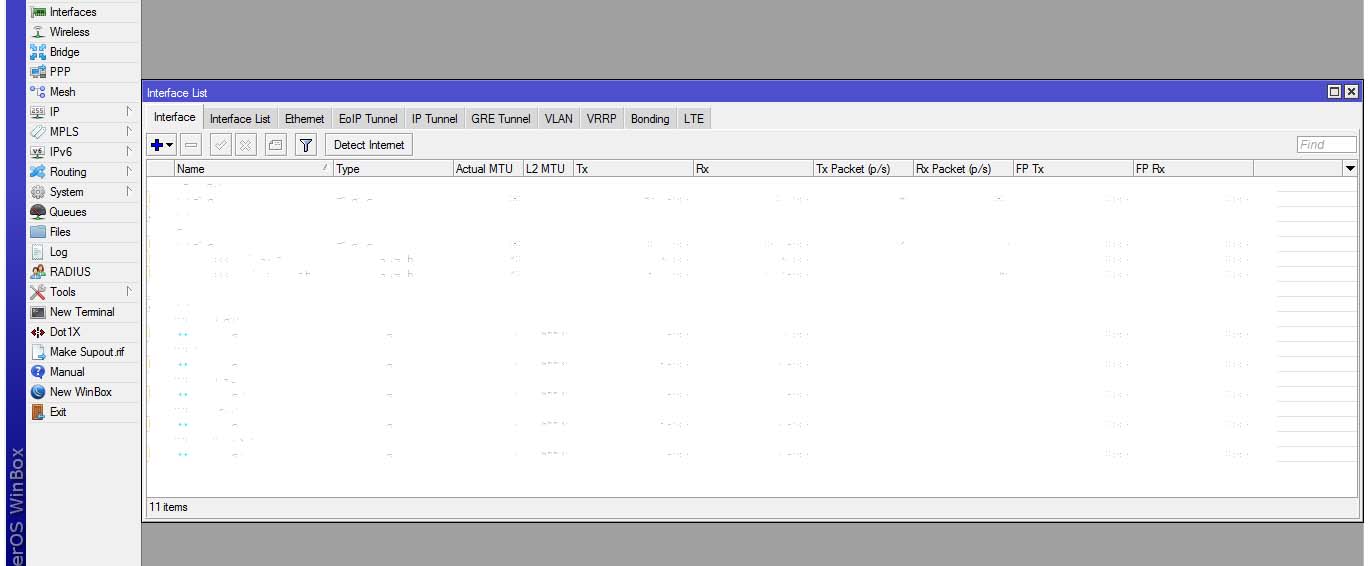
  1. Fixed inner window size (first picture)
  2. Exit from Winbox
  3. Again open Winbox (second picture)
  4. See second picture’s Inner window is change automatically in width
    But Winbox 3.21 not changed Inner window automatically
    1.jpg
    2.jpg

Thanks but any chance to get a native application in other OSes like MacOS or Linux without the need to use Wine?

I also confirm, resizing is NOT fixed. Still bugged.

Still have the problem with lines getting cut off in terminal when scrolling.

I experience the same issue. Otherwise seems that the major resizing issues have been solved.

From posted change list, I inferred that they admitted in advance that this part of the problem was not yet solved. Baby steps, I guess. I wish things got broken only in baby steps.

“Check for update” still does not admit availability of this version, though.

Hi to all

i using Winbox under *buntu18.04 & wine
from 3.22 and now in 3.23 i have an annoying problem with inner window resize

what bother me is INTERFACE window
it is stretched to MAX horizontal (width) whenever i open Winbox

i tried to delete session and save again, but nothing.

It is really problematic for someone who using winbox on daily basis

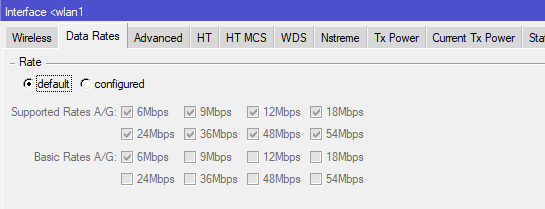
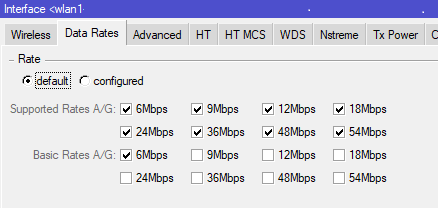
“Default Wireless Data Rates error”

I have noticed error regarding Data Rates setup in wlan interface.
Since WinBox v3.22, when I check default data rates, I still have them enabled, which is quite confusing.
I tried many versions up to 3.21 works fine.
DataRates_till_321.png
Since 3.22 (both 32bit and 64bit) has error.
DataRates_from_322.png
Problem seems to be independent of ROS of the device I connect to.

+1 for mac and please fix the resizing

Everytime I open a new Winbox .viw file it increases the scaling.
I’m using custom scaling in Windows 10 = 115%

It is true. On any interface scale more than 100% - inner window resize bug appears…
Version 3.23 still have this bug, and rows bug too…

as a linux and macos user I’m going to ask they don’t do this and instead release a 64 bit version of the dude so I can update to latest osx and future proof against a 64bit only linux future which is coming

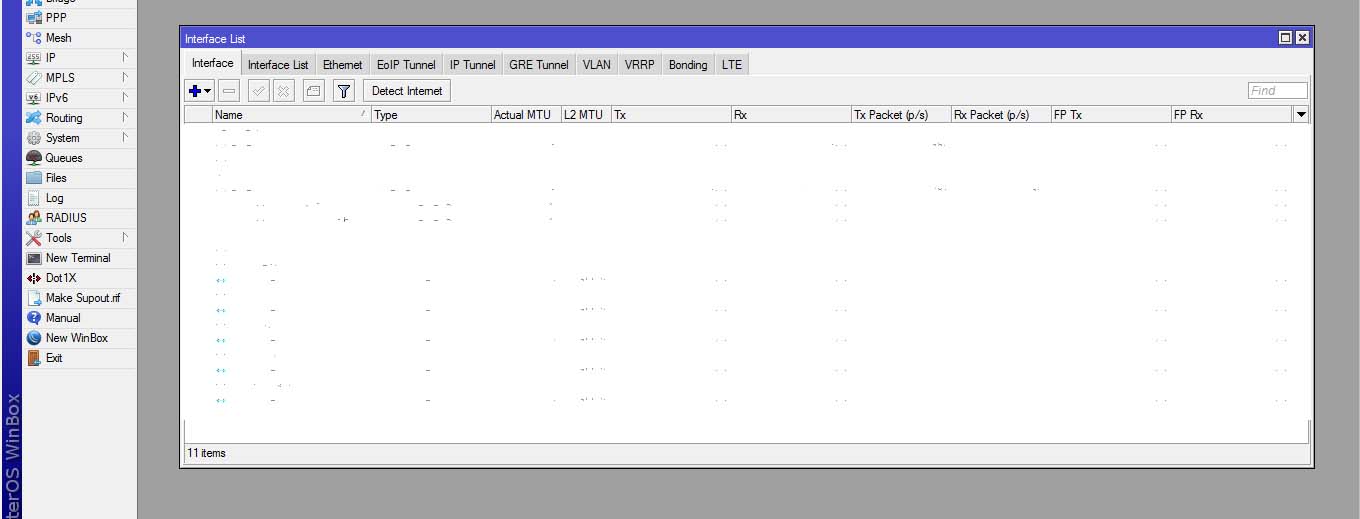
Update in Winbox v3.22 only says:

“There are no new versions”

and shows me “What’s new in v22” and the change log of 22 and previous ones.
So connection to Mtik server is working and resolving update server …

What is the issue ? How can I fix this?

Resizing of the inner windows is still present and it’s still highly annoying :confused: Anyone know where to find 3.21?