What’s new in v3.39: Important note!!!
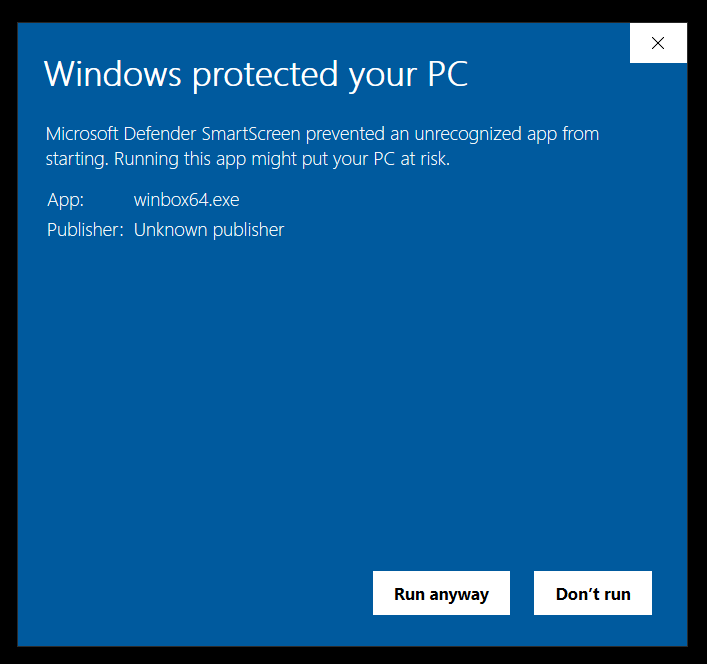
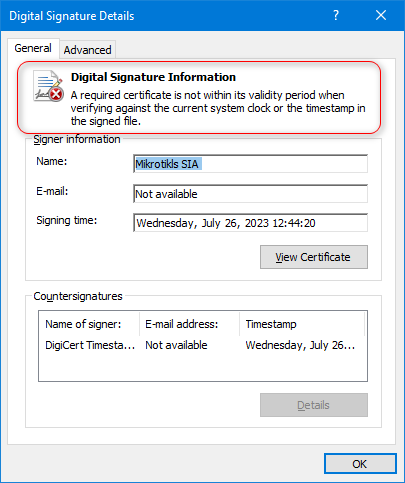
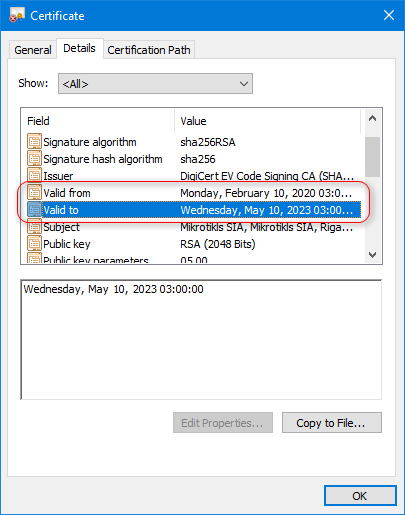
Upgrade from older WinBox versions might not work due to the new digital signature. Manual WinBox upgrade is required.
*) added support for QR code field;
If you experience version related issues, then please report them to support@mikrotik.com.
Quick Tip: Now you can use Back To Home feature with regular Wireguard app in your phone or other device. Once BTH has been set up, in your “IP → Cloud” menu you will be able to scan a QR code from any device with a stock Wireguard app, to quickly configure the tunnel there.
The problem is that you wrote “upgrade file is corrupt” which is something very different from what was mentioned in announcement (and is probably the reason for upgrade to fail). If you phrased your post like “upgrade fails indeed, I tried on 3 different pcs”, the meaning would be whole lot different (for starters, it would show that you did read the announcement and that you encountered the predicted problem).
Built in upgrade will not work! This is because new Winbox has new exe signature. It will say “upgrade file corrupt”. So download new winbox manually here: https://mt.lv/winbox64.
I kind of agree there. That line should be changed to “it will probably not work so upgrade manually”.
EDIT: and it’s done
I’ve seen it happen too (hey, maybe I was lucky… ) but after the first occurrence I already made my conclusion how to proceed for the second one.
And the message effectively said “file is corrupt”. Quite confusing …