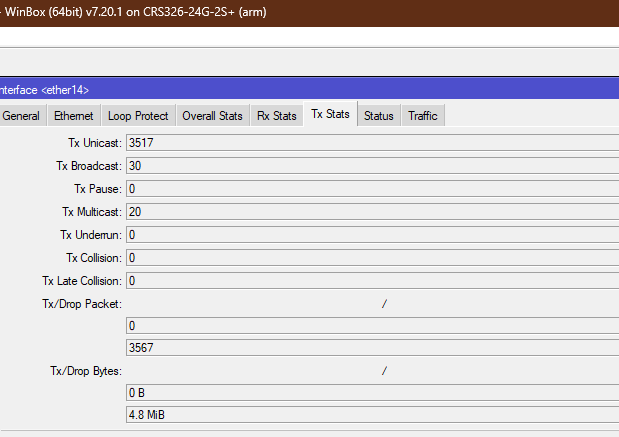
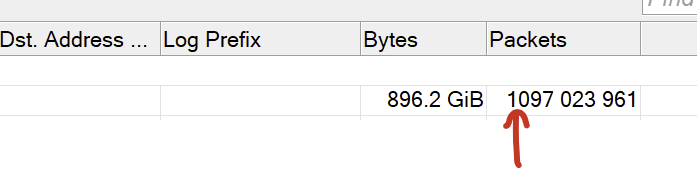
WinBox v3.43 still crashes when connecting to a device running RouterOS 7.20, then go to IPv6 -> Firewall -> Connections, and then double-clicking (or pressing enter) on any of the entries in the table.
There is no crashes if the devices run 7.19.6 (or older).
Still waiting for fixing of these multi-year bugs...
If WinBox window has maximized state and was minimized to taskbar, then if reconnection happens, it loses maximized state, and this makes all internal windows to shrink to fit into new main window size, causing total mess.
If you have an opened log window and a new message arrives, the window doesn’t scroll automatically and this new message may be hidden or not completely visible in the list. But if one more message arrives, the window is scrolled automatically. I. e. autoscrolling happens only on every second message.
And please don't say, that you are "currently focused on WB 4" and stuff like that. WinBox 3 is a CURRENT version, everything else is beta, buggy and unstable. Current product shouldn't suffer because of some beta development, it's ridiculous!
I know that stable can mean different things to different people. But in the case of Winbox, stable has turned into something more like a long-term release – without being called that explicitly. It only receives the most necessary updates (similar to ROS v6) to stay compatible. All active development is happening in Winbox v4, which has been in beta for over a year – and in my opinion, it’s still rightfully in beta.
I only use Winbox as a read-only GUI, but even for that use case – or especially for that use case – version 3 is far superior to version 4. You just can’t beat a clean UI.
A bit off-topic, but they might consider renaming the release channels:
stable → current
testing → next/upcoming
The alpha/beta/stable naming feels outdated. In particular, the term stable can be misleading when even simple configurations break after a so-called stable update. Calling it current release might be easier for people to accept when things break.
That's why I was using the word "current".
It doesn't matter how stable is it, the main point here is that the current product should be actively supported and bug-fixed.
In that case it would be nice to have a recommended release, a version of firmware that most users should be running and that is known to be stable enough for some time before getting recommendation …
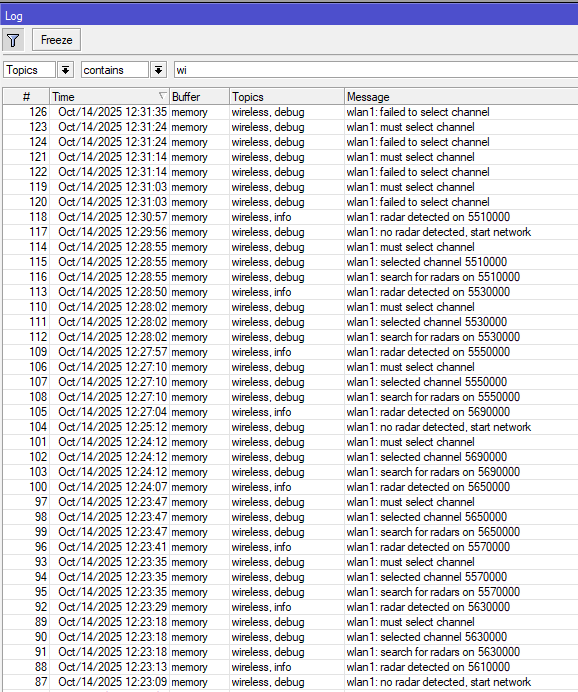
trying to sort the system log by first column (event #) in descending order will actually sort by timestamp in descending order instead… i noticed this problem quite a while ago, and it still happens in v3.43…
However, since the timestamp resolution is 1 second, this will mess up the display order of events when multiple events occur in quick succession one after the other during the same second.
I also tried the Winbox 4 beta 35, there the descending sort order by event number is correctly displayed in the log, but the “Current TX Power” wireless page has no data at all, it is just all grey. (Figures that v4 still has some teething problems, since it is still in beta.)



 …
…