Wireguard log messages
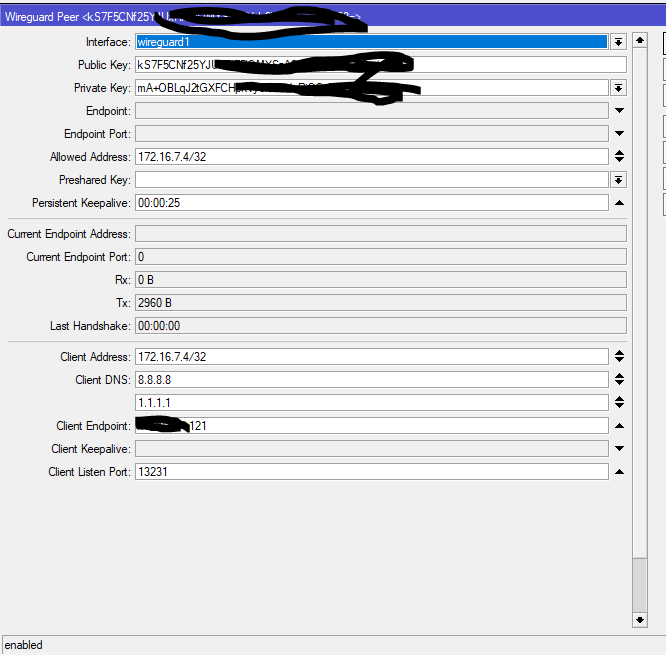
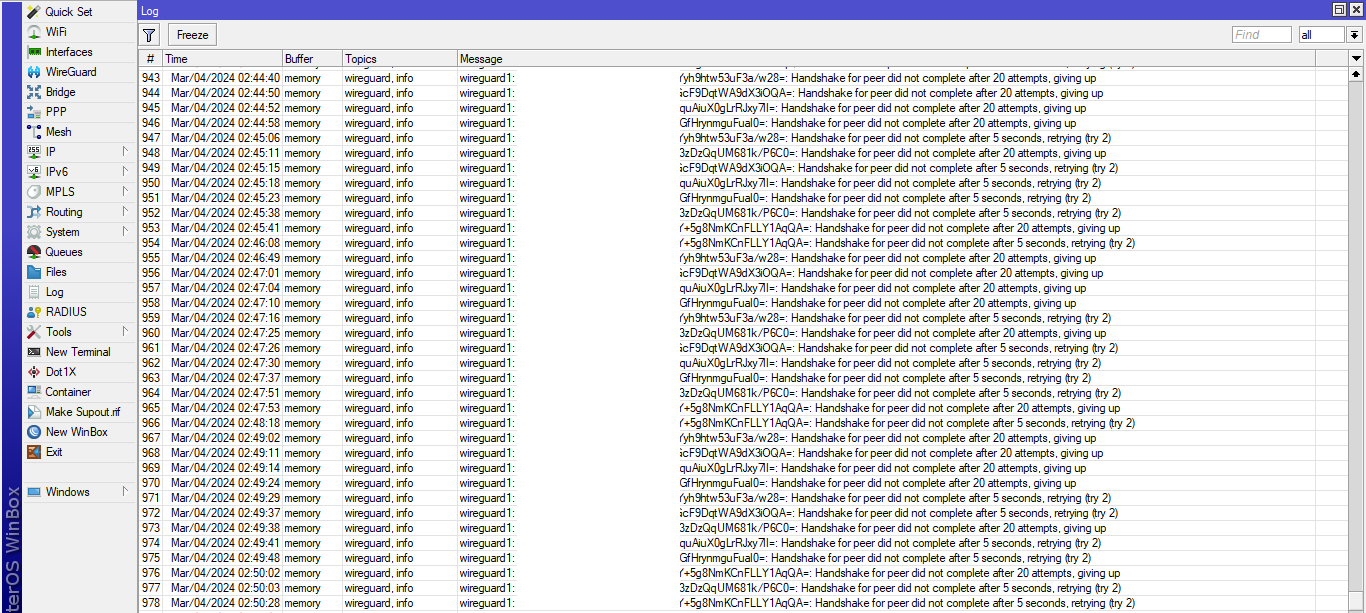
You have really good logging!
What happened??
Please help if there is any problem or issue
I’m experiencing same logging spam since version 7.14
Oh my bad I thought you were showing off your excellent logging. ( also there was no request, comment, question, I dont answer pictures )
If you download new software the first things you should do is read the thread on the new software as users will report issues there.
Have a read, http://forum.mikrotik.com/t/v7-14-3-stable-is-released/174007/1
Yes I have read
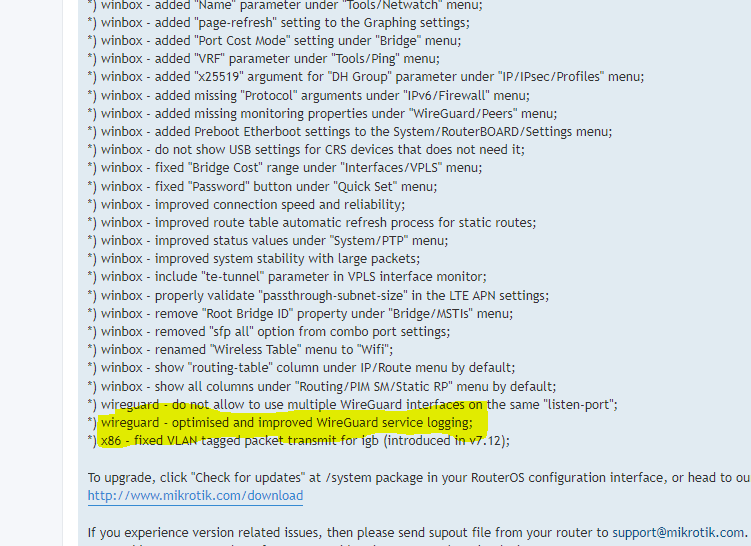
“in 7.14 they optimised and improved wireguard service logging”
my log is always full with iwireguard.
how I can stop this type of messages in logs
I only want to log new VPN connections, maybe disconnects. What’s the best way now with version 7.19.2?
There doesn’t seem to be lots of wireguard logging now.
You could perhaps use the regex option in the logging and choose everything that doesn’t contain keepalive. (or maybe does contain handshake)
Also perhaps enable logging on the input rule that allows the wireguard packets.
Excellent, this worked for connects and disconnects:
/system logging
add regex=“WG1.*Receiving handshake initiation from peer” topics=wireguard
add regex=“Handshake for peer did not complete after.*giving up” topics=wireguard
So, the problem I have now, is that this messages gets repeated every two minutes. Is there a better way to just capture Logon and Logoff?
There is not really a long-running session that begins with a “logon” and ends with a “logoff” in WireGuard. You can read more about it here:
Protocol & Cryptography - WireGuard
The peers do not say “I want to logoff now”, it’s simply the result of timeouts.
And there is no “I want to login” to begin a long session. There is only the handshake to establish the shared symmetric keys, but because the keys are short-lived, the handshakes need to be repeatedly performed in short intervals.
If you want to capture the pseudo logins, one possibility is to log the input UDP rule on the firewall as @rplant suggested, because if UDP timeout is set to 30s and you have persistent keep alive set to let’s say 25s in WG. then that firewall rule should only log once when a remote host first tries to contact the WG port. But then you don’t have the information about the WG peer (except for the remote IP address and port number). And if the remote host roams between networks, then you’ll see more “logins” than “logoffs”.
There is an easier and more convenient way to do this instead of the firewall rules logging. Take a look at the script I wrote for this: Logging WireGuard peer connects and disconnects
My approach logs the actual peer name, doesn’t depend on keepalives being set, and also logs (pseudo)-disconnects.
There should be a “Responder” checkbox below “Persistent Keepalive” now, I’m not sure why it’s not in the original post, maybe it was added later.
It should be checked on the server, so that it doesn’t attempt to initiate connection to the peers on its own, if the WireGuard connection isn’t meant to be a permanent site-to-site link with public IPs on both ends.
This way you’ll only see the “Handshake for peer did not complete…” entries in the peer’s own logs if it has problems connecting to the server (because of issues with Internet connection for example).
Just FYI, you are replying to a post from over a year ago.