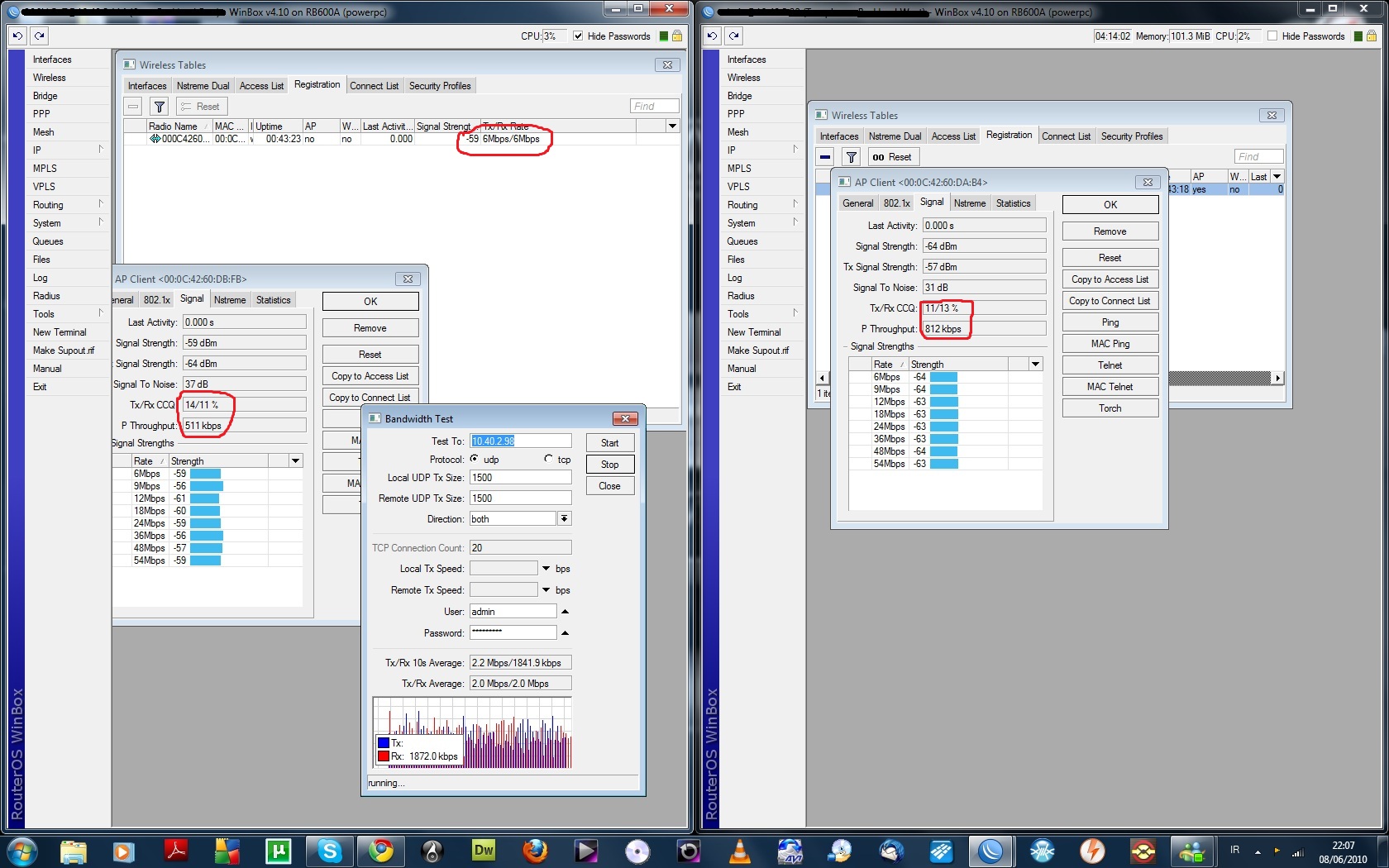
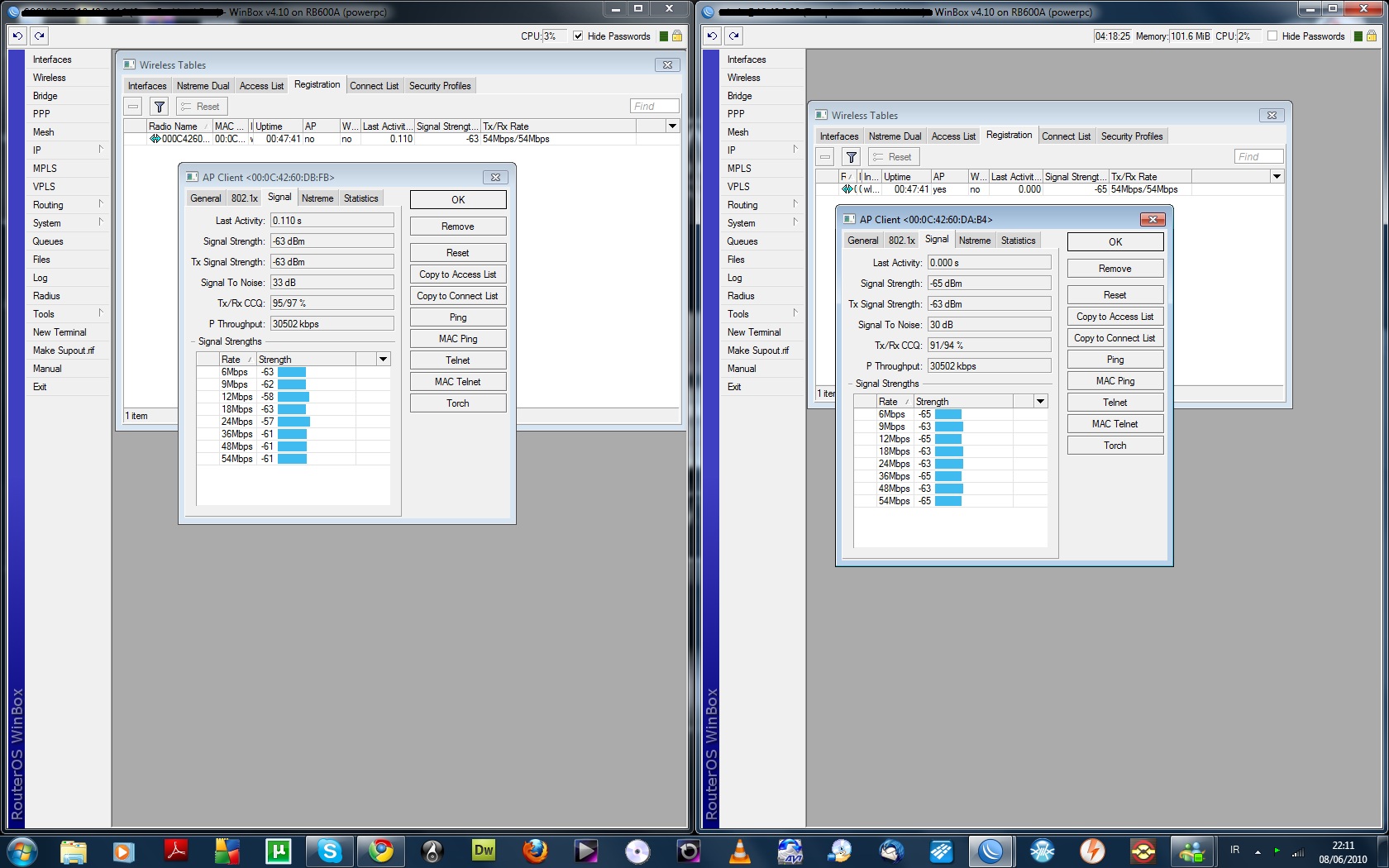
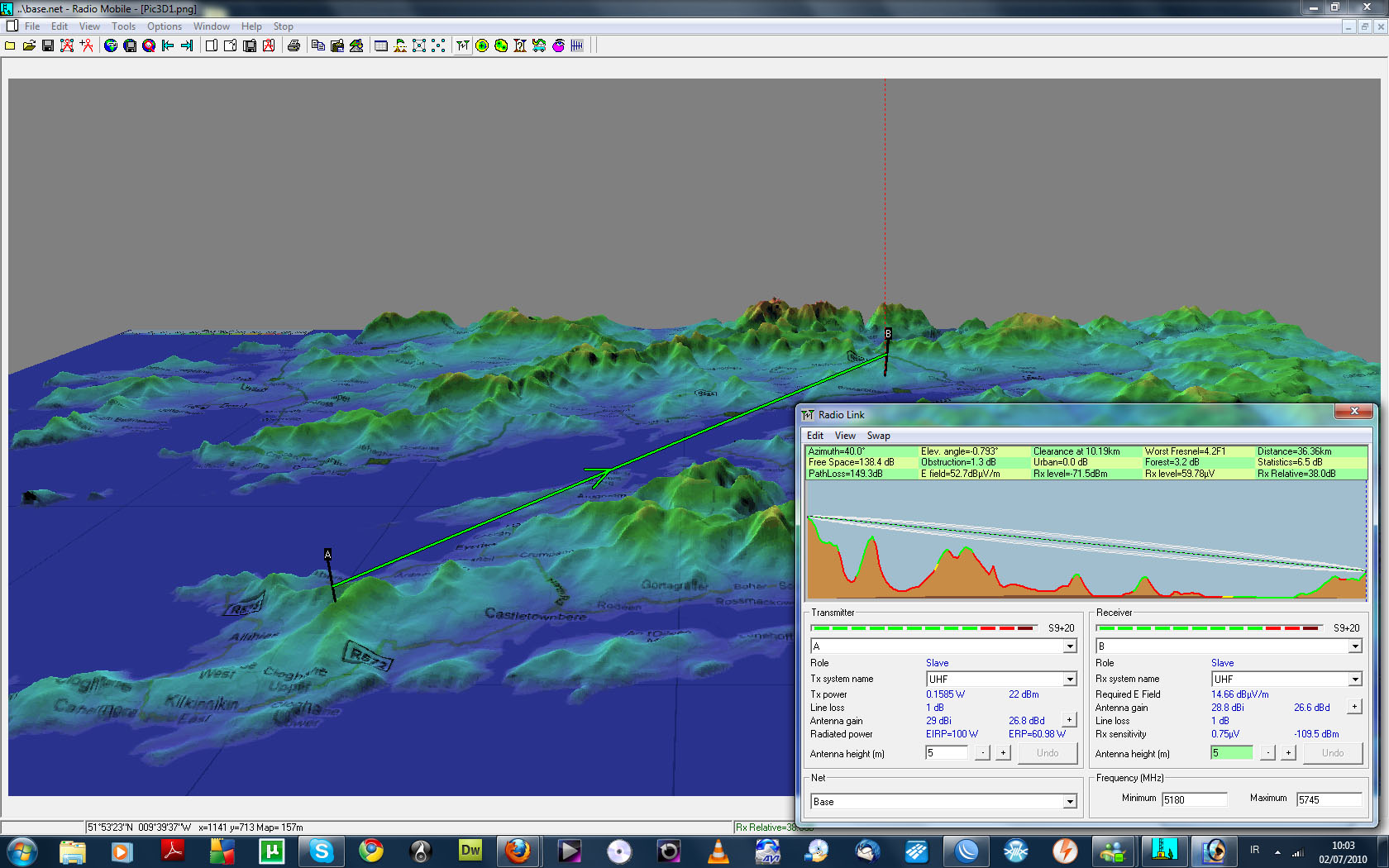
I am having some problems with throughput on this link.I have 4 R5H on 2 Rb600 running 4.10 at either end.
The firmware on both the routers is 2.27
Signal hangs around -60 to -52
54Mbps/54Mbps
CCQ is avg 80+ on both ends
Bandwidth test one way get’s 18Mb
One radio is on 5180 Ghz
and the other is 5745 Ghz
I have disabled one of the radios to show how much throughput one radio can pass.
I have tried all of the 5ghz spectrum just in case of interference with still the same poor throughput.
The link below is of the vertical polarity.
Manually set both ends to work at 24mbps, and set the ack on both ends to 410. then make the bandwidth test again, make this test with the two radios radios but not at the same time, (first one then the another but disabling the first one,) excuseme english it’s not my primary language…
As i haven’t used these before but my comment is, I generally don’t like limited bandwidth spec on a unit in this case the bandwidth quoted is 5.45-5.9 for the parabolic, and doing a full bandwidth scan on this unit could give misleading results ?
28dBi may look good but even when a low loss link rf cable is used ( Radio card + pigtail + LMR400 1m ) the loss’s really add up, from my own experience a 24dbi grid had a 1m lmr400 cable and signal was -62 , tried two others still the same but when i bypassed the lmr400 my signal went to -55, from calculations insertion attenuation should be 0.3db?, but why 7db my guess is impedance mismatch of the link lead and it may not be 50ohm as quoted in spec,
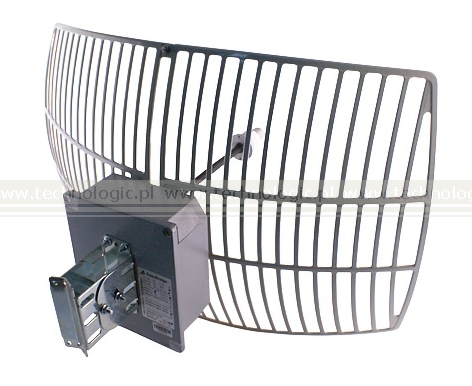
The next links I am ordering is grid again rather than parabolic, this is mainly due to lower wind resistance not gain, parabolic is great if you have a tower to bolt them onto or if you can locate them in a sheltered area, below is the grid (26dBi+433 box) I will be using. I am sure some supplier will soon use a 30+ dbi grid with box mounted onto back of the grid so no link lead needed.
Hello, I have a similar setup, 40 chilometers, but with XR5 in turbo mode frequency.
With the H-POL I have 40 Mbit of TCP (one-way) troughtput.
With the V-POL I have 30 Mbit of TCP (one-way) troughtput.
The antenna is the same, but I have 4 XR5 running in 4 RB411AH and balanced with OSPF.
100% ccq over the H-POL and 90-95% over the V-POL.
The problem is not resolved still have very poor throughput
Hi Welan thanks for your input i will be changing the R5H for the XR5’s.
n21roadie we are Based in Kerry.
Have you tried testing at say 10kms and then at 20kms and finally 37kms comparing bandwidth, this eliminates any radio card issues and location, You mentioned a clean frequency usage scan but be aware the scan only displays frequency usage by 802… compliant gear and not the non compliant stuff, spectrum analyzer is the only way to know how crowded the band at the location really is.
It maybe a tx vs rx issue at both ends, where the tx is swamping the incoming signal, by reducing the data rate increased the tx power power, R5h goes from 20 to 24db @24, hence your ccq went from 80+ to 90+,
I am a little confused then did you conduct the reading at 24 or 54 when your posted vert receive @ 13/ vert send 13…etc?
I am using XR5’s and find them good,in actual fact all my PTP + Ap’s use XR5’s and all of the cpe’s use UB5, i don’t use mikrotik cards,
For me it looks like internal interference (propably separation problem), your singnal levels are rly good for this range, try changing cards to normal ones (~100mw), dont use any with amplifiers, they cause more peoblems than benifits if they are in close to each other, then try running test, if still problems, reduce tx powers to like 10dbm. Propably separation problem. This should help. Dont waste money on higher tx power cards.