Previously we were using a Microtik HapLite Router and it was not possible to “see” or print from a mobile phone to a WiFi printer connected to the same WiFi network. I posted to the forum and was advised to enable all port forwarding and that solved the problem.
Now we have upgraded to a Microtik Hap AC2 router and have experienced the same problem with the WiFi printer. I can’t find the setting that allows all port forwarding. I need help please with step by step instructions to enable all port forwarding. Your advice would be appreciated.
All port forwarding is ridiculous.
All you need is the IP address of the printer and the main port(s) the printer uses…
Need one port forwarding rule in forward chain…
add chain=forward action=accept connection-nat-state=dstnat
THen need dstnat rules something like
add chain=dstnat action=dst-nat in-interface-list=WAN dst-port=PORT(local printer uses) protocol=tcp
to-address=IPaddressPrinter
For an HP printer it would appear that 9100 is the main printing port and 631 tcp ( for ipp protocol ).
and also perhaps snmp for printer status (windows), 161 udp/tcp
Thank you for your reply. All I want is for any guest with a phone to be able to find the printer on the network and print. At the moment it appears that all devices connected to the network can receive internet but cannot communicate with one another.
With the previous router I had to check the setting, “Default forward” in the wireless network settings. That was quick and easy and worked just fine. What I would like to find out is how to do this with the Hap AC2. I can’t find this setting anywhere. I need step by step instructions on where to find it.
All a user has to do is open any document on their android phone, and then click the 3 dots and select “print”. Then the available printers will show up on the network, select and print. With the previous Haplite router the printer was only available when “Default Forwarding” was checked in the wireless settings.
Thank you for your reply. This is at a meeting hall and I am responsible to look after the equipment. I will see if I can get some more information.
The router is broadcasting WiFi on 2.4 MHz and 5 MHz. Mobile phones and the printer are connected to the same network.
If I can select the “Default Forward” option for the particular WiFi network the problem will probably be solved.
client-isolation (no | yes) Determines whether client devices connecting to this interface are (by default) isolated from others or not.
This policy can be overridden on a per-client basis using access list rules, so a an AP can have a mixture of isolated and non-isolated clients.
Traffic from an isolated client will not be forwarded to other clients and unicast traffic from a non-isolated client will not be forwarded to an isolated one.
Default: no
What is “strange” is that the default for the first is yes (i.e. allow forwarding) and the default for the second is no (i.e. negate client isolation) so someone must have changed the setting on both the old and new device.
Yes that is correct. I am a newbie and used the wrong terminology. Right now the printer is invisible to other devices using the same WiFi Network. I want to know how I can make it visible.
No, no search function that I know of.
Connect to the device, better if using Winbox.
Then follow these instructions to export configuration: http://forum.mikrotik.com/t/forum-rules/173010/1
then open It in Notepad or any text editor and search for them.
Alternatively in Winbox Terminal try using [TAB] auto-completion, i.e. type:
/interface wi[TAB]
and see what options you are given, and navigate through either wireless or wifi …
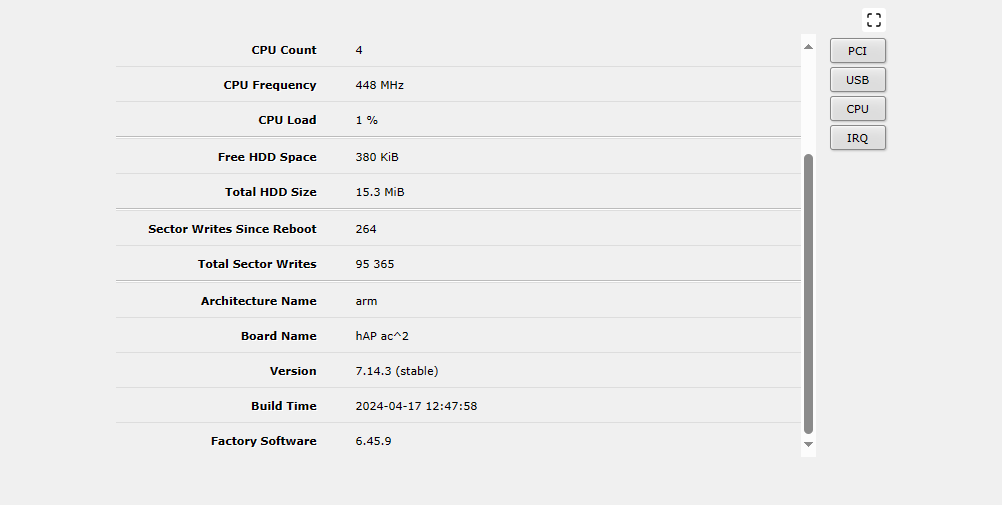
Thank you. I will have to try that another time. In the meantime I have attached this screenshot in case it helps.
After a lot of searching I found the setting under Network/Datapath/Client isolation.
I checked all 4 WIFi networks in the building and client isolation was already not checked. However the printer panel shows it is connected to WiFi and is still invisible to other devices on the same WiFi network. So there must be another reason the printer is invisible.
I don’t know.
Maybe you have something in access list rules (where exceptions to the “general” settings can be made) or it could be something else, like a firewall rule, cannot really say.
At this point, the only possibility is that you follow the instructions for making an export and post it (sanitizing sensible data).
Then some more experienced member can (hopefully) spot where the issue may lie (provided that it is on the Mikrotik side and not something to be changed in the actual printer).
Sorry, I previously posted my reply below on the wrong thread. I have removed it and have posted here on the correct thread.
Thank you Ammo and to everyone for your replies. I finally got around to exporting the Router report which I have pasted below. "Client Isolation" is definitely not checked.
In the meantime, a friend successfully printed from the printer which got me very confused. On my phone I get the message, "this printer is not available". So I clicked "print" anyway to see what would happen, and lo and behold, the document printed! I did not attempt to connect by "wifi direct" so I guess it is somehow printing across the wifi network! When we had the old haplite router the printer was clearly visible. With the new HapAC2 modem I get the message that it's not available. So I will have to do some more troubleshooting.
I wonder if the problem is a weak wifi signal? The printer is about 8 metres from the router with only a drywall in between. The printer wifi light is active showing it is connected to the network. Another point is that the printer is in the middle of 2 wifi routers in the building with the same ssid and password. So I don't know if there is a clash of interests. So maybe client forwarding is not the problem here.
Kind regards
Chris
Router Report (Question marks ??? are to block out sensitive info)