Hi guys!
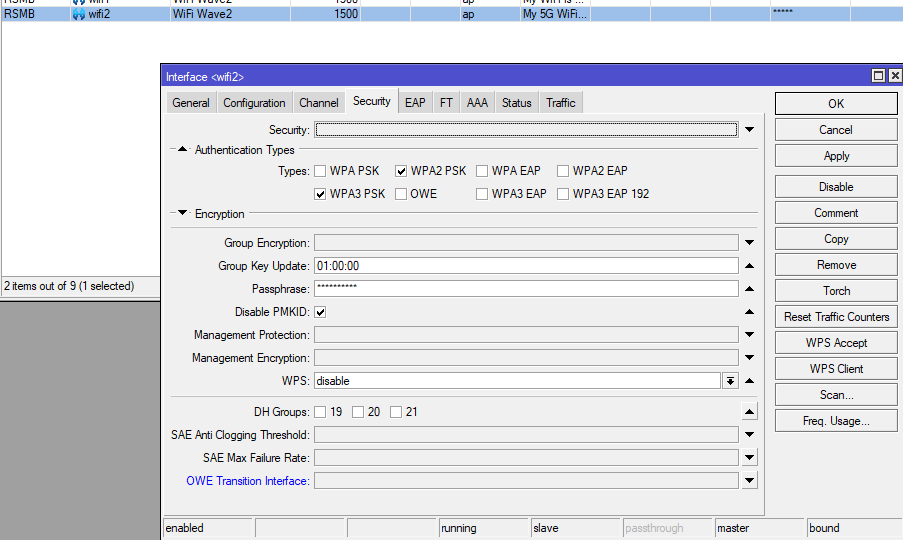
I have a problem with WiFi on a Macbook Pro 2017 13’'.
Here are the logs:

What happens - I connect the WiFi and after a minute or a few seconds, it is auto disconnected from the MikroTik. However, the WiFi on the Mac says it’s still connected, but when I try to browse, there is no internet connection. Pinging my router also does not work.
What I tried so far:
- I reset the wifi2 interface and set the settings again
- I reset the WiFi settings on the Mac.
- I tried reinstalling the MacOS.
Known facts:
- WiFi 2.4 GHz works flawlessly.
- The problem appeared just recently (1 week ago) when I updated to the last MacOS.
- I have another Macbook Pro 2019 with the last MacOS and there are no problems with the 5GHz network.
- I know that the problem lies within the MikroTik router as I have another router (Xiaomi) in a different room and connecting to it’s 5GHz network does not cause any disconnects.
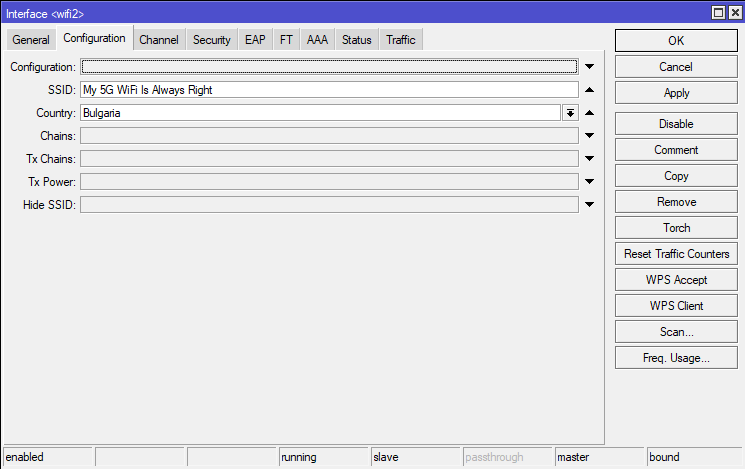
- It’s probably worth mentioning that both routers share the same SSIDs - one SSID for the 2.4GHz and another for the 5GHz.
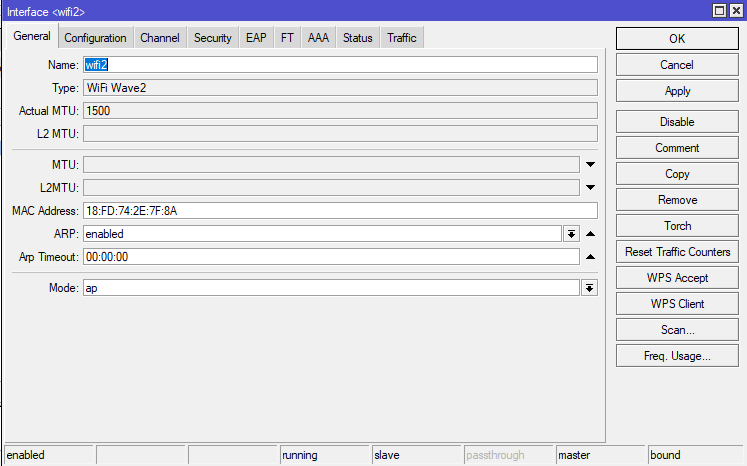
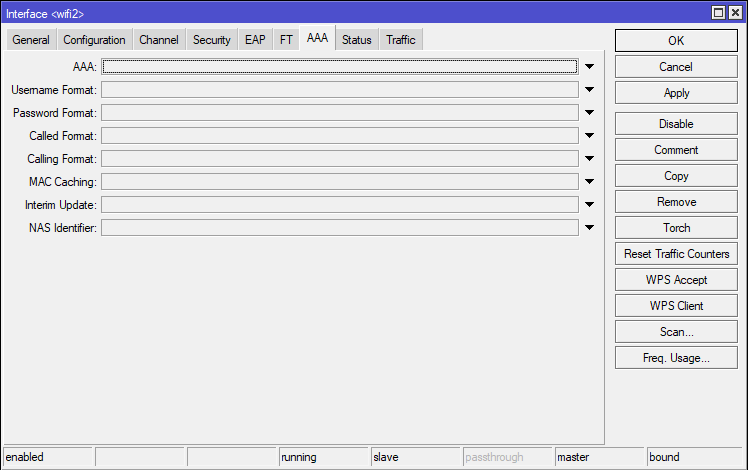
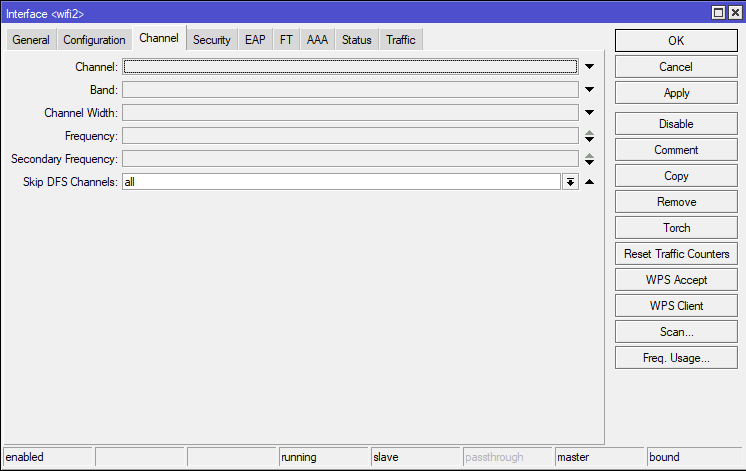
Specs and logs:
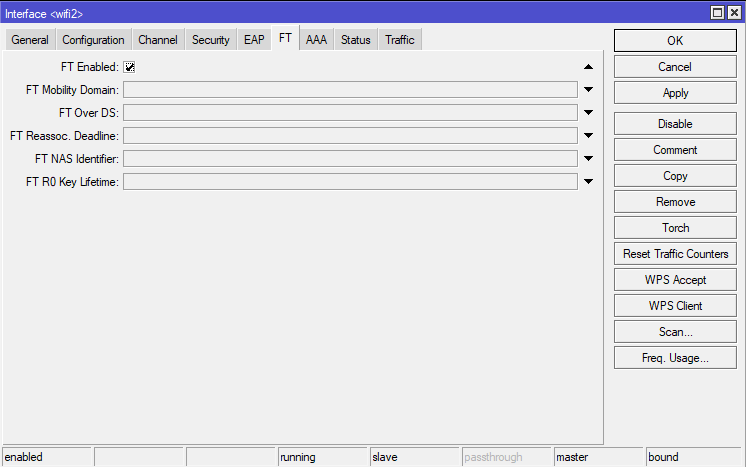
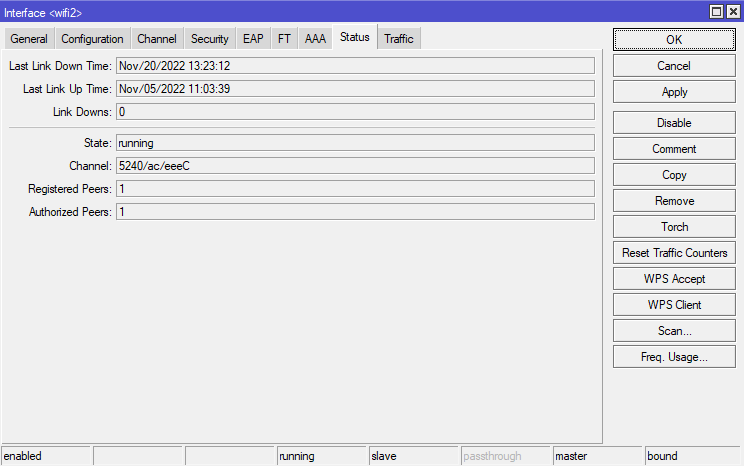
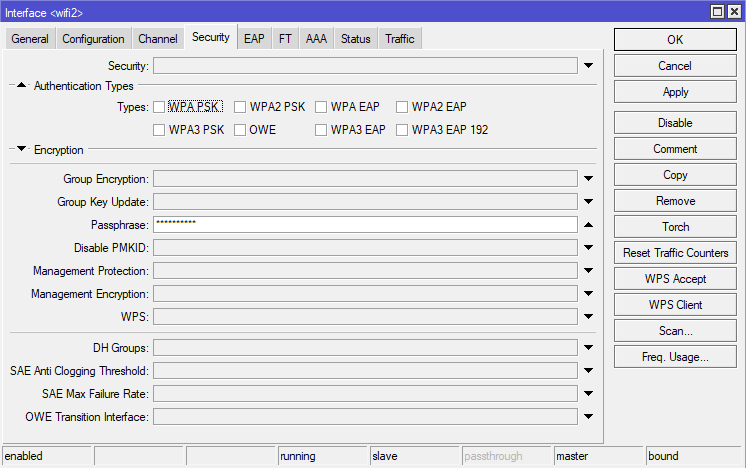
Router model - hAP ac^3
RouterOS 7.6 (it was 7.5 this morning)
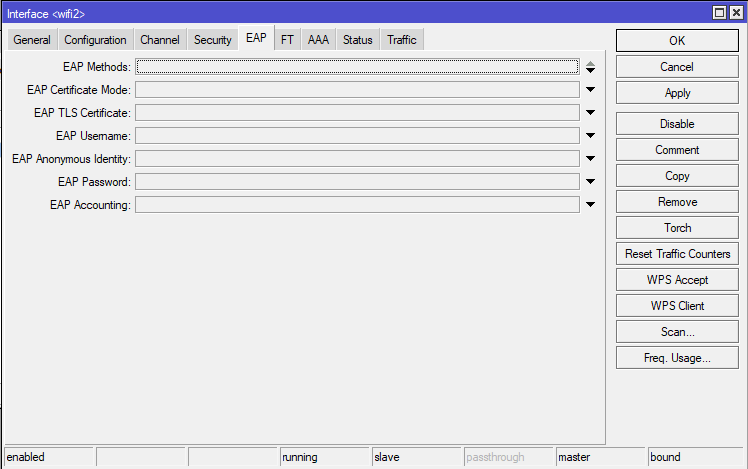
P.S. Knowing how I am pasting the config on wifiwave2, you can say that I am no expert