One week in use!
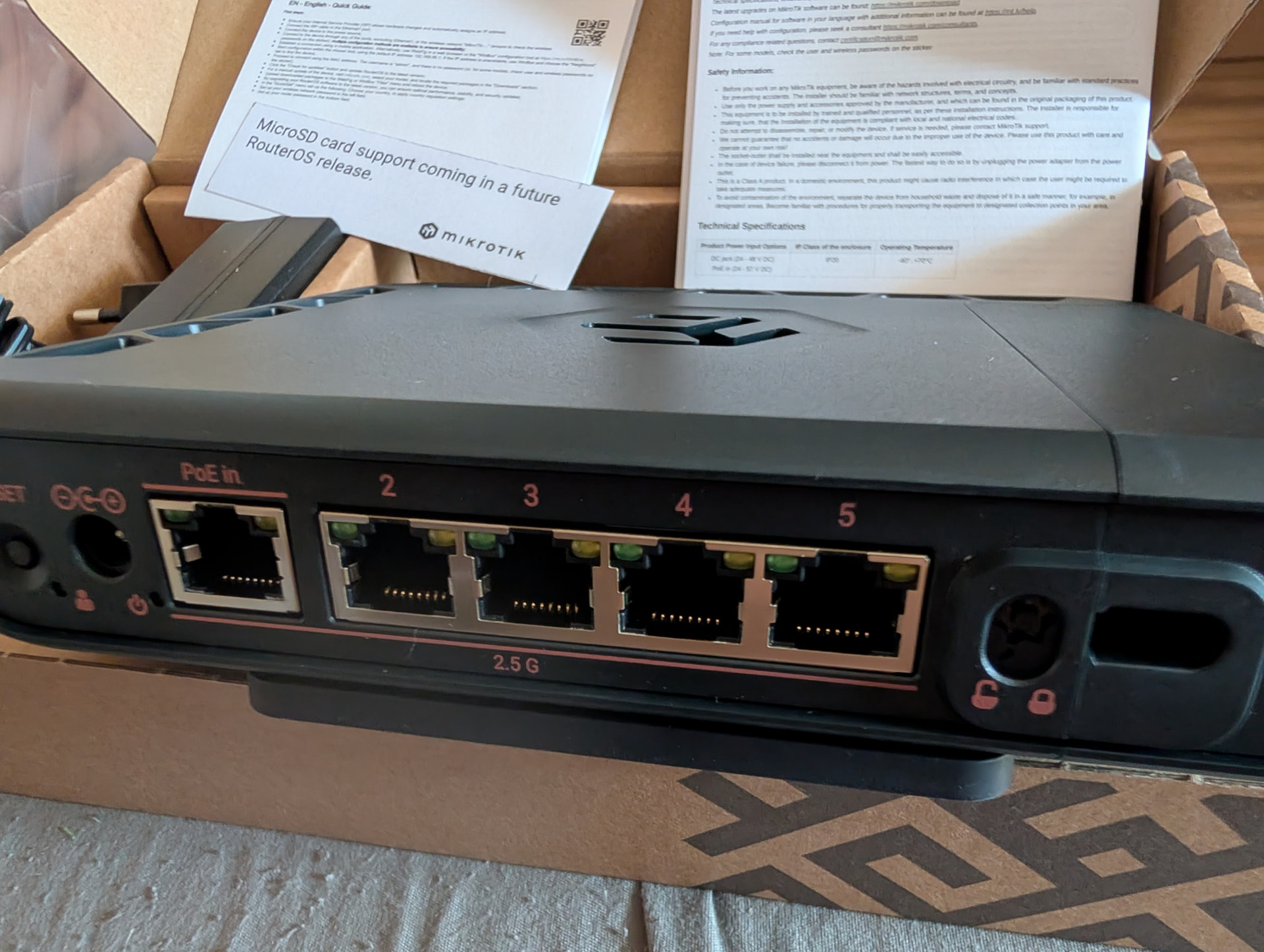
Wireless power supply and all-wireless data? 
Waiting till it truly got room temperature before switching on. Don't you read manuals?

That would IMO hardly count as "in use" ... but anyways.
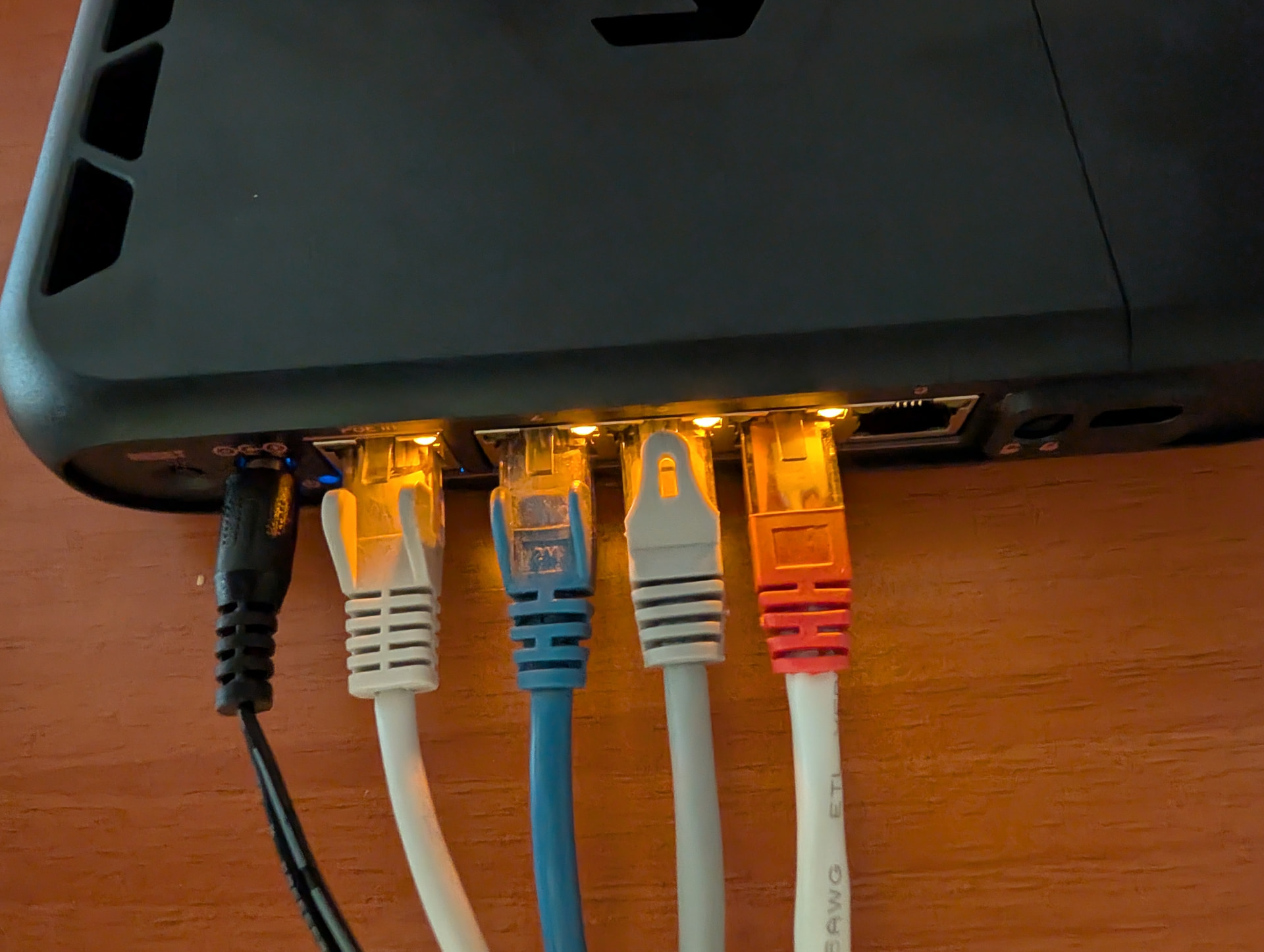
Looks as Christmas tree in July
where is real performance data though to share if u compare with ax2 and ax3.
What about overheating issues that people reporting u have any issues?
I also started a thread about the overheating. Yes, it does get hot! How critical it is, though, is still unclear.
My be3 arrived to replace an ax3.
Wireless range on be3 appears to be considerably worse on 5Ghz/AX in comparison to AX3 
This is standalone 5Ghz, configuration identical, MLD not enabled.
In a slightly distant room where I got 200Mbps-300Mbps before, I now get 10Mbps-20Mbps.
Next to the router though, the speeds are fantastic.
Anyone else seeing similar?
That is to be expected with 802.11be. The speed is higher but the range is less.
And this will affect AX clients too that do not support 802.11be?
Sadly The better is the enemy of the good
My phone is connected to both the 2.4GHz and 6GHz networks at the same time. For some reason, it isn't connecting to the 5GHz band. However, the speeds are excellent on all bands.
I agree, speeds are fantastic and much improved when I'm right next to the router on 5Ghz.
6Ghz works just as well but I do expect the range to be much less there
I would almost say 5Ghz and 6Ghz range capabilities is almost equal on this revision
In summary It feels the speed/range drop off is much harsher on this hardware with 5Ghz in comparison to AX3.
Of course in AX mode and when using the same band, there should be no difference.
On 6GHz AX the range is less as well because power is less.
Indeed, 5Ghz I am seeing a drastic difference in range and capability compared to AX3
6Ghz I agree with you, range should be and is in practice less.
Tips for users,
- run the latest available betas, since 802.11be is receiving all kinds of upgrades.
- Try the wifi network menu, it is for simplifying the config, just set wifi name and password, the rest will happen automatically.
- use the MLD interface, it's awesome (well, it should be used automatically if you follow step 2 and use networks menu to set up wifi)
units are slowly shipping. as for reasons of delays, as you know, all kinds of certification changes in the US and general component shortages for all electronics due to ... I think it's in the news too.
now just wait for cAP be 
To bad I'm crap at waiting