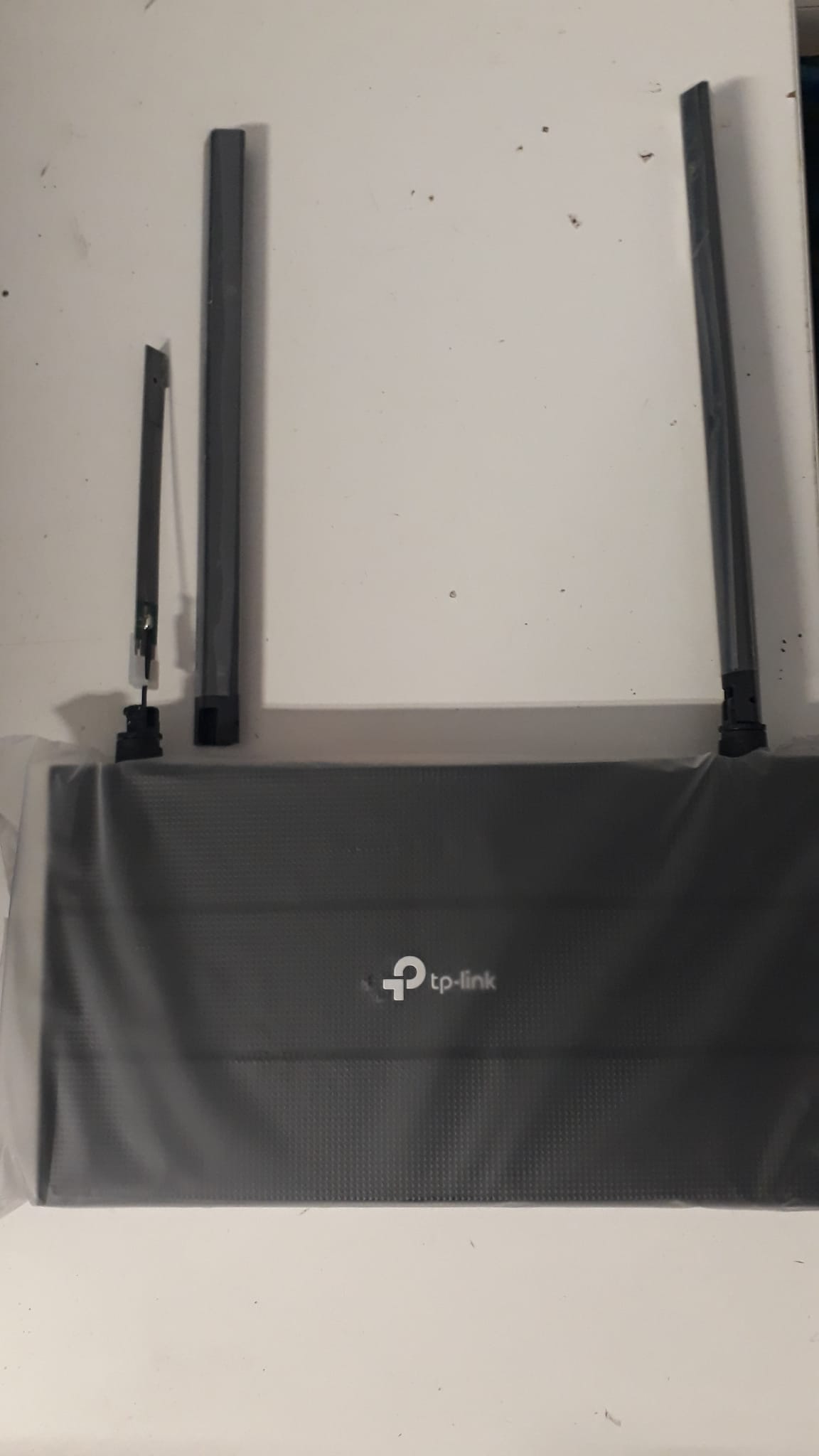
Having installed a lot of cheap-n-cheerful TP-Link routers and access points in mainly residential settings, I get a gut feeling that the Mikrotik’s without external antennas don’t seem to perform as well, esp. over distance. The TP-Link TL-WA1201 has four antenna:
How is this going to compare with a hAP ac2 which has internal antenna? Can somebody remind me of the relationship between chains and antenna? The TL-WA1201 has four spatial streams whereas the hAP ac2 has two chains. Does it have four spatial streams as well (2 TX and 2 TX)?
A better comparison would actually be with the TP-Link Archer C6 WiFi 5 Router - the one above is just an access point. But the discussion about antenna size still applies.
I have nothing but 5h17 with those shitty routers, all it takes is a power surge and they lose the configuration.
You can’t put UPS everywhere they go.
To my clients, either they buy MikroTik APs from me, or they take it up the a55.
And speaking of the antenna, it’s not how much plastic they put in that makes the antennas gain better…
The concept is simple:
The better he gets, he gets better… the interferencies.
The better it transmits, the better it is heard far away… but the clients continue to have an integrated microscopic antenna…
Then there’s the idiot neighbor on duty who broadcasts with these 51ut5 at full power,
interfering with the others nearby, because to “get” even in the cellar, he also bothers the living room of the apartment next door.
Then for my clients who have these problems, I put a mANT box pointed towards that disturbing apartment, at full power, with the same SSID and MAC address as them, in loop in transmission…
Then you see how they give milder advice on how not to piss off the neighborhood.
Unfortunately the world is full of people who are experts in “do it yourself” or idiotic installers who don’t even know what they are doing.
For any true MIMO indoor system what matters is the DRIVER and how the driver is configured. Antennas matter for OUTDOOR installations but indoor installation the antennas built-in [inside the case] are synced with the specific driver. MOST OEM’s like Broadcom and QUALCOMM provide tuned drivers which mfg like Tik can manipulate to a certain extent specific to the hardware capabilities.
The Consumer Wireless MIMO Routers that show off external antennas do so for marketing purposes because John Q. Public have been brainwashed to believe the external antennas provide superior performance …
Nice that for the small antenna they cropped the image to make it look like it doesn’t have reception “outside”,
while for the other the image overflows…
I don’t think the cropping was intentional, in the written comment:
The heat maps show that the Archer AXE75 was able to provide a relatively strong 2.4GHz signal throughout our test house, but the signal became weaker in parts of the garage. The router’s 5GHz band also weakened in the garage but showed slightly better range.
vs.:
The colors on the maps represent signal strength—dark green for the strongest signal, yellow for a weaker one, and gray indicating no detectable coverage. The circle on the map represents the location of the router. As you can see, the WRX560 did a fine job of delivering strong Wi-Fi throughout the house, although signal strength for both bands became a little weaker in the garage.
From what they write these are not simulations, they are field measures, though since the editor is US, the tested house is very likely to have “cardboard walls”, which are not comparable with our (traditional) walls and not even with newish gypsum board ones (the americans tend to use wooden 2x4" for the structure while in EU metal profiles supports are generally used, which I suspect can form some kind of Faraday cage).
From the commercial PC-Mag site: *Deals are selected by our commerce team
Apparently the small one also takes better at the bottom right.
Then I would like to see these simulations in the field, which do not take into account TVs, hanging mirrors and paintings, kitchen and bathroom tiles, electrical systems, wardrobes, etc…
I don’t think everyone lives in apartments made the same way…
And in any case the access point, in principle, should be placed in the center of the apartment, not on the side… Half the power goes to cover the neighbors…
Classic problem caused by a lot of installers. They provide internet access somewhere in a basement or garage or some corner and as a consequence that's where most will place their router/AP device.
The wave is too small to be stopped by metal profiles far apart from each other, both at 5 and 2.4GHz.
The wall should have a denser grid of profiles, practically a metal wall…
It should be at least as dense as the grid in the microwave glass…
One last comment, then I feel like I’ve written everything:
If you are not isolated from the world, no matter how hard you try, your neighbor always ruins everything.
No matter how much you spend, if you don’t insulate all windows, external walls, floor and roof, interference will always enter your home and ruin your signal.
Sounds like modern construction methods here in Belgium.
17-appts in my building, I live on the corner, adjacent to 2 others. I don't see ANYONE's network except my own.
Outside on the porch, then I see other networks. Even some from across the street.
Inside: nada, zilch, zero. Not even GSM reception (good thing there is something like Voice over Wifi nowadays...)




 (good thing there is something like Voice over Wifi nowadays...)