Hello,
Pardon me, I must confess, that I’m a total noob in network configuration.
Today I encountered this error:
“doh server connection error network is unreachable”
A friend of mine has configured the MikroTik for me to use it with the 1.1.1.1 DNS a year ago.
Fortunately, I’ve two backups: one pre “1.1.1.1” configuration and a second with this config.
So, I was able to restore the first one and make sure that the problem was with DNS connection.
I’ve tried to google this problem, I saw that there are two main problems:
no system time set and no certificates are acquired.
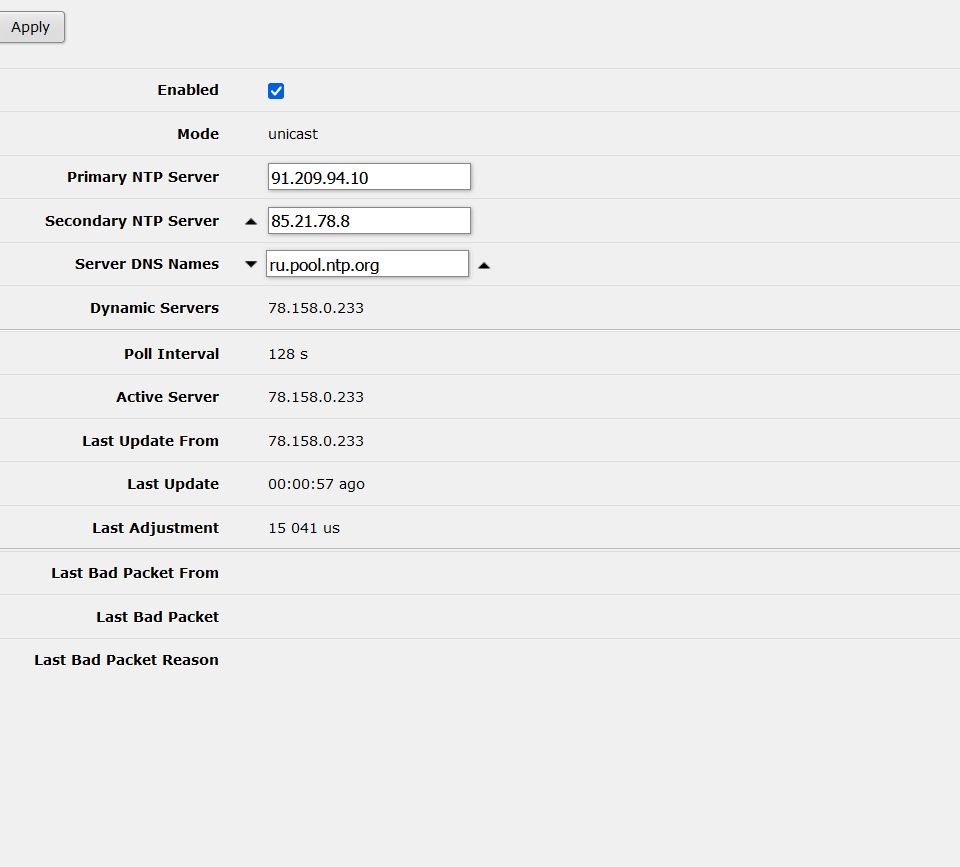
But my system configuration pulls them both:
I could post part of my configuration, just tell me what to display.
I’m glad to know it’s not just me. I ended up temporarily turning off the “Verify DoH certificate” option, which let me connect to https://security.cloudflare-dns.com/dns-query — corresponding to 1.1.1.2, not the unfiltered 1.1.1.1 service — then use my browser’s certificate inspection tools to download the full-chain PEM file for that site.
Uploading that to the local DoH caching resolver and installing it fixed the symptom, allowing me to turn DoH cert checking back on.
It may also be relevant that I went in and cleaned out the old CA certs first. I can’t go back and re-check it, since I deleted the old PEM files, too.
Recently, I also encountered an issue with the DoH (DNS over HTTPS) server connection error on my hAP AC3, specifically using the Cloudflare DNS service (1.1.1.1). After some investigation, I discovered a temporary fix that involves replacing the deprecated DigiCertGlobalRootCA.crt.pem certificate with the DigiCertGlobalRootG2.crt.pem certificate.
However, I’m concerned that this may only be a short-term solution. Cloudflare has alerted users that DigiCert will soon be removed as a CA from their pipeline.
To address this, I’m reaching out to the community for assistance. Are there alternative and more permanent solutions that you can recommend?
In principle, these root CAs are supposed to have decades-long lifetimes, close enough to "immortal" for devices with a support lifecycle in the 5-10 year range.
Alas, every now and then, someone decides to retire a root CA for some reason, and we all have to cope somehow.
We can talk about ways to automate the replacement of the root CA, but that's not trivial, particularly in a case like this where if you wait until after it happens, you have no DNS, and how do you pull new certs without DNS?
Ideally, there would be warning that we all got, which gave us time to go out and get new certs before the changeover, but nobody told me Cloudflare was changing this. If they did preannounce it, I wasn't watching where they posted it, and I'm certain I wasn't alone.
If instead they had to do it in secret with no warning for some dire security reason, we're all back in the soup.
That's the situation. Which path out of the tarpit do you propose?
Hi, folks
So does it mean, that this error comes from the Certificate side?
And my attached “sert.jpg” is not accepted as valid anymore? It’s written, that it’s valid for 9131 days.
[quote=wfburton post_id=1047665 time=1704910009 user_id=215408]
That certificate has been abandoned (Cessation Of Operation)[/quote]
That's useful to know, but what would be far more useful is if we all had a channel we could monitor that would warn us of this in advance. Plainly a lot of us missed your November post. I think we want something a bit more in the "whirling lights and sirens" vein for a pending problem like this one.
I know, that’s why I said, there is nothing automatic you could do to prevent this from happening. Cloudflare changed the certificate, it did not expire.
You as the operator are responsible to keep your certificates in the router valid and up to date. MikroTik did not provide you this certificate, you got it from somewhere.
NEVER get certificates from 3rd parties, downloading stuff like this from anonymous user google drive is very dangerous.
Do what the DNS documentation tells you to do. Go to the address you configured as your DoH address and download certificate from your browser, by clicking on the padlock icon https://help.mikrotik.com/docs/display/ROS/DNS#DNS-DNSoverHTTPS(DoH)
Yes, it seems that the error is related to the certificate. Cloudflare has deprecated the DigiCert root certificate, and this might be causing the issue you’re experiencing.
As a temporary fix, you can try replacing the deprecated DigiCertGlobalRootCA.crt.pem with the DigiCertGlobalRootG2.crt.pem certificate. This seems to resolve the problem for now.
However, keep in mind that Cloudflare has indicated that DigiCert will soon be removed as a CA from their pipeline. So, while the temporary fix might work, it’s advisable to look into more permanent solutions.
The situation is simple:
Cloudflare updates the https certificate every 2 years (last time done on 30 Dec 2023).
This time DigiCert did not sign the certificate with the old key, but with the new one, so the root certificate is no longer valid.
So probably every 2 years or less (it can happen at any time, but in any case within 21 Jan 2025) the root certificate in the device must be updated.
The solution? Browsers update often, and the root keys are also updated with OS update…
So RouterOS should also implement an additional package with the list of trusted root certificates…
I warn you in advance: Don’t base everything on 1.1.1.1 or similar…
Sooner or later you will get fu–d in the a–…
For example:
They break down for some reason (either by sudden failure, unexpected maintenance, choice, or because they want you to pay fees…)
[Or they are simply fed up with all the useless pings they receive, since they give the DNS service, not the ping service…]
and 1.1.1.1 is unreachable everywhere…
Do you know how many "route"s are changed by mistake, devices that restart with the netwatch, DNS and DoH that no longer work… etc. etc. etc.
@normis Apologies! I’ll never post a link to g-drive or any files going forward. Sincerely apologize for this.
As for the root cert, it did change. It’s why I offered them up. The simplest way to get the certs is the way normis outlined. It’s how I download them.
@01K It’s not a work around. It’s also one single command. You have to upload the certificates (3 of them) to Mikrotik first. Then import them in Mikrotik certificates. After that’s done, run the command. To verify that you are using DoH, go to their website https://1.1.1.1/help. On this page, it’ll tell you if you’re using DoH, TLS, or just standard Cloudflare.
/ip dns
set allow-remote-requests=yes doh-max-concurrent-queries=100 doh-max-server-connections=20 doh-timeout=6s servers=1.1.1.1,1.0.0.1 use-doh-server=https://1.1.1.1/dns-query verify-doh-cert=yes
Agree 100% with this statement. I use an alt DNS, Cleanbrowsing. They offer malware, virus, etc protection & DoH as well. I see/know a lot of people use OpenDNS, which the response time isn't as good as Cloudflare, Google or Cleanbrowsing
I wanted to bring to your attention that the MikroTik Confluence wiki page about DNS and DoH configuration seems to have outdated information. The page suggests using DigiCertGlobalRootCA.crt.pem for DoH, but this certificate is no longer functional.
In light of recent changes, it would be beneficial for MikroTik support to update the wiki page and provide alternative sources for obtaining root CA certificates that are compatible with RouterOS and services like https://1.1.1.1/dns-query.
I’ve explored some certificates from Google Trust Services and Cloudflare.com, but they didn’t seem to work with my settings. Including verified and up-to-date information on obtaining the correct root CA certificates will greatly assist users in configuring DoH securely.
Thank you for your attention to this matter, and I appreciate your ongoing support.