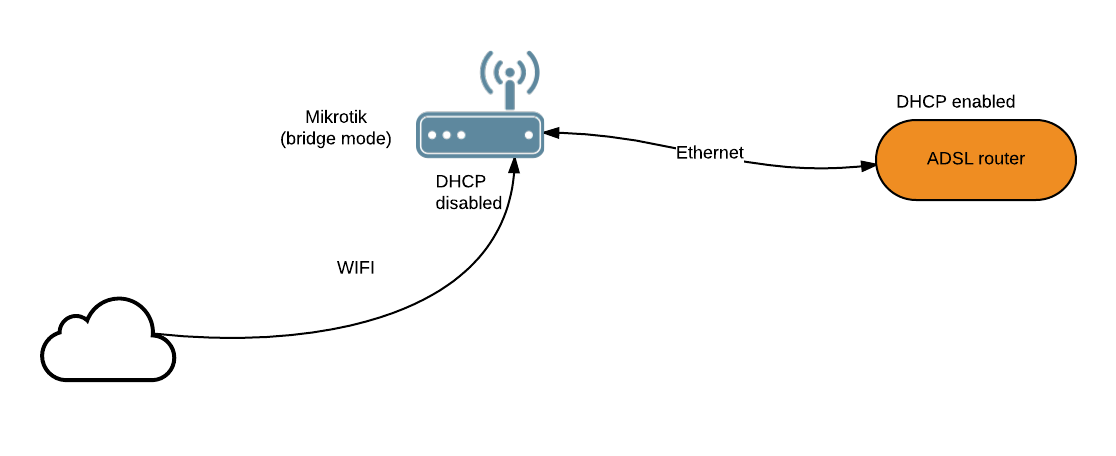
In my current setup I use the DHCP service of my ADSL router and have a Mikrotik
in bridge mode as you can see in this picture
however the DHCP service of my router is very limited (i.e. I can’t fix an IP to a MAC address)
so I would would like to disable the DHCP of my router and enable the one on the Mitrotik.
Do you think it may work?
PS: I still find confusing to configure the DHCP in Mikrotik
of course it will work and it will work better. mikrotik devices are superior from provider dsl modem-routers. but you need to know how to do it. why dont you try with quick set?
also is best to setup your provider router in bridge mode.
what mikrotik device you own?
First i would put your modem into bridge mode and then use the mikrotik to do the routing dhcp server etc. This way you avoid double natting.
Personally i use a rb951g wifi init
Setup some firewall rules, nat on your wan interface, create a bridge and add your wifi interface and all your ether ports except for 1 of them (that one will connect to your modem and will be setup as a pppoe client connection)
Then setup upnp for you lan and wan connection under ip menu and mangle for marking packets and add some queues.
with my setup i am using a billion 7800n adsl2+ modem and i can actually access it if i set it to an ip of the same subnet e.g.
my mikrotik router is 192.168.1.254 DHCP pool 1.100-1.200
my billion is 192.168.1.250
so i have one lead from the billion plugged into ether5 on the mikrotik which is the WAN port PPPOE client
then another lead from the billion to ehter2 on the mikrotik
when i need to reset the unit i just enable ether2 and i can log in
just make sure to disable the DHCP server on the modem and change the ip to one in the same subnet.
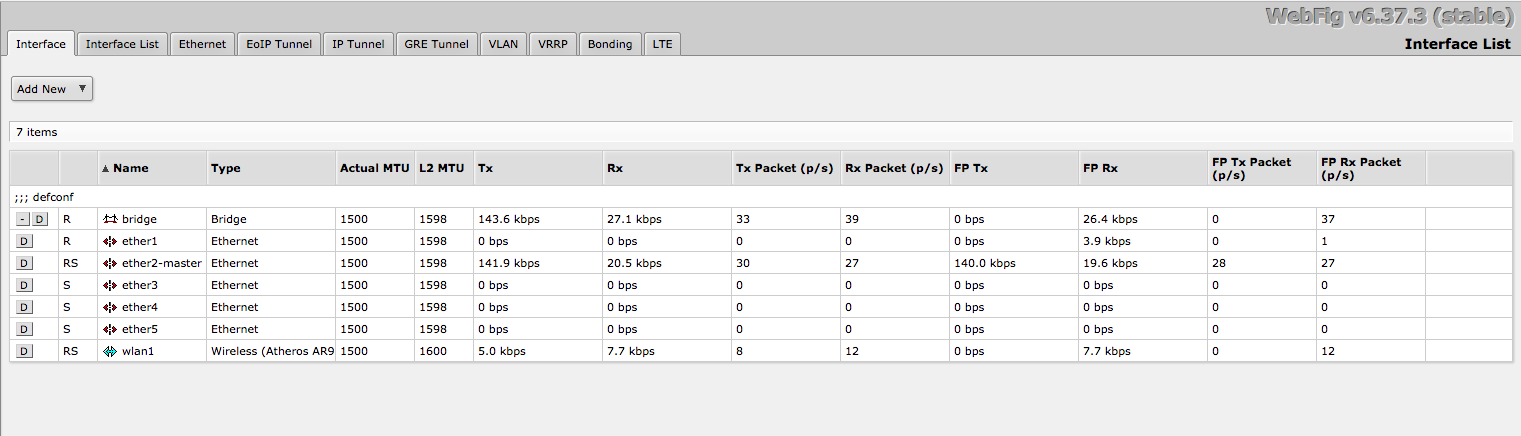
OK, I put my modem in bridge mode but still can´t get Internet in the computer connected to my RB951Ui-2HnD device.
I am attaching some screens of what I have done, so you can have an idea of where I am stucked.