I just tried this out - see this post.
Note: much has changed in the tool since this was posted. This has a lot of screenshots so they are now being hidden, but you can view them if you are interested.
Details with screenshots for the interested
Observations:
When adding vlans, the following flow seemed to work best (to require least modifications).
In the case I was trying 42,70,80,90 were the vlans being added.
When you choose the template I chose office with vlans.
This created three pre-configured vlans 10, 20 and 30
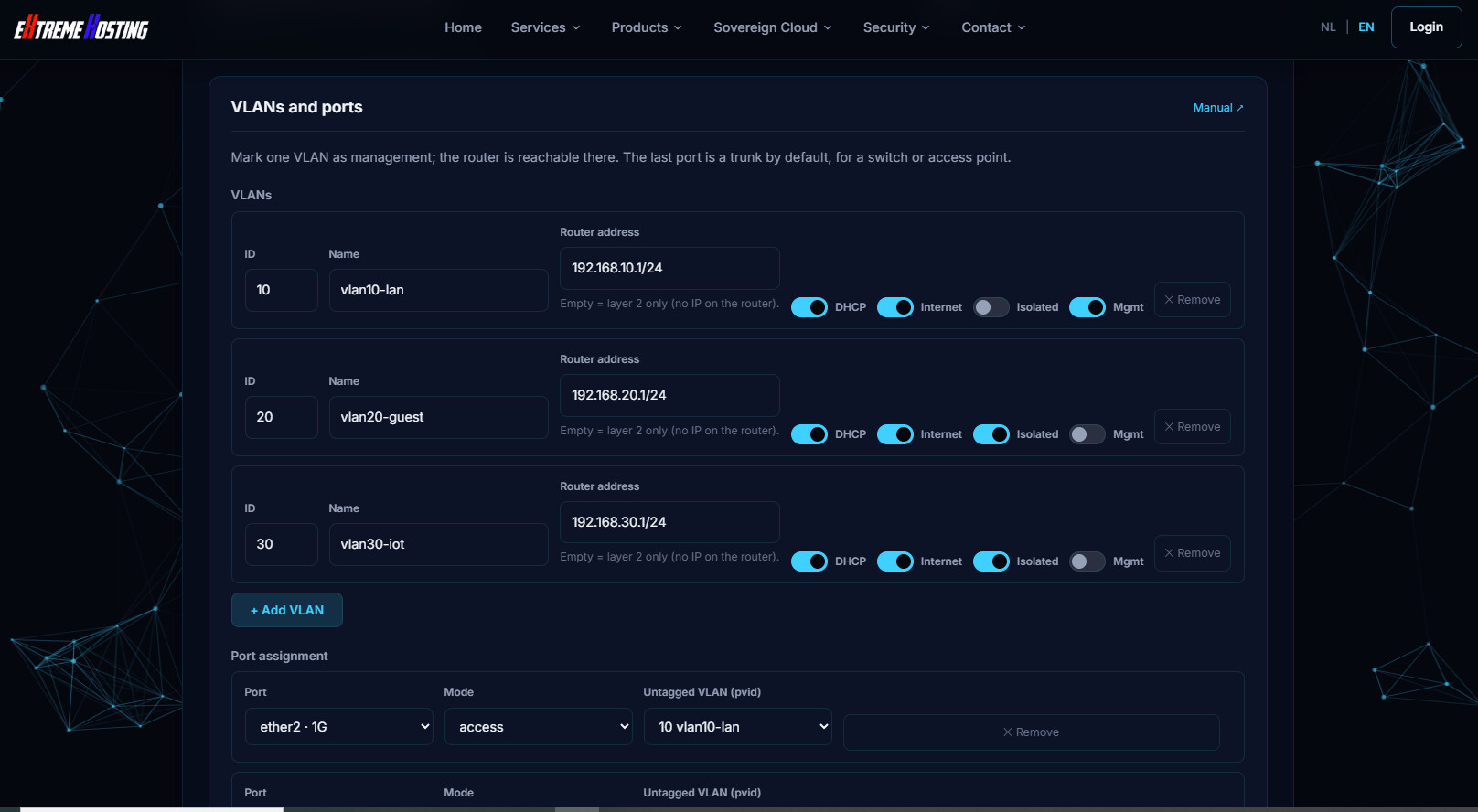
When you add a new vlan, it will increment vlan id by 10, but if you then change the name, that name won't be updated in the "internal" vlan table. But if you add another after it, then the previous entry will be updated.
Here is after pressing "+Add VLAN" (all that gets filled in automatically, the vlan name, the subnet, etc.)
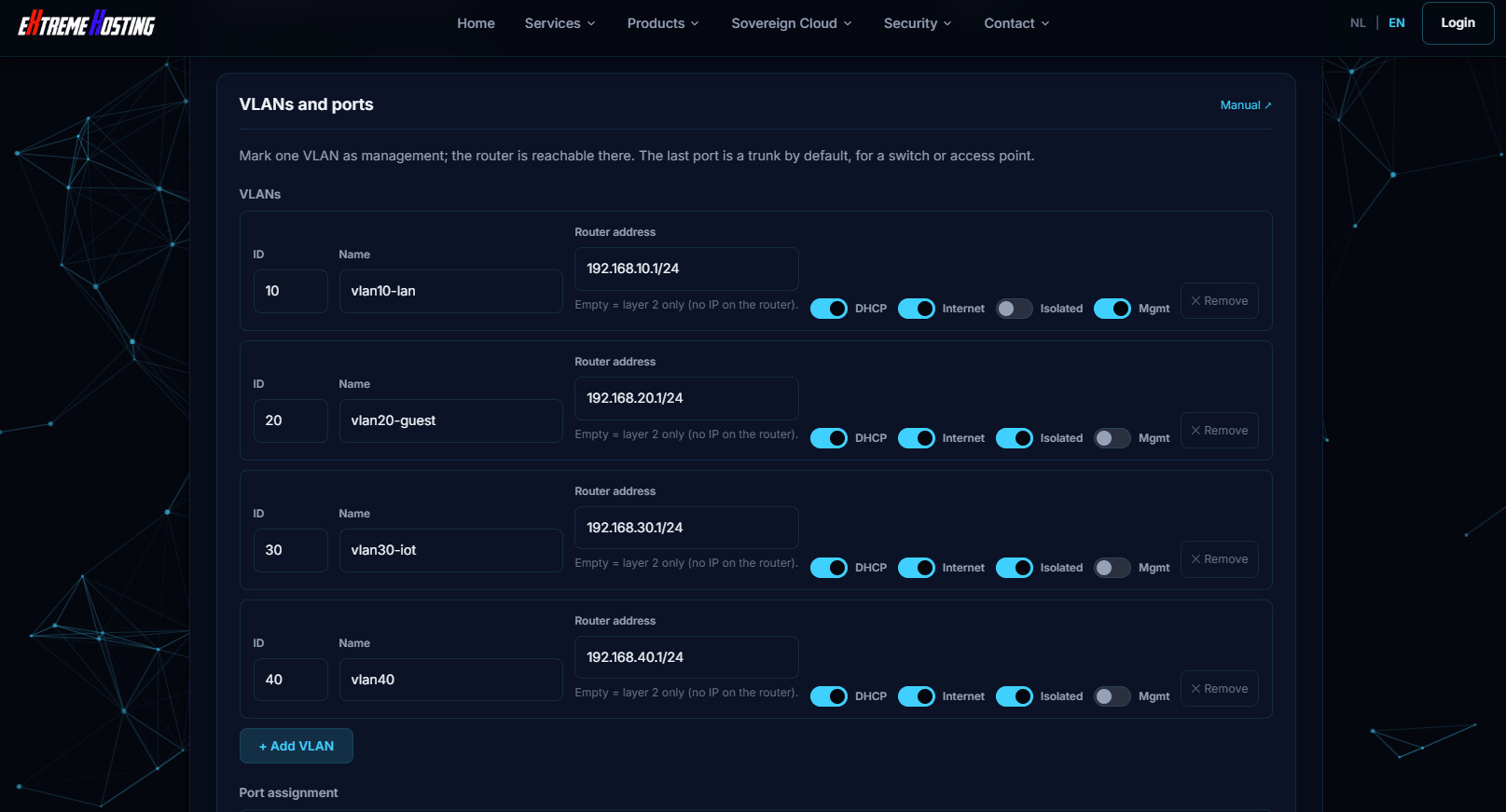
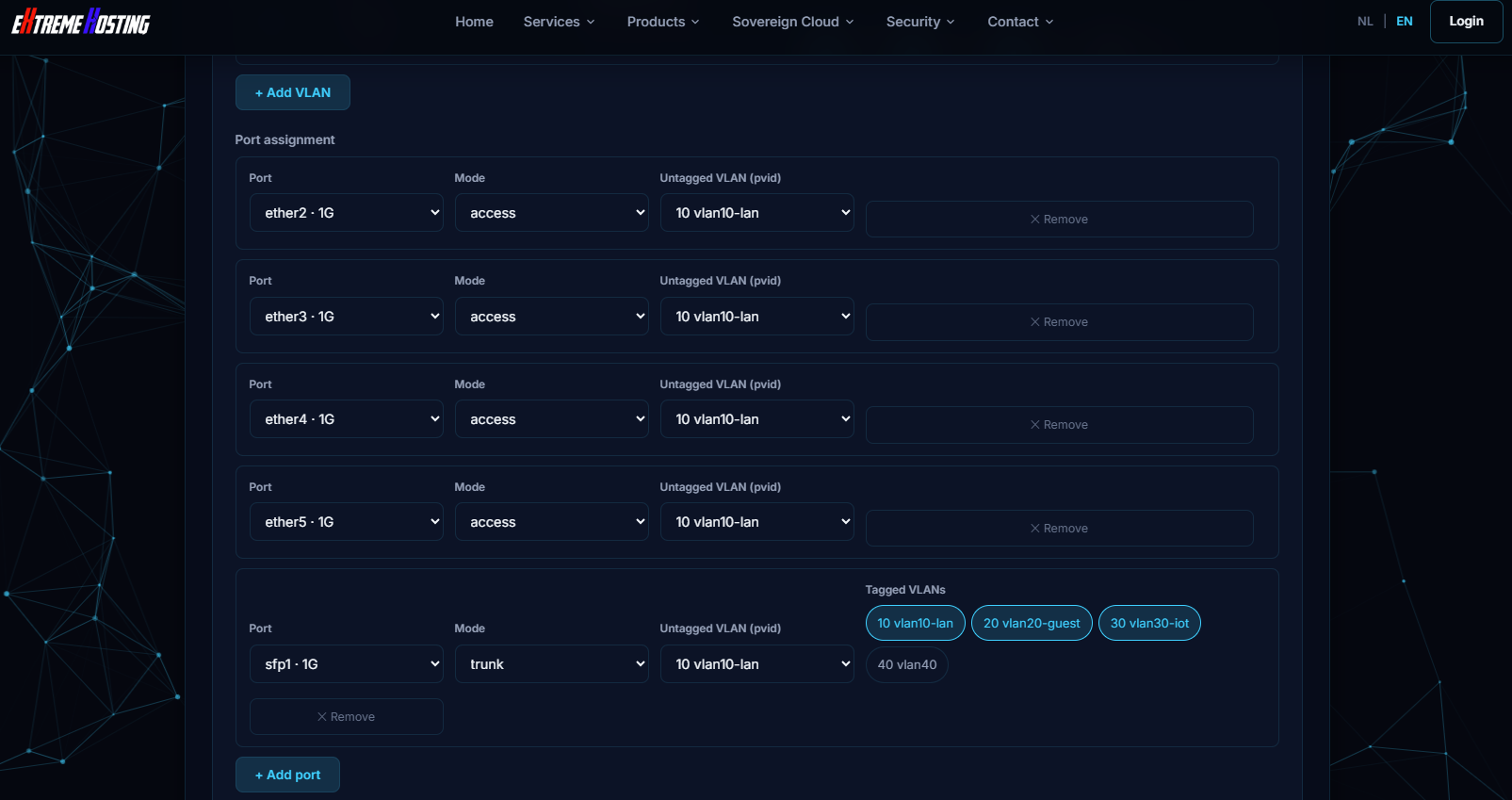
However if we now modify the name from "vlan40" to "vlan40-office", and then go to the next part and try to create an access port for vlan40-office, it won't show vlan40-office in the dropdown.
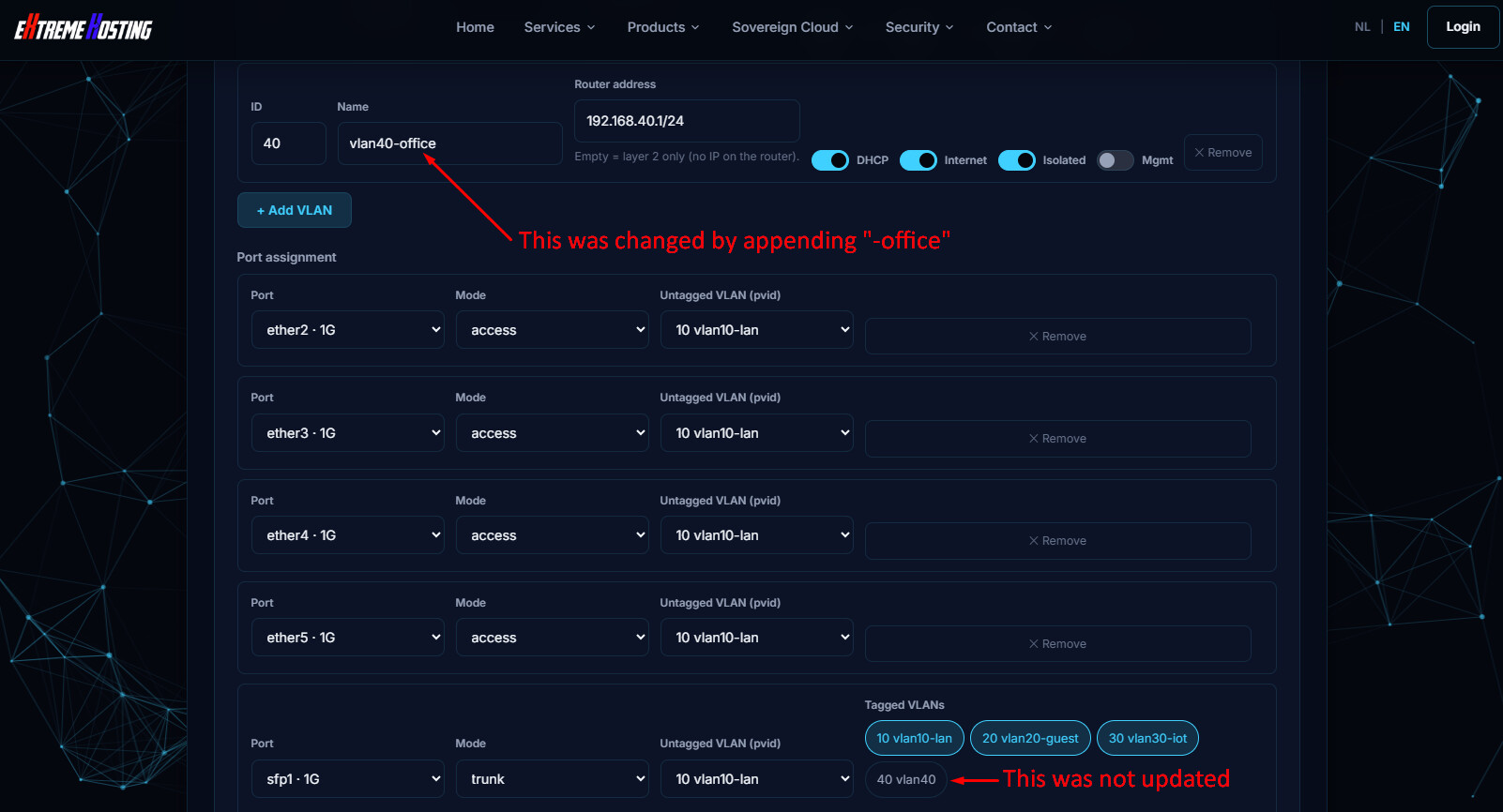
But if we press +Add VLAN again it will get updated. Then we can delete the just added vlan. That's a work around. It would be better if it updated the internal table when the vlan was renamed.
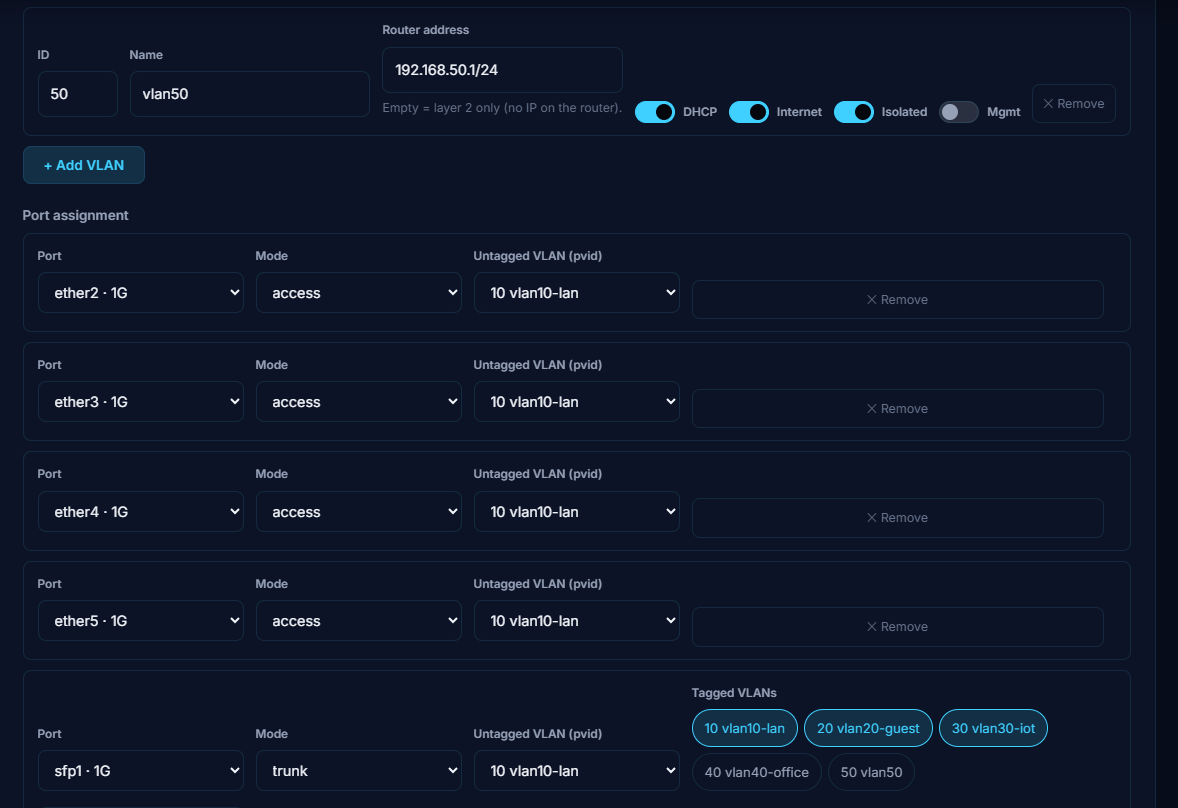
Now we can remove vlan 50
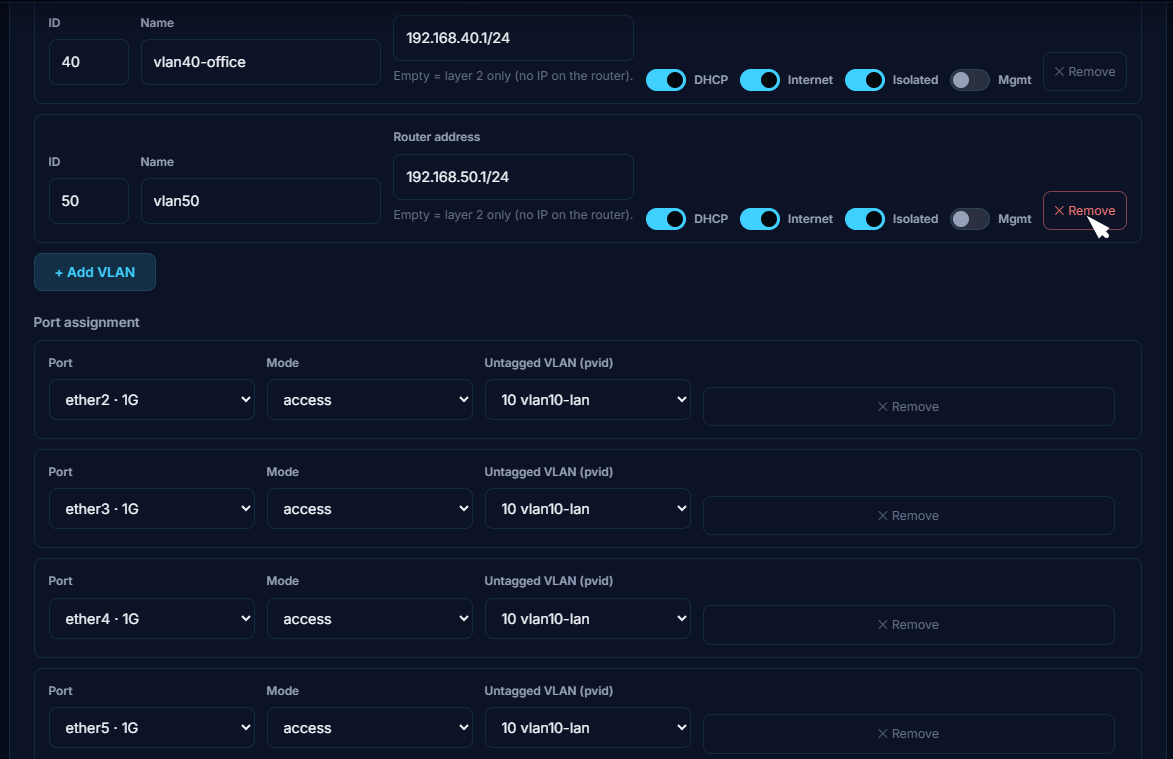
After removing it looks like this:
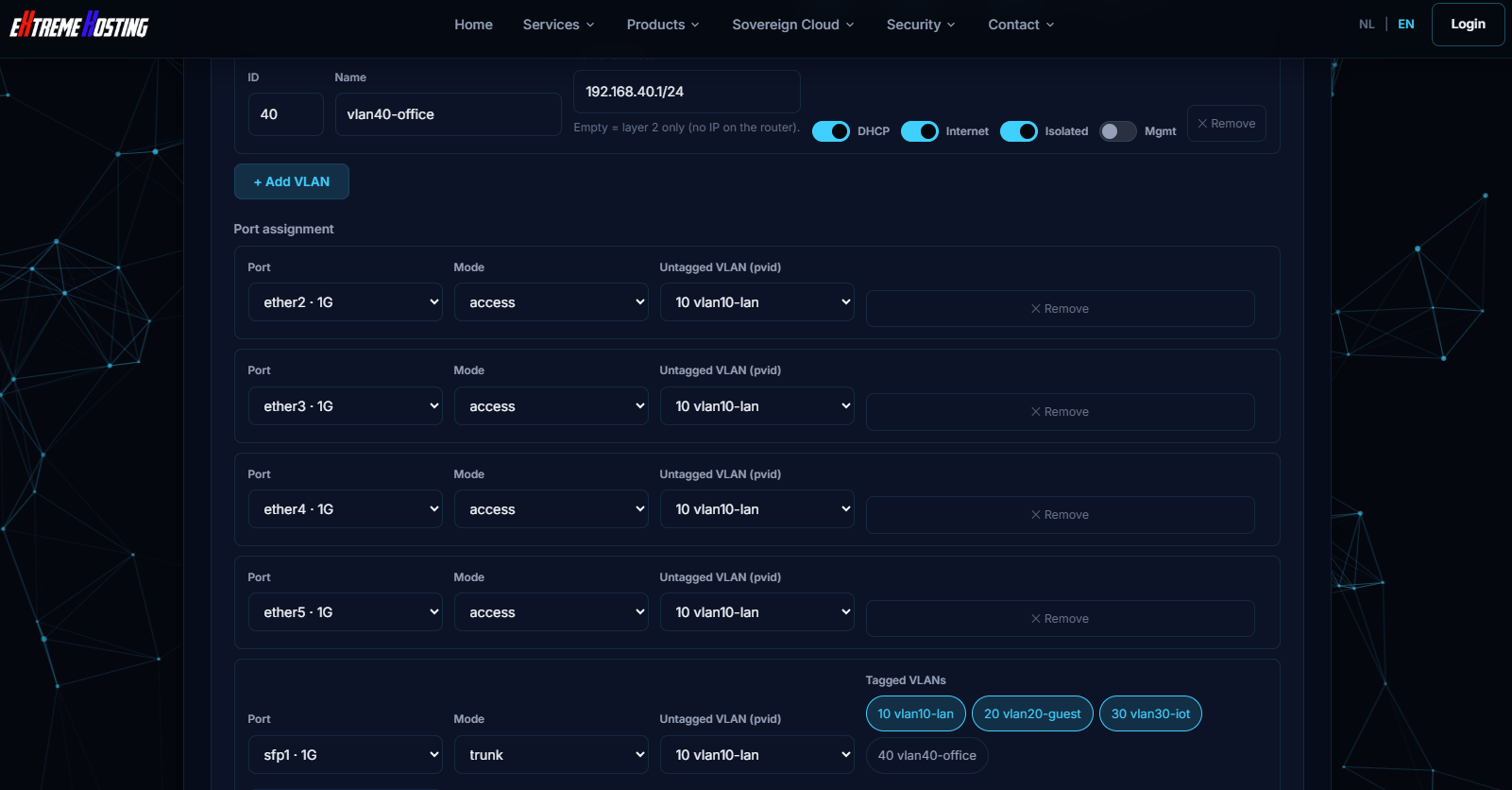
These screenshots were from RB760iGS (HEX S), and the generator pre-configures the SFP as a trunk port. But when adding additional vlans, it does not add the new vlans as tagged. But you can click on them to make them tagged. It's still a lot more straight forward that doing everything by hand.
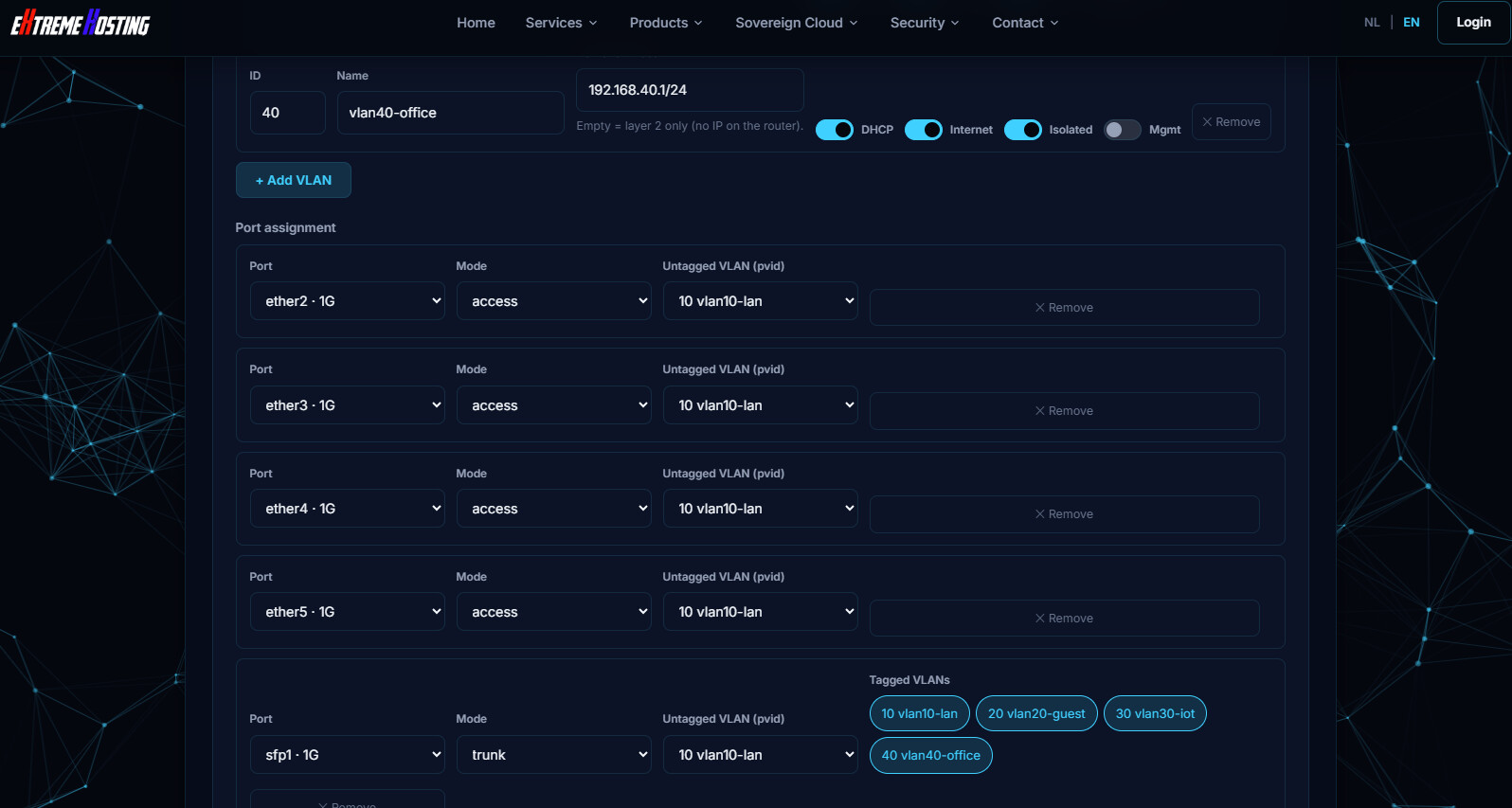
After clicking on "40 Vlan40-office" it gets highlighted. I think it should be tagged by default on a trunk port.
Maybe it is not changing the tag status, but whether the port is a member of the vlan.
These were just observations... no real testing done.