I appear to have a very much the same issue on a new 2023 version of the SXT I purchased new a few weeks ago.
Interesting about having more than one APN.
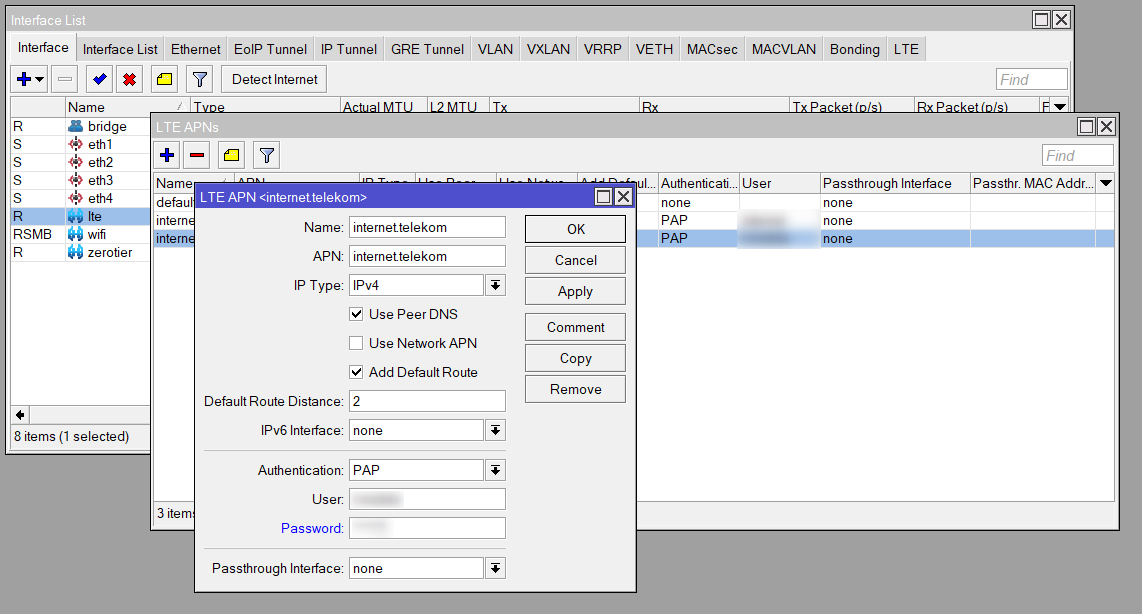
I did set it up with two additional APNs apart in addition to the default.
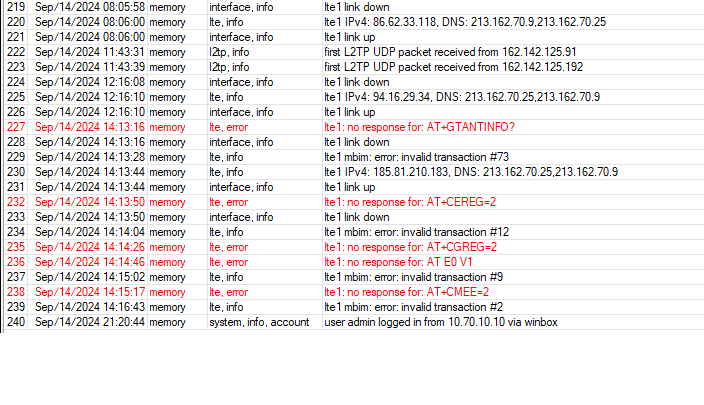
The unit is located at my parents and it drops the connection a few times day and they simply power cycle the device to get it going again.
It always has lost the connect each morning they tell me.
An of course, doing a power cycle looses the log and I have been at a loss to know what was going on.
Signal quality and other signal indicators are quite good, so I have been very sure that has not been the issue, hence coming to the forum to seek some insight.
RSSI -70dBm
RSRP -93dBm
SINR 9dB
RSRQ -7.5dB
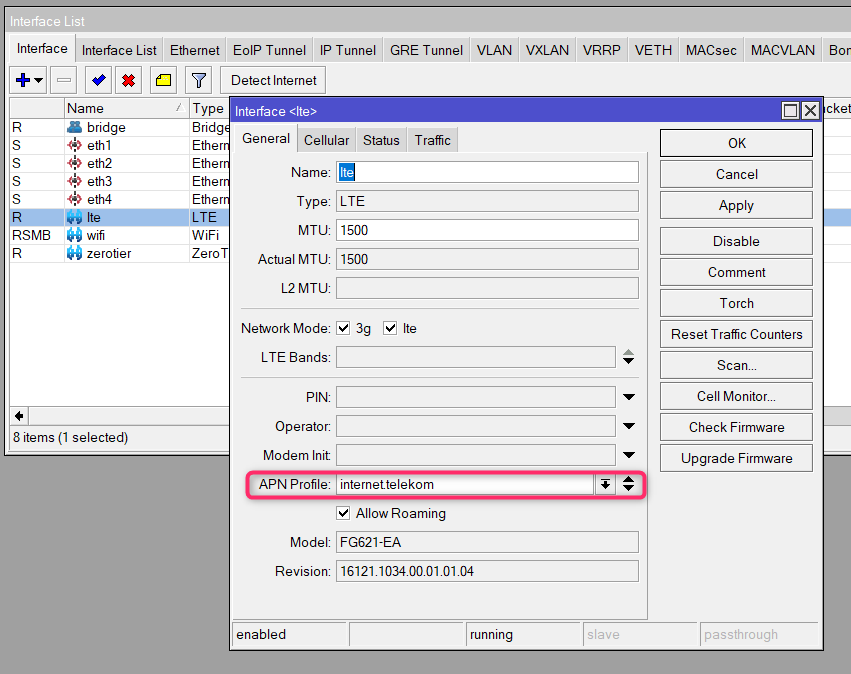
The SXT is on 16121.1034.00.01.01.03 modem firmware and says there is an upgrade for it, to …04, but it is not yet upgraded to this.
The OS is up to date.
I will be interested to follow this thread and I might remove the unused APNs, as it does work fine on the default APN.
I have disabled 3g and just have lte as our 3g network is being dismantled here in Australia, and really only using B3 and B28 for this location.
I would monitor it remotely but their SIM car does not have a public IP.
Everything else about the SXT is fine as far as I am able to see.
As mentioned, a possible workaround at the moment is to configure a manual APN and use this one.
Make sure “Use Network APN” is deselcted and IPv4 only is set.
Also take care of proper credentials with corresponding encryption method.
Another workaround I have tested is to set the Netwatch monitor to some IP for example 8.8.8.8 and if ping failed set the script to disable/enable the lte1 interface.
UPDATE:
Just now I update to 7.13.5 and after the update when I check the firmware of the modem it now shows installed version 16121.1034.00.01.01.05 and strange latest version 16121.1034.00.01.01.04 - is this normal?
Yes, 05 has been taken offline until further notice.
Investigation and prep for a possible 06 still ongoing.
If 05 works fine with 7.13.5 then just leave as is and enjoy
First upgrade to latest 7.15 branch and then see what happens.
You can also try 7.16rc, quite a lot of LTE issues have been addressed there. Or wait for 7.16 to become stable.