Interesting. So instead of addressing the actual datapath, we’re now collecting “friend of a cousin on Wednesdays” test cases.
Let’s keep it technical:
The statement “ether1 → CPU → SoC switch → ether2–5 = NOT OK” doesn’t hold up in practice.
I’ve tested this setup and can consistently reproduce different behavior.
If you have actual data or a technical explanation for the discrepancy, I’m interested. Otherwise, dismissing real measurements as “noise” doesn’t move this forward.
Well, if you post your highly specialized, technical, real, measurements as apodiptical anecdata, without context (noise), I cannot but treat them as such.
Your experience is different from Massinia's one, OK, and then?
Do you believe that since it is not happening to you then it isn't happening on Massinia's setup? (is he lying or pervceiving an altered reality?)
Or maybe simply the conditions (configuration/ISP/connections/whatever) are different and they lead to different results?
Hard to say with the data available on the thread.
I think you might be getting confused.
By “NOT OK” we mean that the upload speed is limited, not that the connection isn’t working.
Did you also use a 2.5G ONT for the tests?
Signed up to add another datapoint here. When doing speedtests with my 1G internet connection. I was getting constant ~1000Mbps down, but varying upload speeds. I was getting about 500-600Mbps upload to my ISP’s speedtest server, but about 100Mbps to everywhere else.
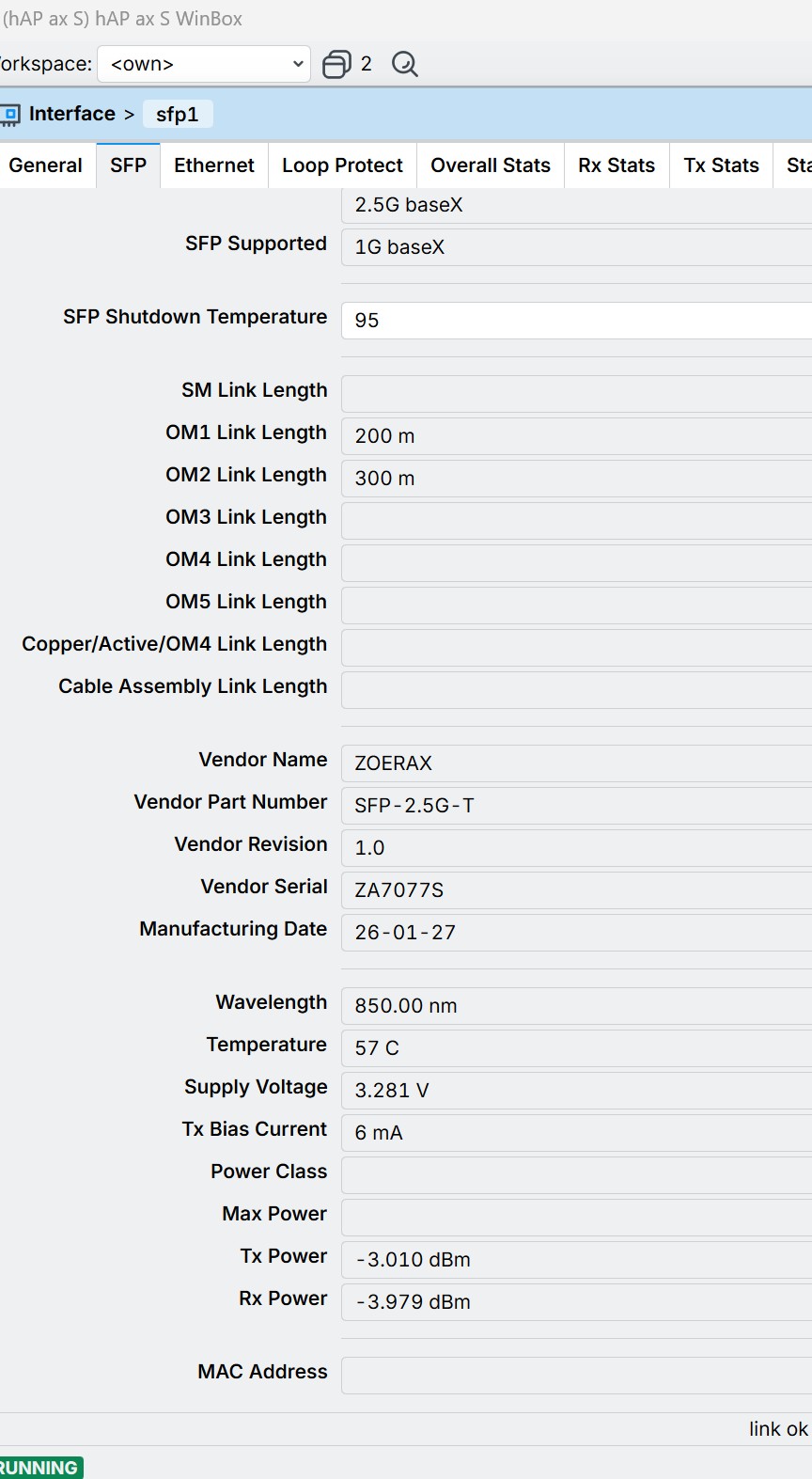
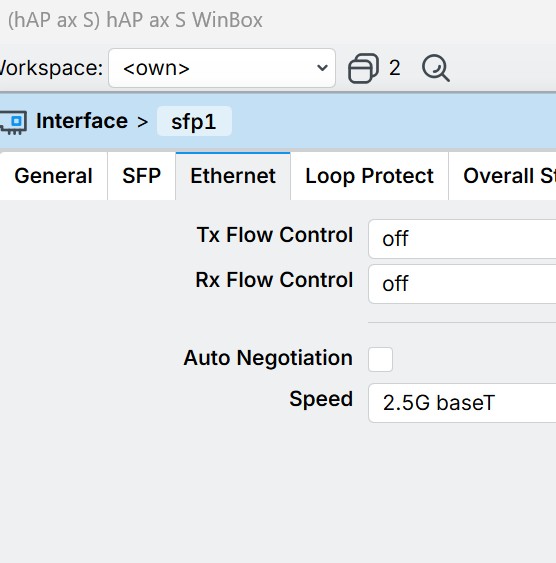
Initially I thought that my ISP just has terrible peering or something, but this thread made me get a random 2.5Gbs SFP module to try it out. After switching my WAN connection to that, I’m getting a consistent ~1000Mbps to speedtest servers in my country and ~800-1000Mbs to nearby ones. So
DKT Comega 79761 ONT → cat6 → 2.5G RJ45 SFP, if it helps anyone. Keep in mind networking isn’t really my thing.
If you are getting the expected upload speeds on wired clients, the problem is not between your router and the ONT, rather the bottleneck is probably the wifi. If this is the case, an SFP (or a switch) is unlikely to help.
I haven't tested it again recently without the SFP module, but your message confirms that the issue is still present.
In my case as well, if I use ethernet port 2-3-4-5 as WAN, the upload limit on wireless remains.
The ticket (SUP-214001) I opened back in May hasn't received any further responses; they can't reproduce the issue.
If you have time open one as well...
I can confirm that with the SFP module upload works fine over wireless too.
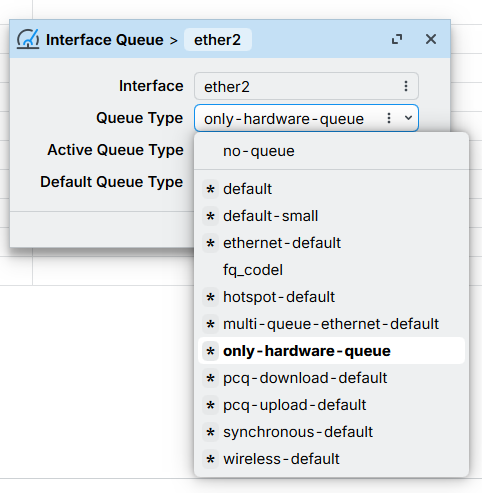
If you're in the mood for experimenting a bit, (which may be a waste of time,) you could try enabling flow control (both tx and rx) on the WAN port, and set it's interface queue to default-large. Of course, this is for the situation when the WAN port was already moved to a port other than ether1.
The next step would be to increase the default-large queue depth up to 500.
This is the usual suggestion for these situations, so it would be useful to know for sure whether it helps, even if it's a negative.
The SFP module arrived and installed.
I confirm that the wireless upload now reaches 500 Mbps with the CPU at 100%.
I was expecting a bit more, but it's fine anyway.
That's pretty embarrassing. These speeds, 550-600 I get with cap ac + wifi-qcom-ac. And the iperf3 benchmark running OpenWrt on that device clearly shows that the hardware is capable of way more.
Looks like they are doing "something" with the wireless driver, just not the outcome that you are expecting. This is by no stretch of the imagination, considering the choice to compile the system around -march=armv5 instead of -march=armv7, which the SoC is very much capable, resulting in less than ideal support for container images.