The best solution for blocking sites is to realize that it isn’t possible to do it at the technical level and has to be done at user policy level.
“you get internet on your workplace and you are not allowed to use it to stream youtube for background music and video, if we find you doing that you are fired on the spot”.
Then you don’t have to worry about site blocking anymore.
A more-or-less “maintenance free” solution is to use one of the available “filtering DNS resolvers” in your router and find one which has suitable filters for you, but remember that users todays can easily go around it by configuring their own DNS resolvers and using DoH, or by using a VPN.
So the generic “it is not allowed” policy remains required all the time.
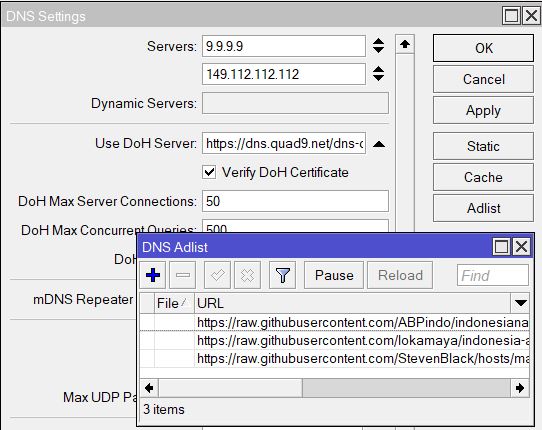
The Adlist (and similar service like PiHole) requires DNS from our Tix/PiHole. Still the Adlist can’t block client who uses custom DNS or PVN, but who can?
I implemented a very simple solution, and so far, it’s working effectively! I added static DNS records pointing to a fake IP and configured my clients to use the MikroTik IP as their DNS server. In my small network, YouTube is inaccessible on the web, iOS, and Android unless users manually change the DNS settings on their devices which can be managed with further settings if needed.
You are assuming that the Mikrotk is being used for DNS, but Chrome (and other browsers) will use it’s own DNS service over https and not query DNS/53. Therefore, your solution looks like it will not work.

 No need for blocking via MT, it has already been done by the ISP.