MikroTik has found a security vulnerability in RouterOS and releases containing a fix have been published in all channels.
This is an important security update. Most configurations are not at risk, but upgrading is highly recommended.
To give time to update your systems, we are not currently publishing detailed information.
Your device should already give you the option to upgrade software in the "Check for updates" menu.
Fix is included in:
7.25 beta 3
7.24.2
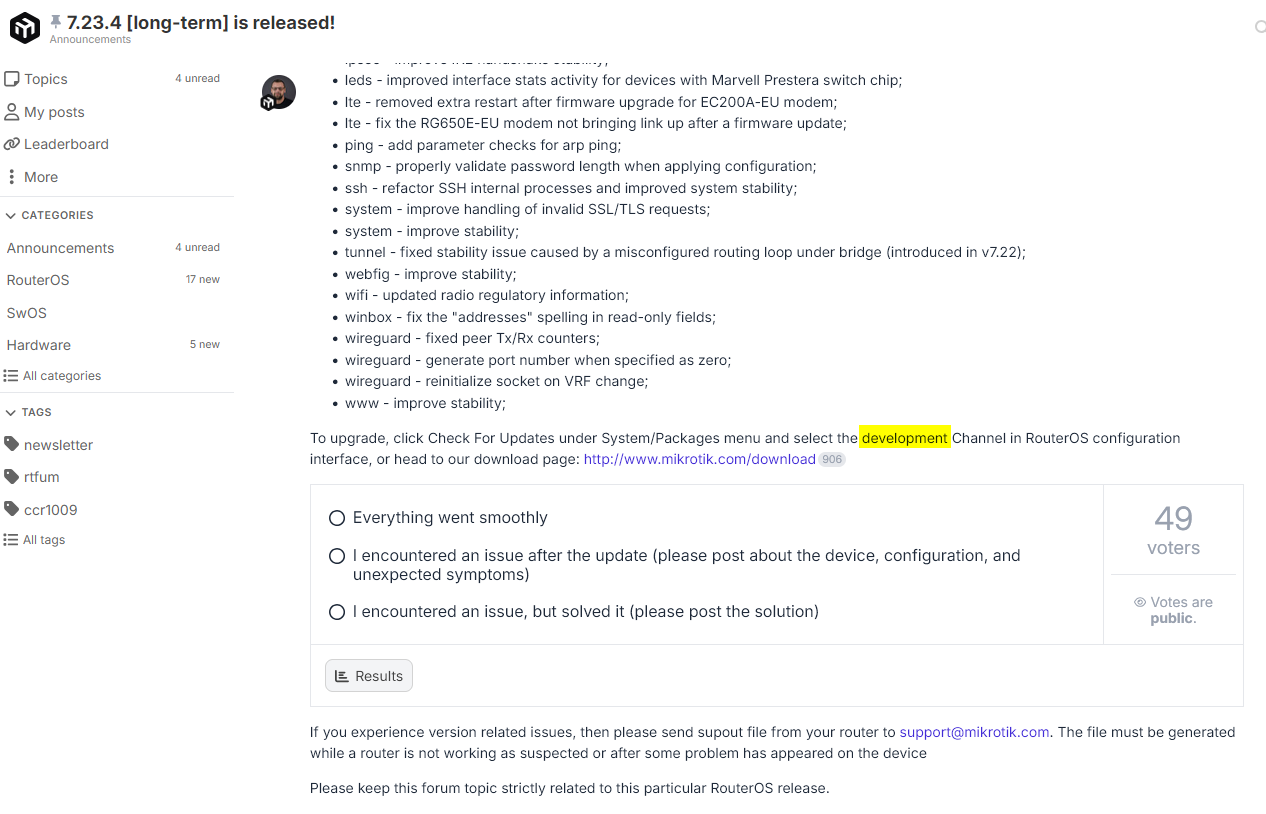
7.23.4
6.49.21
and newer.
For regular home device users and default configurations, the issue does not pose an immediate risk, but we still suggest all users to upgrade.
Steps after upgrade
RouterOS will check if your device has been compromised, and set it to "Flagged" status if it is. This will be written in the "Log" section. If your log has a critical entry saying your device has been Flagged, please follow the instructions in the Flagged status documentation page
Even if your device is not in Flagged state, after upgrading your RouterOS, inspect your device configuration for any unknown scripts, users or other config you do not recognise. This is suggested in any case, Flagged or not. Flagged status does not delete configuration, you should still inspect it.
This article will be updated with more information in due time.

Every minute you delay upgrade, is more risk for compromise.
All I can reveal in this moment is that administrative access ports should be protected from untrusted networks (internet), and segmented in separate VLAN in large internal networks. Do not expose Winbox, Webfig, SSH to internet, use a firewall and access your device with a strong VPN like Wireguard.
The firewall is in effect even before the packet arrives at the SSH server.
And SSH IP restriction works at the application level. That is, the packet has already passed the firewall and reached the SSH service.
I would recommend implementing restrictions in the firewall so that later, years from now, you don't have to search for other IP address restrictions.
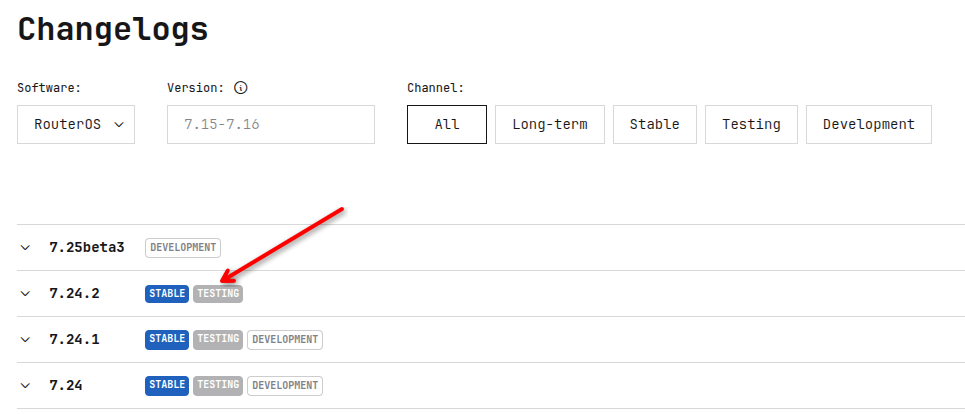
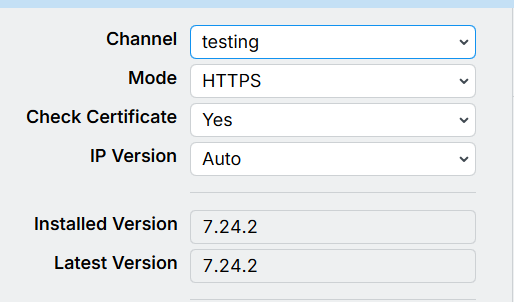
No webpage is correct. This build is served to the testing channel as well and I think this is great. If we did not feed this channel with this build they would be stuck in a insecure 7.23 build so I think webpage is correct. It does not mean that the build is testing it means 7.24.2 is rolling out to Stable and Testing channels which is very good!
Edit: @normis I hope you have cooling fans for your keyboard based on forum activity Hope you all at MT can have a realxed weekend as I suspect week was stressed and no fun!
@normis I've reviewed https://mikrotik.com/supportsec/september-2026-vulnerability/ but would like some additional clarification on affected versions if you could please. Can you confirm if all 7.X.X versions below the patched 7.23.4 version are vulnerable? 7.20.8 and 7.21.5 are listed on the Downloads page as "Long-term", but there are not patches for them. Does that mean they are not vulnerable, or just not being patched? That would be good to indicate on the above linked vulnerability page as it's unclear whether those long term releases are affected or not.
It's hard to say "all" since MikroTik makes RouterOS for 30 years, but ... yes, many years of versions affected. Fix is only since the mentioned releases.
I already know this. The goal is to relieve the CPU as much as possible. I know the solution, but /ip service address configuration is what interests me.