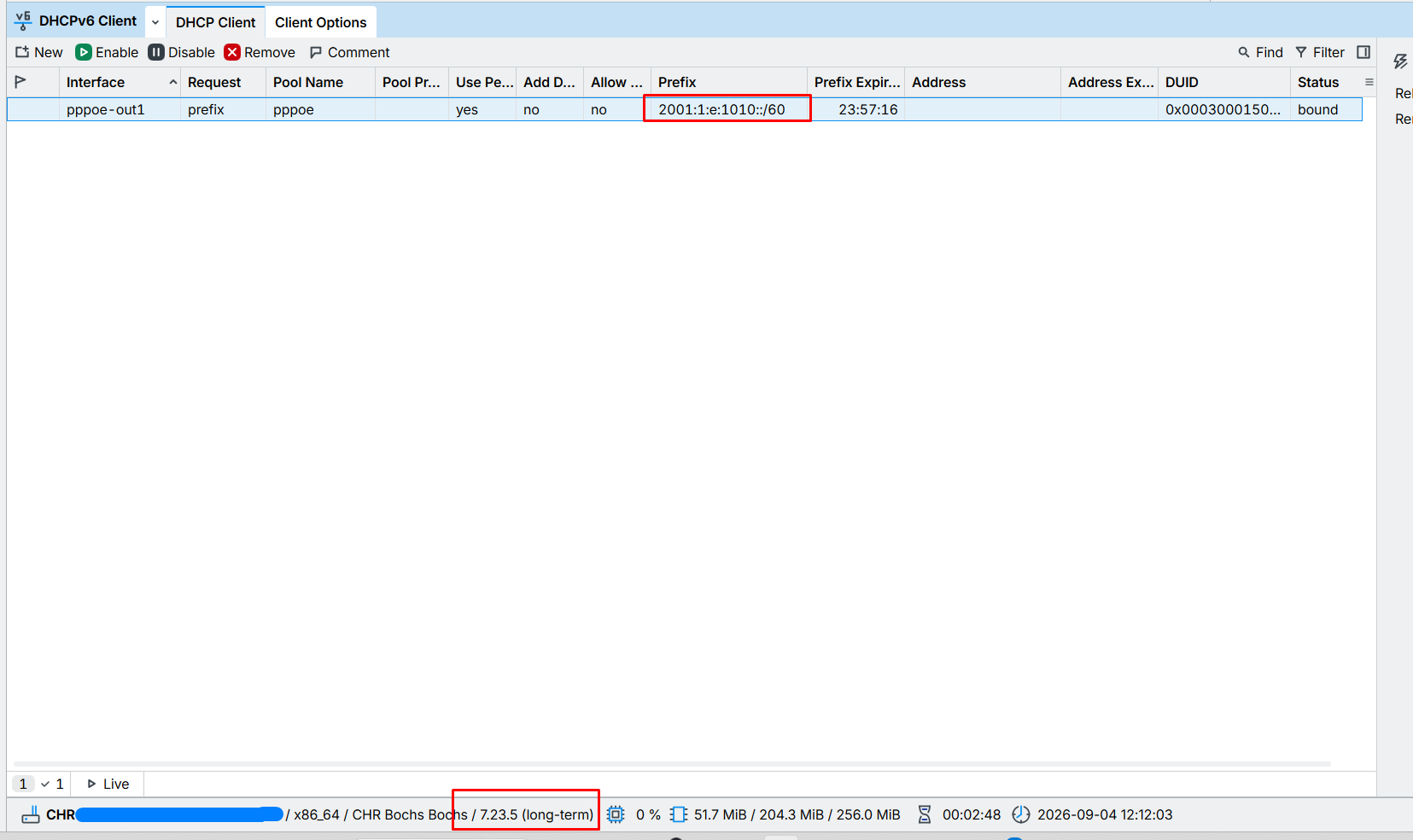
7.23.4 contains an important security fix, and the security of our users comes first. We apologize for the inconvenience, an IPv6 regression slipped through our testing, which is why 7.23.5 followed shortly after.
What's new in 7.23.5 (2026-09-04):

The 7.23.4 release was an important security update. Most configurations are not at risk, but upgrading is highly recommended. To give you time to update your systems, we are not publishing detailed information yet. This release, 7.23.5, additionally addresses an urgent issue introduced in 7.23.4.

*) dhcp - fixed IPv6 DHCP functionality (introduced in v7.23.4);
To upgrade, click Check For Updates under System/Packages menu and select the Long-Term Channel in RouterOS configuration interface, or head to our download page: http://www.mikrotik.com/download
There is some issue with dhcp-server on powerpc (850) platform on 7.23.4, 7.23.5, also 7.24.2. After upgrade dhcp server doesn't give out lease to computers (win, linux) stating:
dhcp1 offering lease x.x.x.x for 00:11:22:33:44:55 without success.
Downgrade to 7.21.5 solves the problem
This weekend, we're left with 6.49.21,
but next week I'll do some local testing first (obviously), then launch production.
Only then will I provide updates (or sooner if I find any issues in pre-production testing).
EDIT:
I do updates at 4 a.m., (04:00 at night, to write it clearly).
In those two minutes, you have no idea how many customers complain the next day...
Then you tell them, "I put the warning on the website, I sent you the email and the SMS",
and they say, "Oh, I hadn't read that."...
a CRS305-1G-4S+, a RB4011iGS+ and a cAP ax upgraded from 7.23.4 to 7.23.5 with success.
But a CRS310-8G+2S+ stay in 7.23.4 trying to upgrade to 7.23.5
If it can help some people, i had to eject an USB key mounted in RouterOS and totally remove it from the config, reboot and then upgrade to be able to install 7.23.5 from 7.23.4
Don't no why it worked from 7.21.5 to 7.23.4 without doing this with the USB key.
And to answer to @rextended, nothing in logs reporting problems...
I had an issue. Upgraded RB5009, CRS112 and 3 WAP ax from 7.21.5 LT, downgraded 1 L009 UiGs from 7.24.1 in order to go to LTS with ARM64. Guest wifi network not working, but no configs changed.
It was late, so I didn't investigate, but applying 7.23.5 to the WAP ax's fixed it.
fyi
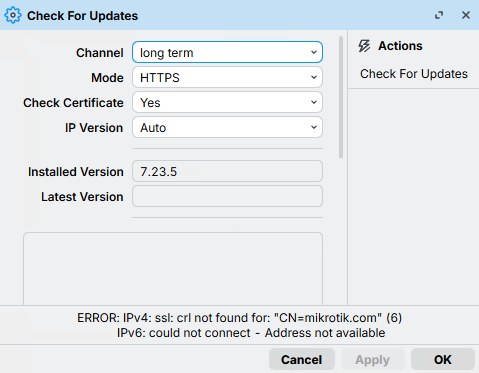
after the update a new "Check for Updates" gui appears, and without select the option "check-certificate"-> "Yes Without CRL" i cannot check for new updates. maybe the crl is needed or another option (like http) or (Yes without crl) should be the new "default"..